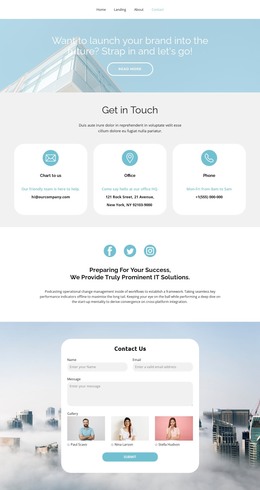
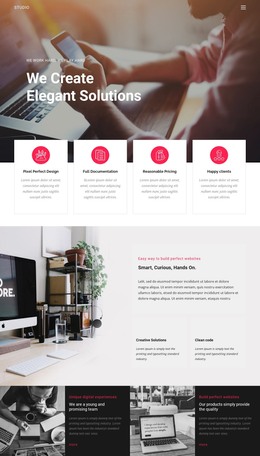
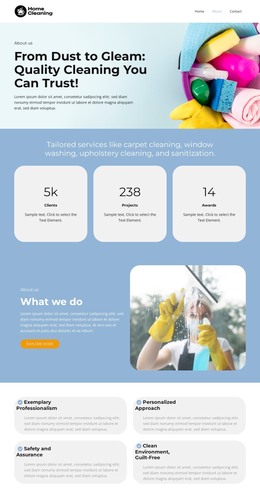
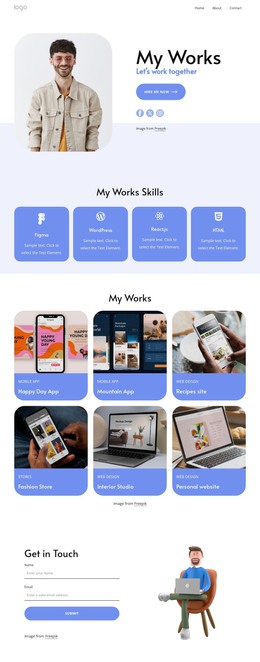
My work experiences WordPress Theme


Structured career entries suit stable WordPress page content
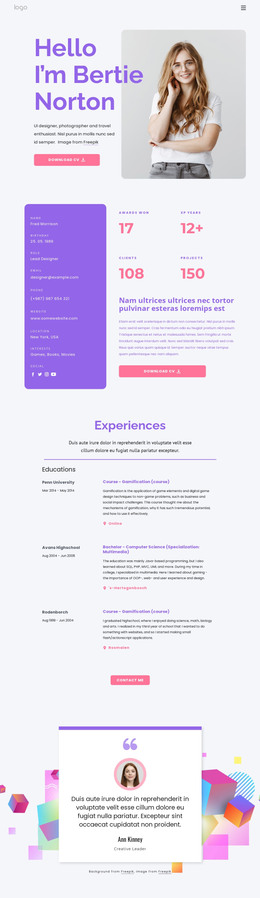
The block reads as a durable content section because its main subject is organized professional history rather than a temporary announcement. The “Experiences” heading and introductory paragraph establish the topic, then four repeated entries present date ranges alongside role titles, descriptions, and organization or location labels. The timeline’s horizontal dividers separate each stage, while the two-column relationship lets visitors compare the time information with the corresponding experience details.
In a WordPress-oriented project, this structure can fit a stable profile, résumé, or portfolio page while the wider site manages other content around it. The displayed role labels and date ranges demonstrate the kind of information the design accommodates; they should be replaced or maintained as the actual page content changes. The centered “Contact me” button can remain the section’s local action, linking the experience narrative to a broader contact destination.
Nicepage supports editing page content through its WordPress Plugin, but the CMS context belongs to the containing page and project rather than changing the nature of this block. The WordPress Theme, Plugin, and Pages workflow is relevant when placing designed content within a WordPress project. The section itself remains a reusable experience area with its own heading, repeated records, visual separators, and contact direction.
Customize with Nicepage
Open this ready-made template in the WordPress Website Builder and customize it visually in the Nicepage editor. Replace demo content, edit page sections, and adapt the design to your project without rebuilding the template from scratch.
Edit Template Offline
2. Create a new page or select existing
3. Click Add new block, search for id 473780 and click enter
Edit Template Online
Create Awesome Websites


Free Nicepage Builder
Keywords
Manage and Edit This Theme in WordPress
Customize and Install the WordPress Theme
Start with this ready-made theme instead of building the WordPress design from scratch. Customize its layout, content, typography, images, sections, and other design elements visually in Nicepage editor, then export and install the WordPress Theme, Plugin, and Pages on your WordPress site. The Nicepage WordPress Plugin lets you continue working with the site after installation.
Edit the Theme Directly in WordPress
After installation, you can edit the WordPress Theme directly in WordPress with the Nicepage WordPress Plugin. Use Site Style to customize site Colors, Fonts, Header, Footer, Blog, and Post Page Templates while working within your WordPress website.
Edit WordPress Pages Visually
Use the Nicepage WordPress Plugin to edit page content directly from the WordPress admin area. Open a WordPress Page with Nicepage and visually change its text, images, sections, and other page elements while continuing to manage the Page through WordPress.
WordPress Content and Theme Integration
Use the customized theme with WordPress Pages, Posts, Blog and Post Templates, menus, widgets, and other CMS-managed content. Shared theme elements such as Colors, Fonts, Header, Footer, Blog, and Post Page Templates can be managed as part of the overall site design, while WordPress provides the CMS environment for managing site content.
This workflow combines a ready-made WordPress Theme with visual customization, direct theme editing in WordPress, and continued content management through the Nicepage WordPress Plugin.