
Hexagon Website Templates
A geometric brand needs more than one striking homepage. A complete template gives Home, Services, Portfolio, About, and Contact distinct roles, while navigation and recurring hexagon cues keep the entire site recognizable.
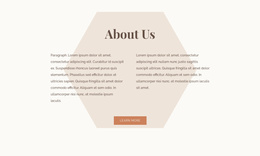
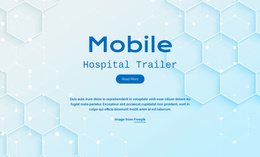

More Website Templates from Shapes Category

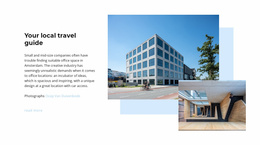
























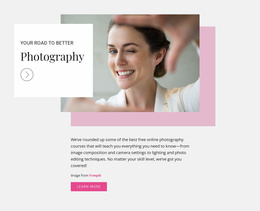
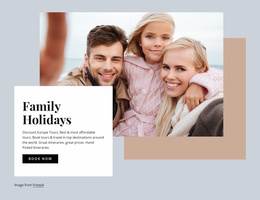
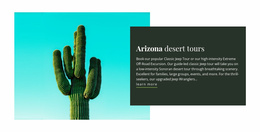
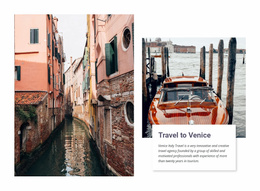
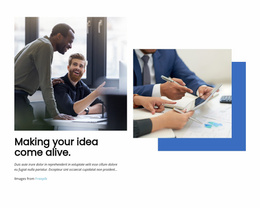
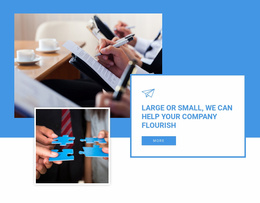

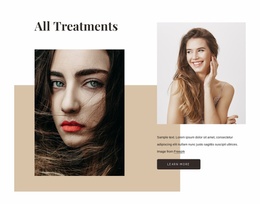

Other Shapes Website Templates
Readily Accessible Hexagon Website Templates
With a hexagon website template, you start from a working site where the honeycomb motif runs through the layouts. You swap in your own text and photos, adjust colors and fonts, and publish without assembling every page from scratch. What separates one template from another is how much of your future site it already covers.
Which Pages Come Included
Page sets vary a lot between templates. Some offer one strong homepage plus reusable blocks, while others include inner pages built on the same geometry. Scroll past the hero honeycomb before deciding, because the inner layouts tell you more than the opening screen does.
Depending on the project, these layouts tend to matter most:
- a homepage where the honeycomb introduces the main offers and points visitors toward the rest of the site;
- an inner page for services or products, with cells roomy enough for real descriptions;
- a gallery or project page where photos get larger polygon frames;
- a contact page where the form and the address are easy to find.
If a template covers only the homepage, its blocks can still seed inner pages, though you will assemble those yourself.
Shared Navigation, Global Settings
A geometric site feels like one place when the menu and labels stay in the same position on every page, no matter how much the compositions below change. Global settings matter just as much, since a change made once should appear across the entire site.
Three checks are worth running before you commit:
- the header, menu, and footer look identical on every inner page, phones included;
- colors and fonts change in one place and update every page at once;
- pages with dense honeycomb blocks still read well on a small mobile screen.
Planning Beyond Launch Day
Project type shapes the choice. A portfolio relies on a project layout you can repeat for each new case, and a service business needs inner pages with longer descriptions. A tech product can often launch with a strong homepage and a pricing block.
Growth is the second test. A good template lets you build a new page from an existing layout, and the result looks as if it had always been there. In Nicepage, the Dashboard keeps a project's pages together, so you can create, open, and manage them as a single site.
Write down the pages you need before browsing. The hexagon website template that covers most of that list with a single coordinated set of layouts will require the least patching later.