
Romantic Html Code Examples
Add custom markup to a romantic web page, connect elements to JavaScript interactions, or edit exported HTML files. Nicepage provides an HTML Element for code inserted into a visual layout.




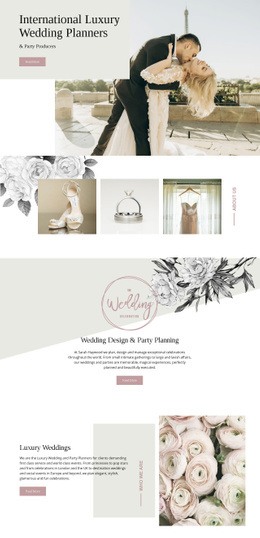


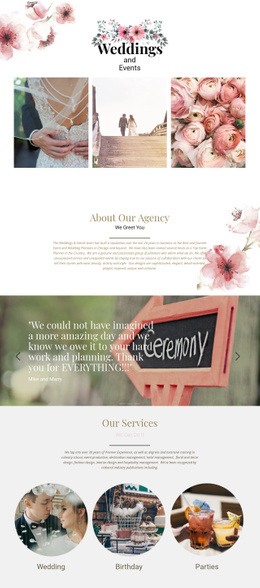


More Website & HTML Templates for Romantic

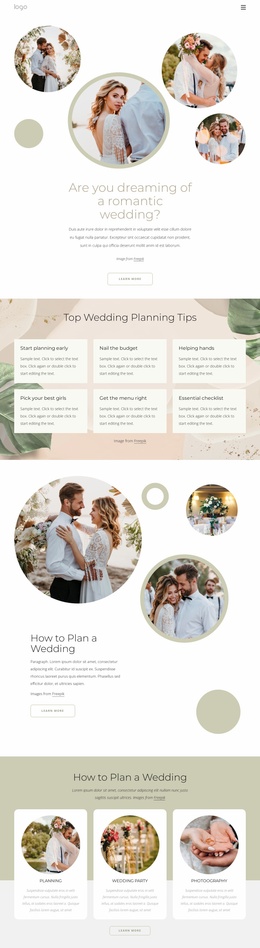






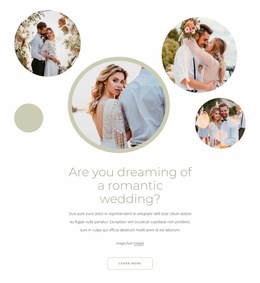


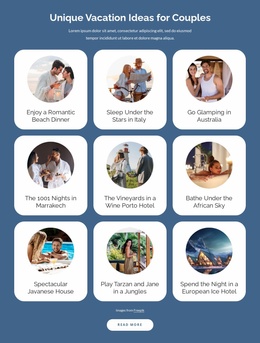

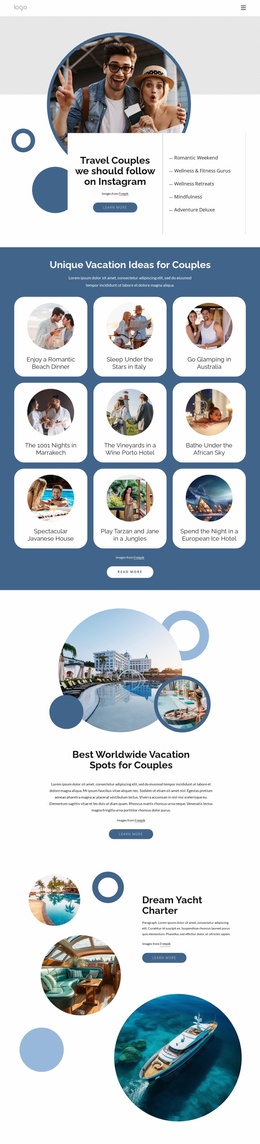
More Html Code Examples from Wedding Category
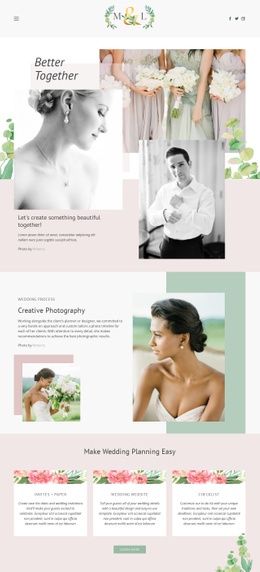







Other Wedding Html Code Examples
Flexible Romantic HTML Code for Personalized Web Experiences
Romantic HTML code is useful when a ready-made page needs a custom component beyond its standard text and image blocks. For example, a digital card could include a button that reveals a short dedication. You can add the component to a page designed in Nicepage, using HTML for structure and JavaScript for interaction.
Custom Romantic HTML Code for Personal Messages
Consider a digital card with a button labeled “Read the note.” Its HTML can include a button with an id such as open-note and a separate message container initially hidden with CSS. A short JavaScript click handler finds the button by its identifier and changes the message container's visibility. The result is a small interaction tied to a specific part of the page, not a feature HTML alone provides.
Keep the reveal component manageable by separating its responsibilities. HTML gives the button and hidden note distinct elements and identifiers. CSS controls the note’s initial hidden state and its appearance after activation, while JavaScript attaches the click handler and changes visibility. This separation makes it easier to troubleshoot the interaction without disturbing surrounding content.
You can insert the button, message container, and associated CSS and JavaScript through the HTML Element. Place that component beside a photograph or below a greeting while keeping the surrounding sections in the visual editor. Test the interaction in an appropriate browser preview and after publishing.
Advanced HTML Customization for Romantic Surprises
For additional customization, use distinct identifiers or classes so a code component’s styles and scripts do not affect the rest of the page. For an anniversary page, custom HTML could present a personalized date panel with the couple's names and celebration date; CSS can style it without requiring JavaScript. A live counter, by contrast, would need JavaScript to update its value.
Check that any external assets load and interactive controls remain usable with a keyboard. Keeping a component self-contained also makes it simpler to replace later.
HTML Export and Developer Handoff
Nicepage offers two distinct ways to work with code. The HTML Element adds a custom component inside a Nicepage-managed page; it is useful when you want to keep editing the surrounding layout visually. HTML website export, by contrast, produces files that a developer can inspect and modify outside the editor.
Exported website files may include HTML, CSS, JavaScript, and image assets. A developer can revise the markup, integrate additional resources, or prepare the files for compatible hosting. Changes made directly to exported files are not automatically synchronized back to the Nicepage project, so keep a clear record of which version you maintain.
Choose custom HTML when a component needs its own markup or script behavior. For ordinary text and photo changes, the visual editing tools are usually simpler; for extensive source-level work, the exported files provide a separate development path.