

React One Page Templates
React developers and software teams can present applications, technical expertise, and project portfolios on one continuous page. Organized sections and anchor-based navigation help visitors move between product highlights, development services, and contact information without switching pages.
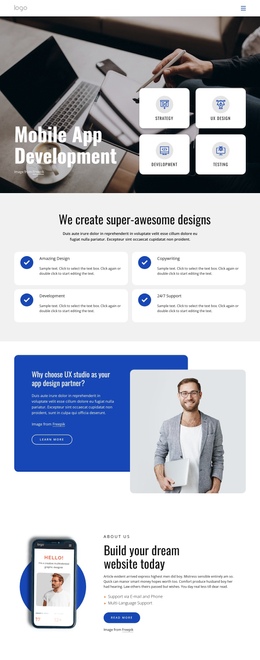
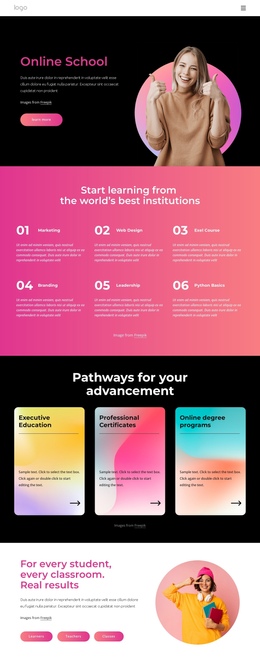
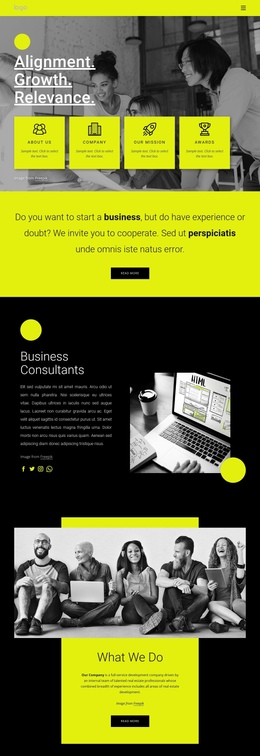
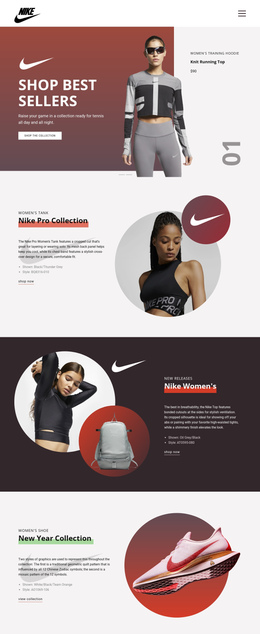





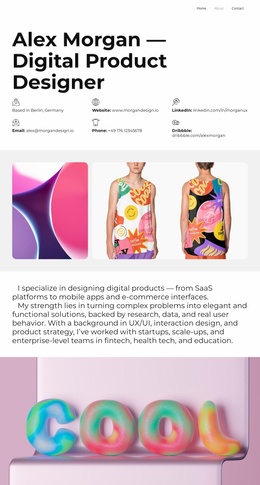
More One Page Templates from Technology Category



Other Technology One Page Templates
React One-Page Templates for Developer Work and Product Showcases
A React One Page Template can bring a frontend developer's work into a single scrolling document without making visitors open separate case-study pages. The same format also suits a small React studio introducing its expertise or a team presenting one software product. Nicepage provides React-themed website layouts, not executable React components.
Arrange React Projects in a Useful Scrolling Order
Imagine a freelance UI engineer who builds accessible checkout experiences. The opening section can feature a completed React UI project and explain the usability problem it solved, rather than starting with a long biography.
- Featured React UI Project: Give the strongest example a prominent position and link to a working demonstration when one is available.
- Component Demonstrations: Show a small selection of interface patterns or component examples with captions explaining their purpose.
- Frontend Case Studies: Describe a second project, the engineer's contribution, and a measurable outcome when it can be substantiated.
- Experience and Contact: Summarize relevant skills and provide a way to discuss future work.
A solo developer may combine the introduction and experience into one section. A frontend studio might add a short team section, while a React SaaS team could replace the portfolio sequence with a product overview, feature demonstration, and contact or trial destination. The defining feature is the connected reading and navigation experience, not the absence of conversion actions.
Make Anchor Navigation Useful Across One Page
A portfolio menu could link to Featured Work, Components, Case Studies, and Contact. With Nicepage's Menu For One-Page Site features and Block Anchors, visitors can reach those sections without loading another page.
Test each anchor with a sticky header: after a jump, the heading must remain visible instead of disappearing beneath the navigation bar. If several React UI projects share one section, use recognizable project headings instead of adding a menu item for each screenshot.
Navigation length matters: four or five destinations are often easier to follow than ten narrowly divided ones. When a portfolio grows into dozens of detailed case studies, separate project pages may become more practical. Choose a one-page layout when the work, technical context, and next action can follow a clear scrolling sequence; it can still support inquiries or other conversions.