

Hacker One Page Templates
Share your security credentials and selected achievements through one continuous website. A compact portfolio lets recruiters and prospective clients review your professional background without opening several internal pages.
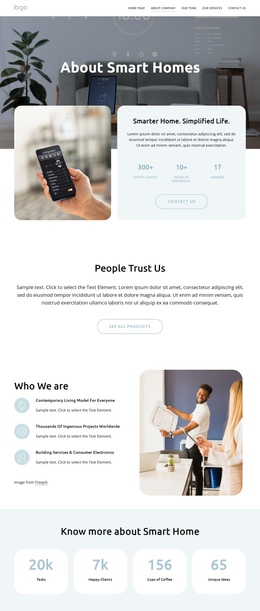
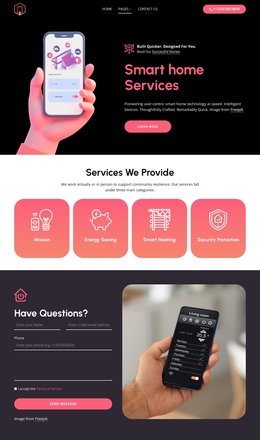
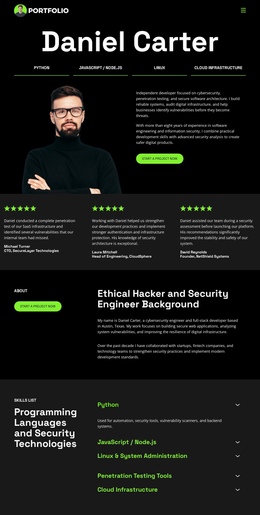

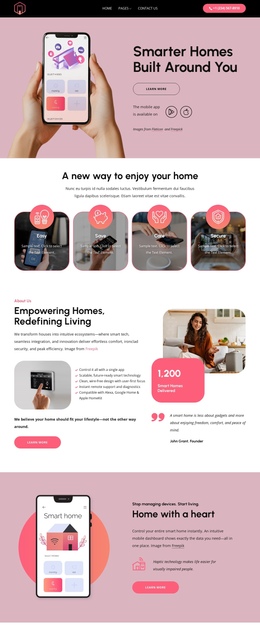

More Website & HTML Templates for Hacker







More One Page Templates from Technology Category

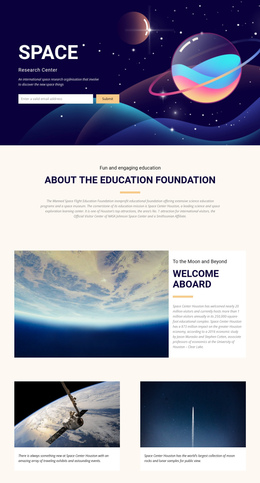
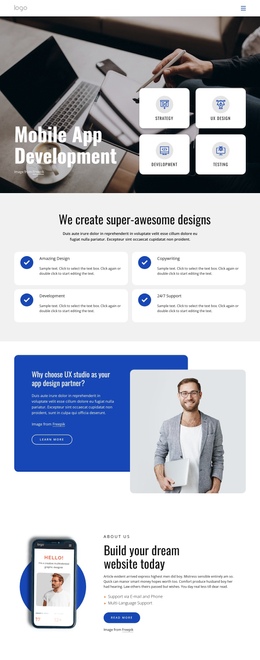
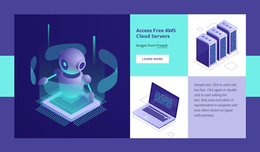



Other Technology One Page Templates
Simple Hacker One-Page Template for a Continuous Portfolio
A hacker one-page template presents an ethical hacker's professional experience in one uninterrupted scrolling composition. The first screen introduces the specialist, and subsequent sections reveal progressively more detail without requiring the visitor to open additional pages. For a security engineer sharing a single portfolio link with a recruiter, the order and total length of those sections matter as much as their individual content.
Arrange Achievements in a Continuous Section Flow
Compare how each available one-page design leads from the introduction to professional evidence. A long sequence of equally prominent blocks can make the portfolio feel repetitive, while a compact introduction followed by progressively richer sections gives the visitor a sense of movement.
A practical scrolling sequence might be:
- A short introductory screen establishing the principal security specialization.
- A compact skills and certification section that adds context to the introduction.
- A focused sequence of representative authorized projects.
- A smaller section highlighting CTF achievements or professional affiliations.
- A closing section linking to contact details and public profiles.
Look at the transitions between these sections. A project area should follow naturally from the skills section, and the final block should feel like a conclusion rather than the beginning of another lengthy presentation. Keep detailed research write-ups available through external links when they would disrupt the scrolling rhythm.
Compare Single-Page Navigation
Visitors may jump directly from the introduction to the projects or credentials. Anchor navigation makes these sections individually accessible while keeping them within the same continuous website.
When comparing single-page templates, review four navigation details:
- Look for short, recognizable labels such as About, Skills, and Projects.
- Confirm that menu items lead to the relevant section anchors.
- Verify that the sticky header leaves destination headings visible.
- Test the finished menu on smartphone screens and with keyboard navigation.
With Nicepage, you can configure a menu for a one-page website using Block Anchors. The Sticky on Scroll option keeps the header accessible as visitors move through the portfolio.
Evaluate the Total Length of the Page
A template that feels compact on a desktop may become much longer when its columns stack on a smartphone. Compare the complete scrolling preview, paying attention to the distance between the introduction, key achievements, and final section. A concise portfolio should retain its natural progression even when visitors skip directly to a particular anchor.
Choose a one-page composition that can accommodate your representative achievements without forcing every project into the same long sequence. The complete experience should feel connected from the first screen to the last.