Smart home app faq One Page Template


Edit Template Offline
2. Create new page and search for id 6542040
Edit Template Online
Create Awesome Websites


Free Nicepage Builder
Keywords
The FAQ sequence connects five support destinations on one page
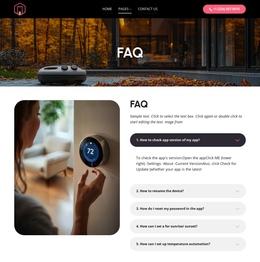
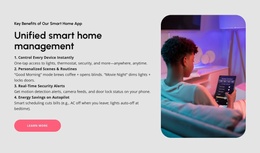
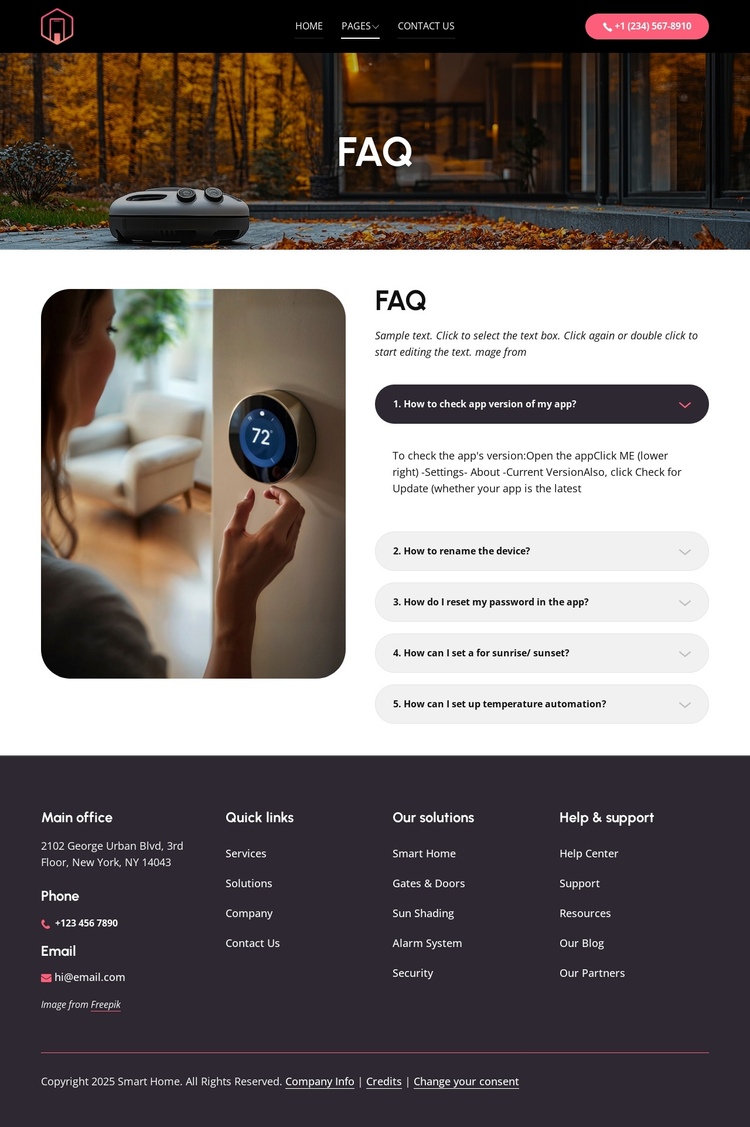
The design has a natural continuous-page order: navigation and phone access come first, the photographic FAQ hero identifies the subject, and the main accordion provides the detailed support content. Within that accordion, the five questions act as distinct information destinations even though they remain part of the same section. A visitor can move from app version guidance to device naming, password recovery, or automation settings without opening separate page layouts or losing the surrounding support context.
The supporting image and introductory copy create a short orientation area before the expandable questions, while the footer serves as the final destination for broader site resources. Its columns separate office details, phone and email contact, quick links, solution categories, and help and support links. This gives the page more than a single answer block: it contains a beginning, a central set of topic-specific destinations, and a closing resource area. The structure therefore suits a one-page interpretation based on content sequence rather than on a claim that anchor navigation already exists. The five questions can be treated as meaningful sections for navigation planning, while the footer can remain the place for contact and broader solution access. The resulting journey keeps the smart home support experience together on one URL and preserves the relationships between immediate answers and additional assistance.
Customize with Nicepage
Open this ready-made template in the One Page Template Builder and customize it visually in the Nicepage editor. Replace demo content, edit page sections, and adapt the design to your project without rebuilding the template from scratch.
Build a Navigable One-Page Website
Connect the Menu to Page Sections
Organize the website as a sequence of sections on a single page and use the Menu For One-Page Site to connect menu items with individual page Blocks. Visitors can jump directly to sections such as About, Services, Testimonials, or Contact without opening separate pages.
Keep the Website on One URL
A one-page template can combine several parts of a small website within one continuous page. Arrange the Header, introduction, services, portfolio, company information, reviews, contact details, and other relevant sections in the order that fits the project while keeping them accessible through the same page navigation.
Make Long Pages Easier to Navigate
For longer one-page websites, keep navigation labels short and connected to meaningful sections so visitors can move through the page without relying only on scrolling. You can also use the Back To Top element to provide a quick way back to the beginning after longer sections.
This workflow makes the template suitable for compact websites that need several distinct content sections while keeping the complete visitor experience on one URL.