Designing Spaces and building dreams Website Mockup



Edit Template Offline
2. Create new page and search for id 6120555
Edit Template Online
Create Awesome Websites


Free Nicepage Builder
Keywords
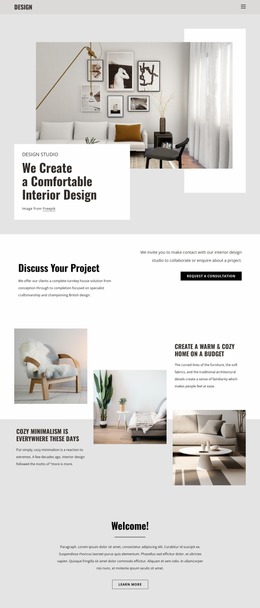
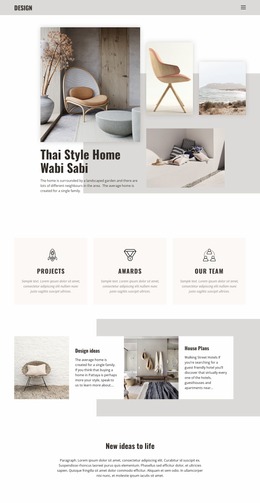
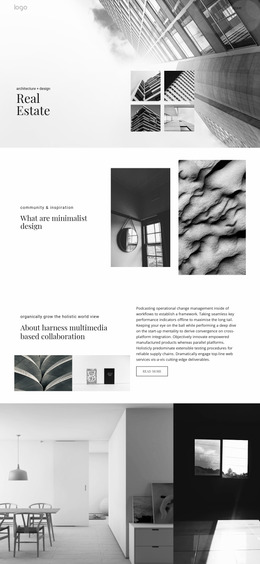
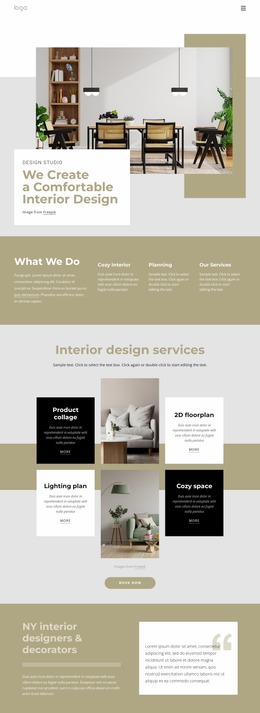
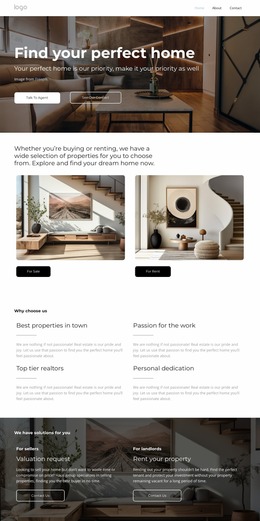
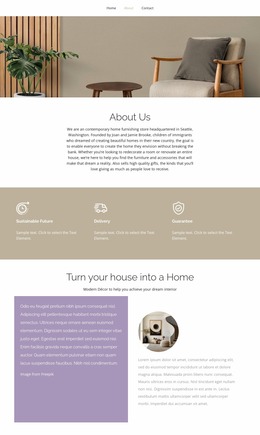
Large images and overlapping collages are the key review areas
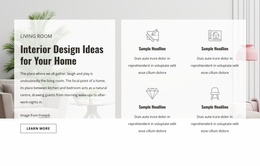
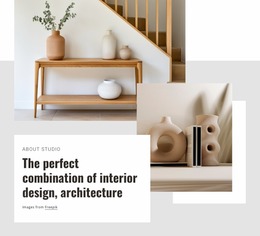
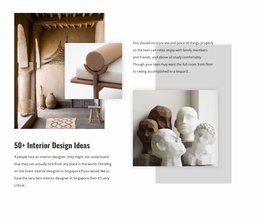
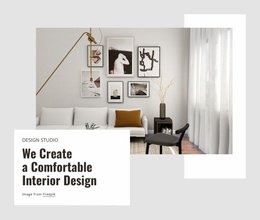
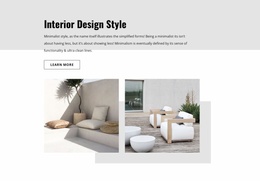
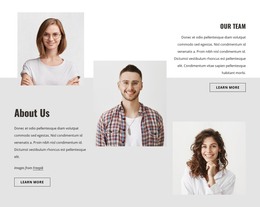
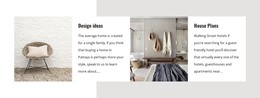
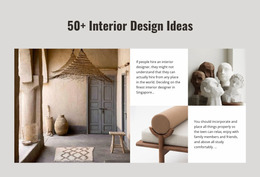
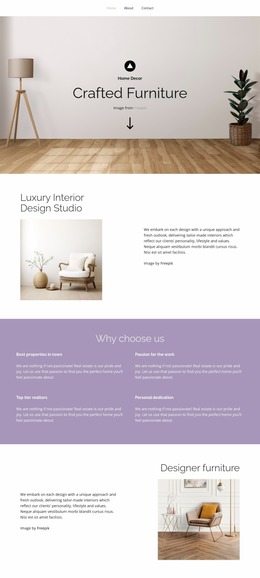
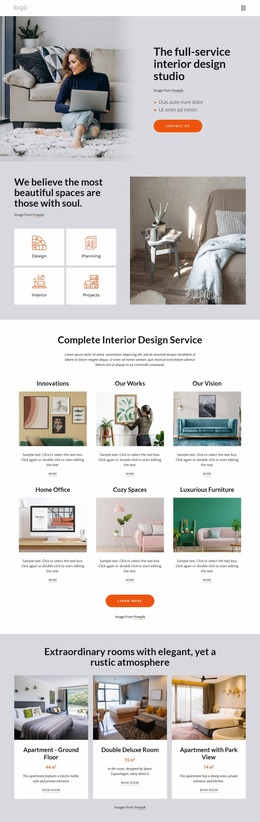
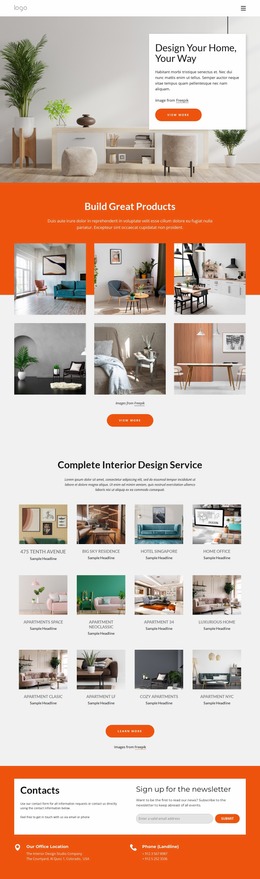
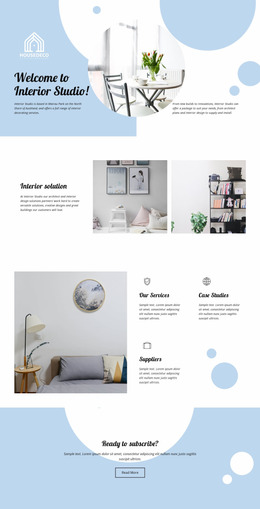
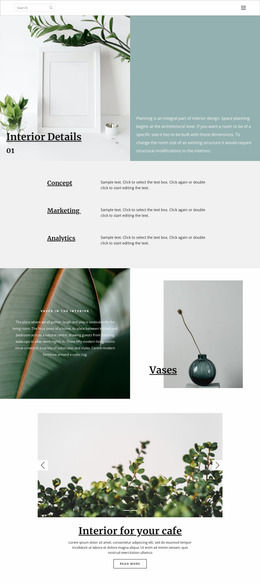
The opening section depends on the relationship between a large interior photograph and an overlapping white text panel, so image scale, text visibility, and spacing should be checked together when reviewing the presentation. The consultation section introduces a two-column arrangement, while the cozy-minimalism grid alternates images and editorial text. These changes in width and density are important because the page must preserve both the visual subject and the reading sequence as available space narrows.
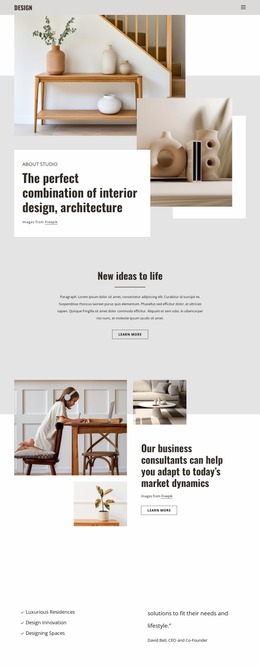
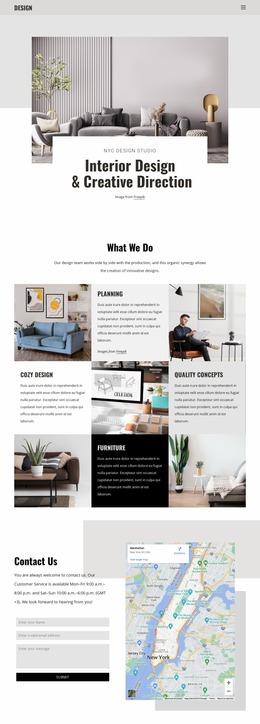
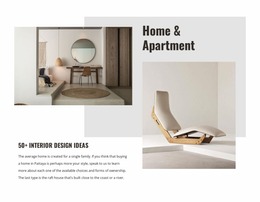
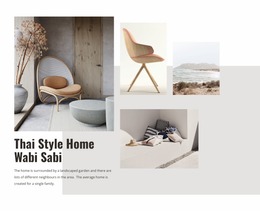
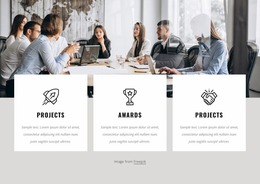
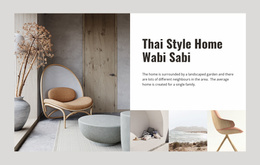
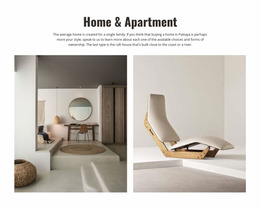
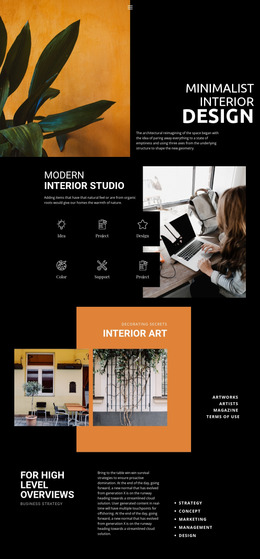
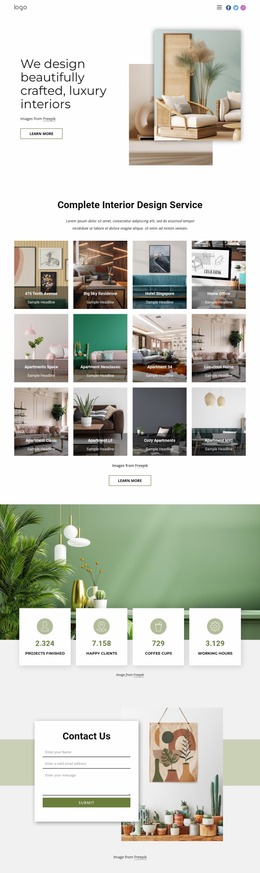
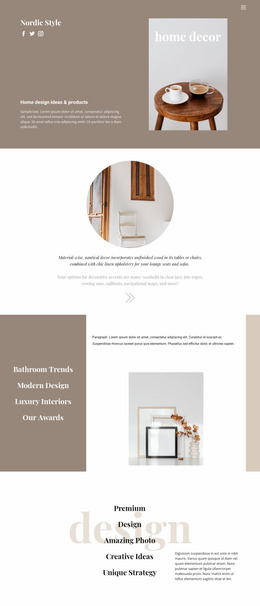
The most visually demanding areas are the project collections. Our Projects places a central information card inside a composition of overlapping interior photographs, and Latest Projects uses a separate multi-image editorial collage. At smaller widths, the balance between image size, card placement, and whitespace deserves particular attention. The Concept Design and SPACE PLANNING panels should also be reviewed as a repeated pair, since their stacked arrangement may change the page’s vertical rhythm on narrower screens.
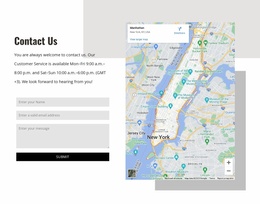
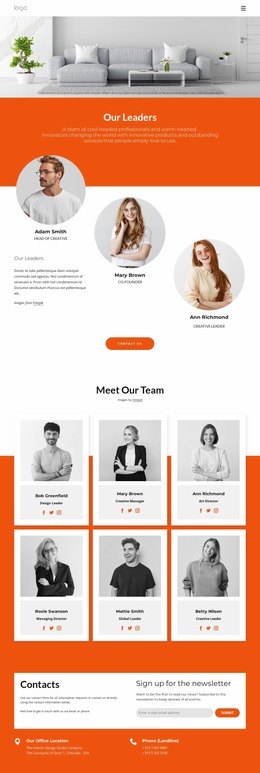
The final Contact Us section combines inquiry copy, a form, and a map in two columns, creating another responsive-sensitive transition from visual content to practical interaction. Nicepage’s Responsive Modes can be used to compare the layout across supported screen views. The mockup’s strongest evaluation points are therefore concrete: photography scale, overlap, collage density, readable headings, form placement, and navigation adaptation.
Customize with Nicepage
Open this ready-made template in the Website Mockup Builder and customize it visually in the Nicepage editor. Replace demo content, edit page sections, and adapt the design to your project without rebuilding the template from scratch.
Preview and Refine This Website Mockup
Review the Design Across Devices
Use Responsive Modes to see how the website design appears on Large Screens, Desktops, Laptops, Tablets, and Phones. Switch between the available views to compare the same layout at different screen widths and review how typography, images, spacing, navigation, and other content adapt to each device.
Adapt the Mockup for Different Screens
Nicepage provides responsive web design tools for adjusting individual device views when the initial layout needs refinement. You can customize Mobile Views separately, change element sizes and positions, adapt Grids, Lists, and Galleries, and hide selected Elements or Blocks on particular screen sizes. This makes it possible to develop a responsive website mockup instead of evaluating the design at only one fixed desktop size.
Preview the Website Without Editing Controls
Use Live Page / Preview to review the design with the editing interface removed from view. Instant Preview can hide the Page Navigator, Property Panel, selections, and frames, making it easier to evaluate the overall presentation, content hierarchy, and responsive layout as a visitor would see them.
This workflow makes the template useful as a responsive website mockup for visualizing, comparing, and refining how the same website design will appear across different screen sizes.

Design Set (22)
-

-
-
-
-
-
-
-
-
-
-
-
-
-
-
-
-
Customize Any TemplateDownload
-
-