Pizza, pasta, sandwiches, calzones WordPress Theme



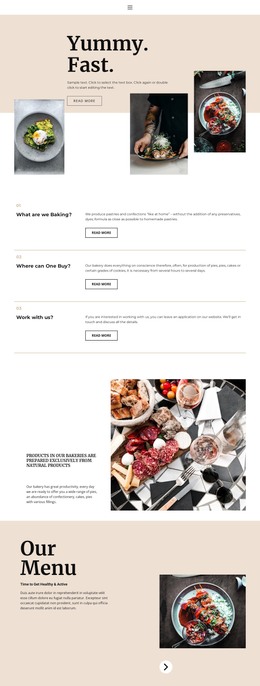
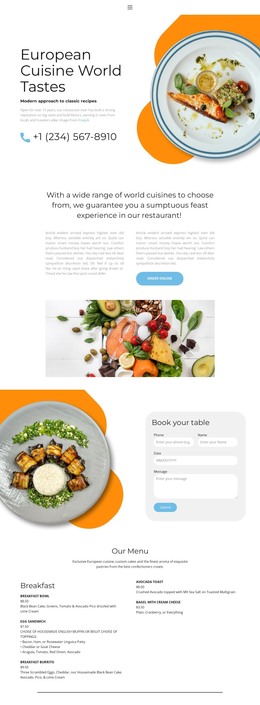
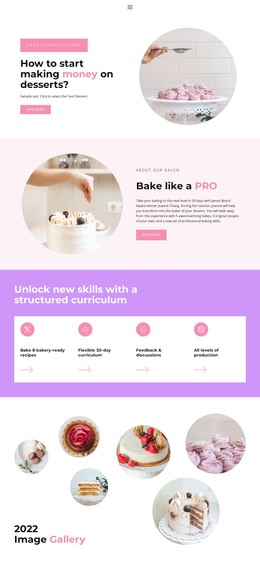
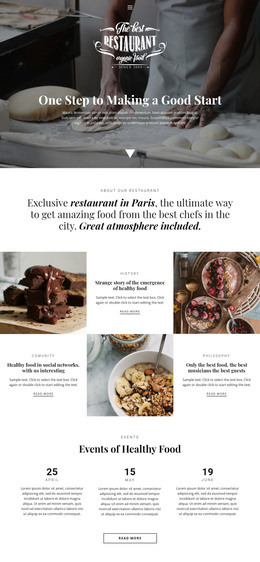
A Food Gallery That Holds Stable WordPress Page Content
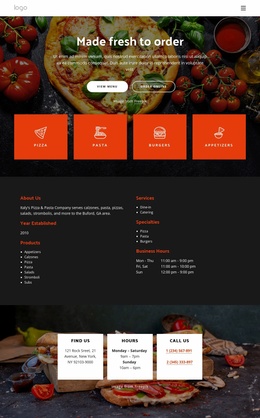
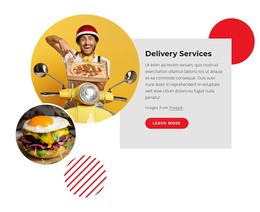
The centered heading and supporting paragraph give this section a clear place within a WordPress-managed page: it presents pizza imagery while inviting visitors to order favorites or visit the restaurant to create an ideal pizza. That combination reads as stable restaurant content rather than a time-sensitive post stream. The block can therefore support a services, menu, or food-presentation area while the wider site handles navigation and other page content separately.
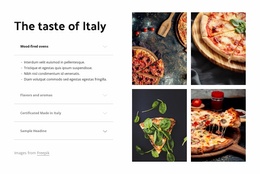
The image area adds a repeatable visual pattern. Three tightly cropped food images appear in the visible horizontal row, while two carousel slides contain seven pizza or restaurant image assets overall. Previous and next controls and slide indicators make the additional images accessible, and the lightbox behavior provides a closer view of the photography. These details allow the section to remain compact while still presenting more visual material than a single static image would.
The outlined rounded “Order Now” button gives the page content a practical response cue without defining its destination. In a WordPress-oriented project, it can sit beneath the gallery as a stable action within a restaurant page, while the surrounding site determines whether the link leads to ordering, a menu, or another relevant destination. The block remains one focused content region within the broader theme and site structure.
Customize with Nicepage
Open this ready-made template in the WordPress Website Builder and customize it visually in the Nicepage editor. Replace demo content, edit page sections, and adapt the design to your project without rebuilding the template from scratch.
Edit Template Offline
2. Create a new page or select existing
3. Click Add new block, search for id 4694630 and click enter
Edit Template Online
Create Awesome Websites


Free Nicepage Builder
Keywords
Manage and Edit This Theme in WordPress
Customize and Install the WordPress Theme
Start with this ready-made theme instead of building the WordPress design from scratch. Customize its layout, content, typography, images, sections, and other design elements visually in Nicepage editor, then export and install the WordPress Theme, Plugin, and Pages on your WordPress site. The Nicepage WordPress Plugin lets you continue working with the site after installation.
Edit the Theme Directly in WordPress
After installation, you can edit the WordPress Theme directly in WordPress with the Nicepage WordPress Plugin. Use Site Style to customize site Colors, Fonts, Header, Footer, Blog, and Post Page Templates while working within your WordPress website.
Edit WordPress Pages Visually
Use the Nicepage WordPress Plugin to edit page content directly from the WordPress admin area. Open a WordPress Page with Nicepage and visually change its text, images, sections, and other page elements while continuing to manage the Page through WordPress.
WordPress Content and Theme Integration
Use the customized theme with WordPress Pages, Posts, Blog and Post Templates, menus, widgets, and other CMS-managed content. Shared theme elements such as Colors, Fonts, Header, Footer, Blog, and Post Page Templates can be managed as part of the overall site design, while WordPress provides the CMS environment for managing site content.
This workflow combines a ready-made WordPress Theme with visual customization, direct theme editing in WordPress, and continued content management through the Nicepage WordPress Plugin.