Gallery with cake recipe WordPress Theme


Ordered Baking Images as Reusable WordPress Page Content
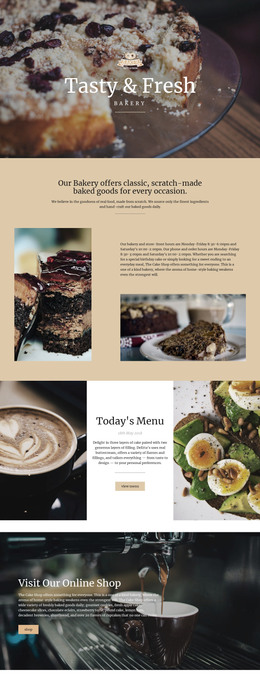
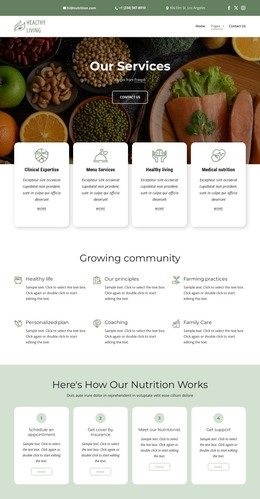
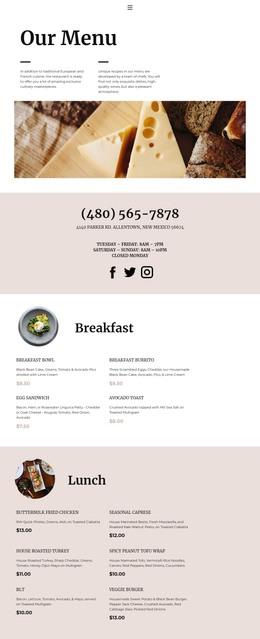
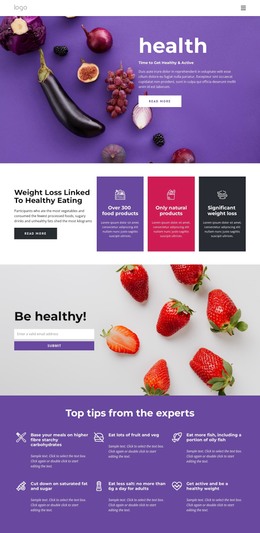
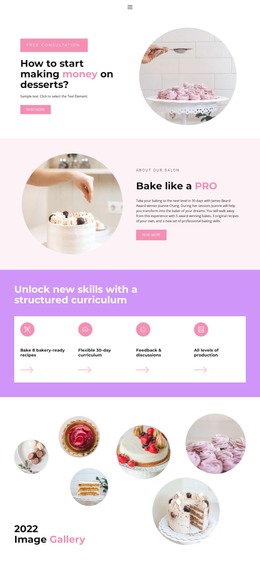
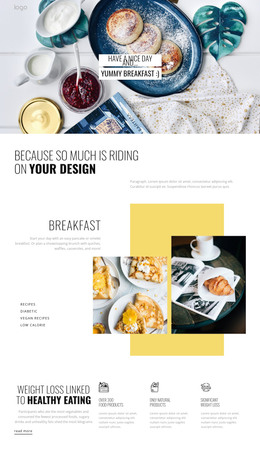
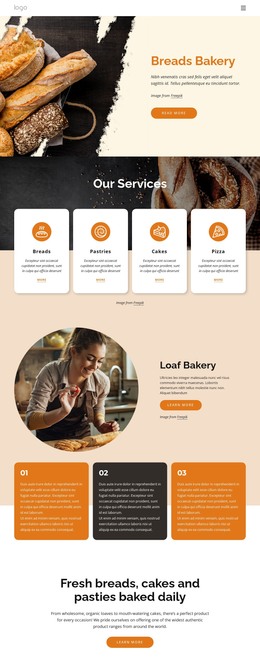
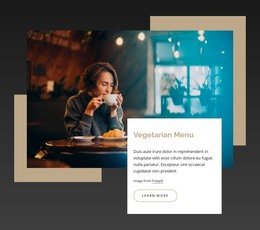
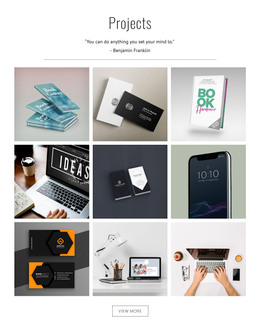
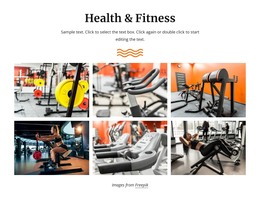
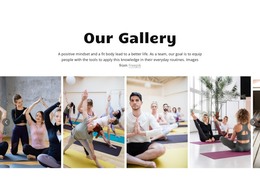
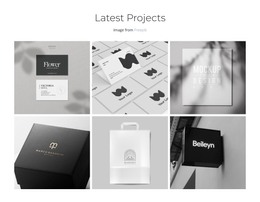
The four-image sequence reads as stable visual page content rather than a stream of time-sensitive entries. Mixing eggs and batter, adding flour, and showing trays of baked cookies give the gallery a recognizable subject and order that can remain attached to a recipe, food feature, or preparation section in a WordPress-managed page. The block’s role is visual and self-contained, while the surrounding project can handle other page content.
Its repeated structure supports consistent presentation. Each photograph occupies an equal-width vertical panel, and the narrow divisions keep the stages distinct across the full-width row. Edge-to-edge crops make the images prominent, while warm yellow, cream, and brown tones help the gallery sit within a food-related design direction. The hover fade marks the image receiving attention, and the lightbox offers a closer view without changing the underlying content group.
Within a WordPress-oriented project, this section can remain a reusable page-content pattern alongside recipe copy, editorial text, or other food imagery. The CMS context surrounds the block rather than redefining it as a complete theme. What the section contributes is a specific four-stage gallery with predictable geometry and image viewing behavior, suitable for a page that needs visual preparation evidence or a finished-baking showcase.
Customize with Nicepage
Open this ready-made template in the WordPress Website Builder and customize it visually in the Nicepage editor. Replace demo content, edit page sections, and adapt the design to your project without rebuilding the template from scratch.
Edit Template Offline
2. Create a new page or select existing
3. Click Add new block, search for id 112436 and click enter
Edit Template Online
Create Awesome Websites


Free Nicepage Builder
Keywords
Manage and Edit This Theme in WordPress
Customize and Install the WordPress Theme
Start with this ready-made theme instead of building the WordPress design from scratch. Customize its layout, content, typography, images, sections, and other design elements visually in Nicepage editor, then export and install the WordPress Theme, Plugin, and Pages on your WordPress site. The Nicepage WordPress Plugin lets you continue working with the site after installation.
Edit the Theme Directly in WordPress
After installation, you can edit the WordPress Theme directly in WordPress with the Nicepage WordPress Plugin. Use Site Style to customize site Colors, Fonts, Header, Footer, Blog, and Post Page Templates while working within your WordPress website.
Edit WordPress Pages Visually
Use the Nicepage WordPress Plugin to edit page content directly from the WordPress admin area. Open a WordPress Page with Nicepage and visually change its text, images, sections, and other page elements while continuing to manage the Page through WordPress.
WordPress Content and Theme Integration
Use the customized theme with WordPress Pages, Posts, Blog and Post Templates, menus, widgets, and other CMS-managed content. Shared theme elements such as Colors, Fonts, Header, Footer, Blog, and Post Page Templates can be managed as part of the overall site design, while WordPress provides the CMS environment for managing site content.
This workflow combines a ready-made WordPress Theme with visual customization, direct theme editing in WordPress, and continued content management through the Nicepage WordPress Plugin.