Mobile app development portfolio WordPress Theme


Publishable Portfolio Content With a Visual Work Sample
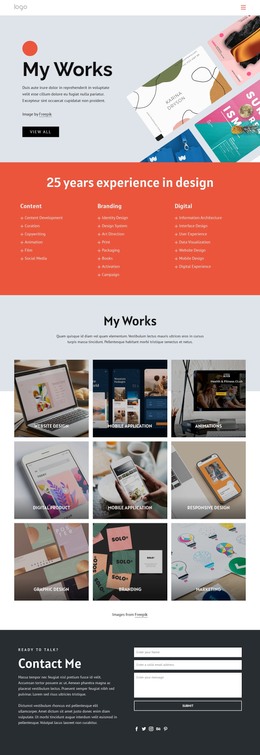
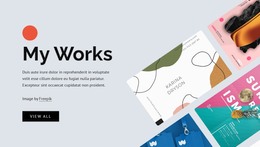
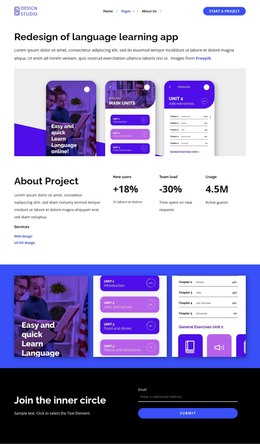
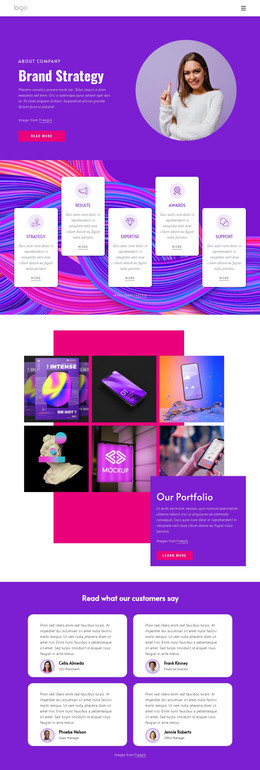
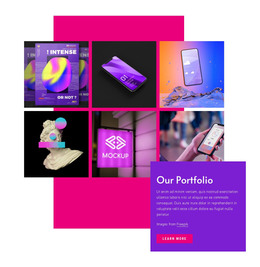
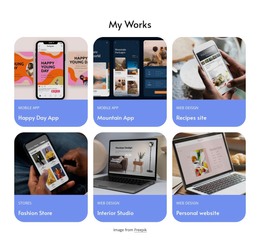
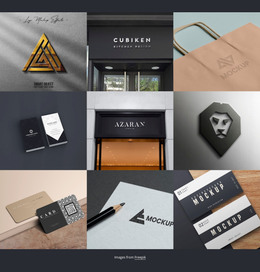
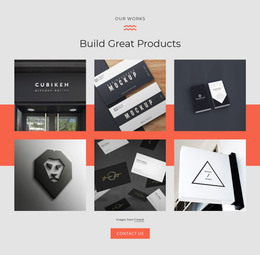
The six app interface images give the section a stable portfolio function that fits naturally within permanent page content. Instead of relying on a stream of time-sensitive entries, the block presents a defined body of mobile application work in a two-row collage. The overlapping white panel adds the explanatory layer: its heading names the subject, the compact paragraph provides context, the attribution line stays close to the imagery, and the learn more button offers a route toward further information.
In a WordPress-oriented project, this section can sit within a broader services or portfolio page while other CMS-managed content develops around it. The block's dark charcoal background and coral accent can remain part of its visual pattern, helping the work showcase retain a consistent appearance when placed among other page sections. Lightbox viewing supports visitors who want to inspect an interface image beyond the compact overview, and the fade hover overlay communicates the gallery's interactive state.
The section therefore works as reusable page content rather than as the WordPress theme itself. It can present a stable visual sample on a services, portfolio, or project page, while the surrounding site handles additional content, navigation, and publishing structure. Its value lies in the clear relationship between six work examples and the concise explanation attached to them.
Customize with Nicepage
Open this ready-made template in the WordPress Website Builder and customize it visually in the Nicepage editor. Replace demo content, edit page sections, and adapt the design to your project without rebuilding the template from scratch.
Edit Template Offline
2. Create a new page or select existing
3. Click Add new block, search for id 346594 and click enter
Edit Template Online
Create Awesome Websites


Free Nicepage Builder
Keywords
Manage and Edit This Theme in WordPress
Customize and Install the WordPress Theme
Start with this ready-made theme instead of building the WordPress design from scratch. Customize its layout, content, typography, images, sections, and other design elements visually in Nicepage editor, then export and install the WordPress Theme, Plugin, and Pages on your WordPress site. The Nicepage WordPress Plugin lets you continue working with the site after installation.
Edit the Theme Directly in WordPress
After installation, you can edit the WordPress Theme directly in WordPress with the Nicepage WordPress Plugin. Use Site Style to customize site Colors, Fonts, Header, Footer, Blog, and Post Page Templates while working within your WordPress website.
Edit WordPress Pages Visually
Use the Nicepage WordPress Plugin to edit page content directly from the WordPress admin area. Open a WordPress Page with Nicepage and visually change its text, images, sections, and other page elements while continuing to manage the Page through WordPress.
WordPress Content and Theme Integration
Use the customized theme with WordPress Pages, Posts, Blog and Post Templates, menus, widgets, and other CMS-managed content. Shared theme elements such as Colors, Fonts, Header, Footer, Blog, and Post Page Templates can be managed as part of the overall site design, while WordPress provides the CMS environment for managing site content.
This workflow combines a ready-made WordPress Theme with visual customization, direct theme editing in WordPress, and continued content management through the Nicepage WordPress Plugin.