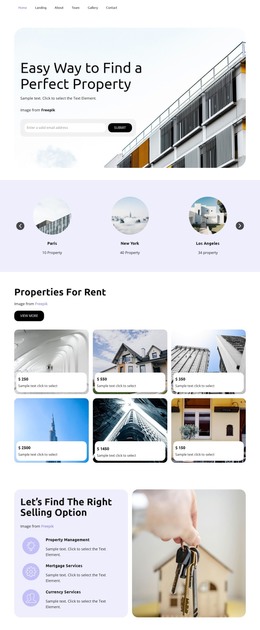
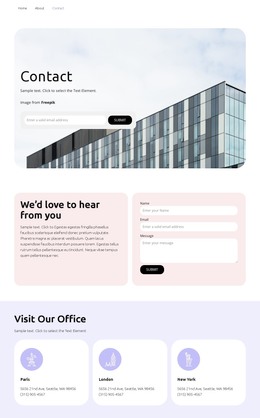
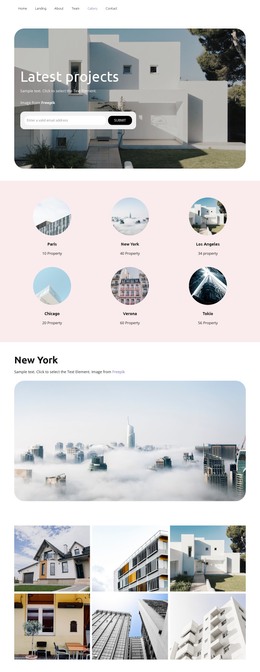
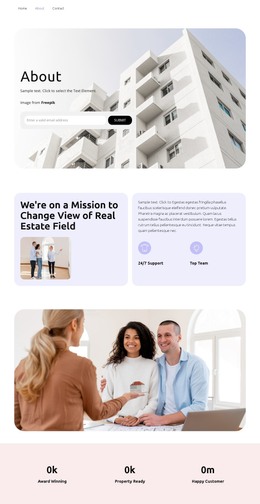
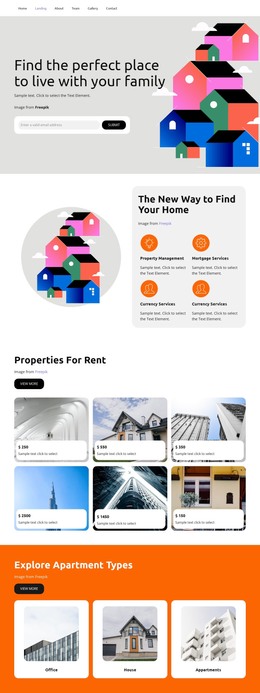
Our Featured Listings WordPress Theme


Four Architectural Images Form Stable Page Content
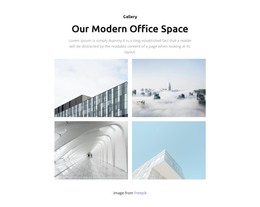
The centered “Gallery” label and “Our Modern Office Space” heading frame the section as a durable visual content area rather than a time-sensitive list. A supporting paragraph introduces four photographs, which are arranged in two columns and two rows to create a compact gallery suitable for a WordPress-managed page. The image set covers an office exterior, skyline, interior corridor, and glass building, giving the content variety while retaining one architectural subject.
The lightbox behavior adds value to the page content by allowing visitors to inspect an image beyond its position in the grid. It does not require the block to be treated as a complete theme or page system; the section can simply remain part of a broader page whose other areas handle additional information. The visible Freepik attribution should stay with the gallery so the image source remains clear when the content is maintained.
The white background, centered black typography, muted gray copy, and generous spacing also make the section a consistent visual unit that can be reused or coordinated with related page content. In a WordPress-oriented project, the block’s primary contribution is this stable gallery presentation. The surrounding CMS-managed site can handle other content while the section preserves its heading, four-image structure, lightbox viewing, and credit line.
Customize with Nicepage
Open this ready-made template in the WordPress Website Builder and customize it visually in the Nicepage editor. Replace demo content, edit page sections, and adapt the design to your project without rebuilding the template from scratch.
Edit Template Offline
2. Create a new page or select existing
3. Click Add new block, search for id 4481618 and click enter
Edit Template Online
Create Awesome Websites


Free Nicepage Builder
Keywords
Manage and Edit This Theme in WordPress
Customize and Install the WordPress Theme
Start with this ready-made theme instead of building the WordPress design from scratch. Customize its layout, content, typography, images, sections, and other design elements visually in Nicepage editor, then export and install the WordPress Theme, Plugin, and Pages on your WordPress site. The Nicepage WordPress Plugin lets you continue working with the site after installation.
Edit the Theme Directly in WordPress
After installation, you can edit the WordPress Theme directly in WordPress with the Nicepage WordPress Plugin. Use Site Style to customize site Colors, Fonts, Header, Footer, Blog, and Post Page Templates while working within your WordPress website.
Edit WordPress Pages Visually
Use the Nicepage WordPress Plugin to edit page content directly from the WordPress admin area. Open a WordPress Page with Nicepage and visually change its text, images, sections, and other page elements while continuing to manage the Page through WordPress.
WordPress Content and Theme Integration
Use the customized theme with WordPress Pages, Posts, Blog and Post Templates, menus, widgets, and other CMS-managed content. Shared theme elements such as Colors, Fonts, Header, Footer, Blog, and Post Page Templates can be managed as part of the overall site design, while WordPress provides the CMS environment for managing site content.
This workflow combines a ready-made WordPress Theme with visual customization, direct theme editing in WordPress, and continued content management through the Nicepage WordPress Plugin.