
Zoo Html Code Examples
More Html Code Examples from Pets & Animals Category
-

-
-
-
-
-
-
-
-
Customize Any TemplateDownload
-
-
-
-
-
-
-
-
-
-
-
-
-
-
-
-
-
-
-
-
-
-
-
-
-
-
-
-
-
-
-
-
-







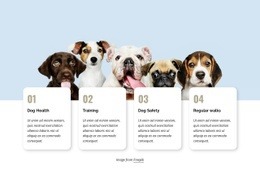

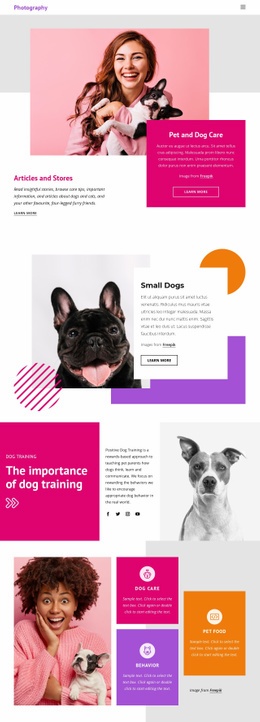

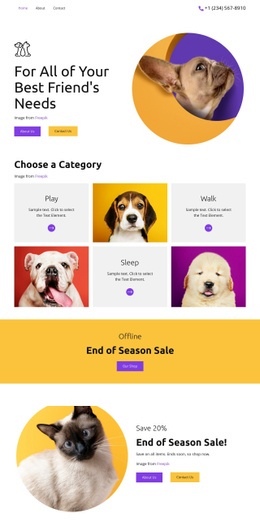
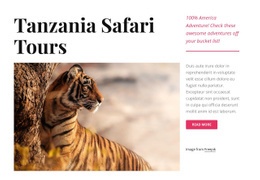
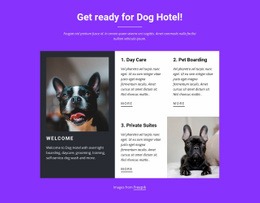


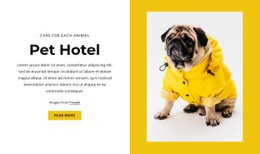



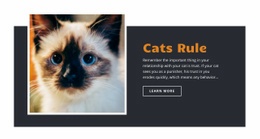
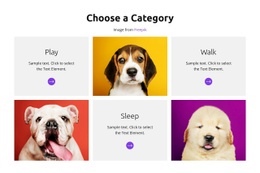







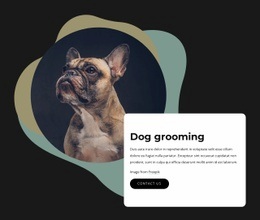


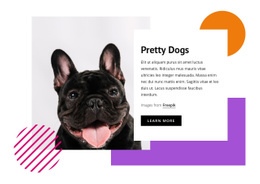


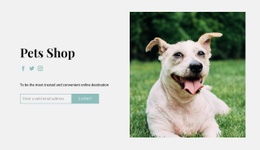
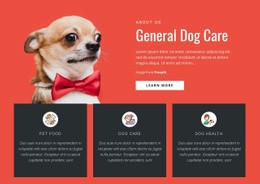



Other Pets & Animals Html Code Examples
Clean Zoo HTML Code Examples
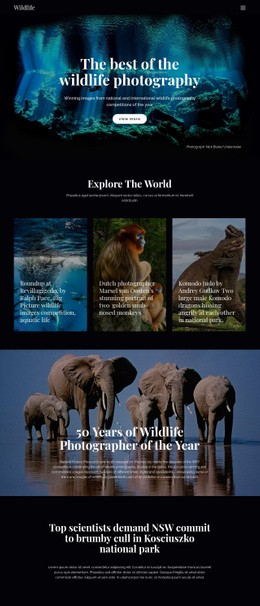
Would you like to have a clear code base for your zoo, wildlife park, or animal rescue website? Zoo HTML code will allow the developer to create pages containing animal descriptions, habitat maps, ticket costs, visiting hours, event dates, and contribution forms. The popularity of HTML5 among websites using HTML has reached 98.1%.
Thus, the code uses the format known to most web designers. If there is a local zoo, the developer can include family tickets and school programs. If it is a rescue center, it will be possible to inform about animals that require attention and the ways in which people can help. The division of pages into separate parts allows one to include more information related to education and conservation. It is important since 75.1% of visitors to zoos and aquariums demonstrated an understanding of biodiversity.
The use of semantic tags will help to identify menu items, articles, photo galleries, and contacts. Responsive design will allow us to ensure that all the maps, schedules, and buttons will look good on phones.
Fast Loading Sections for Ticket and Visit Details
The speed of the page is related to visitors’ trust as well as to the chances of completing a booking. Since families and tourists may want to look for some information about the zoo through their mobile phones while traveling, slow loading times may affect booking tickets, planning routes, or searching for events. According to Akamai, 53% of visitors leave pages taking more than three seconds to load on mobile devices.
For organizations, a ready-made structure offers several practical advantages:
- Faster launches with well-organized visitor information.
- Responsive pages for planning trips on any device.
- Flexible profiles for animals and habitats.
- Clear sections for tickets and memberships.
- Portable files for independent hosting.
- Reusable blocks for events and campaigns.
Wildlife photos should not require any file size bigger than what is needed to fill up the area visible. All unnecessary scripts should be deleted, and essential functions should be loaded first, particularly ticketing options, navigation, and forms. The main booking options should be placed near prices and visit information.
Once the page is reviewed, test the page with several screen sizes and ensure that all the important actions on the page are functional. This includes opening the menus, filling out forms, navigating through the route links, and clicking on tickets on both the fast and slow Internet connections.
Customizable Zoo HTML Code for Your Next Project
Select an example of the zoo HTML codes that would fit your content strategy plan and customize tags, sections, forms, and links accordingly. Download the template now and build a straight route from finding an animal to ticket purchase or joining.