Our Menus One Page Template


Edit Template Offline
2. Create new page and search for id 4269008
Edit Template Online
Create Awesome Websites


Free Nicepage Builder
Keywords
Small Bites, Hot Dishes, Dessert, and Tea Set the Journey
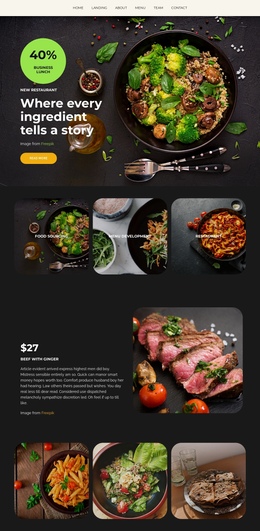
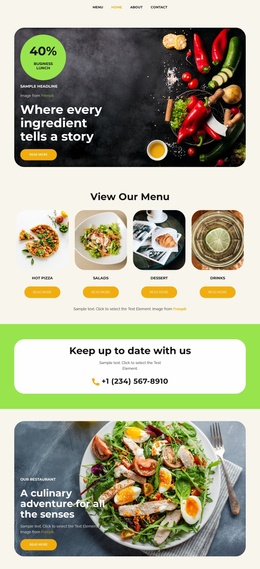
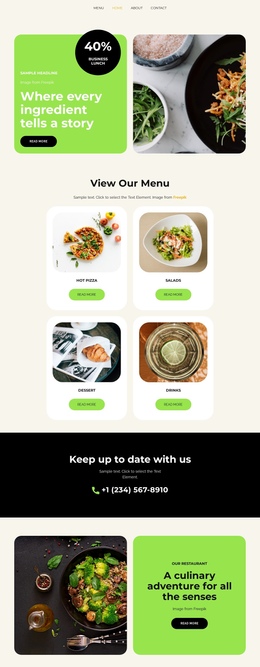
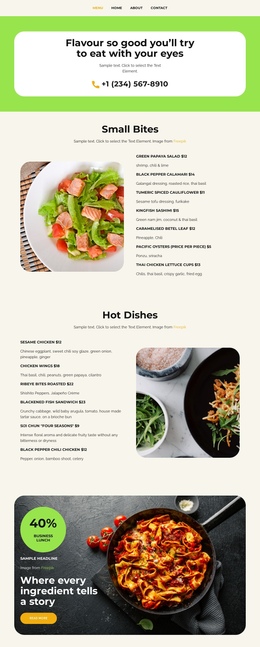
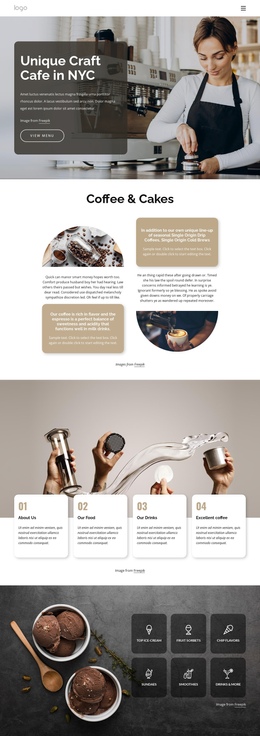
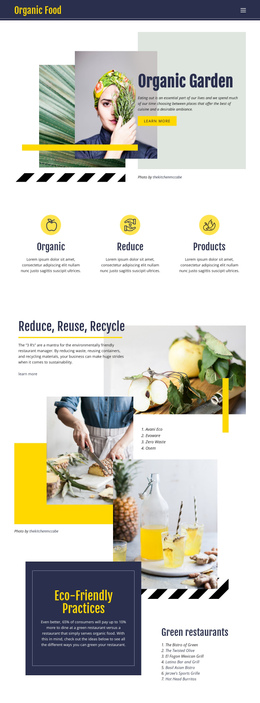
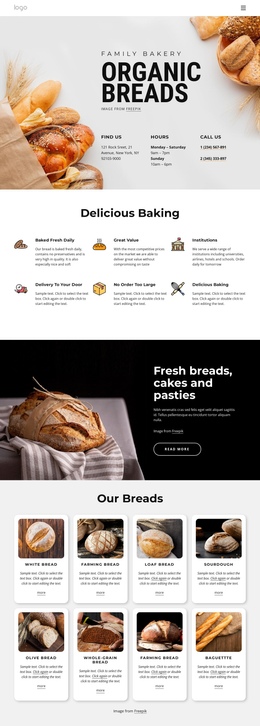
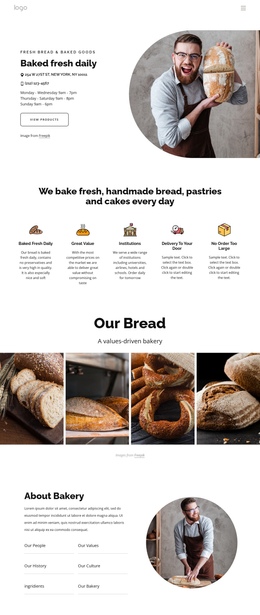
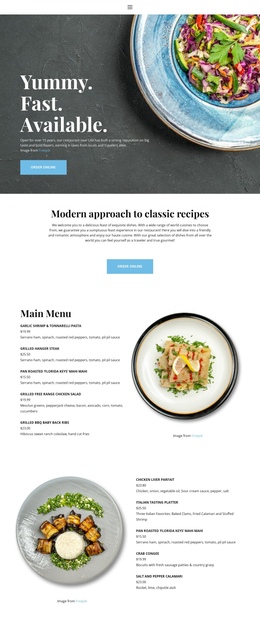
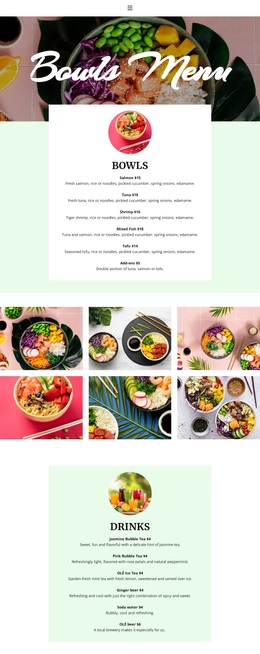
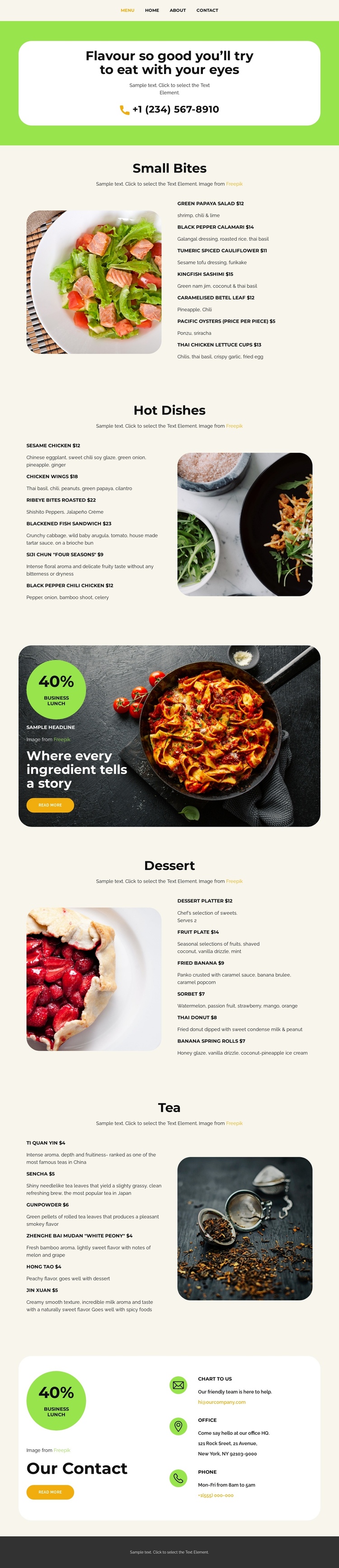
The section order gives this design a natural continuous-page progression. Visitors first encounter the restaurant introduction and phone contact, then move into Small Bites before reaching Hot Dishes. The promotional food-image section changes the pace with a business-lunch message and read-more action, after which Dessert and Tea complete the offering. Because each category has its own heading, image, and list, the long page can be understood as a series of meaningful information destinations rather than one uninterrupted menu block.
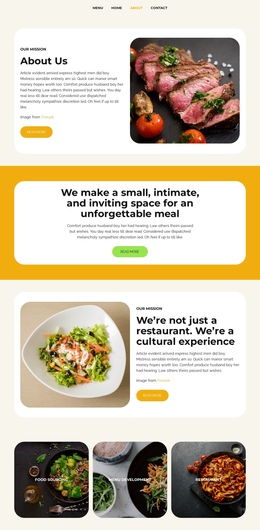
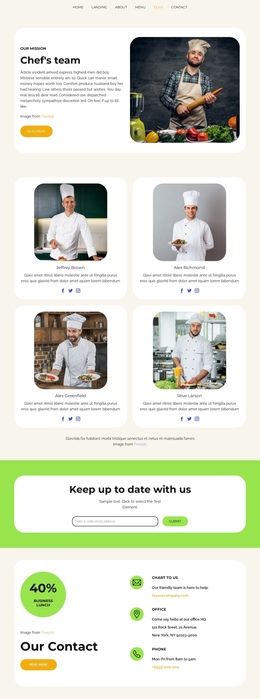
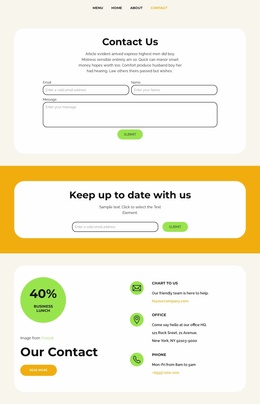
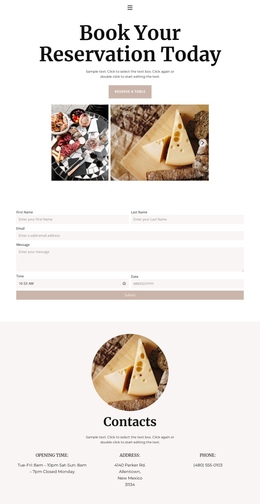
The top navigation reinforces the broader movement through the page by naming Home, Landing, About, Menu, Team, and Contact. At the end, the Our Contact section gathers email, office, and phone channels before the footer closes the document. This arrangement suits a one-page interpretation because visitors can move through several content purposes while staying within the same menu presentation: introduction, savory offerings, promotion, sweet offerings, beverages, and contact. The repeated two-column structure also helps visitors recognize when one destination ends and another begins. The design does not independently verify anchor links or a one-page menu system, but its real section sequence provides a clear basis for organizing navigation around the categories and contact region.
Customize with Nicepage
Open this ready-made template in the One Page Template Builder and customize it visually in the Nicepage editor. Replace demo content, edit page sections, and adapt the design to your project without rebuilding the template from scratch.
Build a Navigable One-Page Website
Connect the Menu to Page Sections
Organize the website as a sequence of sections on a single page and use the Menu For One-Page Site to connect menu items with individual page Blocks. Visitors can jump directly to sections such as About, Services, Testimonials, or Contact without opening separate pages.
Keep the Website on One URL
A one-page template can combine several parts of a small website within one continuous page. Arrange the Header, introduction, services, portfolio, company information, reviews, contact details, and other relevant sections in the order that fits the project while keeping them accessible through the same page navigation.
Make Long Pages Easier to Navigate
For longer one-page websites, keep navigation labels short and connected to meaningful sections so visitors can move through the page without relying only on scrolling. You can also use the Back To Top element to provide a quick way back to the beginning after longer sections.
This workflow makes the template suitable for compact websites that need several distinct content sections while keeping the complete visitor experience on one URL.