
Girl Html Code Examples
Parents comparing girls' sports programs need clear age ranges, lesson times, and sign-up instructions before committing. These club websites use HTML code to allow custom registration markup and a file-based handoff to a developer.
-

-

-
-
-
-
-
-
-
-
-
Customize Any TemplateDownload
-
-
-
-
-
-
-
-
-
-
-
-
-
-
-
-
-
-
-
-
-
-
-
-
-
-
-


































More Website & HTML Templates for Girl




















































Other Team Html Code Examples
Flexible Girl HTML Code Examples for Custom Web Projects
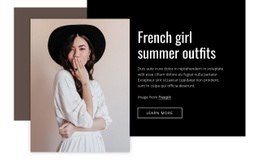
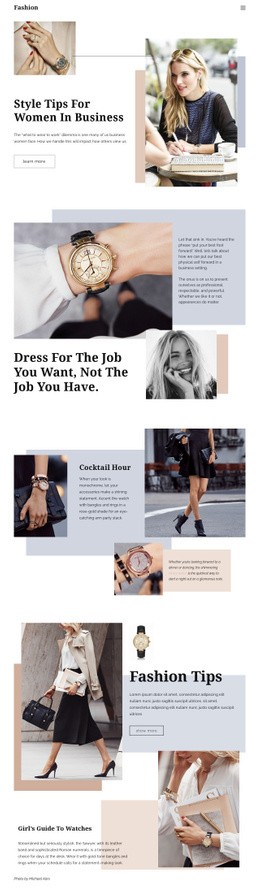
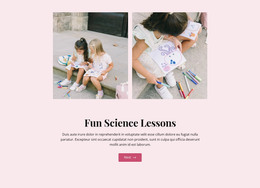
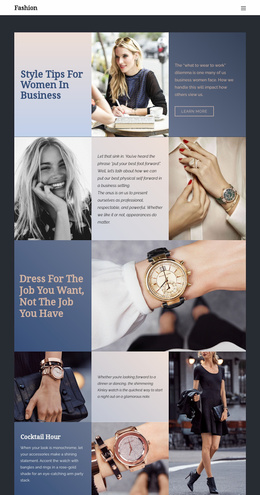
Girl HTML code examples on Nicepage help turn a visual concept into editable website content and exportable source files. A fashion journal, a travel diary, and a girls' football club each need distinct content and integrations. The catalog includes examples such as "The Girl Who Travels" and "Team Of Three Girls." You can open a design in the Online Builder or find its block by ID in the Nicepage app.
Work with Real Content Before Custom Code
In a fashion feature, replace demonstration photographs, outfit names, and credits before modifying the underlying structure. A travel profile needs trip descriptions, location labels, and clear links to published stories. A girls' club may need player roles, practice locations, and enrollment conditions. These details belong in normal content areas so staff can update them without touching scripts.
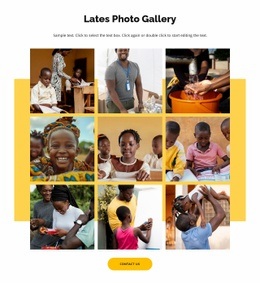
For repeated sections, keep each image, heading, and caption connected to the same item. Give informative alternative text for images, without exposing unnecessary personal details about minors. If a sports club uses portraits or names, confirm permission before publishing them.
Add Only the Code the Page Actually Needs
Custom HTML is useful when an ordinary content block cannot provide a required feature. A girls' football club might need a registration widget beside its age group and session details. A fashion creator may want to embed an external social feed. Nicepage's HTML Element accepts custom HTML, CSS, or JavaScript, while the third party still controls its widget and data handling.
Keep routine information separate from the embedded snippet. Before adding a form, review how the provider handles consent and guardian submissions. As Nicepage's HTML Element guide explains, custom scripts appear in Preview or on the published site, not directly in the standard editing view. Avoid comments inside the scripts when following its instructions.
Export and Test the Finished Source
When the page is ready, export the site as HTML files with accompanying CSS, JavaScript, and image assets. A developer can inspect these files, adapt the code, and prepare them for external hosting. Keep the original Nicepage project, because the exported site cannot be imported back for visual editing.
Test the output rather than assuming an attractive editor view means everything works. Check that the menu links and buttons point to real destinations, images have appropriate descriptions, and embedded forms load on a phone. For a girls' team, confirm that enrollment requirements match the service receiving submissions. For a fashion site, check that social content loads without covering captions. Girl HTML code is most valuable when the final files remain understandable, functional, and easy to maintain.