Smart living, safe data Joomla Template


Edit Template Offline
2. Create new page and search for id 6542635
Edit Template Online
Create Awesome Websites


Free Nicepage Builder
Keywords
Policy Topics Divide Naturally Into Managed Content Areas
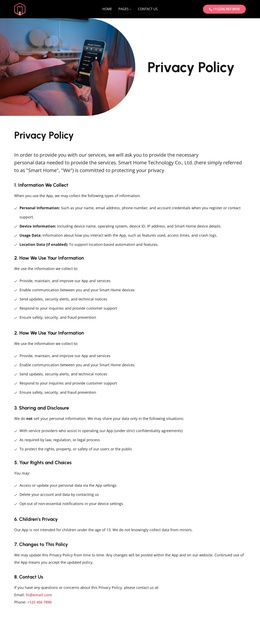
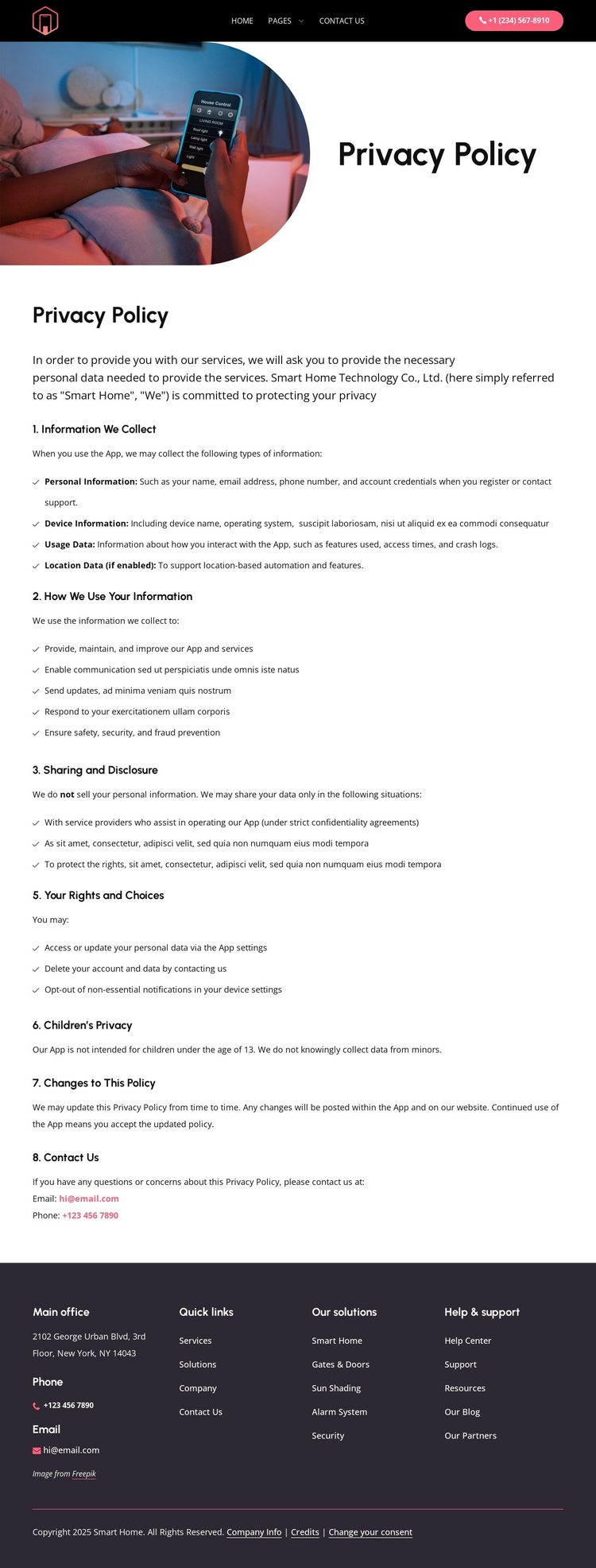
The collection and disclosure topics are already separated into content areas that can support a CMS-managed privacy page. The first text group introduces the policy and distinguishes personal, device, usage, and enabled-location data before explaining how information is used. The second continues with sharing and disclosure, user rights and choices, children’s privacy, policy changes, and Contact Us. This division gives each subject a recognizable place within the page instead of requiring all policy content to be maintained as one undifferentiated passage.
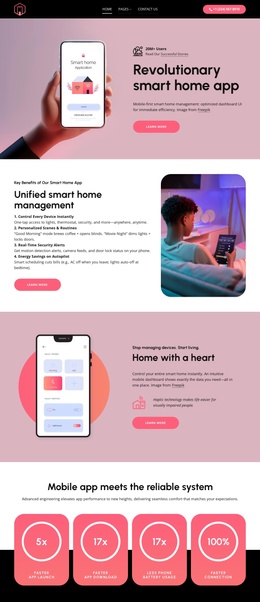
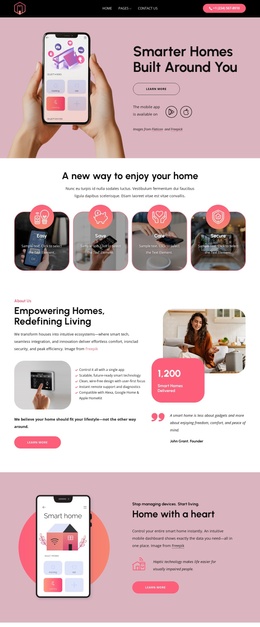
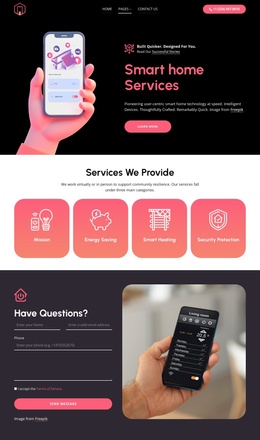
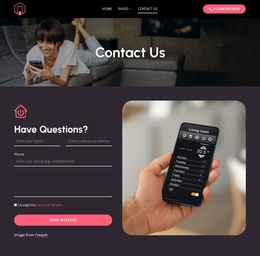
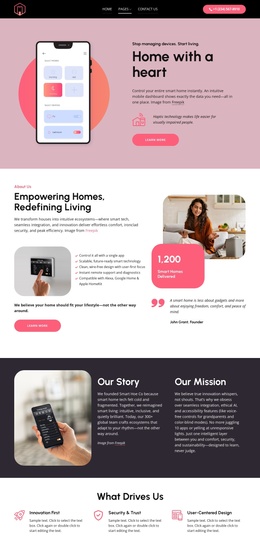
The surrounding regions provide a broader site context for those topics. The dark header connects the policy to Home, Pages, and Contact Us navigation, while the phone contact button offers a direct channel for questions. The footer organizes office information, phone and email channels, quick links, smart home solutions such as Gates & Doors and Security, and Help & support into four grouped columns. In a Joomla project, these areas can be interpreted as structured site regions around the policy content, with the visual relationships preserved as the managed information changes. The design is therefore suitable for a Joomla-oriented content environment because its navigation, policy subjects, contact access, and reusable footer groups already have distinct organizational roles, without claiming that specific Joomla Articles or module positions are present in the source template.
Customize with Nicepage
Open this ready-made template in the Joomla Page Builder and customize it visually in the Nicepage editor. Replace demo content, edit page sections, and adapt the design to your project without rebuilding the template from scratch.
Work With This Template in Joomla
Customize and Install the Joomla Template
Start with this ready-made template instead of building the Joomla design from scratch. Customize its layout, content, typography, images, sections, and other design elements visually in the Nicepage application, then export and install the Joomla Template, Nicepage Extension, and supported content on your Joomla website.
Edit the Template Directly in Joomla
After installation, you can edit the Joomla Template directly in Joomla with the Nicepage Joomla Extension. Customize the Header, Footer, Colors, Fonts, typography, and Page Templates from the Joomla workflow while keeping the site design connected with your CMS content.
Edit Joomla Articles Visually
Use the Nicepage Joomla Extension to open and edit Joomla Articles visually from the Joomla Administrator. Change text, images, sections, layouts, and other page content in the Nicepage editor while continuing to manage the Articles through Joomla.
Joomla Content and Template Integration
Use the customized template together with Joomla Articles, module Positions, menus, forms, Blog Pages, and other supported CMS elements. With the Nicepage Extension used as the Site Style Source, shared design settings can be applied across Joomla Articles while Joomla continues to provide the CMS environment for managing site content.
This workflow combines a ready-made Joomla Template with visual customization, direct template editing in Joomla, and continued content management through the Nicepage Joomla Extension.