Fast development Joomla Template


Edit Template Offline
2. Create new page and search for id 462226
Edit Template Online
Create Awesome Websites


Free Nicepage Builder
Keywords
Service Groups and Reusable Site Regions Fit Structured CMS Content
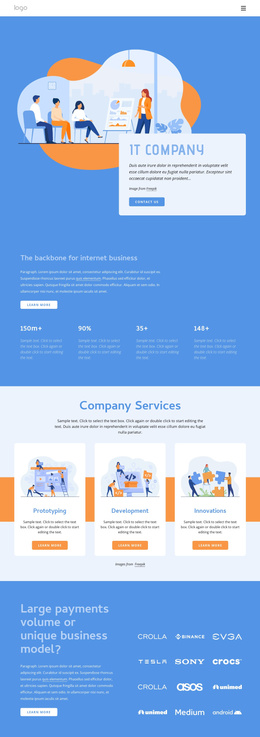
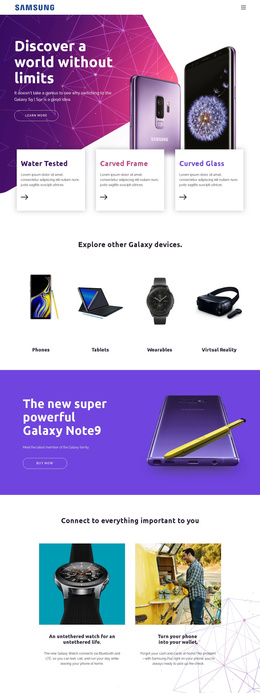
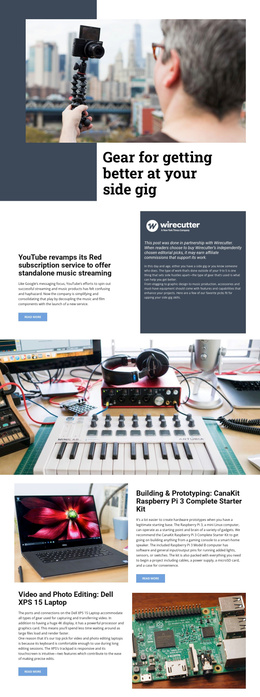
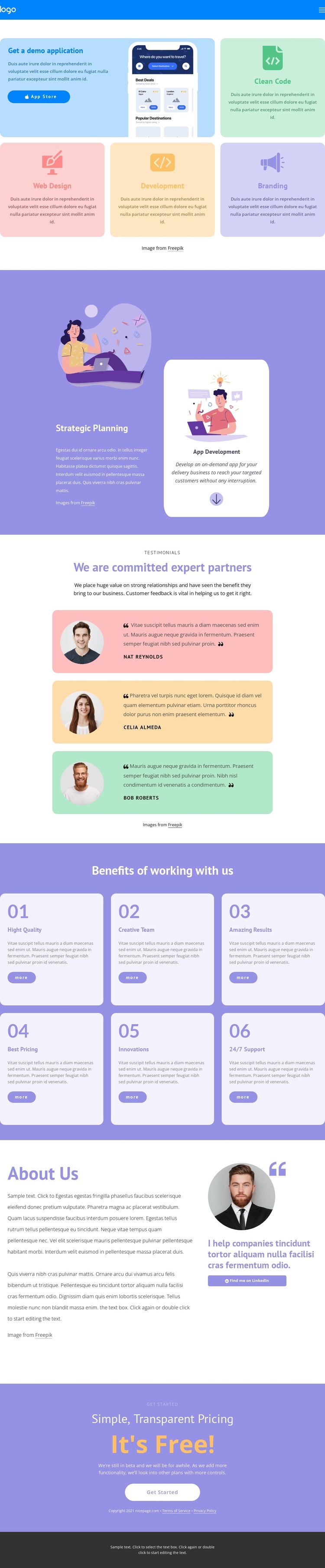
The page divides its information into recognizable content areas that can be maintained as a coordinated Joomla site presentation. The navigation header provides a shared entry point, while the capability cards separate the demo application from the service labels for Clean Code, Web Design, Development, and Branding. Strategic Planning and App Development then form a more focused informational region, giving the service content a deeper explanation after the initial overview.
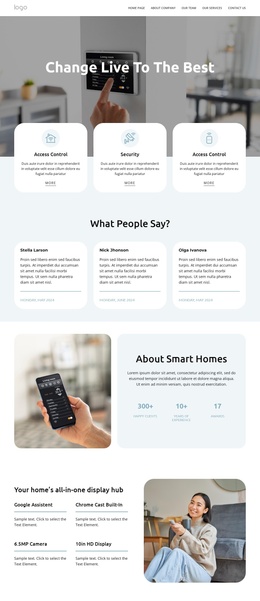
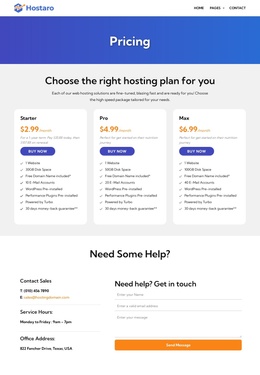
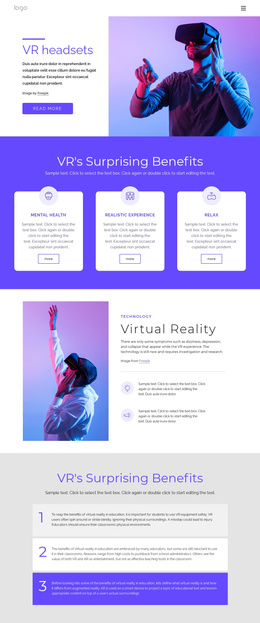
The testimonial section and six-item benefits list introduce recurring content patterns with different editorial purposes. Three named profiles can represent testimonial entries, while the numbered cards organize differentiators such as High Quality, Creative Team, Best Pricing, Innovations, and 24/7 Support. The About Us area adds company information and a LinkedIn contact prompt, and the final pricing block keeps the free beta offer and Get Started action visibly separate from the informational sections. In a Joomla-managed implementation, these regions provide a practical basis for organizing navigation, service information, repeated testimonials, benefits, contact-related content, and shared page areas. The design’s value comes from the relationships already established between those regions, not from replacing the colorful visual system with a generic CMS layout.
Customize with Nicepage
Open this ready-made template in the Joomla Page Builder and customize it visually in the Nicepage editor. Replace demo content, edit page sections, and adapt the design to your project without rebuilding the template from scratch.
Work With This Template in Joomla
Customize and Install the Joomla Template
Start with this ready-made template instead of building the Joomla design from scratch. Customize its layout, content, typography, images, sections, and other design elements visually in the Nicepage application, then export and install the Joomla Template, Nicepage Extension, and supported content on your Joomla website.
Edit the Template Directly in Joomla
After installation, you can edit the Joomla Template directly in Joomla with the Nicepage Joomla Extension. Customize the Header, Footer, Colors, Fonts, typography, and Page Templates from the Joomla workflow while keeping the site design connected with your CMS content.
Edit Joomla Articles Visually
Use the Nicepage Joomla Extension to open and edit Joomla Articles visually from the Joomla Administrator. Change text, images, sections, layouts, and other page content in the Nicepage editor while continuing to manage the Articles through Joomla.
Joomla Content and Template Integration
Use the customized template together with Joomla Articles, module Positions, menus, forms, Blog Pages, and other supported CMS elements. With the Nicepage Extension used as the Site Style Source, shared design settings can be applied across Joomla Articles while Joomla continues to provide the CMS environment for managing site content.
This workflow combines a ready-made Joomla Template with visual customization, direct template editing in Joomla, and continued content management through the Nicepage Joomla Extension.