Powerful hosting Joomla Template



Edit Template Offline
2. Create new page and search for id 6509298
Edit Template Online
Create Awesome Websites


Free Nicepage Builder
Keywords
Service Regions and Support Content Fit a Structured Joomla Site
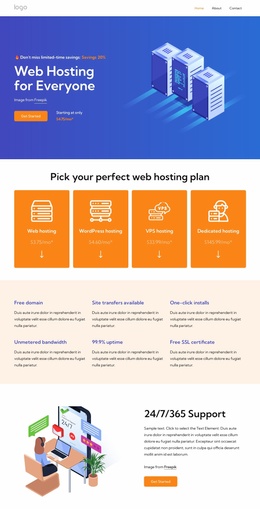
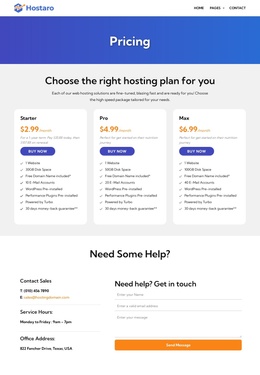
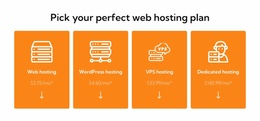
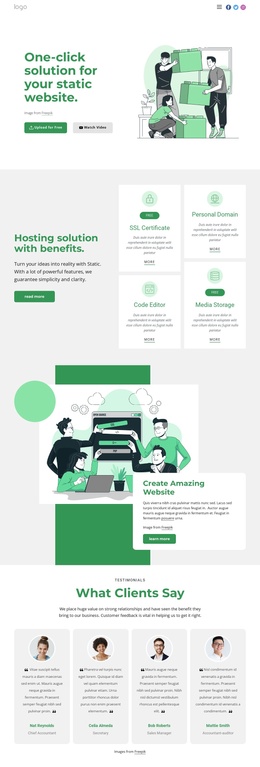
The service cards and hosting plan groups divide the design into clear information regions. Maximum performance, secure data centers, DDoS prevention, and unmetered bandwidth establish the feature vocabulary, while the later plan cards separate web, WordPress, VPS, and dedicated hosting into distinct offers. In a Joomla-managed project, these areas provide a useful visual structure for organized service content without suggesting that the sample names, prices, or claims are verified business data.
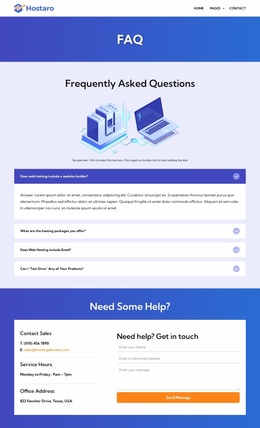
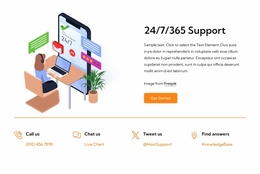
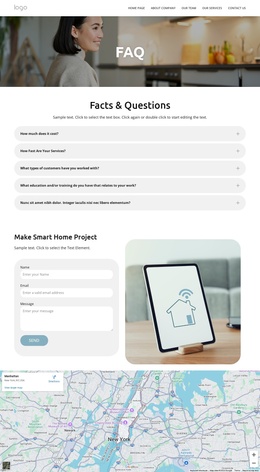
The dedicated-server section adds another structured content group through its six operating system labels: Debian, Ubuntu, CentOS, Red Hat, AlmaLinux, and Fedora. It can sit alongside the service and plan information as a technical reference area. The FAQ accordion and four support-channel cards then give common questions and contact routes their own regions, while the shared navigation and dark footer connect those areas across the page.
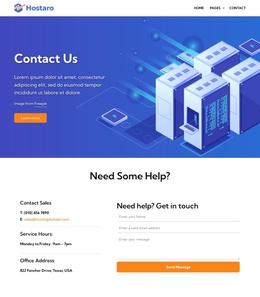
The design also separates a trial-oriented form from a later sales-and-support inquiry form. That distinction is important for CMS content planning because the forms can represent different visitor needs rather than one repeated contact block. Joomla’s content environment can accommodate structured articles, menus, and reusable site regions around this arrangement; however, the template analysis confirms the page’s sections, not any existing Joomla Articles or module positions. The result is a CMS-oriented interpretation grounded in the actual service, technical, and support structure.
Customize with Nicepage
Open this ready-made template in the Joomla Page Builder and customize it visually in the Nicepage editor. Replace demo content, edit page sections, and adapt the design to your project without rebuilding the template from scratch.
Work With This Template in Joomla
Customize and Install the Joomla Template
Start with this ready-made template instead of building the Joomla design from scratch. Customize its layout, content, typography, images, sections, and other design elements visually in the Nicepage application, then export and install the Joomla Template, Nicepage Extension, and supported content on your Joomla website.
Edit the Template Directly in Joomla
After installation, you can edit the Joomla Template directly in Joomla with the Nicepage Joomla Extension. Customize the Header, Footer, Colors, Fonts, typography, and Page Templates from the Joomla workflow while keeping the site design connected with your CMS content.
Edit Joomla Articles Visually
Use the Nicepage Joomla Extension to open and edit Joomla Articles visually from the Joomla Administrator. Change text, images, sections, layouts, and other page content in the Nicepage editor while continuing to manage the Articles through Joomla.
Joomla Content and Template Integration
Use the customized template together with Joomla Articles, module Positions, menus, forms, Blog Pages, and other supported CMS elements. With the Nicepage Extension used as the Site Style Source, shared design settings can be applied across Joomla Articles while Joomla continues to provide the CMS environment for managing site content.
This workflow combines a ready-made Joomla Template with visual customization, direct template editing in Joomla, and continued content management through the Nicepage Joomla Extension.