Smart home faq Joomla Template


Edit Template Offline
2. Create new page and search for id 6328295
Edit Template Online
Create Awesome Websites


Free Nicepage Builder
Keywords
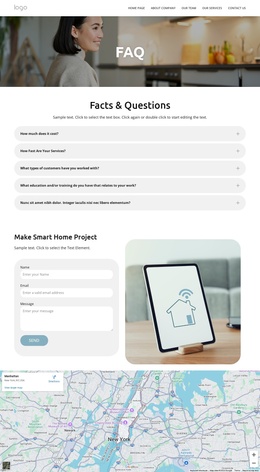
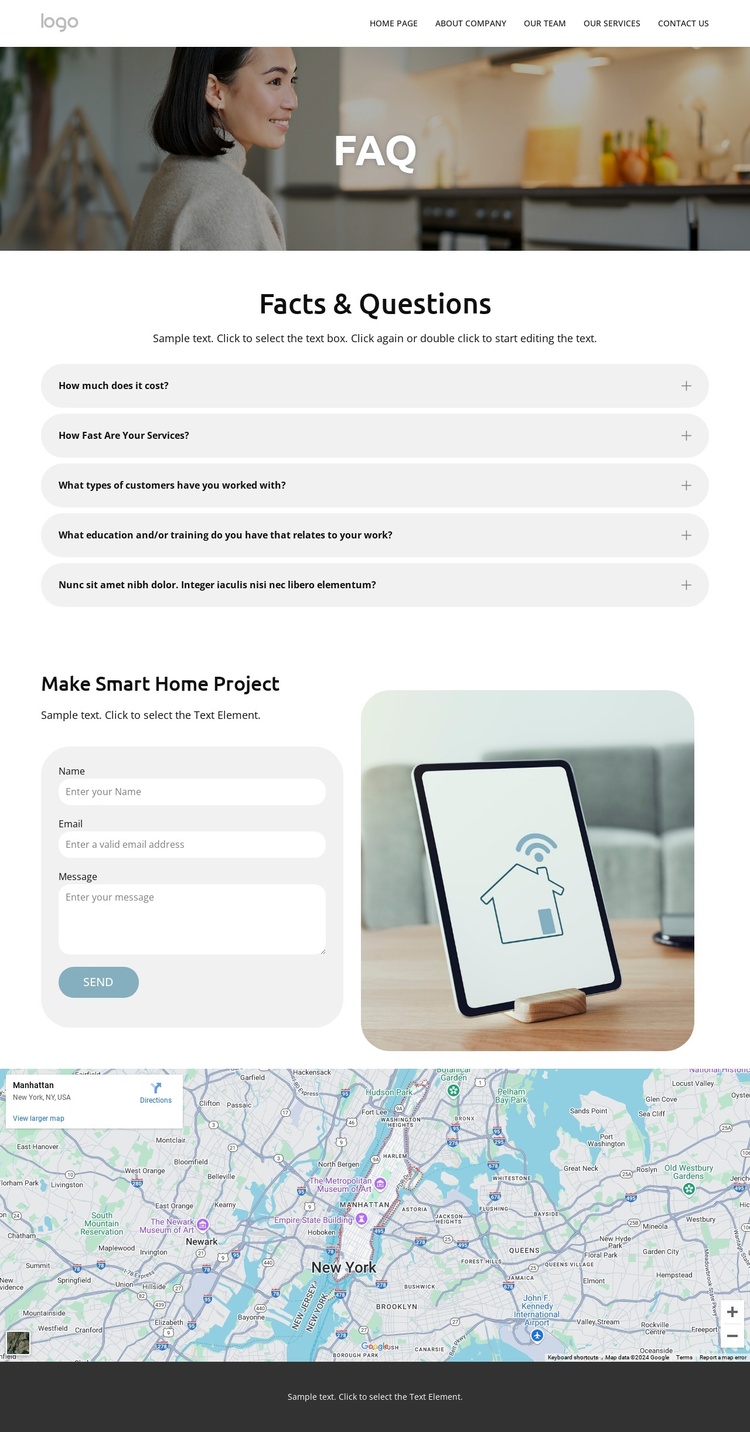
FAQ Content, Navigation, and Contact Regions Form a CMS-Ready Layout
The page divides its information into clear regions that can be understood as managed site content. The two stacked header bars group branding, navigation, search, contact details, and social links, while the central Facts & Questions area contains five expandable question-and-answer items. That separation gives recurring informational content a defined place without mixing it with the later inquiry and location sections.
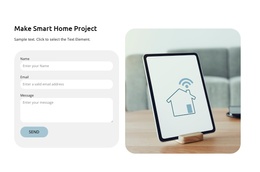
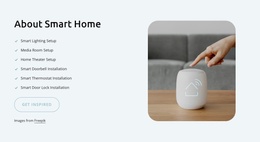
The contact form and rounded smart-home device image create a second content relationship: visitors can move from reading answers to describing a project. The map below adds a location-oriented region, and the footer gathers the “Ready to get started?” prompt with phone, email, quick links, company information, and social channels. In a Joomla project, these areas could provide a coordinated visual structure for organized site content and navigation, while the specific questions, contact details, and responses remain project-managed material.
The design does not prove that Joomla Articles, module positions, or other CMS structures already exist. Its suitability instead comes from the way the page separates reusable navigation and footer regions from focused FAQ, contact, and map content. That arrangement gives a Joomla-oriented implementation sensible areas for maintaining information while preserving the relationship between answers, inquiry, and follow-up navigation.
Customize with Nicepage
Open this ready-made template in the Joomla Page Builder and customize it visually in the Nicepage editor. Replace demo content, edit page sections, and adapt the design to your project without rebuilding the template from scratch.
Work With This Template in Joomla
Customize and Install the Joomla Template
Start with this ready-made template instead of building the Joomla design from scratch. Customize its layout, content, typography, images, sections, and other design elements visually in the Nicepage application, then export and install the Joomla Template, Nicepage Extension, and supported content on your Joomla website.
Edit the Template Directly in Joomla
After installation, you can edit the Joomla Template directly in Joomla with the Nicepage Joomla Extension. Customize the Header, Footer, Colors, Fonts, typography, and Page Templates from the Joomla workflow while keeping the site design connected with your CMS content.
Edit Joomla Articles Visually
Use the Nicepage Joomla Extension to open and edit Joomla Articles visually from the Joomla Administrator. Change text, images, sections, layouts, and other page content in the Nicepage editor while continuing to manage the Articles through Joomla.
Joomla Content and Template Integration
Use the customized template together with Joomla Articles, module Positions, menus, forms, Blog Pages, and other supported CMS elements. With the Nicepage Extension used as the Site Style Source, shared design settings can be applied across Joomla Articles while Joomla continues to provide the CMS environment for managing site content.
This workflow combines a ready-made Joomla Template with visual customization, direct template editing in Joomla, and continued content management through the Nicepage Joomla Extension.