Smart home services Joomla Template


Edit Template Offline
2. Create new page and search for id 6328293
Edit Template Online
Create Awesome Websites


Free Nicepage Builder
Keywords
Installation Services Divided Into Reusable Content Regions
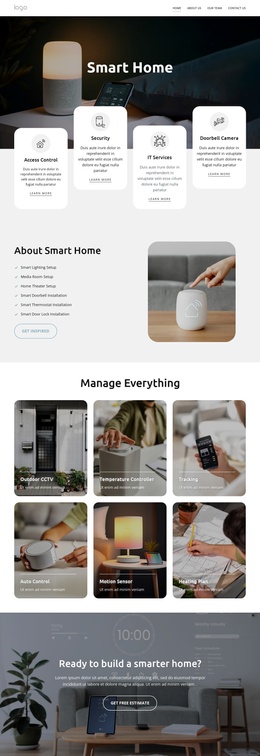
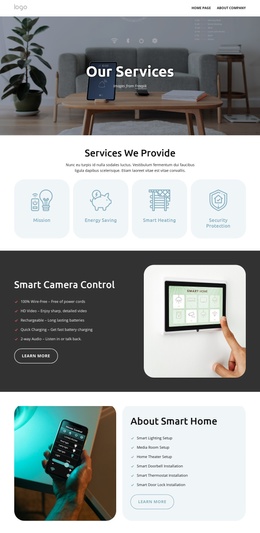
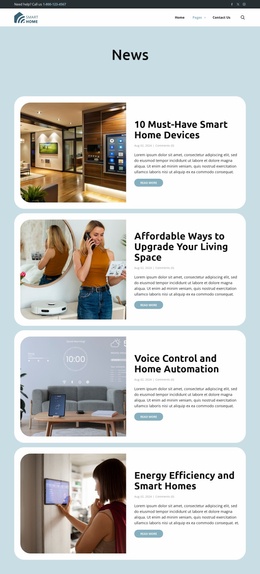
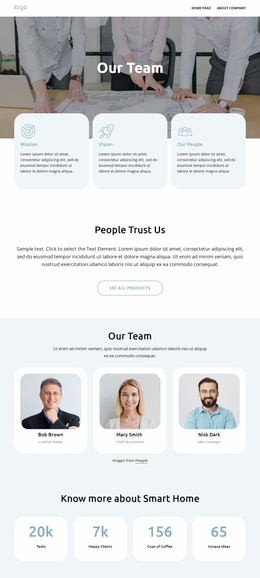
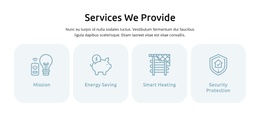
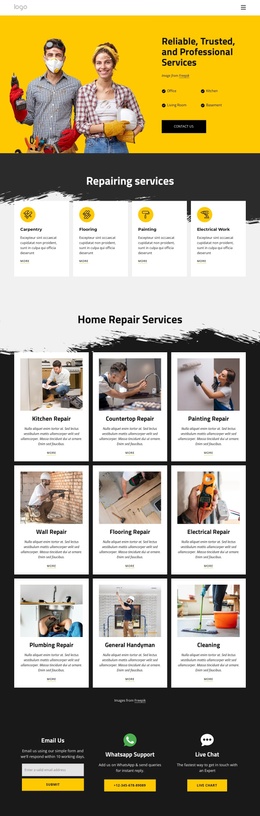
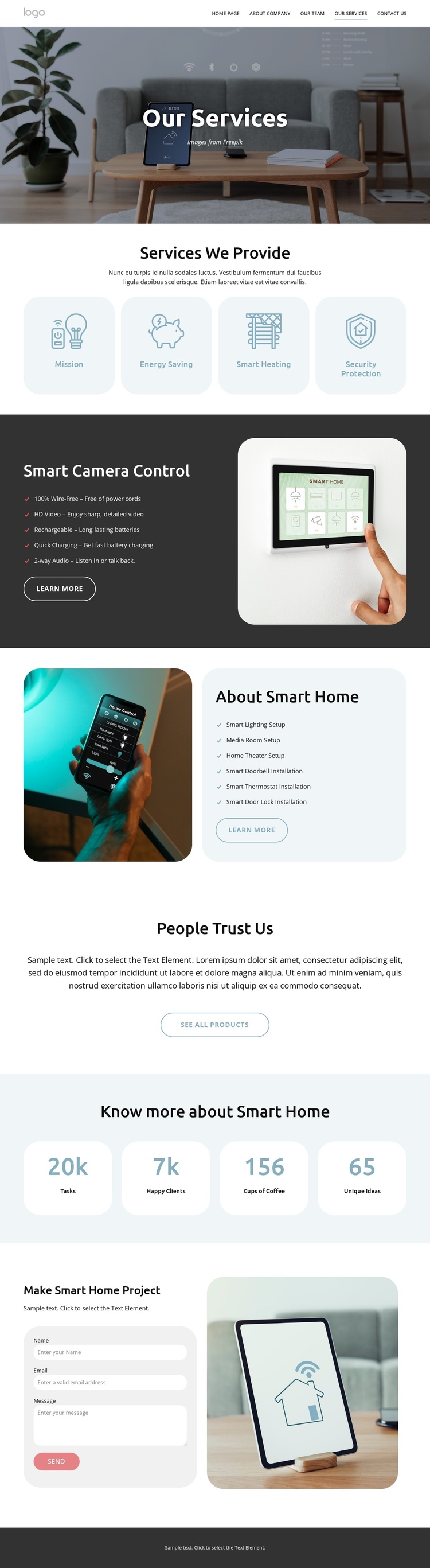
The four service cards give the page a compact first layer of structured information: Mission, Energy Saving, Smart Heating, and Security Protection can be treated as distinct service content areas beneath the common navigation and page introduction. The later Smart Camera Control section adds a more detailed region with five feature points, a product photograph, and a Learn More action. Together, these areas create a clear relationship between an overview of offerings and a focused service explanation.
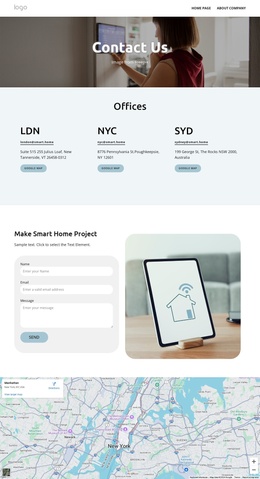
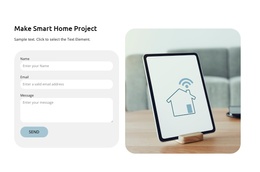
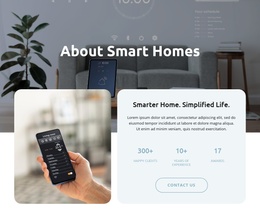
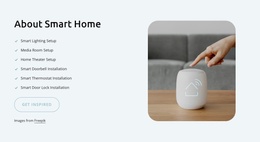
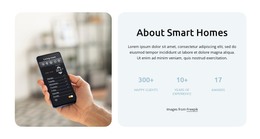
About Smart Home provides a second structured group centered on installation. Its content names lighting, media room, home theater, smart doorbell, smart thermostat, and smart door lock services, while the adjacent photograph and colored panel preserve a coordinated presentation. The contact inquiry form then gives visitors a defined place to ask about a project, and the final dark contact area gathers expert contact, quick links, social links, service hours, and a location link into a shared closing region.
This organization fits a CMS-managed interpretation because recurring informational groups, navigation, contact content, and shared footer material have clear roles. In a Joomla project, those regions can remain visually coordinated while their text, service information, and contact details are maintained as site content. The page analysis does not verify Joomla Articles or module Positions as existing template elements, so the value here comes from the design's content divisions rather than an invented CMS structure.
Customize with Nicepage
Open this ready-made template in the Joomla Page Builder and customize it visually in the Nicepage editor. Replace demo content, edit page sections, and adapt the design to your project without rebuilding the template from scratch.
Work With This Template in Joomla
Customize and Install the Joomla Template
Start with this ready-made template instead of building the Joomla design from scratch. Customize its layout, content, typography, images, sections, and other design elements visually in the Nicepage application, then export and install the Joomla Template, Nicepage Extension, and supported content on your Joomla website.
Edit the Template Directly in Joomla
After installation, you can edit the Joomla Template directly in Joomla with the Nicepage Joomla Extension. Customize the Header, Footer, Colors, Fonts, typography, and Page Templates from the Joomla workflow while keeping the site design connected with your CMS content.
Edit Joomla Articles Visually
Use the Nicepage Joomla Extension to open and edit Joomla Articles visually from the Joomla Administrator. Change text, images, sections, layouts, and other page content in the Nicepage editor while continuing to manage the Articles through Joomla.
Joomla Content and Template Integration
Use the customized template together with Joomla Articles, module Positions, menus, forms, Blog Pages, and other supported CMS elements. With the Nicepage Extension used as the Site Style Source, shared design settings can be applied across Joomla Articles while Joomla continues to provide the CMS environment for managing site content.
This workflow combines a ready-made Joomla Template with visual customization, direct template editing in Joomla, and continued content management through the Nicepage Joomla Extension.