Our solar panels Joomla Template



Edit Template Offline
2. Create new page and search for id 2260903
Edit Template Online
Create Awesome Websites


Free Nicepage Builder
Keywords
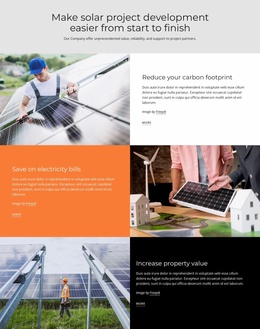
Service Groups and Plan Regions Form Structured Solar Content Areas
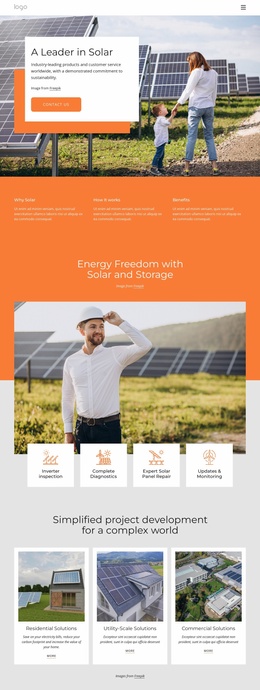
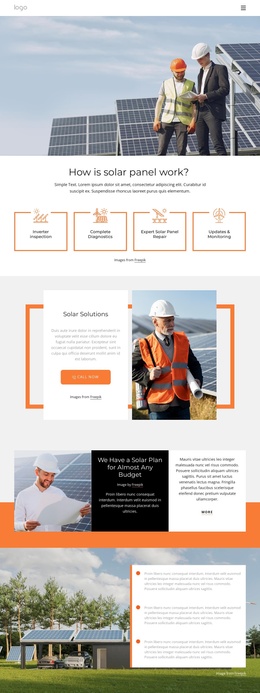
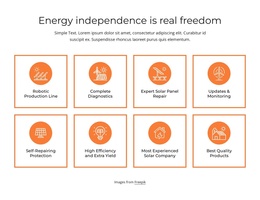
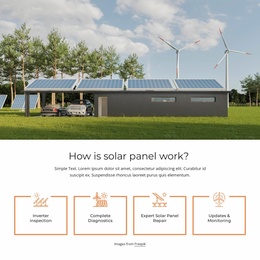
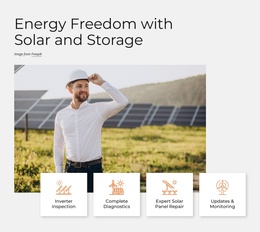
The four service categories divide the page into recurring informational regions: inspection, diagnostics, repair, and updates with monitoring. Each category has a label, icon, and short description, making the group suitable for structured solar service content that can remain visually coordinated as individual information changes. The compact header and menu control provide the navigation context, while the repeated service treatment gives visitors a consistent way to recognize related areas.
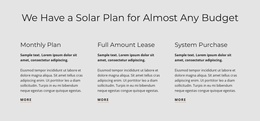
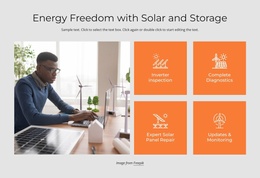
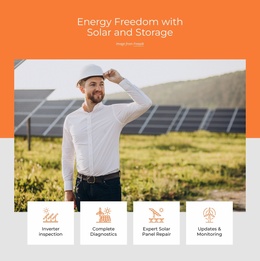
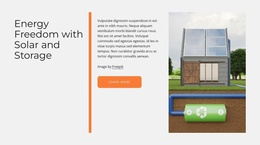
The page also separates broader solar information from planning content. Solar Solutions and Energy Freedom with Solar and Storage are presented in split text-and-image sections, so explanatory material can occupy defined regions beside relevant imagery. The budget callout and the three named options—Monthly Plan, Full Amount Lease, and System Purchase—offer another content relationship: general planning context leads into a more specific set of choices. These regions can support organized CMS content without claiming that particular Joomla articles or modules already exist.
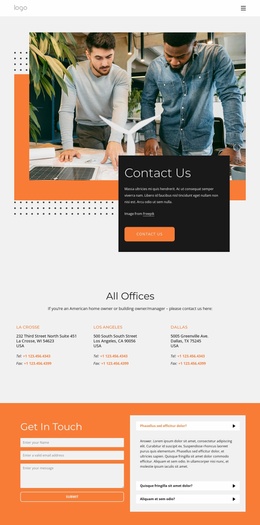
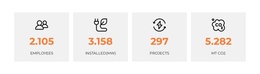
The final Get In Touch area adds a form beside an informational question panel, creating a clear contact region after the service and plan content. The four-tile counter area and dark footer provide additional shared page regions. In a Joomla project, this combination is useful for keeping navigation, service information, planning content, and contact material within one coherent template structure.
Customize with Nicepage
Open this ready-made template in the Joomla Page Builder and customize it visually in the Nicepage editor. Replace demo content, edit page sections, and adapt the design to your project without rebuilding the template from scratch.
Work With This Template in Joomla
Customize and Install the Joomla Template
Start with this ready-made template instead of building the Joomla design from scratch. Customize its layout, content, typography, images, sections, and other design elements visually in the Nicepage application, then export and install the Joomla Template, Nicepage Extension, and supported content on your Joomla website.
Edit the Template Directly in Joomla
After installation, you can edit the Joomla Template directly in Joomla with the Nicepage Joomla Extension. Customize the Header, Footer, Colors, Fonts, typography, and Page Templates from the Joomla workflow while keeping the site design connected with your CMS content.
Edit Joomla Articles Visually
Use the Nicepage Joomla Extension to open and edit Joomla Articles visually from the Joomla Administrator. Change text, images, sections, layouts, and other page content in the Nicepage editor while continuing to manage the Articles through Joomla.
Joomla Content and Template Integration
Use the customized template together with Joomla Articles, module Positions, menus, forms, Blog Pages, and other supported CMS elements. With the Nicepage Extension used as the Site Style Source, shared design settings can be applied across Joomla Articles while Joomla continues to provide the CMS environment for managing site content.
This workflow combines a ready-made Joomla Template with visual customization, direct template editing in Joomla, and continued content management through the Nicepage Joomla Extension.