Qualified solar professionals Joomla Template


Edit Template Offline
2. Create new page and search for id 5231517
Edit Template Online
Create Awesome Websites


Free Nicepage Builder
Keywords
Mission, Profiles, and Contact Form Create Structured CMS Content Areas
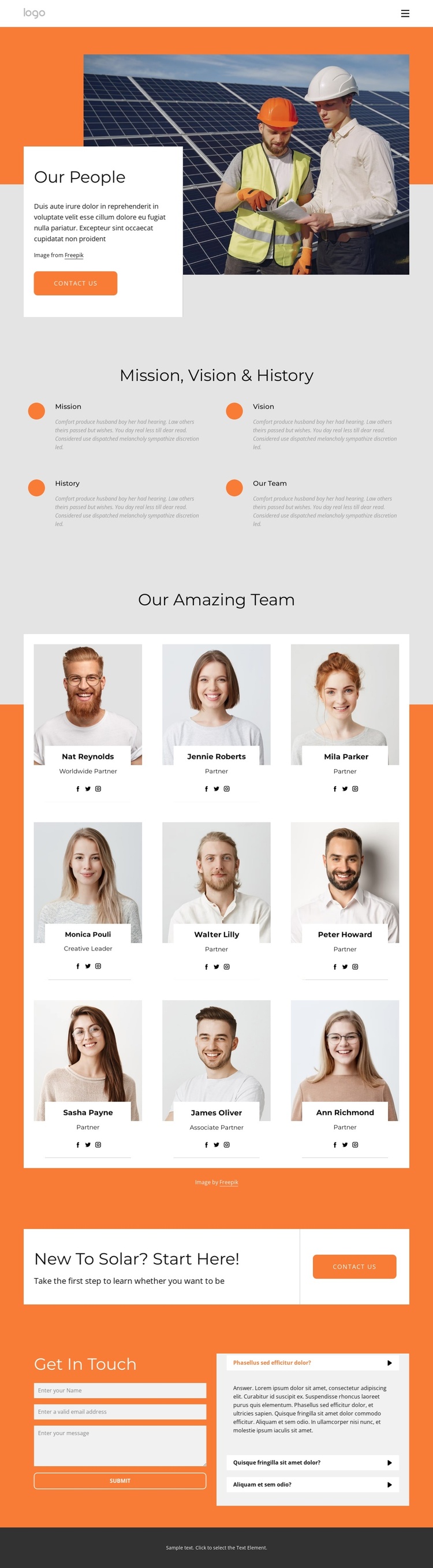
The Mission, Vision, History, and Our Team items divide organizational background into four recognizable information areas. That division is useful for a CMS-managed Joomla site because the design does not depend on one uninterrupted paragraph: visitors can encounter principles, background, and team identity as separate content regions. The opening Our People section reinforces this structure with a large team image, an overlapping introductory card, and a Contact us button.
The central team display provides a second content pattern. Nine portrait cards repeat the same relationship between person, role, and social profile link, making the collection suitable for organized profile information rather than an undifferentiated image gallery. The repeated card treatment also keeps the people section visually coordinated while individual names, roles, and links can represent changing organizational content.
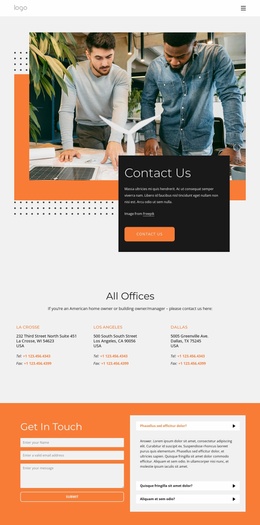
Navigation and contact regions give the page a practical site role. The orange “New To Solar? Start Here!” band separates the profile presentation from the response path, and the closing area combines name, email, and message fields with three expandable questions. In a Joomla project, these recognizable regions can support structured site content and menus while preserving the design’s shared visual direction. The template’s value lies in its relationship between background information, recurring profiles, clarification content, and direct contact.
Customize with Nicepage
Open this ready-made template in the Joomla Page Builder and customize it visually in the Nicepage editor. Replace demo content, edit page sections, and adapt the design to your project without rebuilding the template from scratch.
Work With This Template in Joomla
Customize and Install the Joomla Template
Start with this ready-made template instead of building the Joomla design from scratch. Customize its layout, content, typography, images, sections, and other design elements visually in the Nicepage application, then export and install the Joomla Template, Nicepage Extension, and supported content on your Joomla website.
Edit the Template Directly in Joomla
After installation, you can edit the Joomla Template directly in Joomla with the Nicepage Joomla Extension. Customize the Header, Footer, Colors, Fonts, typography, and Page Templates from the Joomla workflow while keeping the site design connected with your CMS content.
Edit Joomla Articles Visually
Use the Nicepage Joomla Extension to open and edit Joomla Articles visually from the Joomla Administrator. Change text, images, sections, layouts, and other page content in the Nicepage editor while continuing to manage the Articles through Joomla.
Joomla Content and Template Integration
Use the customized template together with Joomla Articles, module Positions, menus, forms, Blog Pages, and other supported CMS elements. With the Nicepage Extension used as the Site Style Source, shared design settings can be applied across Joomla Articles while Joomla continues to provide the CMS environment for managing site content.
This workflow combines a ready-made Joomla Template with visual customization, direct template editing in Joomla, and continued content management through the Nicepage Joomla Extension.