Pizza, pasta, sandwiches, calzones Website Template


A Reusable Restaurant Gallery for a Broader Site
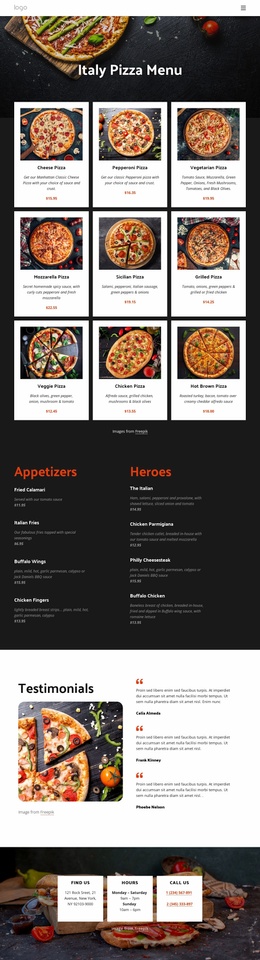
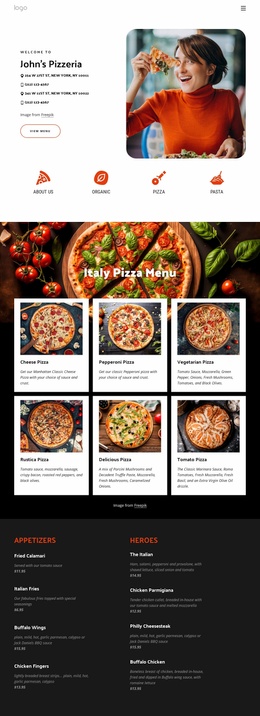
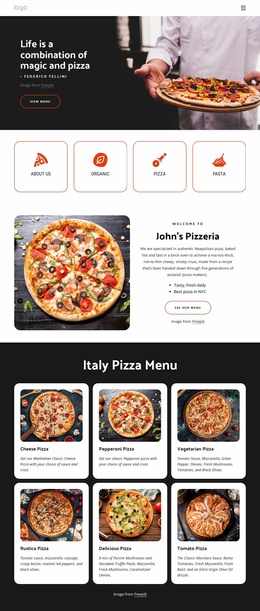
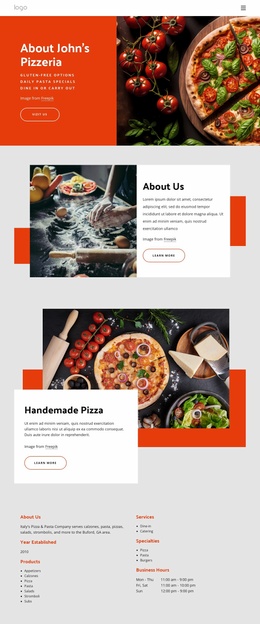
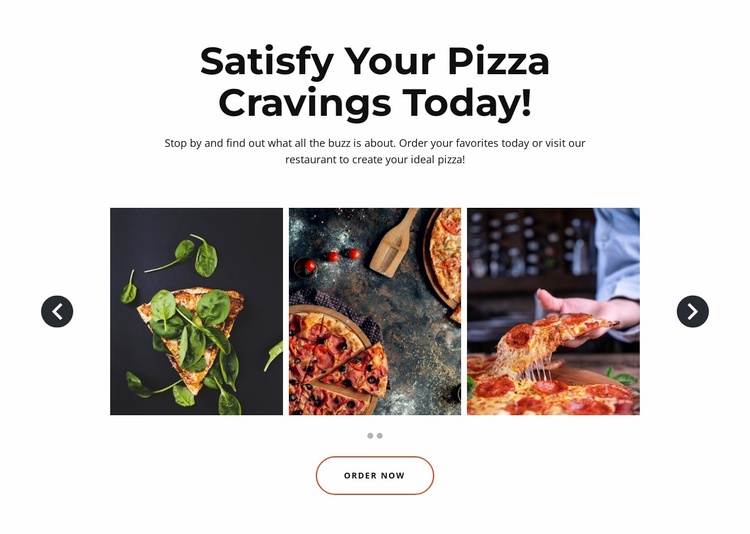
The section supplies a stable food-gallery role that can be reused within a larger restaurant website project. Its centered heading, “Satisfy Your Pizza Cravings Today!”, introduces a specific content area, while the supporting paragraph invites visitors to order favorites or visit the restaurant to create an ideal pizza. This gives the broader site a focused place for visual product presentation without asking the block to carry menus, location information, team content, or every other restaurant function.
The gallery provides a consistent pattern for that role. Three tightly cropped food images are visible in the preview row, and the HTML contains two carousel slides with seven pizza or restaurant image assets across them. Previous and next controls and slide indicators let the section hold more imagery without expanding into a long static list. Lightbox behavior adds a closer viewing option for photographs, while the white background and bold centered typography give the content a clearly bounded visual identity.
The outlined brown “Order Now” button makes the block suitable for a site where a separate ordering destination or process exists around the section. Its role can remain a reusable prompt beneath the gallery while other pages or blocks handle the full restaurant journey. In a broader website template project, this block can therefore serve as a repeatable food-presentation section coordinated with menu, story, contact, or location content elsewhere.
Customize with Nicepage
Open this ready-made template in the Website Template Builder and customize it visually in the Nicepage editor. Replace demo content, edit page sections, and adapt the design to your project without rebuilding the template from scratch.
Edit Template Offline
2. Create a new page or select existing
3. Click Add new block, search for id 4694630 and click enter
Edit Template Online
Create Awesome Websites


Free Nicepage Builder
Keywords
Use This Block in a Broader Website Template Project
Treat the Block as One Reusable Site Section
A website project is assembled from multiple pages and sections. The analyzed block provides one reusable content area—such as services, About, testimonials, pricing, gallery, team, or contact—while the rest of the site supplies other page-level functions.
Coordinate the Section With Other Pages
Use the Pages panel to manage the pages of the broader project. The block can remain one consistent section pattern while related pages add deeper information or different content without implying that the Block ID itself contains those pages.
Expand With Matching Designs
When additional pages or sections are needed, Page Design Sets can help locate matching Page and Block Designs. This can extend the visual direction around the existing block while keeping the site's other content areas separate.
This workflow treats the block as a reusable building unit inside a larger Website Template project, not as a complete website foundation on its own.