
Menu Html Code Examples
Restaurant menus often require source-level changes when dishes, prices, or ingredient details are updated. HTML gives developers direct control over menu entries, custom attributes, and exported website files, making maintenance more predictable.















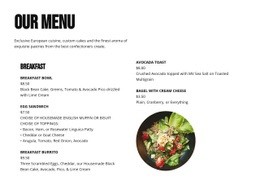







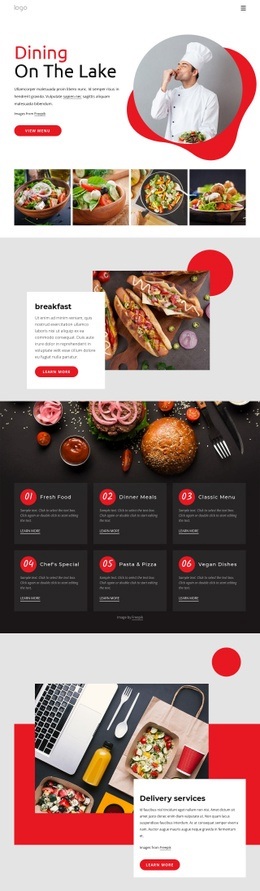
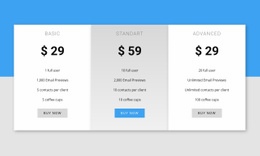
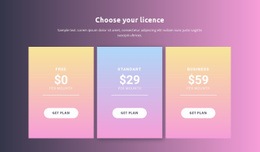
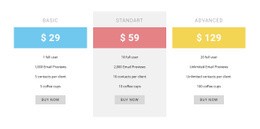











Other Food & Restaurant Html Code Examples
Menu HTML Code for Restaurant Website Maintenance
Menu HTML code is useful when a developer needs to change the source of a restaurant menu, not just its appearance. A predictable markup pattern makes it easier to locate a dish, update its price, and verify that the change affects the intended item. This workflow differs from selecting a ready-made layout: it focuses on editing and maintaining the actual HTML.
Custom HTML Markup for Restaurant Menu Items
A small dish entry can use ordinary HTML elements:
<div class="menu-item" id="margherita-pizza">
<h3>Margherita Pizza</h3>
<p>Tomato, mozzarella, fresh basil.≷/p>
<span class="price">$14
</div>
To change the price, replace $14 with $15 in the correct item. To add a new dish, duplicate the container, give it a distinct ID if an ID is needed, and update the name, description, and price. To move the pizza into another category, move its container into the appropriate group; to remove an unavailable dish, delete its entry or use a clearly labeled unavailable state if that better serves customers.
For a larger menu, consistent classes help developers identify repeated items, while category IDs can support direct links. Keep allergen information tied to the correct dish, and avoid using custom attributes as the only place essential information appears. After editing, review the page to catch missing closing tags, duplicate IDs, or accidental price changes.
HTML Export and Developer Handoff
Nicepage allows users to build a restaurant page visually and export website files. With HTML website export, you can prepare HTML, CSS, JavaScript, and image assets for hosting or developer handoff. A developer can then edit the exported HTML and deploy it to compatible hosting.
Keep the original Nicepage project separate from the exported files. Changes made directly to exported HTML do not synchronize back into the visual project, and externally edited HTML cannot be reimported as the original editable Nicepage project. Decide which copy is authoritative before the next menu update.
When handing files to another developer, include related assets and check image paths, stylesheets, and links after moving the site to its destination. Source-level menu maintenance is most reliable when you can trace each change to a specific item and test it before publication.