Reserve Your Spot Now Website Design


Black Typography and Lime Interaction Define the Section’s Visual Language
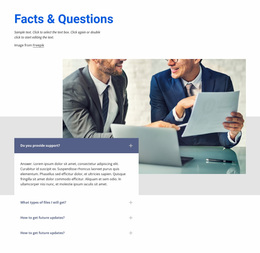
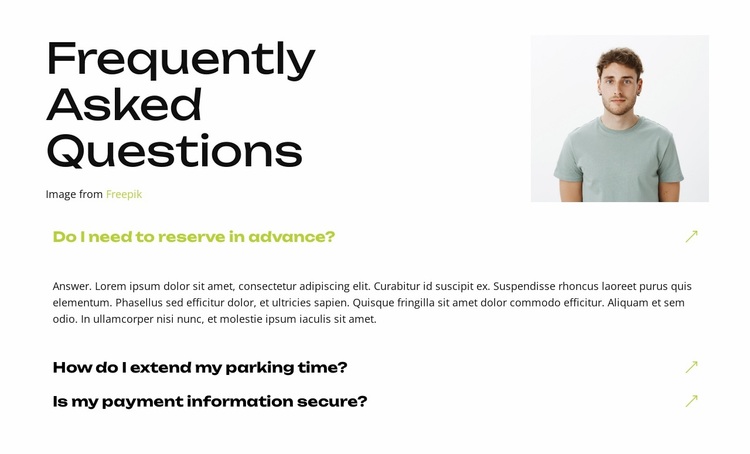
The section presents a clear visual relationship between restraint and emphasis. The white background gives the large black multiline heading room to function as the primary visual anchor, while the compact sans-serif text keeps the question labels readable without adding visual weight. On the right, the portrait image is contained within a pale rectangular area, introducing a softer counterpoint to the strong typography.
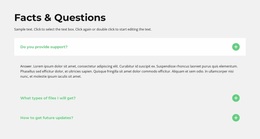
That language continues through the FAQ list. The three questions use bold dark text and thin horizontal separators, creating a repeated treatment that can be recognized across the section. Lime green is reserved for the active question, so the color acts as an interaction signal rather than a general decoration. Because the first accordion item is expanded, visitors can see how the highlighted state connects to the visible answer paragraph; the two collapsed panels preserve the same system in a quieter form.
As part of a broader website design, this block could contribute a useful combination of editorial scale, neutral space, and one bright functional accent. It does not define the entire site’s identity by itself, but its heading treatment, pale image panel, separator rhythm, and lime active state provide concrete visual cues that related sections could echo.
Customize with Nicepage
Open this ready-made template in the Website Design Builder and customize it visually in the Nicepage editor. Replace demo content, edit page sections, and adapt the design to your project without rebuilding the template from scratch.
Edit Template Offline
2. Create a new page or select existing
3. Click Add new block, search for id 6547913 and click enter
Edit Template Online
Create Awesome Websites


Free Nicepage Builder
Keywords
Connect This Block to a Consistent Website Design
Apply a Shared Visual Language
Use Theme Settings to coordinate Colors, Fonts, and Typography across the broader website. A block can express the same visual language through its backgrounds, text hierarchy, image treatment, buttons, cards, icons, and spacing without claiming that one section defines the entire site's identity.
Keep Repeated Treatments Consistent
When the block contains repeated items or distinctive accents, align those choices with the broader project. Shared typography, color roles, button styles, and image treatments can help a service, testimonial, pricing, or gallery block feel connected to other pages and sections.
Add Motion Only When It Supports the Section
Use Animation Effects when movement genuinely helps present the block's content. Effects can be applied to elements or Containers, but animation should remain secondary to the section's verified content and visual hierarchy.
This workflow lets one block contribute to a consistent website design while site-wide identity continues to be defined by the broader set of pages, sections, and shared style rules.