
Vip Landing Pages
Exclusive offers need more than an upscale appearance. A focused VIP landing page can establish the value of private access, explain privileges and entry requirements, and guide qualified visitors toward a single desired action.
More Landing Pages from Art & Design Category









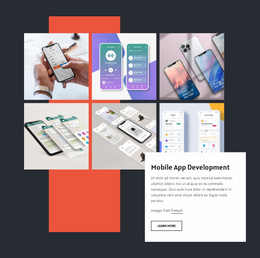
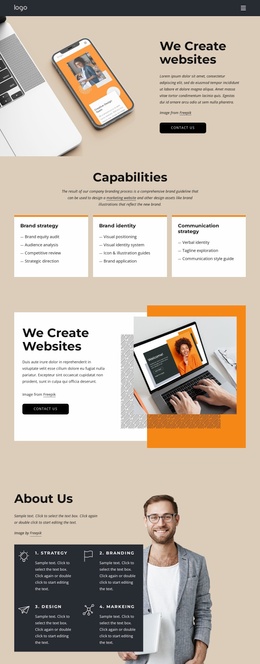
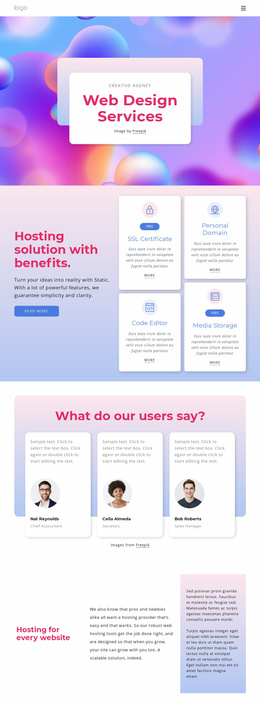
Other Art & Design Landing Pages
Premium VIP Landing Page for Exclusive Offers
A VIP landing page template gives a premium offer its own space, with a ready-made layout you can customize for a single campaign. Event promoters use it to sell upgraded ticket packages with lounge access and early entry. A luxury boutique might announce a private preview of a new collection, while a concierge travel service can offer a limited seasonal package. Whatever the offer, the page keeps visitors moving toward one response with no menus or side topics to dilute it.
Sections That Carry One VIP Offer
Most VIP designs open with a strong hero and walk visitors through a few supporting blocks toward the call to action. The exact set varies, but a typical sequence looks like this:
- a hero with the offer name, a striking image, and the first call to action;
- a benefits block that spells out what the package includes, from priority seating to a personal host;
- access details such as eligibility, remaining places, or the date the offer closes;
- testimonials, partner logos, or press mentions placed right before the form.
The access block separates a VIP version from an ordinary promo page because visitors want to know whether they qualify. A stated limit, such as a set number of lounge passes or a firm closing date, often persuades better than another paragraph of praise.
Turning Qualified Interest Into Requests
A VIP offer rarely ends with a plain buy button. A festival upgrade may require guest names for the list, and a private shopping evening may request an RSVP. A concierge package usually begins with a consultation request, whereas a club invitation leads to a brief membership inquiry.
Nicepage's Contact Form fits this final step well. Its fields can collect the details a host needs, and submissions can be routed to email or connected with external CRM and mailing services. The button can read "Reserve My Place" or "Request an Invitation" while the form behind it stays the same.
Picking Designs Built Around Conversion
Elegant photography and refined type help, as long as they support the offer and don't lead down side paths. Pre-designed Blocks let you add a testimonial row or a short FAQ about entry rules while the main button stays where visitors expect it.
When comparing designs, look at how early the first call to action appears and whether the form sits close to the benefits. Check the responsive layout on a phone too, since many invitations are opened straight from a text message. A good template already includes placeholders for your package details, access rules, and form, so customization mostly means swapping in your content.