

Videos HTML5 Templates
A tutorial or interview needs usable playback controls, legible captions, and a player that fits the screen. A videos HTML5 template puts those playback requirements first, with space for standard video markup and descriptive context.
-

-
-
-
-
-
-
Free Website Builder SoftwareDownload
-





More Website & HTML Templates for Videos












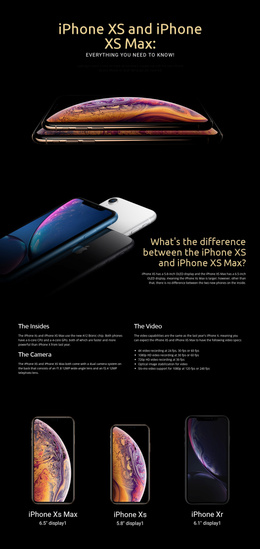
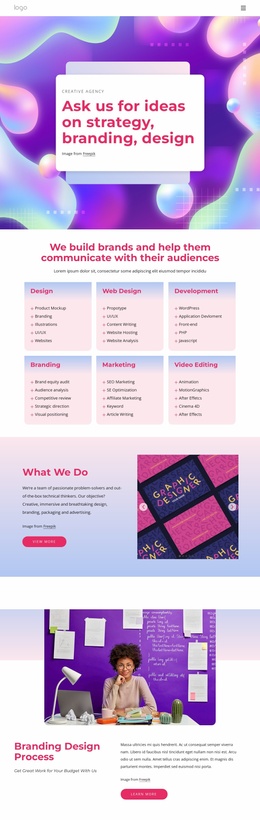

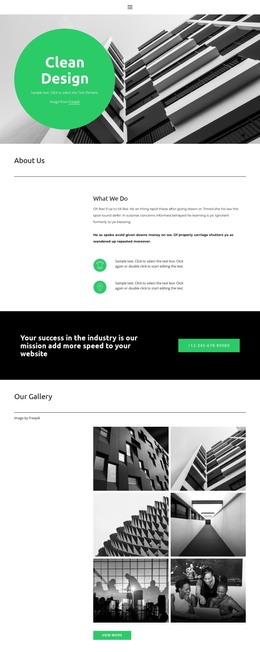

More HTML5 Templates from Music & Entertainment Category
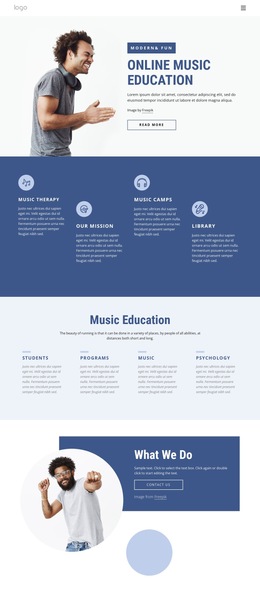



Other Music & Entertainment HTML5 Templates
Contemporary Videos HTML5 Template
Choosing a video HTML5 template means judging the design and playback together. A layout for a vlog or a video portfolio can look polished in a screenshot and still squeeze the player beside a sidebar. Details like that usually become obvious only once you open a live demo and press play.
Features Worth Checking in Demos
A few practical points tell you quickly whether a design suits your footage:
- The video block should be wide enough for a widescreen clip and its controls.
- The poster image should look right inside that block before playback starts.
- On a phone, the player and nearby text should stack without cutting anything off.
- There should be room near the clip for a summary or a transcript.
It also helps to know which kind of player a template expects. A native HTML5 player built on the "video" element plays files you host yourself, and its default controls come from the browser, so they look slightly different in Safari than in Chrome. An embedded YouTube or Vimeo clip brings that service's own player. Both appear in HTML5 templates, but neither is included in every design. If you plan to upload your own files, check which formats the player accepts.
Placement That Fits Each Format
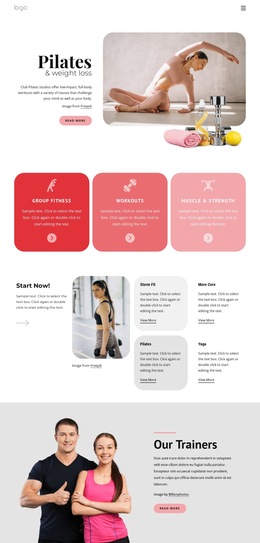
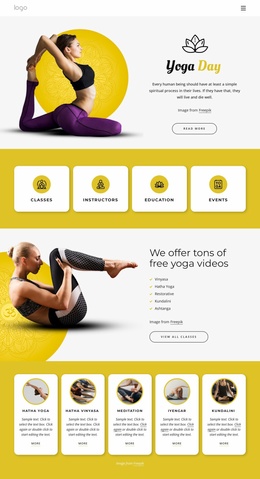
A fitness demonstration needs a large, uncluttered player, because viewers pause and rewind to copy a movement. An interview series works better when the clip shares the screen with a pull quote or a short bio. A software walkthrough is often a set of short clips, and numbered sections make them easy to follow in order.
A decorative background loop belongs to a different category. It usually plays muted and without controls, which works fine behind a headline but gets frustrating in a tutorial someone wants to stop halfway through.
Captions, Transcripts, Custom Code
Captions run alongside the video and rely on a separate file the author has to write; whether a design lets you attach them depends on the player. A transcript is plain text on the page, making a long interview easy to skim or quote.
Some projects need features a ready design omits, such as chapter markers or a playback-speed menu. Nicepage's HTML Element accepts custom HTML and JavaScript for cases like these, though anything added that way becomes your own code to test.
Loading speed depends as much on the video files as on the layout. The best match is a template whose player suits your footage, whose settings cover your sources, and whose video block still performs well on a phone.