100 Pricing HTML5 Templates
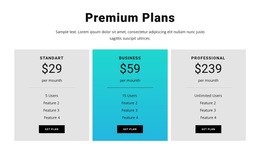
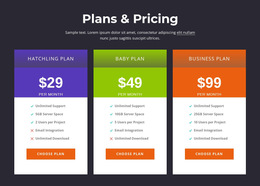
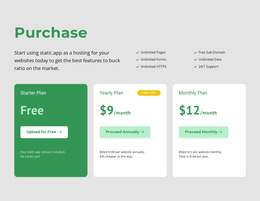
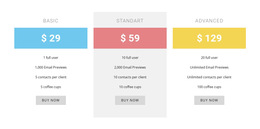
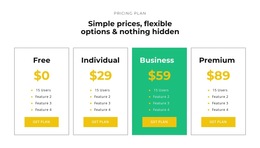

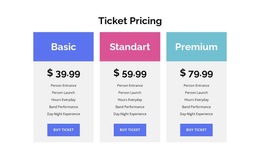
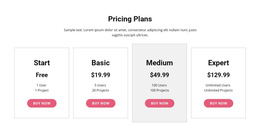
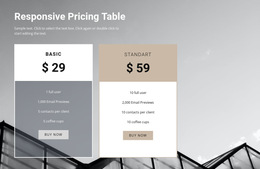





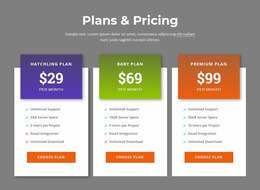

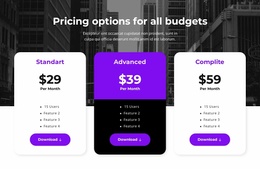
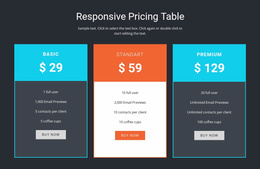
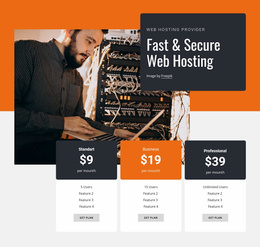






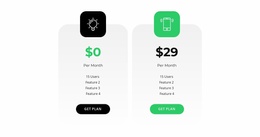
Ready-Made Pricing HTML5 Template Designs for Accessible Plan Layouts
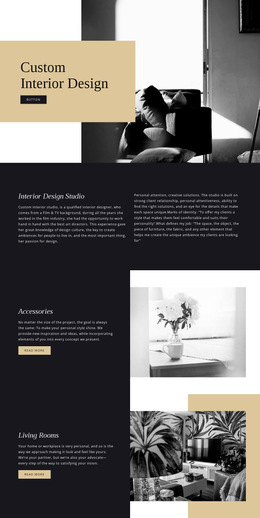
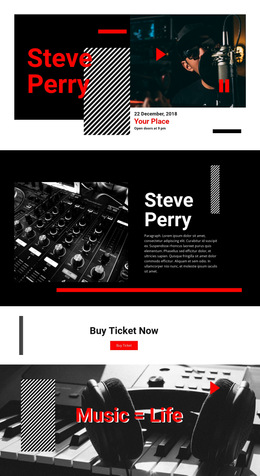
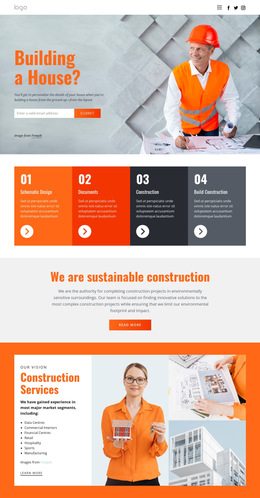
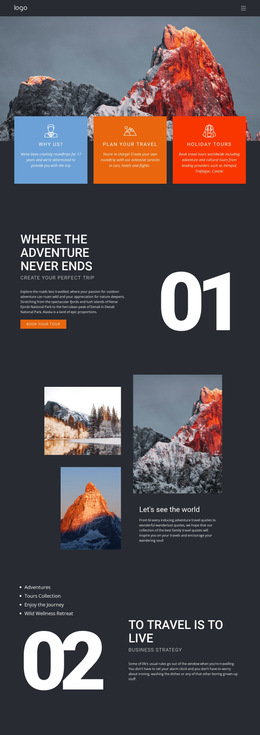
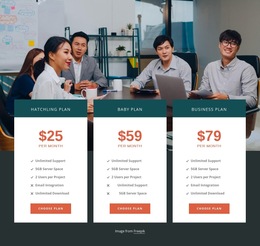
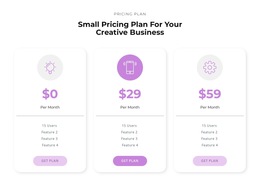
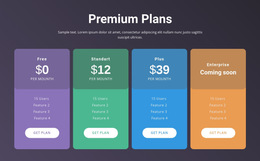
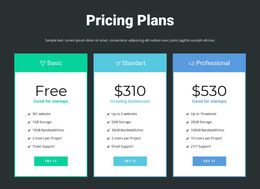
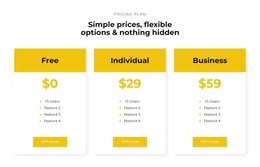
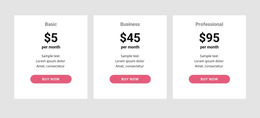
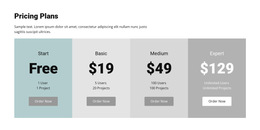
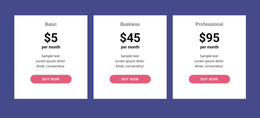
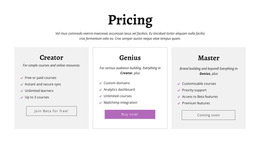
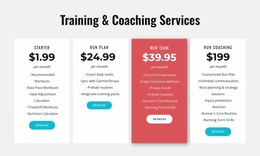
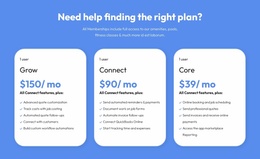
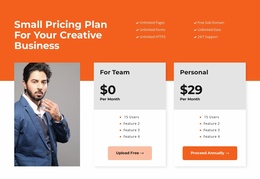
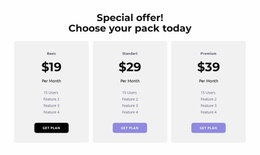
A Pricing HTML5 Template is a ready-made section design for presenting costs and plan benefits within an HTML5 website. Nicepage provides editable pricing layouts you can adapt to subscription tiers, fixed-price packages, or membership offers. Choose a compact card arrangement for short plans or a detailed comparison layout when visitors need to examine several inclusions.
The appeal is both visual and structural: a usable pricing design with meaningful headings, grouped features, and understandable plan actions. An HTML5-oriented block is part of a website page, not a complete subscription or payment application.
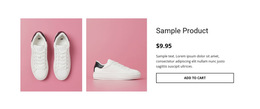
Explore HTML5 Pricing Cards and Comparison Layouts
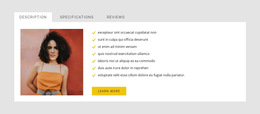
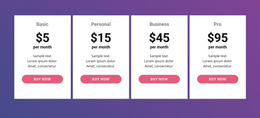
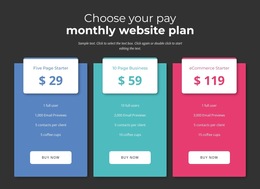
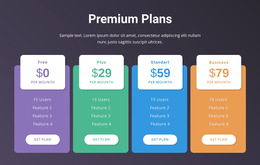
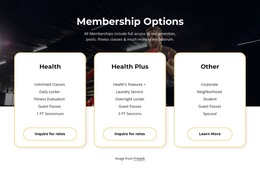
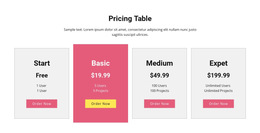
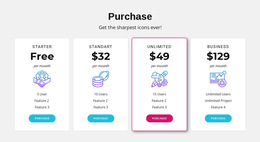
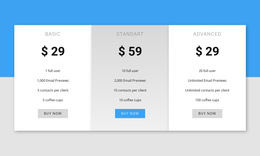
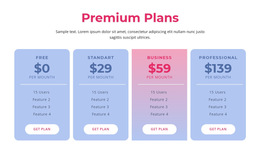
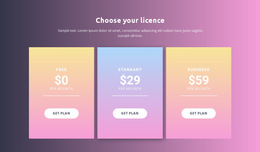
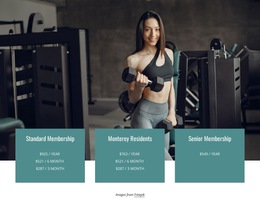
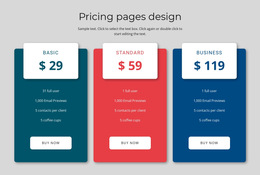
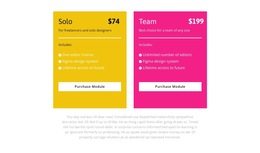
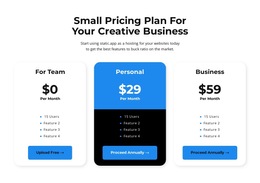
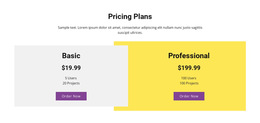
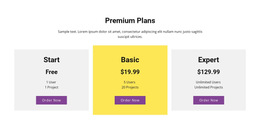
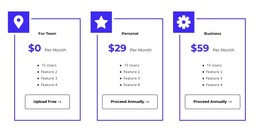
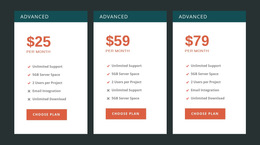
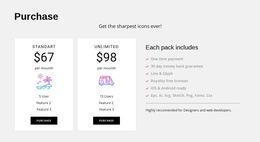
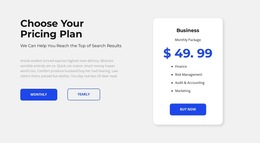
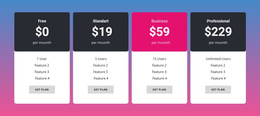
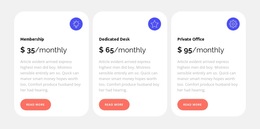
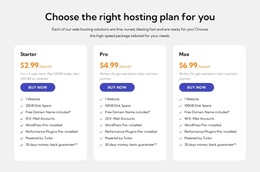
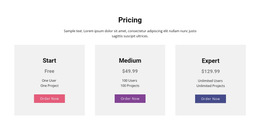
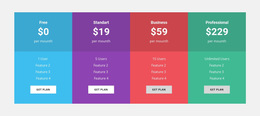
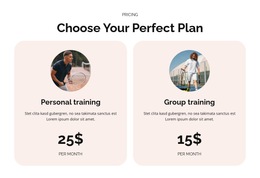
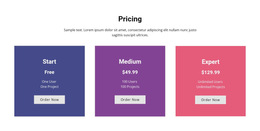
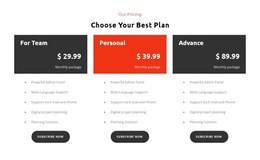
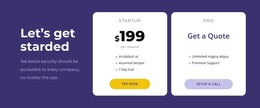
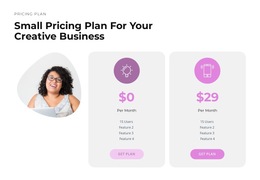
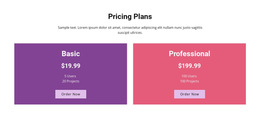
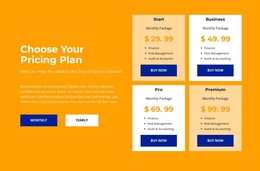
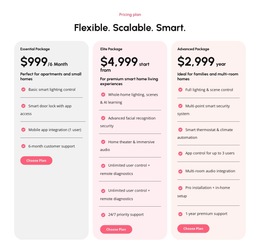
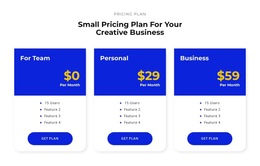
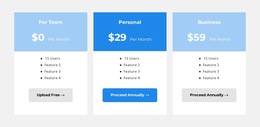
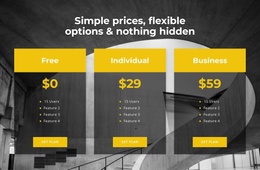
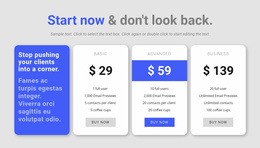
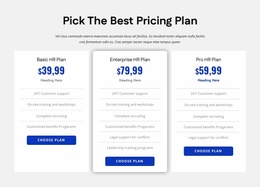
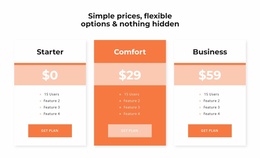
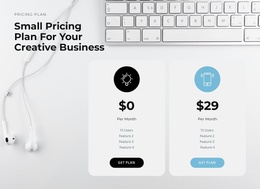
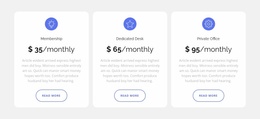
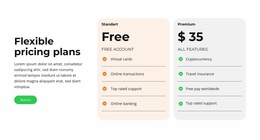
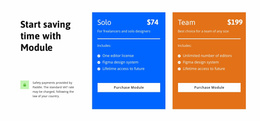
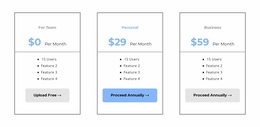
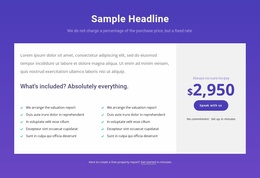
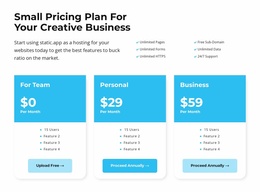
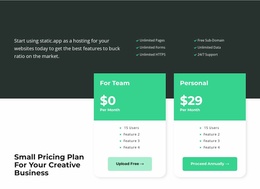
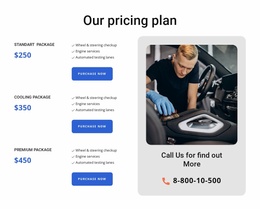
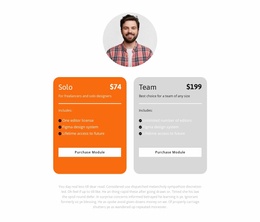
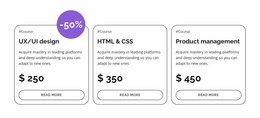
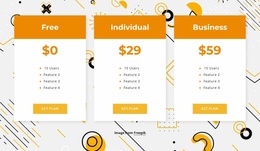
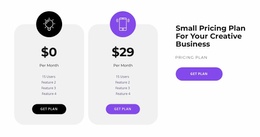
For a software service, three plan cards might distinguish entry, team, and advanced access. A service business may prefer two package cards with clearer scope descriptions. Membership offers may need billing periods and access privileges directly beside their prices.
Among prepared HTML5-oriented designs, check heading order, the grouping of benefits, and the clarity of plan actions before choosing. This collection prioritizes clear content structure; CSS-focused choices emphasize styling.
Look for the layout that fits the information:
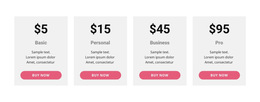
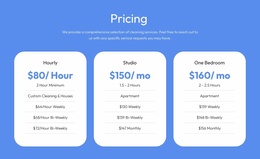
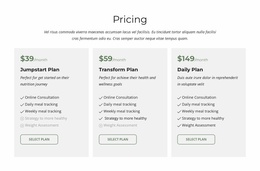
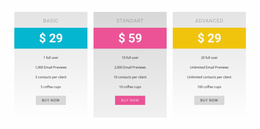
- Compact pricing cards for offers with a small set of distinguishing benefits.
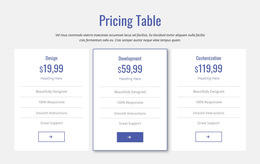
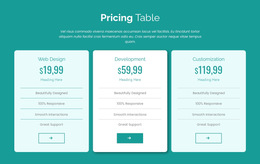
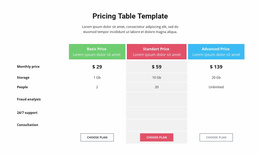
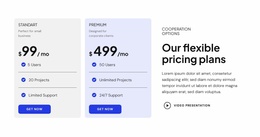
- Feature-rich plan comparisons where shared conditions need to be reviewed side by side.
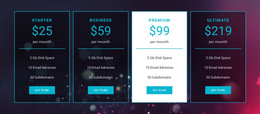
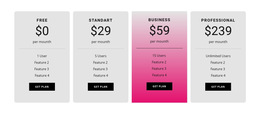
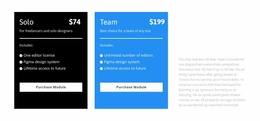
- Highlighted tiers when one offer deserves a visible but fair recommendation.
- Responsive layouts that preserve plan identity and selection actions as columns stack.
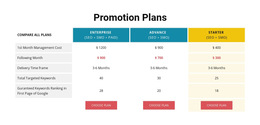
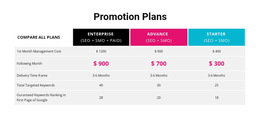
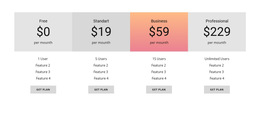
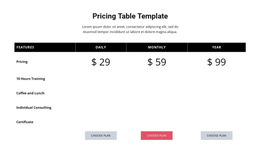
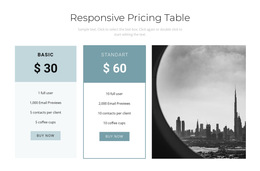
The Nicepage Table Element provides editable rows and columns for detailed plan comparisons. It is useful when visitors genuinely need to compare features across tiers, rather than when the design just calls for equal-width cards.
Choose an HTML5 Template With a Clear Content Structure
When selecting a ready-made HTML5 pricing template, look for a clear sequence already reflected in the design: plan heading → price and billing period → included benefits → selection action. Templates with recognizable headings and consistently grouped features are easier to adapt without breaking the relationship between a plan and its cost. For three short plans, choose concise cards whose content groups are immediately clear; for many shared conditions, choose a prepared comparison layout with understandable row and plan labels. Compare these structural features across candidate designs before settling on one.
Prefer a prepared layout whose headings and plan groups remain understandable even when the styling changes.
For detailed comparisons, prefer templates whose feature labels and plan headings stay understandable together, including for visitors using assistive technology. Review their mobile presentation as a selection criterion: a visually attractive desktop grid is a poor starting point if stacked cards lose a meaningful reading order.
HTML5 concerns content structure; CSS controls appearance, and JavaScript adds behavior. Those distinctions help you choose a suitable prepared layout, but selecting a template does not itself create a working billing switch, automatic price calculation, or payment process.
Select and Adapt a Ready-Made HTML5 Pricing Section
Compare available HTML5-oriented Pricing Blocks by plan count, clarity of headings, length of feature lists, and responsive behavior. Select the closest ready-made design first, then update prices, billing conditions, benefits, and links in Nicepage. Check how longer feature lists appear on small screens before using the template on your page.
The Use Elements documentation explains how content can be arranged inside Nicepage Blocks. The final goal is a prepared HTML5 pricing section that combines a readable layout with meaningful content structure, not an abstract lesson about markup.
Pricing HTML5 Template FAQ
Can I use Nicepage AI to create a pricing block?
Yes. Nicepage AI Services can generate sites, pages, and blocks. You can use a generated block as a starting point and refine its plan names, pricing information, feature lists, and visual structure in the Nicepage editor.
Can I import an existing HTML5 pricing section into Nicepage?
Nicepage does not support importing an existing HTML website or generated HTML layout directly into its editor. You can instead recreate the pricing section using Nicepage Blocks and Elements, adapting its content hierarchy to the project.
How should I choose a pricing template without professional design experience?
Start with the number of plans and the information visitors must compare. Choose a ready-made Nicepage pricing design whose structure already suits that task, then refine its prices, features, typography, and spacing.
When is a pricing table better than individual pricing cards?
A pricing table works well when visitors need to compare many shared attributes across several offers. Individual pricing cards usually work better for shorter plan summaries, where each price, its included features, and its call to action should stay together.
Structure Your Pricing Section in Nicepage
Choose a ready-made HTML5 Pricing Template whose cards or comparison rows already support your offer details. Preserve its clear content hierarchy as you customize it and include the section in your HTML5-oriented website project.
The finished section should keep prices, benefits, and selection actions clearly connected, making the comparison understandable without unnecessary visual or structural complexity.