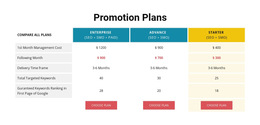
270 Counter HTML5 Templates



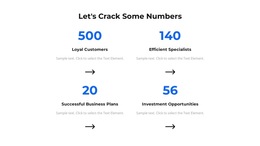


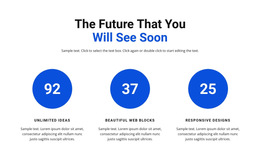
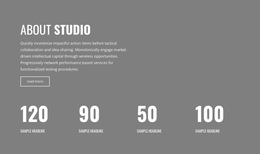
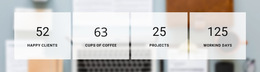








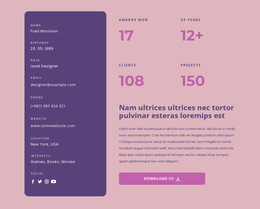

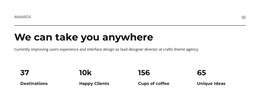






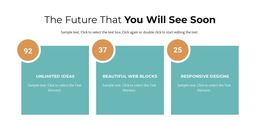









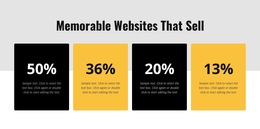



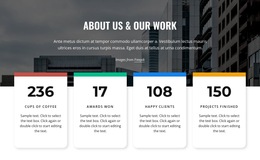













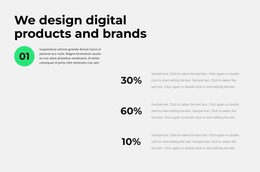





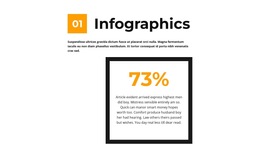





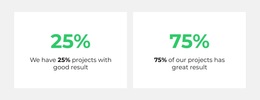












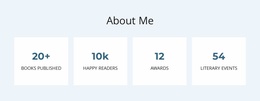


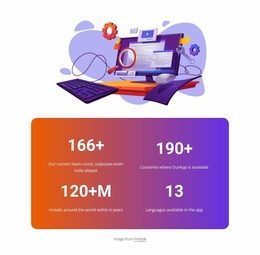






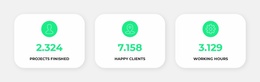

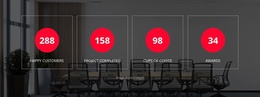






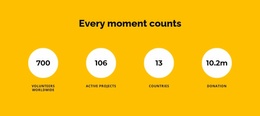
Counter HTML5 Template Sections for Clear Numerical Content
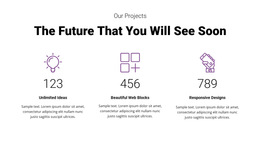
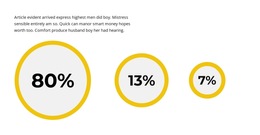
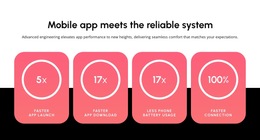
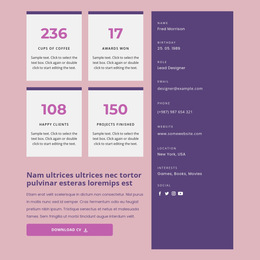
A Counter HTML5 Template provides a ready-made statistics section for an HTML5-oriented page. It offers a practical starting point for presenting achievements, project totals, or milestones without assembling each metric manually. The quality of the section depends on how clearly its heading and labeled figures communicate one related set of results.
Choosing a Counter HTML5 Template with Clear Content Structure
When reviewing a prepared Counter design, look at how its heading introduces the subject and how the individual numbers support that subject. For example, one section could contain:
- Heading: Our 2025 Results.
- Counter: 250 Projects Completed.
- Counter: 18 Active Locations.
- Counter: 12 Years of Experience.
These three measurements belong to one overview, but each needs its own label. The heading supplies the shared context; the number and label identify a specific result. If a measurement calls for additional details, a data presentation section can expand on it without overcrowding the Counter.
Keep the Meaning Clear Without Animation
Nicepage's native Counter Element can animate configured values, but the numbers must also communicate their meaning when displayed without motion. “250 Projects Completed” is understandable as a static result; “250” without a label leaves the measurement open to interpretation. A timeframe such as “2025” should remain clear when it is essential to the claim.
HTML5 supports organizing page content, but the category name does not guarantee specific HTML5 tags in Nicepage's exported markup. Judge the template by its readable content structure, not by an undocumented code pattern.
Keep Related Metrics Together
Within an existing template, group results that answer the same question. A project-results section can combine completed projects and active locations, whereas an unrelated visitor total may deserve its own context. Nicepage's Grid Element can arrange the figures in rows or columns while keeping each label close to its value.
For a single counting-themed highlight rather than a set of labeled results, a count-focused display may provide a different presentation.
Review the Ready-Made Section Before Using It
Select a Counter HTML5 Template whose heading and metric group already suit the information you have. Replace the example values with verified figures and check whether each label explains its number, including relevant units or dates. Animation can add emphasis, but it shouldn't provide missing context.
Expert Tip: Read the heading and each number-label pair aloud in sequence. If one measurement sounds unrelated or ambiguous, revise the content before adjusting the layout.
Counter HTML5 Template FAQ
What makes an HTML5 Counter section meaningful?
A clear shared subject, verified numerical values, and labels that explain each measurement without requiring extra interpretation.
How should headings and metrics relate?
The heading introduces the group, while each Counter states a specific result. For example, “Our 2025 Results” can introduce project and location totals from that period.
Should values remain readable without animation?
Yes. The number, unit where relevant, and descriptive label should make sense before or without a counting effect.
Does HTML5 provide a built-in Counter element?
No special HTML5 counting element is implied here. Nicepage provides its own Counter Element, and the template category does not promise particular generated HTML tags.
Choose a Counter HTML5 Template with Meaningful Results
Use a prepared statistics section whose heading and labeled measurements form a coherent summary. Check the content first, then refine the optional animation and presentation in Nicepage.