620 Contact Form HTML5 Templates
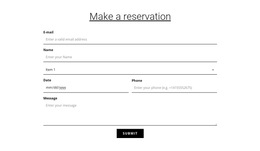
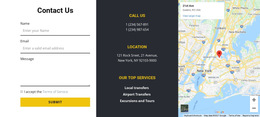

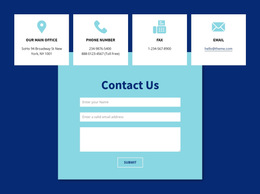
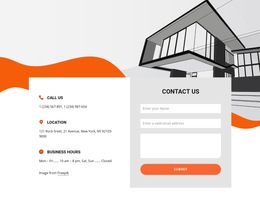
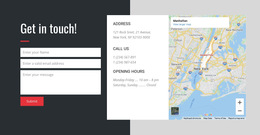




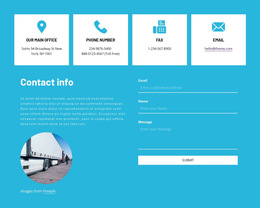
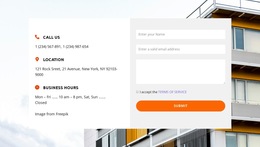
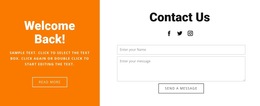
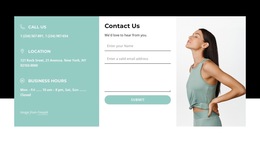






















Contact Form HTML5 Template with Native Input Features
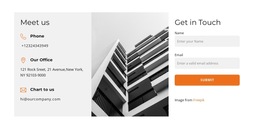
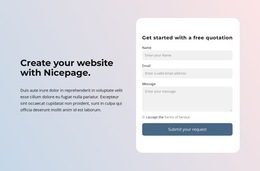
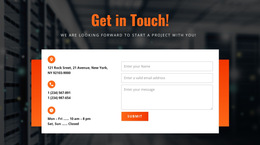
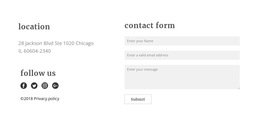
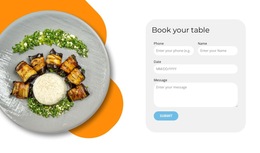
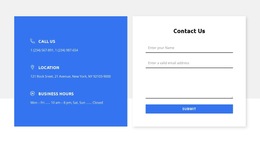
Compare ready-made Contact Form HTML5 Templates by available input controls, required-field presentation, and mobile usability. The HTML5 distinction helps you decide whether a finished layout offers appropriate field behavior for the inquiry, without requiring you to build a form from scratch.
The HTML5 label should mean more than a neat visual hierarchy. It supports real form semantics and browser-supported input behavior.
Choose a Contact Form with Suitable HTML5 Controls
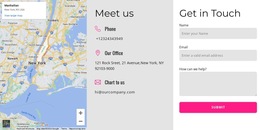
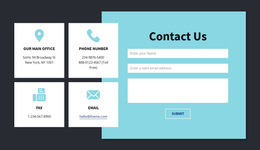
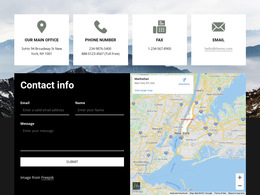
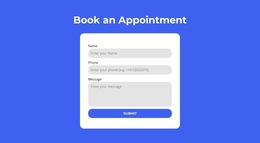
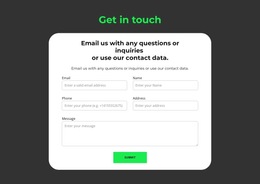
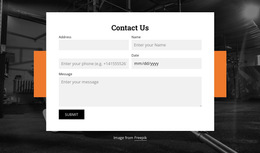
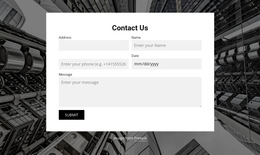
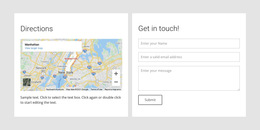
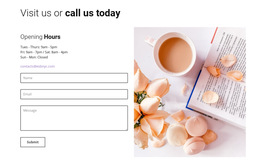
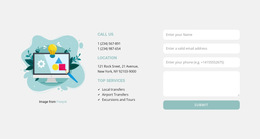
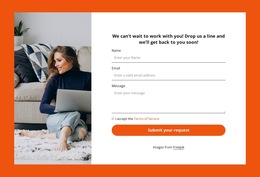
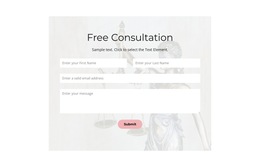
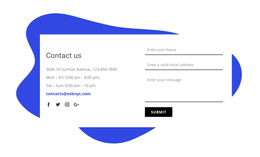
Ready-made HTML5 contact forms can support the same inquiry through different arrangements. Compare the input controls offered, their mobile presentation, and whether required fields remain understandable in the selected section.
- Compact inquiry form: Email and message controls suit a short general question with little additional context.
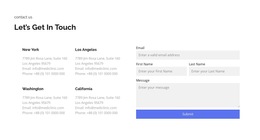
- Extended contact form: A subject or service selection is useful when visitors need to identify a more specific request, provided required answers remain easy to recognize.
The useful distinction is whether the available controls support the request and remain comfortable to complete across screen sizes.
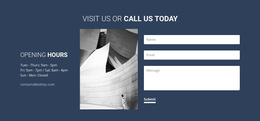
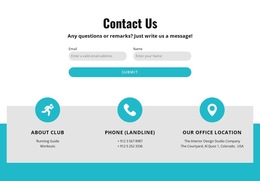
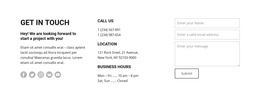
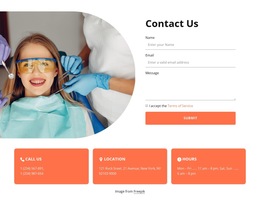
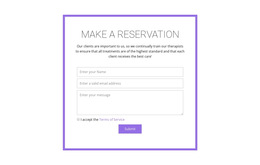
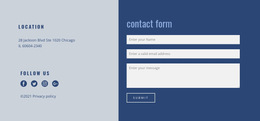
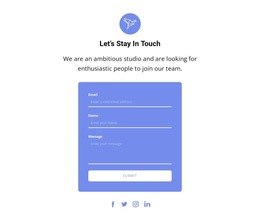
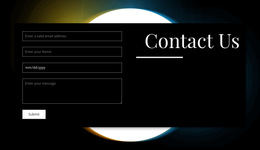
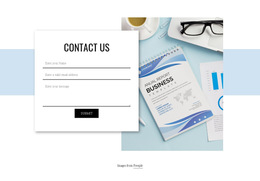
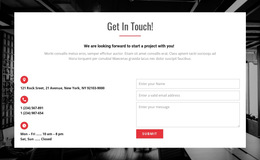
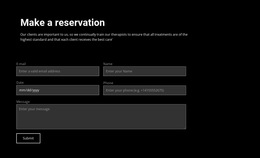
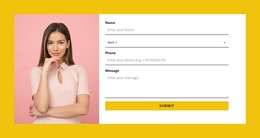
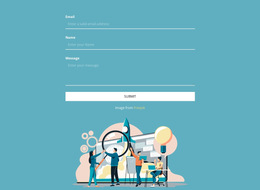
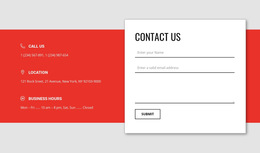
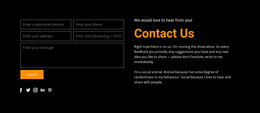
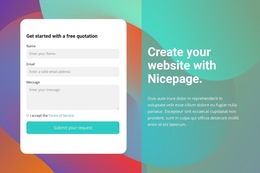
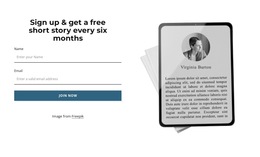
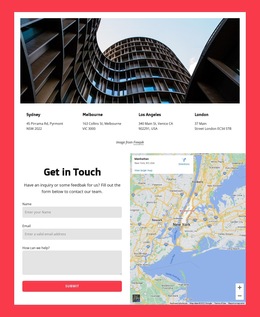
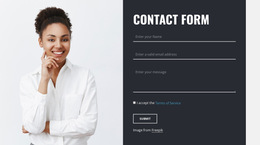
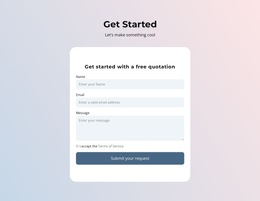
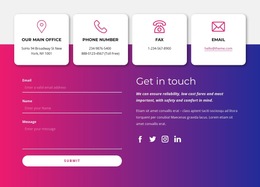
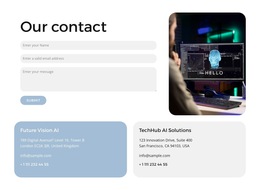
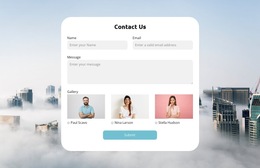
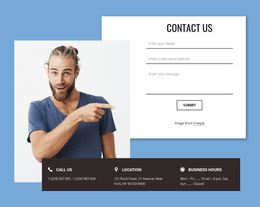
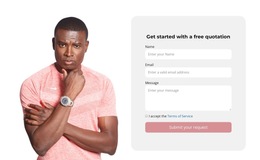
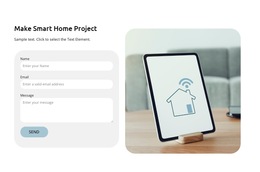
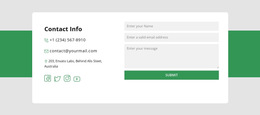
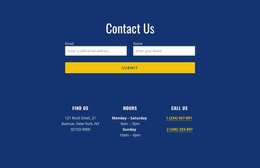
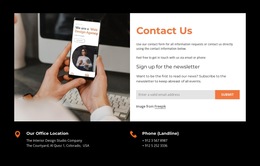
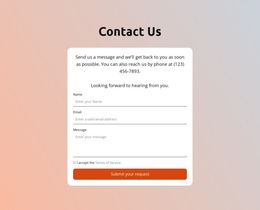
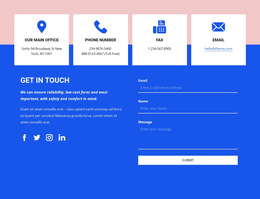
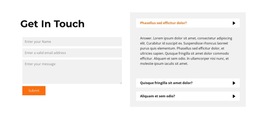
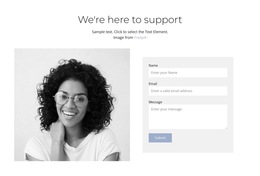
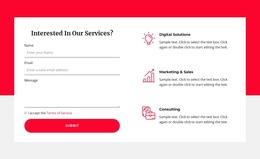
A general inquiry design, for example, may combine a required name field, an email input, and a larger message area. A ready-made layout that accommodates these elements neatly can be adapted with minimal structural changes.
Which HTML5 Features Should You Look for in a Template?
Look for an appropriate email input, visibly required fields, and a comfortable message entry. HTML5 options such as type="email", required, and autocomplete="email" can support those interactions; check which are actually available in the selected design.
Look for readable labels, helpful required-field feedback, and an obvious submission action. Native browser checks help, but a form's actual submission behavior still needs separate configuration.
Adapt a Ready-Made HTML5 Contact Form
Nicepage includes a Contact Form element that can be adapted to the desired inquiry section. Choose a ready-made design by its layout and responsive presentation first, then check whether its available fields and HTML5 behavior suit the request.
If your project needs broad data collection rather than visitor messages, explore Form templates. Here the primary goal remains a complete, usable contact form design, not a technical demonstration.
Contact Form HTML5 Template FAQ
What distinguishes HTML5 from an ordinary HTML contact form layout?
HTML5 templates can use purpose-specific input types and built-in field behavior. When comparing designs, check whether those controls match the information visitors need to provide.
Which HTML5 contact form design works best on mobile?
Look for suitable email and other input types, comfortable touch targets, and readable feedback when a required answer is missing. A responsive arrangement should preserve the input sequence.
Can Nicepage create an HTML5-oriented contact section?
Nicepage provides a Contact Form element. Start with a finished layout that suits the inquiry, then check the available input options for the project's HTML5 needs.
Can I import an existing HTML design into Nicepage?
Nicepage does not support directly importing an existing HTML site or generated HTML design for editing; a suitable layout can be recreated with available elements.
How Do I Compare Two Ready-Made HTML5 Contact Form Templates?
Compare the available controls, how mandatory answers are presented, and the mobile layout. Choose the design that fits the information visitors need to provide.
Pick an HTML5 Form Template That Fits
Choose a finished contact form whose input types, required-field behavior, and responsive presentation suit the inquiry. Those HTML5 capabilities should support the design without becoming the main subject of the page.