Modal Popup HTML5 Templates
-
-

-
-
-
-
-
-
-
-
-
Free Website Builder SoftwareDownload
-
-
-
-
-
-
-
-
-
-
-
-
-
-
-
-
-
-
-
-
-
-
-
-
-
-
-
-
-
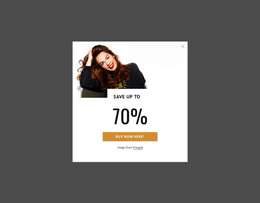
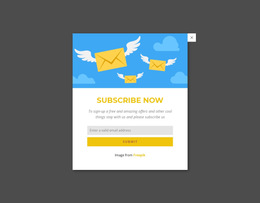
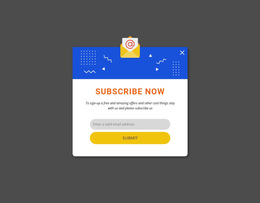
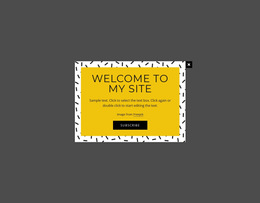
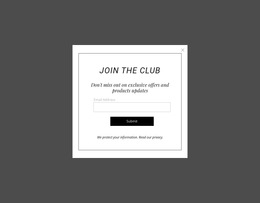

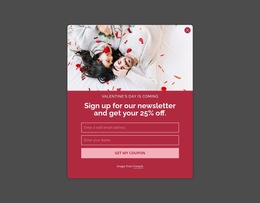

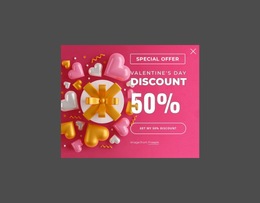
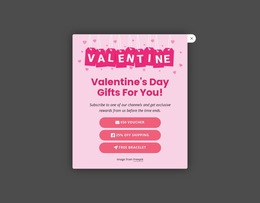
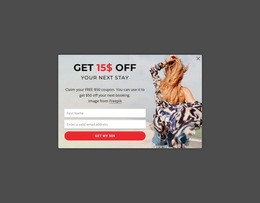
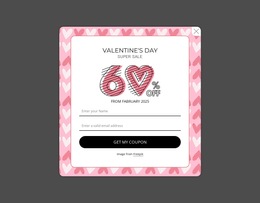
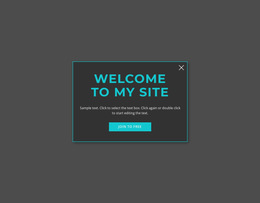
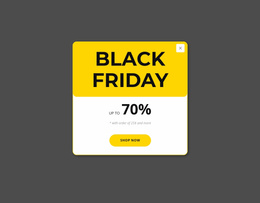
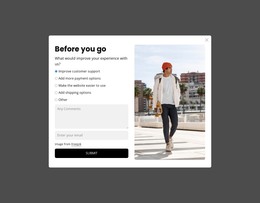
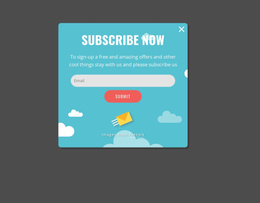

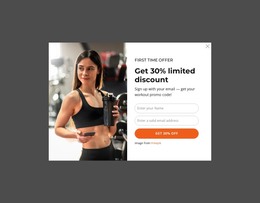
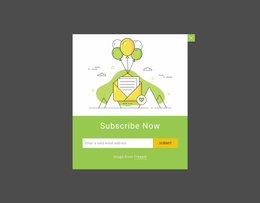
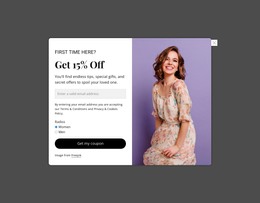
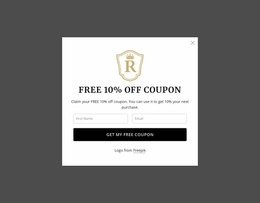
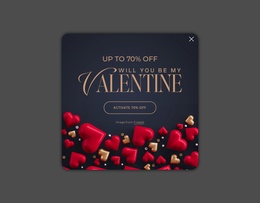
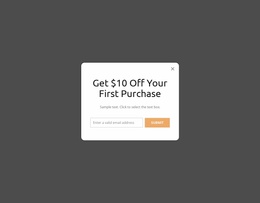
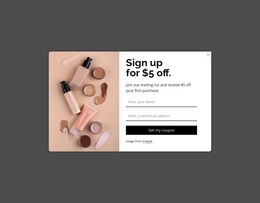
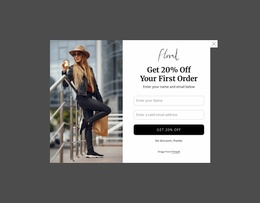
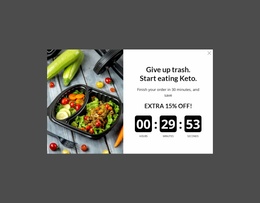
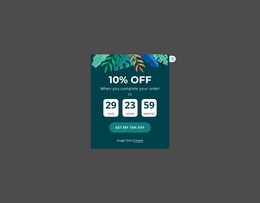

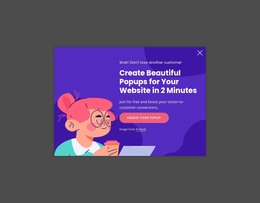
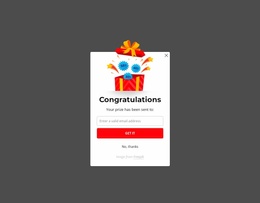
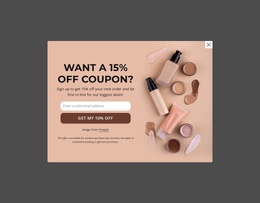
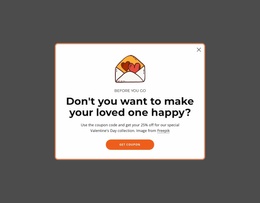
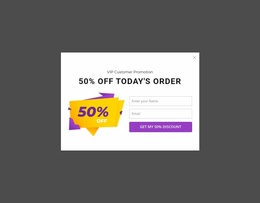
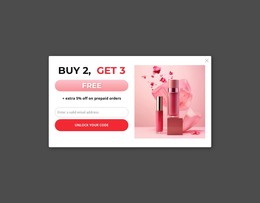
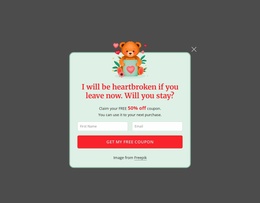
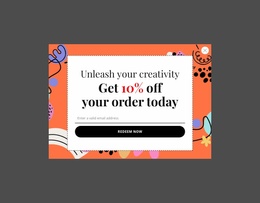
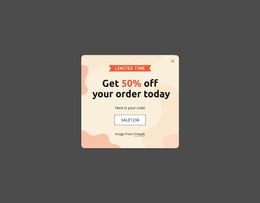
Responsive Modal Popup HTML5 Templates for Adaptable Components
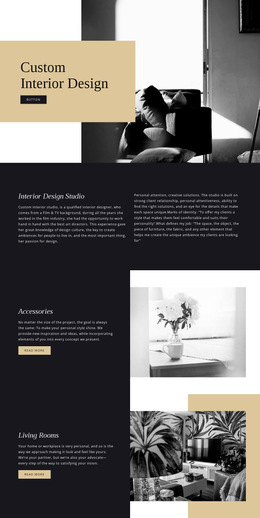
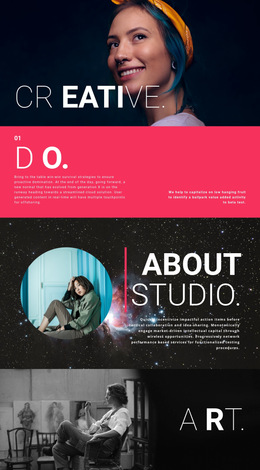
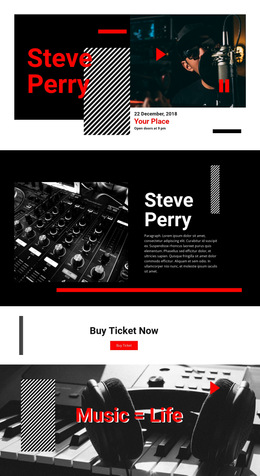
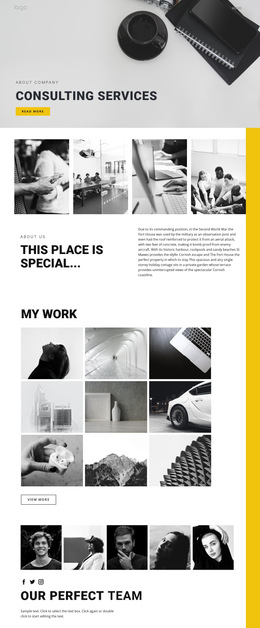
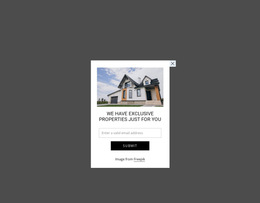
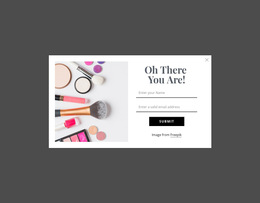
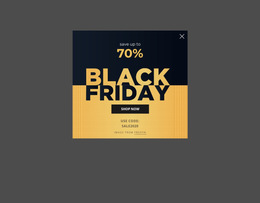
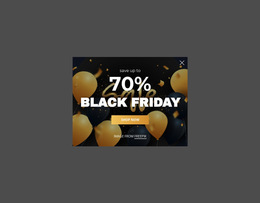
A Modal Popup HTML5 Template is best treated as a modern HTML5-ready popup component rather than as a separate popup use case. The expected value is practical: an adaptable modal foundation for messages, forms, media, offers, or additional detail within a contemporary HTML5 page.
The HTML5 distinction should stay modest. The component still needs a clear modal area, usable controls, sensible structural grouping, and responsive behavior across modern browser-oriented layouts; the page doesn't need invented audiences or conversion scenarios to make that distinction larger than it is.
What Should a Modern HTML5 Modal Component Include?
A useful HTML5-oriented popup template commonly gives you a modern component foundation:
- clear structural grouping for the modal and its focused content;
- usable controls for the temporary interaction;
- adaptable content areas for text, forms, images, video, or actions;
- responsive sizing and layout behavior for desktop, tablet, and phone widths;
- a structure suited to contemporary HTML5 pages without requiring custom behavior to be written from scratch.
The exact implementation can vary from one design to another. What matters is that the template behaves like an adaptable component instead of a static box copied into the page.
Build Around Responsive HTML5 Implementation
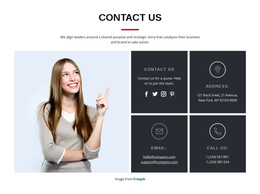
Modern popup use is rarely limited to one fixed desktop size. A wide promotional layout may place text and imagery side by side, while the same component may need a simpler stacked arrangement on a narrow screen.
Useful checks include:
- Does the dialog stay within the available viewport?
- Can long copy or form content remain readable?
- Do controls keep enough space for comfortable interaction?
- Does media resize without overwhelming the main message?
Nicepage Modal Popup provides the popup feature itself, while the selected template can be adapted visually for the page and reviewed across responsive layouts.
Adapt the Component Without Turning It Into Custom-Code Work
The HTML5 template intent is still template-led. You begin with an existing modern component and adapt it. If a project requires project-specific markup, an embedded component, or hand-built opening, closing, or state behavior, that belongs more naturally to the separate HTML Code workflow.
For a standard HTML5 popup template, concentrate on the usable component:
- keep the container appropriate for the real amount of content;
- replace placeholder text and media;
- check the opening and closing interaction;
- refine the responsive presentation for the target page.
This gives the page a concrete responsive HTML5 component focus without claiming that HTML5 templates are fundamentally about element relationships while ordinary HTML templates are not.
Use Modern Markup as a Practical Foundation
HTML5-oriented templates can support clear structural grouping for headings, paragraphs, forms, media, and actions, but semantic markup should serve the component rather than become the page's entire topic. The stronger intent is a modern, adaptable modal implementation that can be customized for the website where it will be used.
That also keeps this page distinct from html-code: the goal is not to teach custom HTML, CSS, or JavaScript from scratch. It starts with a ready HTML5 popup component and adapts its content, sizing, and presentation.
Modal Popup HTML5 Template FAQ
What is the main purpose of a Modal Popup HTML5 template?
It provides a ready HTML5-oriented popup component that you can adapt for messages, forms, media, offers, or other focused content while remaining practical across modern screen sizes.
Should an HTML5 Modal Popup adapt to narrow screens?
Yes. The component should keep its content readable, controls usable, and dialog dimensions sensible as the viewport narrows
Is a Modal Popup HTML5 template the same as custom HTML code?
No. The template gives you an existing component structure to adapt. Custom HTML is more appropriate when the project needs hand-built markup, embedded functionality, or a project-specific extension.
Can an HTML5 Modal Popup contain a form or media?
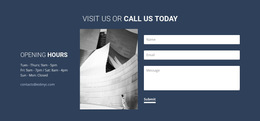
Yes. Depending on the design you choose, the component can include form fields, images, video, supporting text, or actions, as long as the resulting popup remains usable within its available space.
Adapt a Responsive HTML5 Popup Component
Choose a Modal Popup HTML5 template whose component structure matches the intended use, replace the sample content, and check how the dialog behaves across screen sizes. Refine the content areas, controls, and sizing so the finished popup fits naturally into the surrounding HTML5 page.