

Birthday HTML5 Templates
A birthday announcement should remain understandable whether guests view it on a laptop or open it from a phone message. HTML5 templates provide a structured foundation for celebration headings, party details, photos, and readable event sections.
-
-

-
-
-
-
-
Free Website Builder SoftwareDownload
-



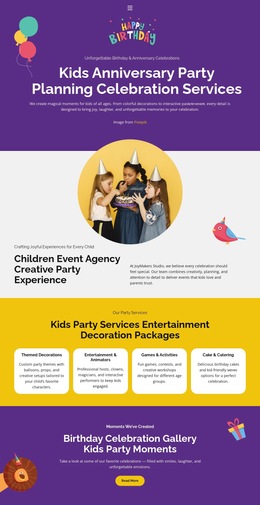

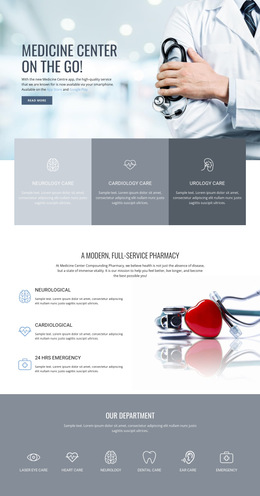
More Website & HTML Templates for Birthday






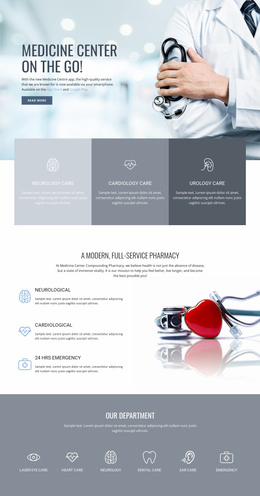
More HTML5 Templates from Music & Entertainment Category
-
-
-
Nov 12, 2026
-
Nov 12, 2026
-
-
-
-


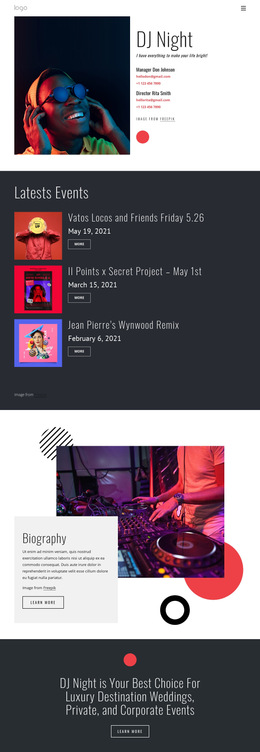


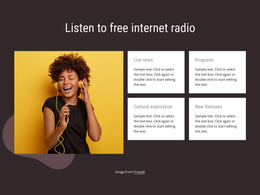
Other Music & Entertainment HTML5 Templates
Clean Birthday HTML5 Template for Modern Celebrations
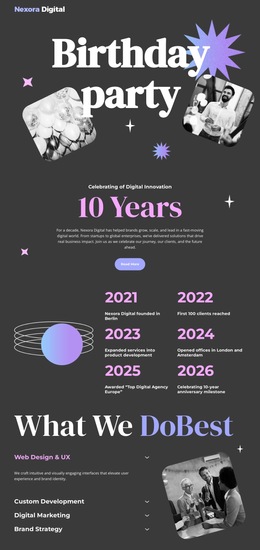
Some ready-made birthday designs look like a digital postcard, while others arrange a personal story, a photo collection, and an invitation in distinct parts. When browsing birthday HTML5 templates, compare how each page is built around its content—not just its colors. A compact greeting may work with one prominent headline and a short message; a more elaborate layout can give memories and practical notes their own space. HTML5 provides the document structure behind these compositions, while CSS controls their visual styling.
Compare Ready-Made HTML5 Page Structures
Beyond the preview, check whether the finished HTML5 page has a meaningful heading order and distinct regions for the greeting, event information, and photographs. A birthday tribute with a short message and a gallery should remain understandable when its decorative styling is removed. This is a more useful HTML5 check than comparing photo arrangements alone.
Make sure the main message stands out after you add real names and longer personal notes. Check that captions match the right images and that sections stay in a sensible order on a phone.
These are content-structure decisions. Decorative confetti, typography, and color schemes are primarily CSS styling, so they shouldn't be the sole reason to choose one HTML5 layout over another.
Semantic HTML5 Structure in a Finished Template
Semantic HTML5 gives the document recognizable areas. In a birthday invitation, a <header> can introduce the celebration, <main> can contain the invitation, and a <section> can group venue and schedule details under a descriptive heading. A <figure> with a <figcaption> can pair a meaningful memory photograph with its caption. You do not need to study every tag to compare ready-made templates, but a coherent structure helps when personalizing a design and extending it later.
For example, imagine a birthday tribute with a short opening letter, three favorite memories, and a closing message from friends. A layout with distinct content regions will usually be easier to adapt than one where every element is arranged as a single decorative collage. Meaningful image descriptions can also support visitors who cannot see the pictures.
Review the Layout at Different Screen Sizes
Before using a ready-made HTML5 template, check its heading sequence, image alternatives, link labels, and reading order on a phone. Browser features such as embedded video should be evaluated only when the selected template actually includes them. A multi-column opening may become a vertical composition on a narrow screen. Check that the greeting still appears before supporting details, that images crop sensibly, and that longer text does not overwhelm the design. Nicepage Responsive Modes lets you adjust layout properties, font sizes, and spacing for supported device views.
Choose the HTML5 template whose existing content arrangement best matches what you plan to publish. Pick a concise digital card for a single heartfelt message, or a sectional design for a birthday story with several distinct moments. That leaves you free to personalize the occasion instead of rebuilding the page structure.