370 Contacts HTML5 Templates
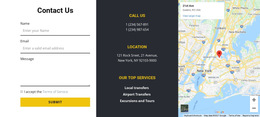
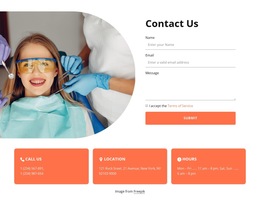
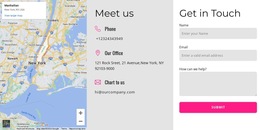


















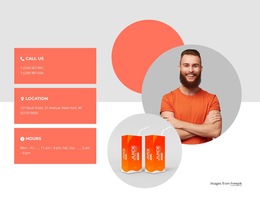
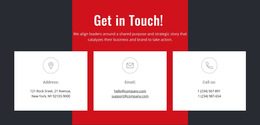

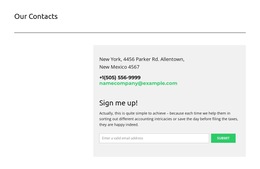
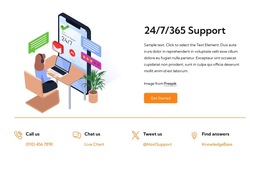







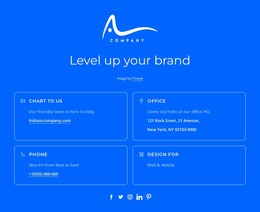
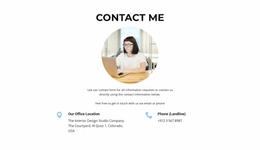


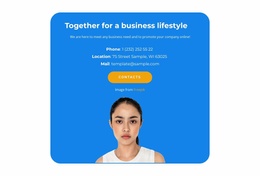

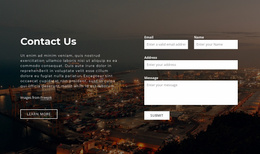

Contacts HTML5 Template Designs With Clearly Grouped Contact Details
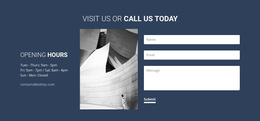
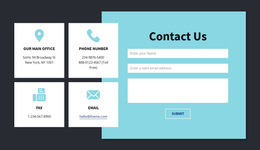
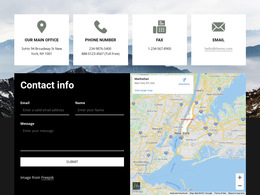
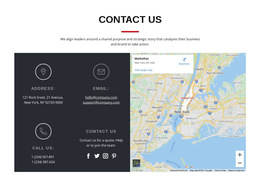
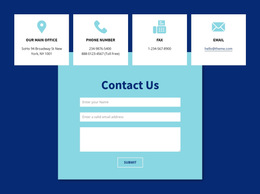
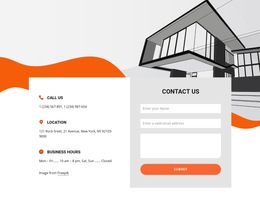
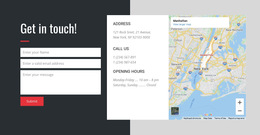
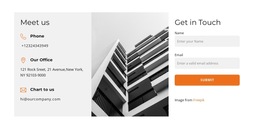
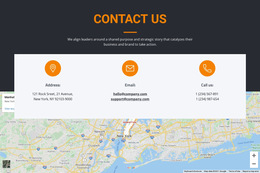
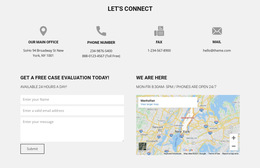
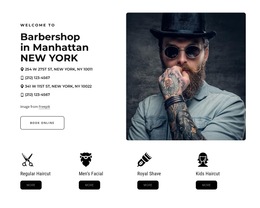
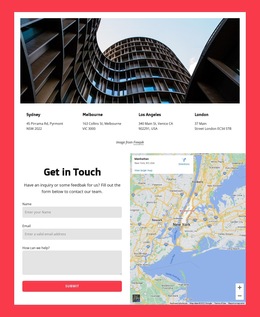
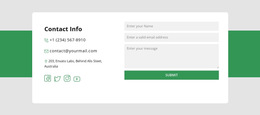
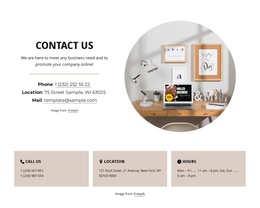
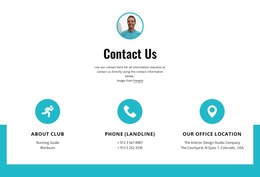
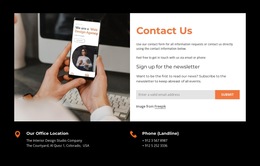
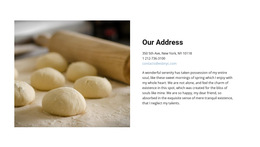
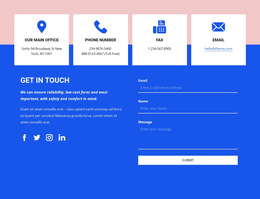
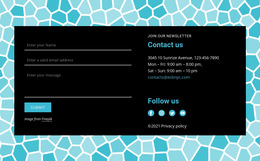
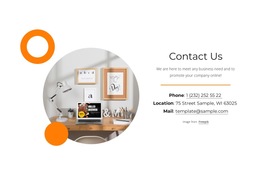
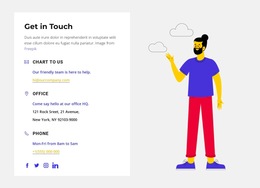
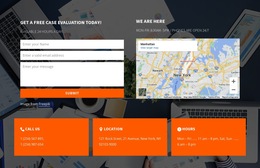
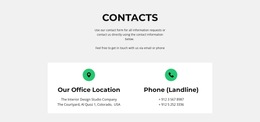
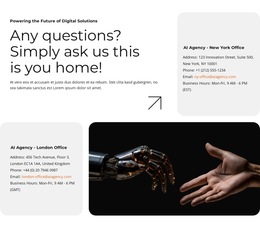
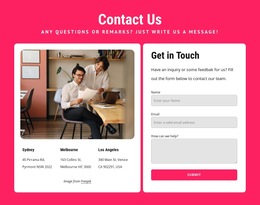
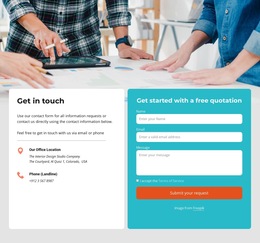
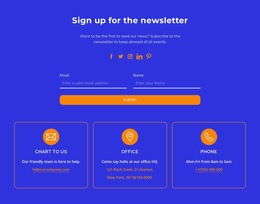
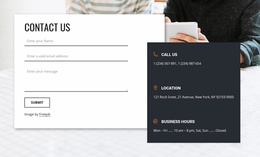
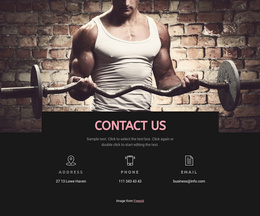
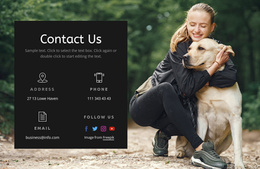
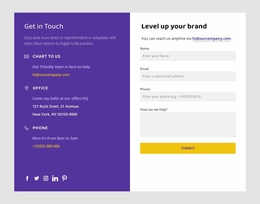
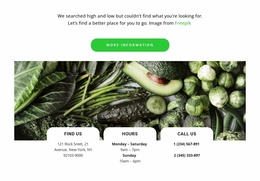
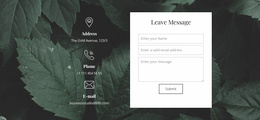
Explore ready-made Contacts HTML5 Template designs for presenting business contact information in clearly organized page sections. Compare how the available compositions distinguish contact headings, communication links, addresses, and supporting details, then select one that fits your HTML5-oriented site. Exact markup cannot be established from the visual preview alone.
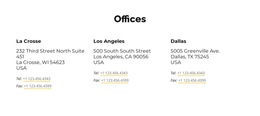
The visual arrangement should make it obvious which details belong together: an office with its phone number, a department with its email address, and a location with its opening hours. In an HTML5-oriented project, this clarity can also support meaningful semantic structure, but the collection's purpose is to offer ready-made designs.
Compare HTML5 Contact Sections by Information Hierarchy
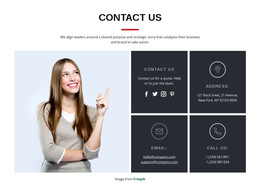
Look first at how each ready-made example connects contact values to their labels and section heading. Clear visual relationships help visitors find the right phone number, email address, or physical address without sifting through a crowded list.
Compare the designs by visible features:
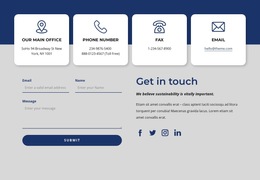
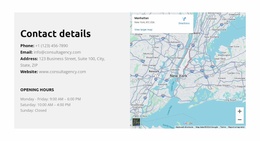
- Phone and email: clear labels linked visually to the correct contact values.
- Section identity: a heading that explains whose contact information is displayed.
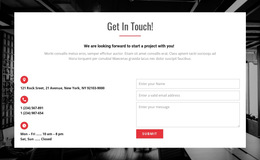
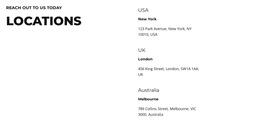
- Address and hours: related details kept together for each physical location.
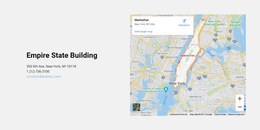
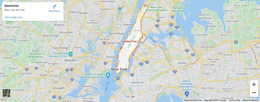
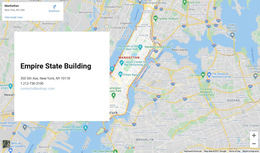
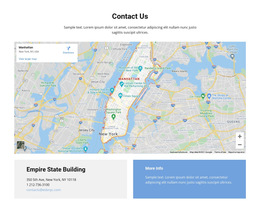
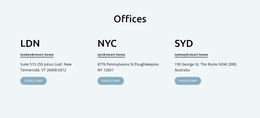
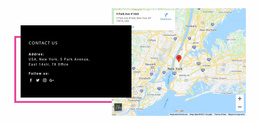
- Location identity: an office name paired with its correct address and hours rather than an isolated geographical illustration.
Compare the candidates with complete contact values, not shortened placeholders. Similar visual compositions may also appear among HTML Templates; the HTML5 label does not guarantee a distinct visual style.
Select Designs That Keep Contact Relationships Clear
Among prepared HTML5-oriented designs, prioritize relationships such as an office heading above its phone number, a department name beside its email address, and opening hours directly associated with a written location.
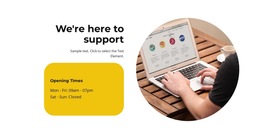
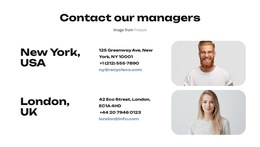
Compare two prepared sections with an office, a customer-support department, and their contact details: in the stronger composition, each phone, email, and opening-hours line clearly belongs to its corresponding group.
Check whether longer values stay readable and whether labels remain distinguishable at narrower widths. The design should be convincing with real business data, not just with the preview's short example text.
Nicepage includes Contacts Block Presets and Designs for these scenarios. Select a composition that suits your page first, then adjust its visual elements and contact content in the editor.
For a page centered on a physical destination, address-focused layouts and location section designs offer related visual directions. They are optional comparisons, not additional HTML5 requirements.
Adapt the Selected HTML5 Contact Design
Nicepage offers editable Blocks and Elements. The Block Basics and Use Elements references explain those capabilities when you need to refine a selected design.
The key selection criteria are the clarity of the prepared contact hierarchy, its capacity for your information, and how it appears on the finished page.
After selecting a design, check its responsive presentation and contact links where relevant to the finished page.
If the design includes several contact groups, check that their labels stay distinguishable as the available width changes.
Review the Semantic Potential of the Selected Design
Compare ready-made HTML5 Contacts designs by how clearly their headings identify contact groups, how closely addresses sit beside the correct office details, and whether phone and email actions are easy to recognize. A useful preview makes these relationships visible before you inspect any code.
If semantics matter after choosing, check whether the output uses suitable <section> and <address> elements and tel: or mailto: links. A preview alone cannot confirm that markup.
Select the template for its clear contact hierarchy and fit with your content. Keep code inspection secondary to comparing the available designs.
Contacts HTML5 Template FAQ
Which Contacts HTML5 Template should I choose?
Choose a prepared design with understandable headings, recognizable contact links, and enough space for real information. Check the hierarchy in the preview before considering implementation details.
Can an HTML5 design display several office locations?
Yes, when the selected design has separate contact groups or cards. A compact single-office arrangement may be less suitable for several locations.
Can I adapt a ready-made HTML5 Contacts block in Nicepage?
Yes. Nicepage provides editable block designs that can be refined for the chosen HTML-oriented page. You do not need to write all contact markup manually to begin with a prepared layout.
Select a Contacts HTML5 Template in Nicepage
Start by comparing the ready-made sections: the clarity of their headings, the visibility of direct communication methods, and the readability of location details.
Choose a ready-made Contacts design, adapt its sample information, and check how it looks on the intended HTML5-oriented page.
The visible template is the starting point; its information hierarchy matters more than an unverified claim that HTML5 creates a distinct visual style.