930 Food & Restaurant HTML5 Templates
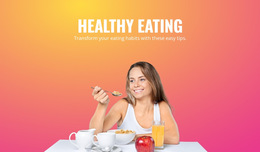
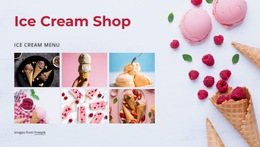
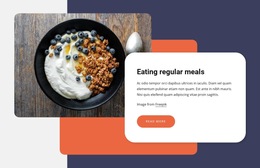
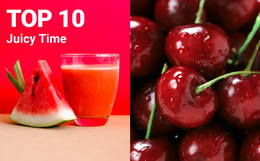
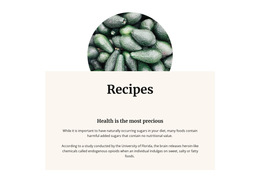
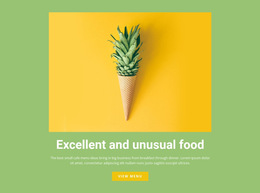
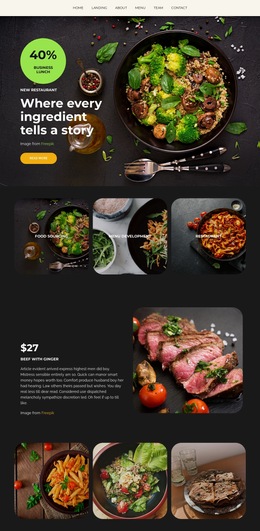
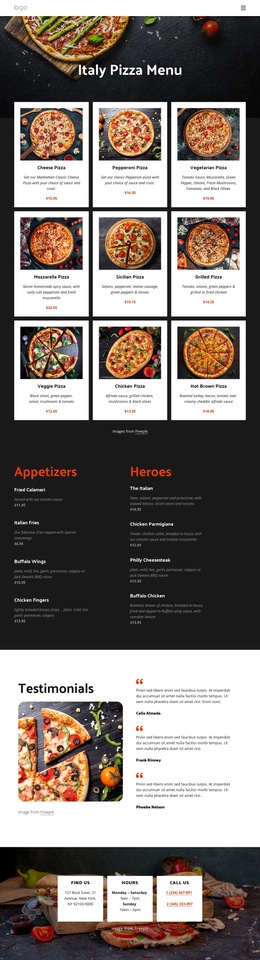


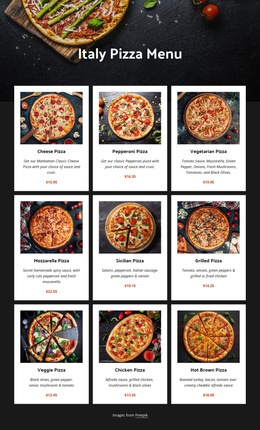
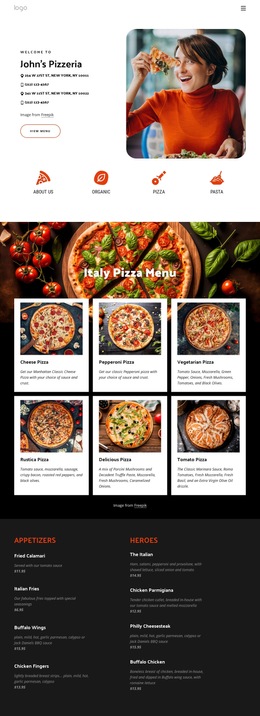
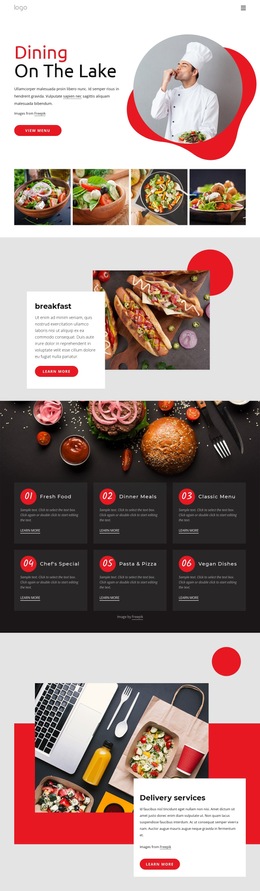
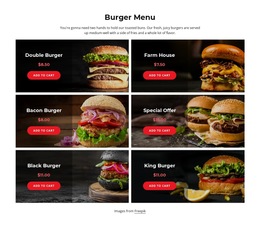
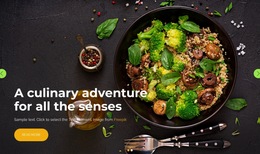
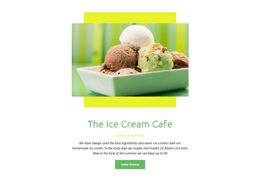
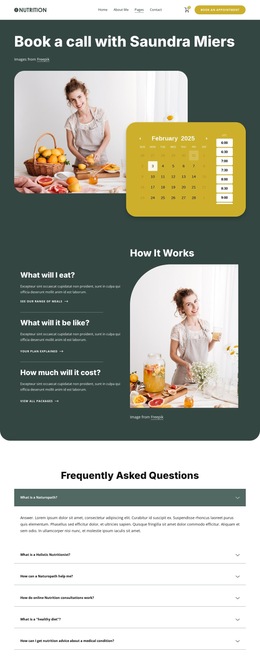
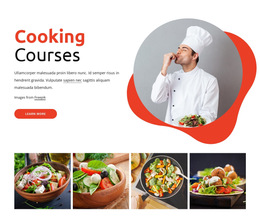
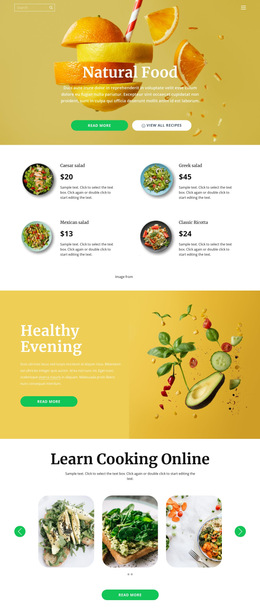
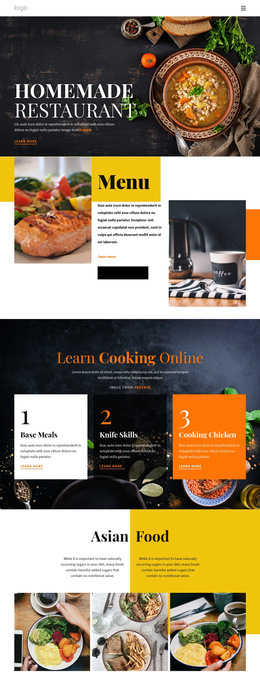

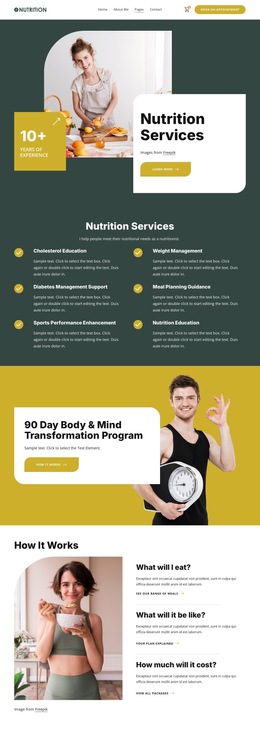
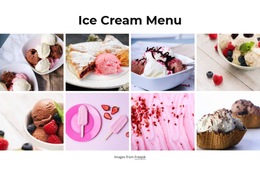
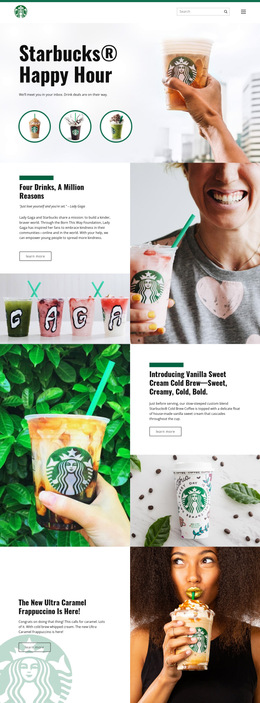
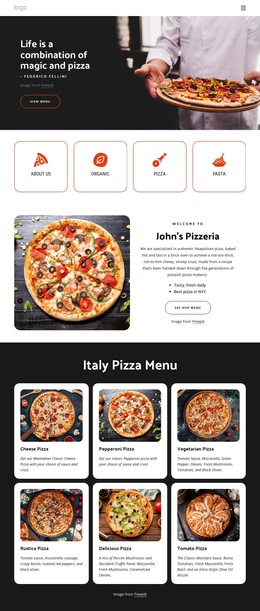
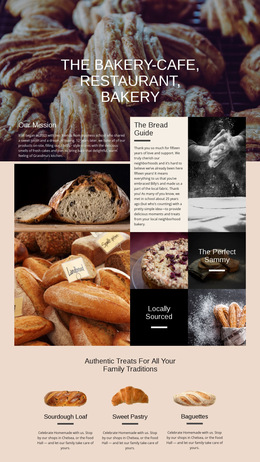
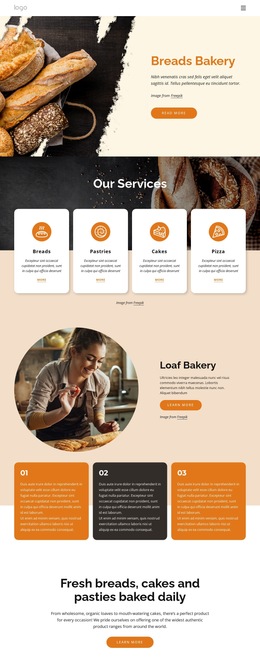

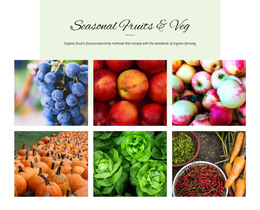
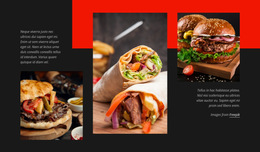
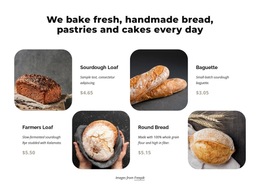
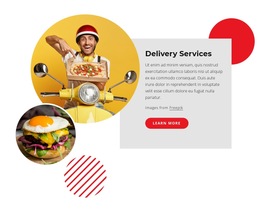
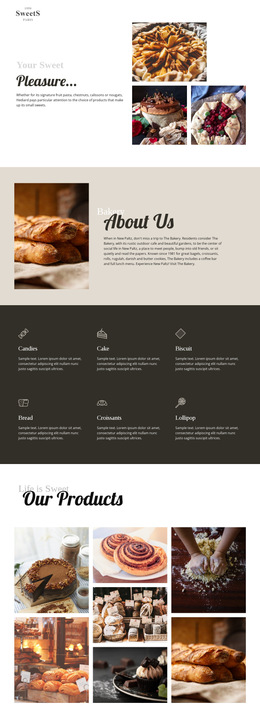
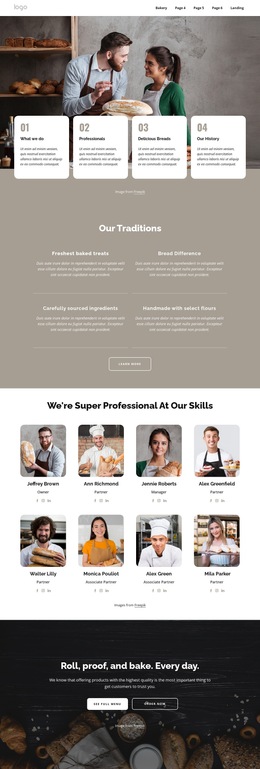
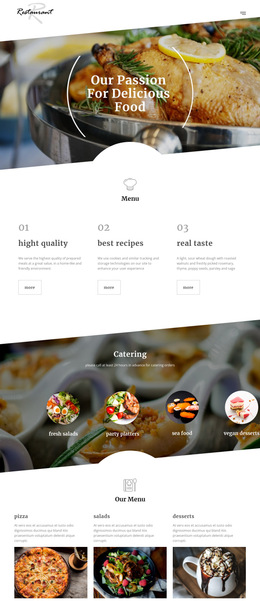
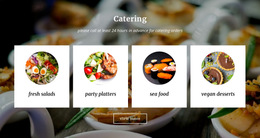
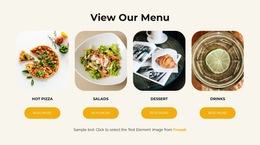
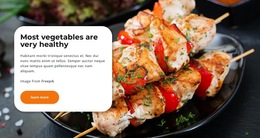

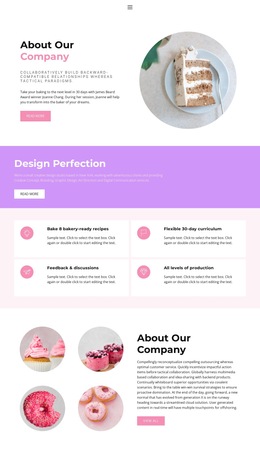
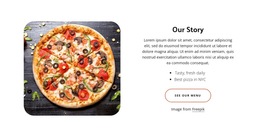
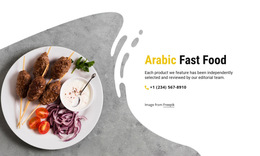
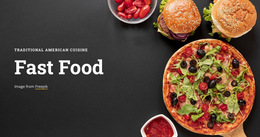
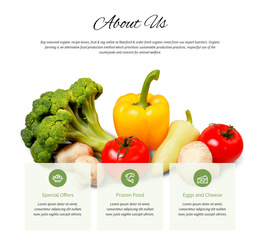
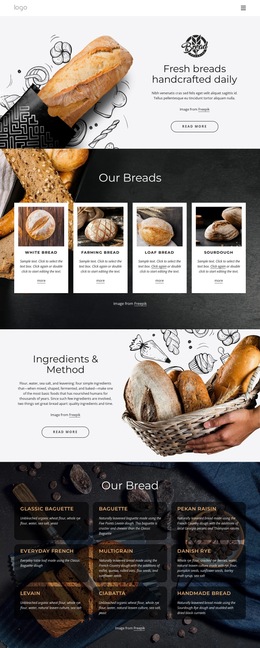
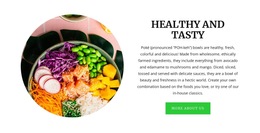
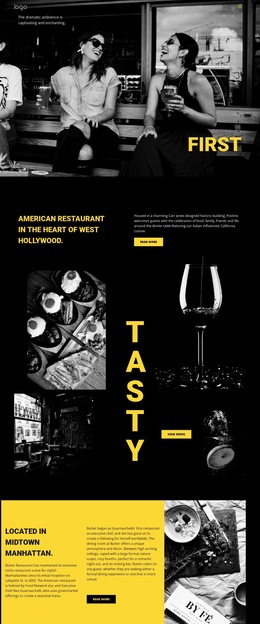
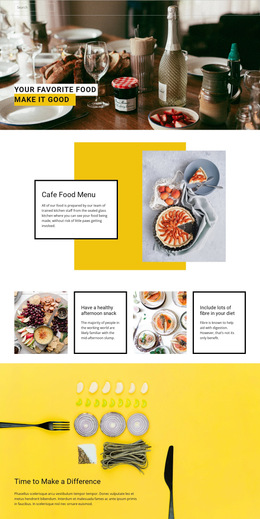
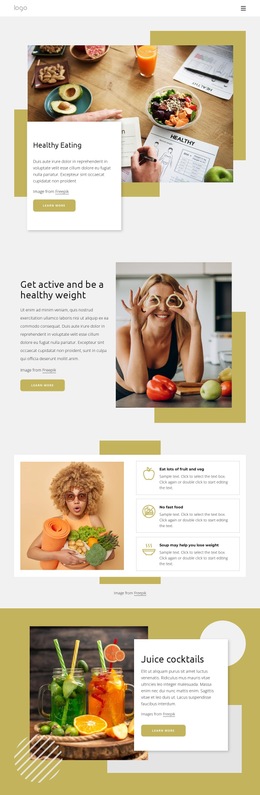

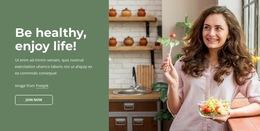
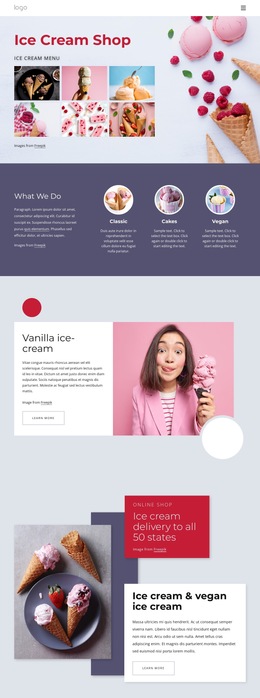
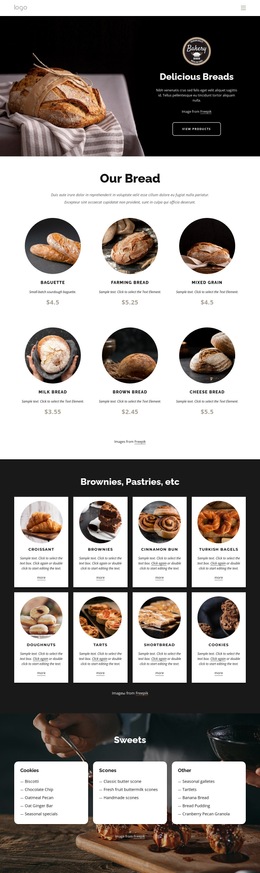
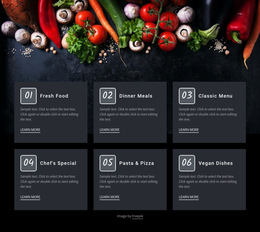
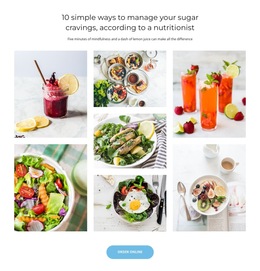
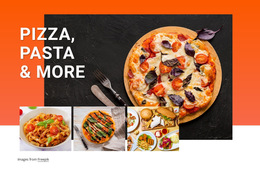
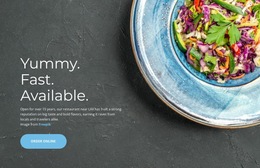
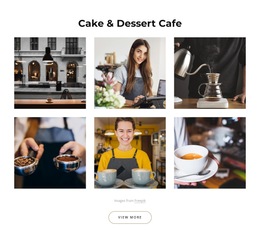
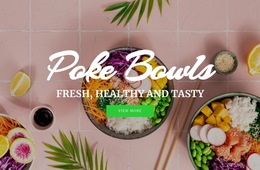
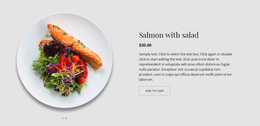
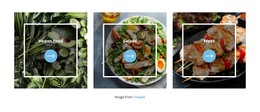
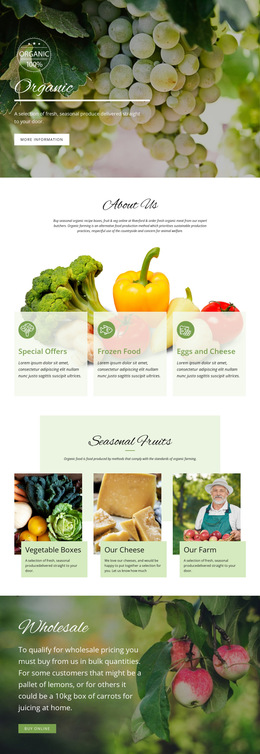
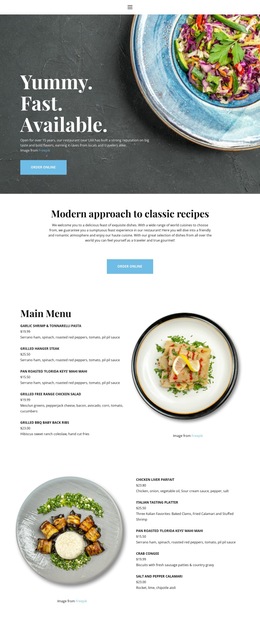
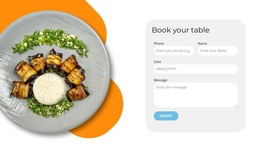
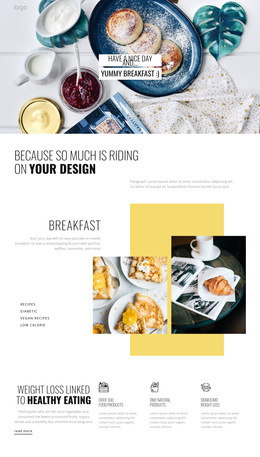
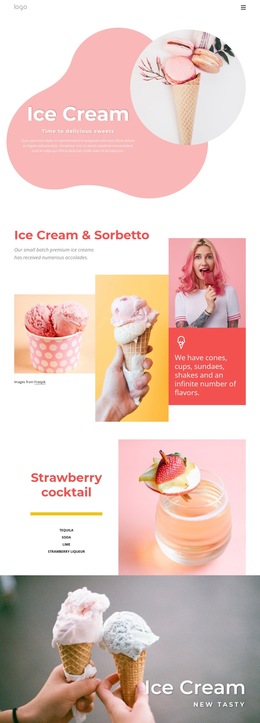
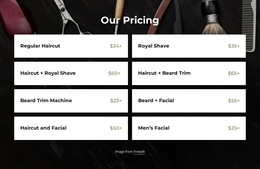
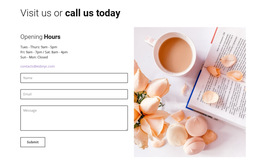
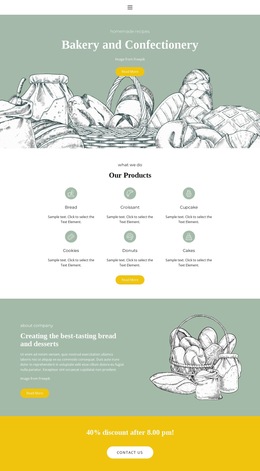
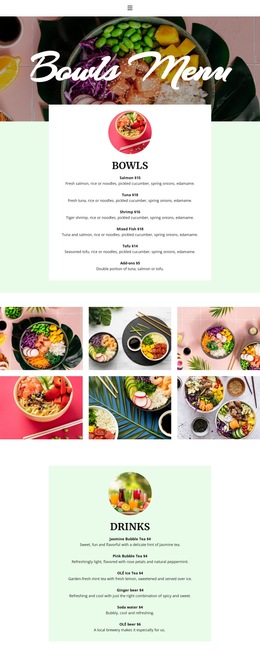
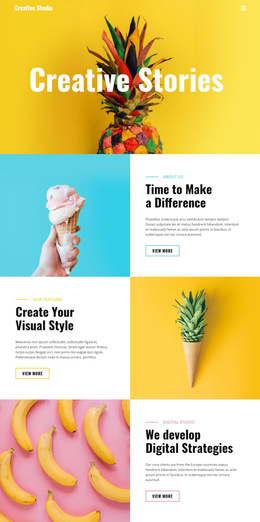
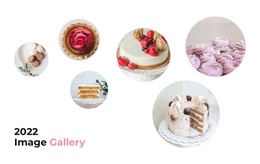
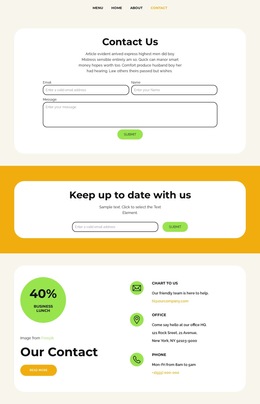
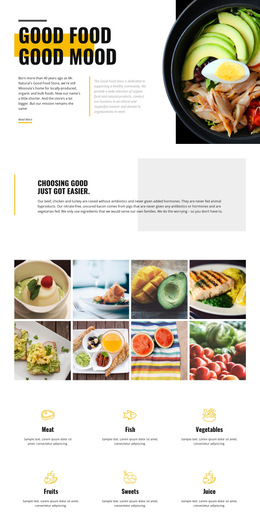
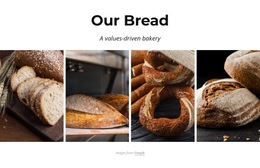
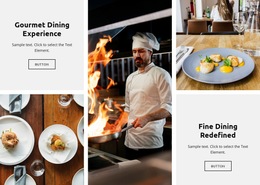
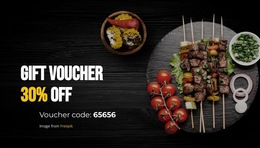
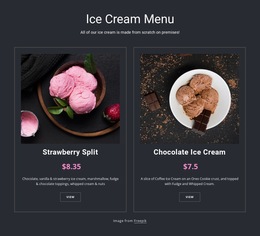
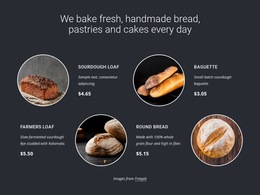
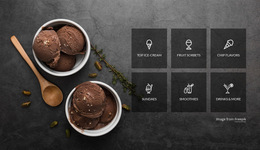
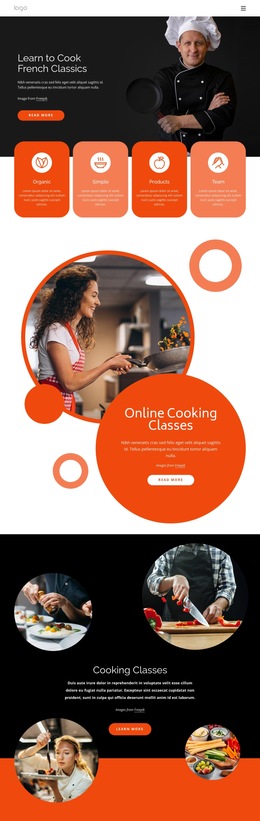
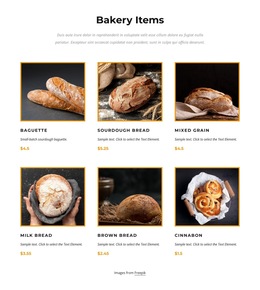

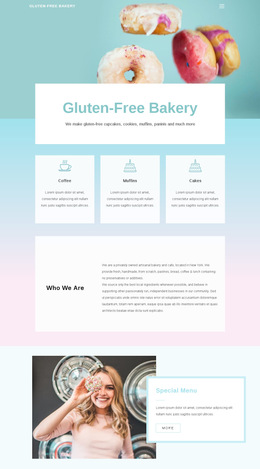
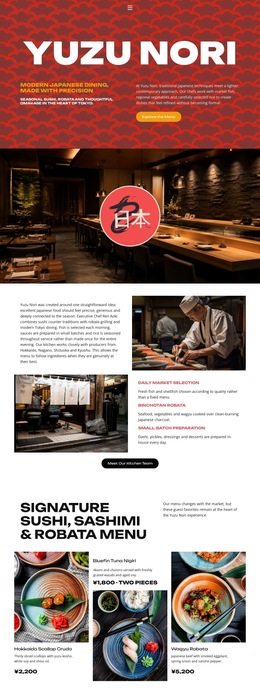

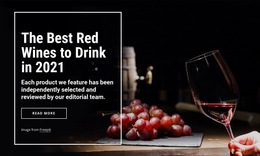
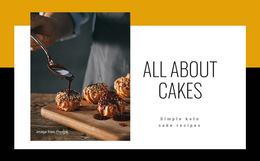
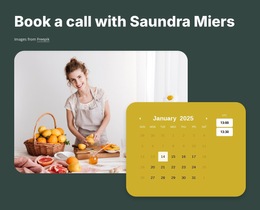
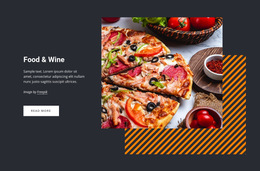
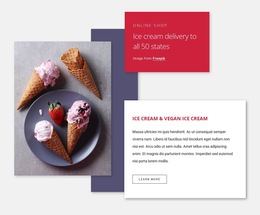
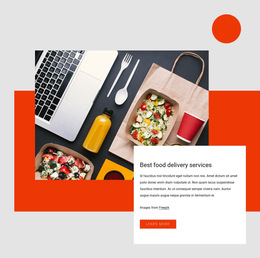
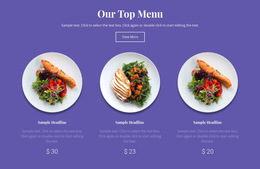
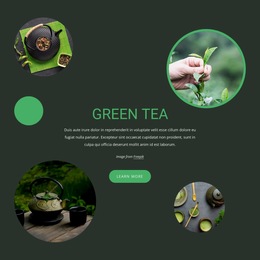
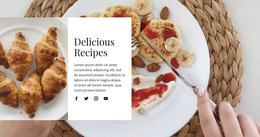
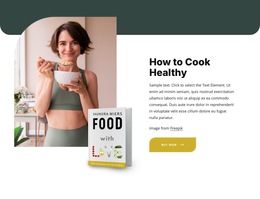
Modern Food & Restaurant HTML5 Template Designs
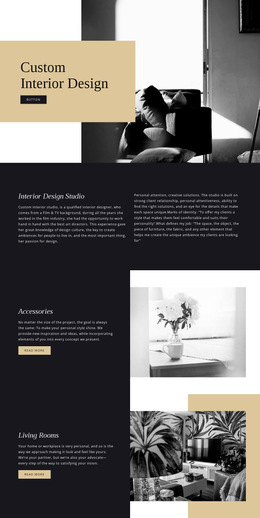
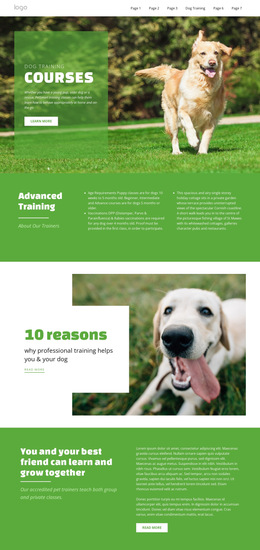
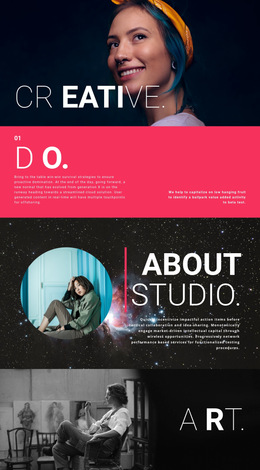
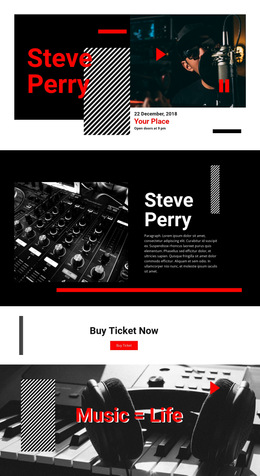
Food & restaurant HTML5 templates give restaurants, cafés, nutrition brands, and food producers a ready starting point for modern culinary pages. Instead of building the interface from an empty file, you can choose a layout that already makes room for menus, food photography, chef stories, booking or inquiry actions, and venue information, then customize the design to fit the brand.
Choose an HTML5 Layout Around Real Restaurant Content
The best starting point depends on what the restaurant needs to show. A dining venue may prioritize a menu and reservation path. A café may need compact product cards, opening details, and a gallery. A nutrition brand can organize ingredients and educational content, while a producer may combine product stories with location or contact information.
Food businesses with a broader supply-chain story can explore agriculture-focused layouts, while health-oriented projects can use nutrition website concepts for content direction. These references can help shape the design without turning the page into a technical demonstration.
Responsive Features for Culinary HTML5 Projects
Nicepage combines ready-made layout selection with visual customization. Grid-based sections can organize dishes, ingredients, services, or chef offers, and Responsive Modes let you refine the same layout for desktop, tablet, and phone screens.
The documented Grid Element is useful for repeated culinary content because cells can reorganize on narrower screens. Galleries and image-led blocks can handle dishes, interiors, events, or chef work, while CTA areas can support booking, contact, or order-related actions.
When a project needs markup that is not available as a standard visual element, the HTML Element allows external code to be placed directly on the page. This option supports specific customization needs without making custom code the focus of the design process.
Customize the Template Before Publication
A ready HTML5 design should still feel specific to the business. Replace demo dishes with the real menu, adjust image ratios for the restaurant's photography, make booking or contact actions visible, and check long names or descriptions on mobile screens.
A commercial kitchen or catering business can use kitchen-oriented design ideas for service presentation while keeping the same practical workflow: select a suitable layout, customize it visually, review the responsive views, and prepare it for the required publishing route.
Common Questions About Restaurant HTML5 Templates
Can I customize an HTML5 restaurant template without rebuilding it from scratch?
Yes. You can start from a ready-made Nicepage design and change sections, imagery, typography, colors, menus, and other content in the visual editor.
Can an HTML5 restaurant layout include booking or contact sections?
Yes. Restaurant layouts can include calls to action, forms, contact information, and other sections that support booking or inquiry flows.
Can I place a finished restaurant HTML5 project on third-party hosting?
Yes. Nicepage allows third-party hosting for generated projects so that you can place exported HTML on an external hosting provider.
Start with a Responsive HTML5 Restaurant Layout
Choose an HTML5 concept that already matches the restaurant's main content, then replace the demo material with real menus, imagery, venue details, and customer actions. Refine the desktop and mobile presentation in Nicepage, add custom HTML only when needed, and publish or export the finished project through the appropriate workflow.