Table HTML5 Templates
-
-

-
-
-
-
-
-
-
-
-
Free Website Builder SoftwareDownload
-
-
-
-
-
-
-
-
-
-
-
-
-
-
-
-
-
-
-
-
-
-
-
-
-
-
-
-
-
-
-
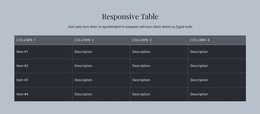
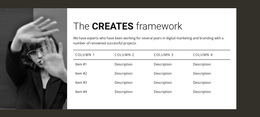
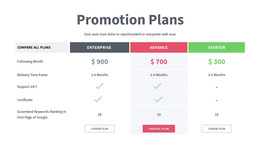


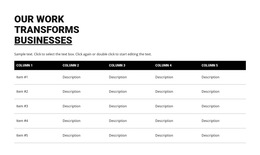
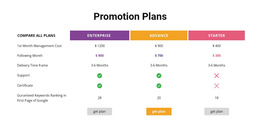
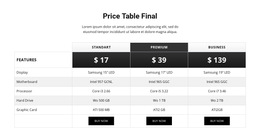
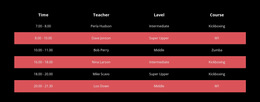
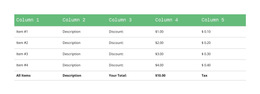
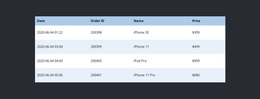
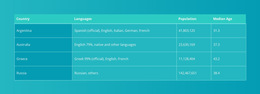
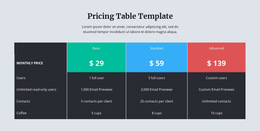
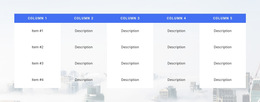
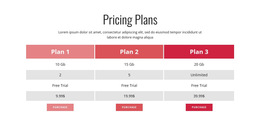
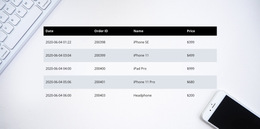
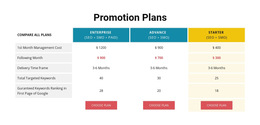

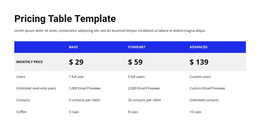
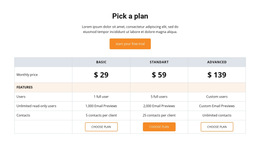
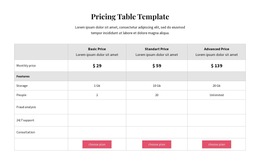
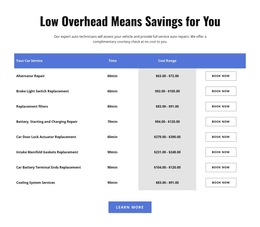
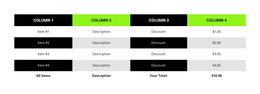

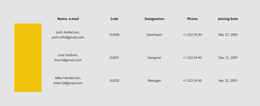
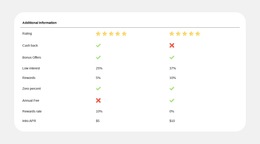
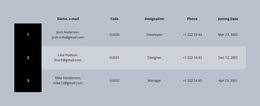
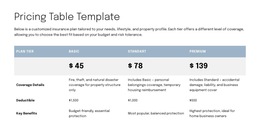


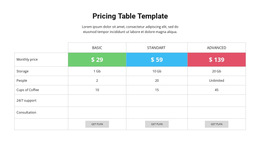
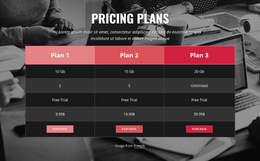
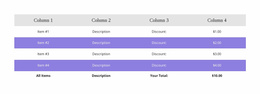
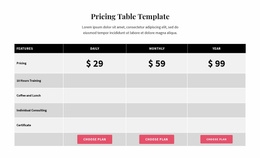
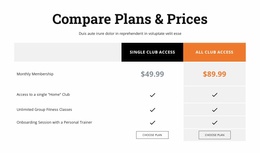
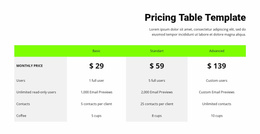

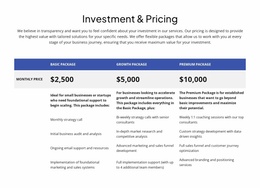
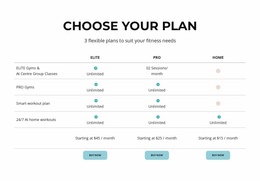

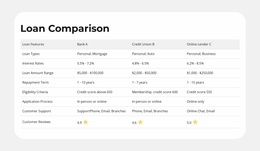
Clean Table HTML5 Template Designs for Structured Data Hierarchy
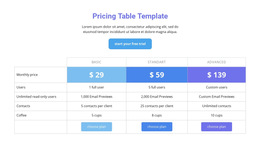
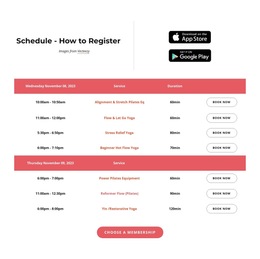
A Table HTML5 Template offers a ready-made section for structured factual information within a modern HTML5 page. Tables are useful when specifications, schedules, or comparable records need recognizable headings and a clear reading order. A prepared design lets the page present that information with consistent typography and spacing from the outset.
The HTML5 context concerns how a table-based content section fits into a contemporary web page, including its semantic role and responsive presentation. The selected section can be styled to fit the visual hierarchy and content requirements of the HTML5 project.
Choose a Table Design for an HTML5 Page
Ready-made Table sections provide several useful forms for structured information in an HTML5 page:
- Prominent header layouts suit comparisons where visitors must repeatedly identify columns.
- Compact specification tables keep paired labels and values close in a limited area.
- Wide comparison designs give several options room to breathe and may use horizontal scrolling on narrow screens.
Compare how each design identifies its data, handles long values, and preserves a meaningful reading order. An appropriate HTML5 Table design makes relationships between headings and facts apparent, not merely attractive.
Select a Table With a Clear HTML5 Data Structure
Evaluate prepared designs by the clarity of their headings and the logical order of related records. Table content should represent attributes and values, not imitate independent promotional cards. The Table Element in Nicepage lets you work with editable headings and content.
Choose a design whose labels still explain the data when real values are added. Semantic clarity is a meaningful HTML5 selection criterion, alongside legible spacing and straightforward visual scanning.
Select a Responsive Presentation That Preserves Comparison
A compact table with few columns may fit a narrow content area, while a broad feature comparison needs more horizontal room. Nicepage supports horizontal scrolling where a Table exceeds the available width in responsive modes. Compare ready-made layouts by column count, label length, and heading visibility across screen sizes.
The preferred design keeps a comparison understandable even when all columns are not visible at once.
Keep the HTML5 Table Legible and Accessible
Readable contrast, distinct header styling, and a consistent relationship between labels and values help visitors interpret structured information. Review these qualities in the selected ready-made design rather than treating accessibility as a separate coding lesson.
Choose the Table layout that best matches the data's structure, column count, and responsive behavior. That decision keeps the HTML5 emphasis on meaningful, accessible presentation.
Table HTML5 Template FAQ
Can I create an HTML5 table section without writing code?
Yes. Nicepage provides a Table Element that allows you to create and edit rows, columns, and cells through visual controls. You can organize table content and adjust its structure without manually writing HTML markup.
Can I organize table headers and footers separately?
Yes. The Nicepage Table Element supports styling the first and last rows as table header and footer areas. You can also format individual cells and adjust their dimensions to establish a clearer information hierarchy.
What is the difference between an HTML5 Table section and a Grid?
A Table is designed for structured data whose values relate through shared row and column headings. A Grid arranges independent content items without requiring those relationships. Choose a Table for specifications, schedules, and factual comparisons, and a Grid for separate cards or content summaries.
Organize Your HTML5 Table Section in Nicepage
Start with the information you need to present and identify its main comparison criteria. Choose a Table block, open it in the Nicepage editor, and arrange the headings, rows, and cells into a consistent structure.
Refine the dimensions, alignment, and formatting while preserving the relationships that make tabular data useful. A well-organized table provides a clear reference section that fits naturally within a broader HTML5 page.