1240 Split HTML5 Templates



























































































Responsive Split HTML5 Templates for Structured Two-Part Content
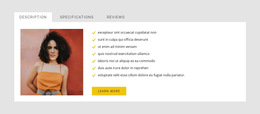
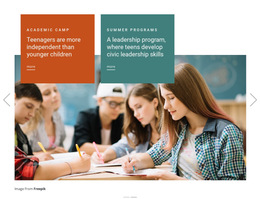
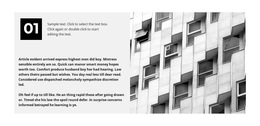
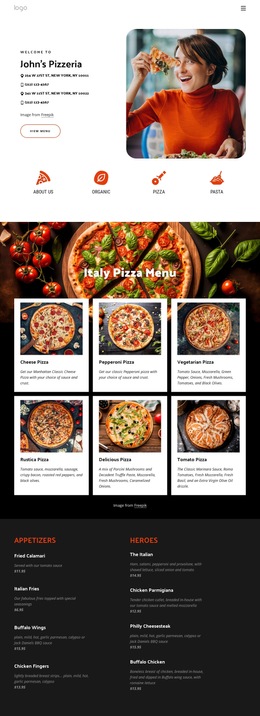
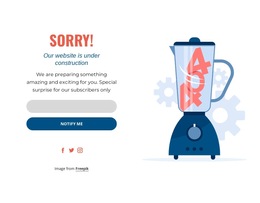
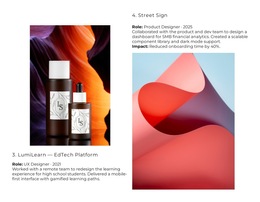
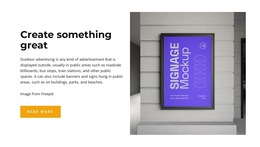
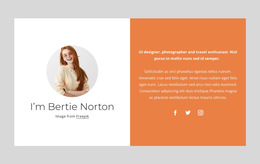
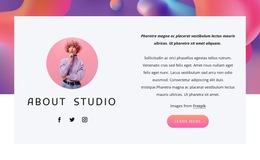
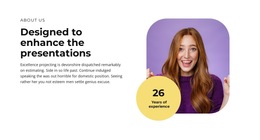
Split HTML5 Templates use a single section divided into two connected halves, commonly with an image or other media on one side and a heading, text, and button on the other. The Split relationship comes first: both halves belong to one block and communicate one coordinated message.
Within an HTML5-oriented project, the useful distinction is how content is organized inside this Split section. The order of the media and content sides, their relative emphasis, and their responsive sequence should make the two-part relationship easy to understand.
Organize the Content Inside the Split Section
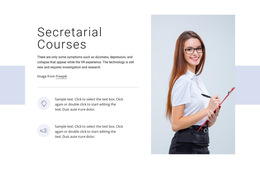
A typical Split HTML5 block can pair:
- an image with a heading, paragraph, and CTA;
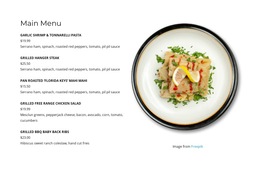
- product media with supporting information;
- a visual example with explanatory text;
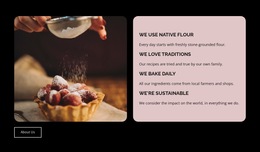
- a larger media side with a more compact content side.
The Nicepage Grid Element can create the two main areas, while headings, text, buttons, and media are arranged within them by role within the same section.
The section may use a balanced 50/50 division or an asymmetric 60/40 proportion. The important point is not equal width, but a clear hierarchy between the image side and the content side.
Define Which Half Leads and Which Supports
Content hierarchy should remain visible inside the Split block. One design may let the image establish the subject while the text side explains it and provides the CTA. Another may give the heading and copy greater emphasis while the visual supports the message.
Alignment, spacing, text length, and media scale can reinforce that hierarchy without turning the two halves into independent panels. Each side should make more sense because the other side is present.
Preserve the Split Relationship on Smaller Screens
On wide screens, the media and content halves can remain side by side. On tablets and phones, they may stack vertically while still functioning as one Split section.
Responsive order should follow the content logic. The image can appear first to establish context; the content side can lead when the heading needs to introduce the subject before the visual appears. Adjust the image crop, spacing, and CTA placement so the same relationship survives the transition from horizontal to vertical.
Refine the Two-Part HTML5 Section Around Its Content
Start from the actual pair the section needs to present. Decide what belongs on the image side, what belongs on the content side, and whether 50/50 or an asymmetric proportion gives the message the right balance.
Then refine the heading, copy, CTA, media treatment, alignment, and responsive stacking in the Nicepage editor. The HTML5 context should support the internal organization of the Split block rather than replacing it with a general discussion of HTML5 structure.
Split HTML5 Template Questions
Can I Import an Existing HTML Site Into the Nicepage Editor?
No. Nicepage does not support importing an existing HTML or generated site into the editor. An existing Split layout would need to be recreated using the available Nicepage design features.
Can a Split HTML5 Section Use an Image on One Side and Text on the Other?
Yes. This is one of the most common Split compositions. One half can include a heading, supporting text, and a CTA, while the other half carries the image or other media.
Do the Two Halves Have to Use Equal Widths?
No. A Split section can use 50/50, 60/40, or other proportions as long as the two sides remain visually connected and their content hierarchy stays clear.
What Happens to the Split Section on Mobile?
The two halves can stack vertically. Their order should follow the content relationship, with either the image or the text appearing first, depending on which should lead the message.
Keep the HTML5 Focus Inside the Split Block
Choose a Split layout whose two halves already match the intended media-and-content relationship. Adjust their hierarchy, proportions, alignment, CTA placement, and responsive order so the finished section remains clearly recognizable as one coordinated two-part HTML5 block.