410 Testimonials HTML5 Templates





















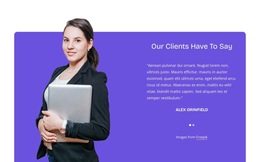
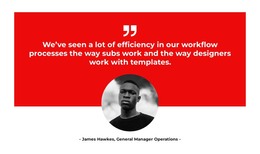
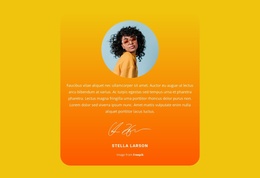

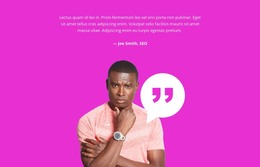







Clean Testimonials HTML5 Template Layouts With Structured Customer Quotes and Attribution
Testimonials HTML5 Template designs organize customer experiences into clearly structured content sections. Each testimonial connects a quotation or review with the person who provided it, making feedback easier to understand and evaluate. Instead of treating reviews as isolated text fragments, an HTML5-oriented testimonial section keeps statements, author details, and supporting information together in a clear hierarchy.
The structure matters when several customers share different experiences. One review may need a short sentence and a name, while another includes a longer account, a portrait, and a professional role. A coherent layout keeps the relationship between the review and its source clear in either case.
From Featured Quotes to HTML5 Review Grids
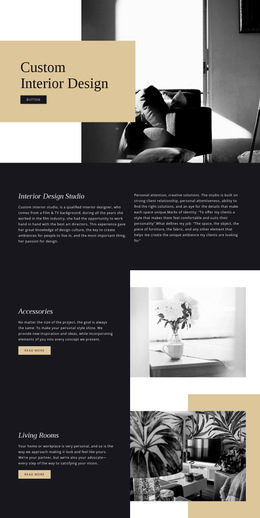
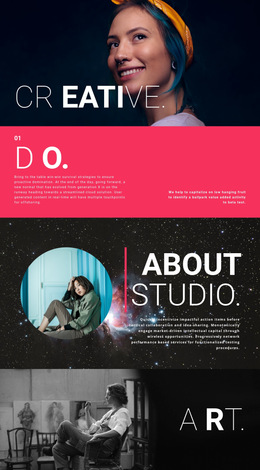
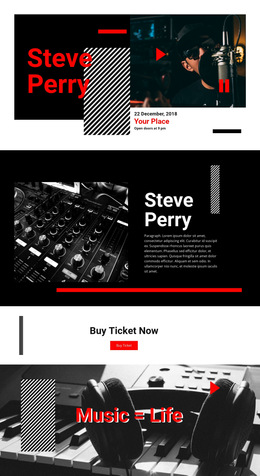
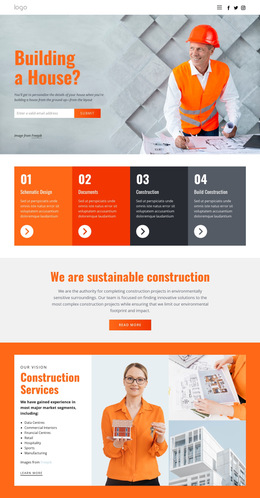
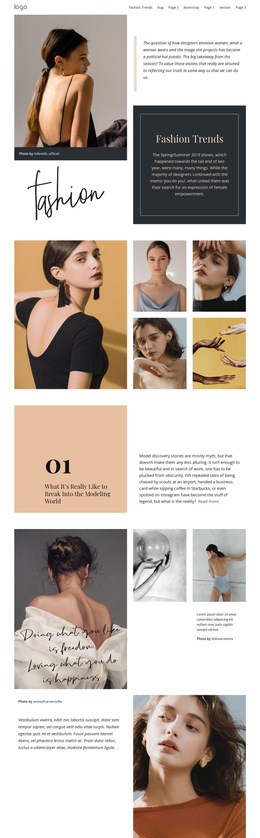
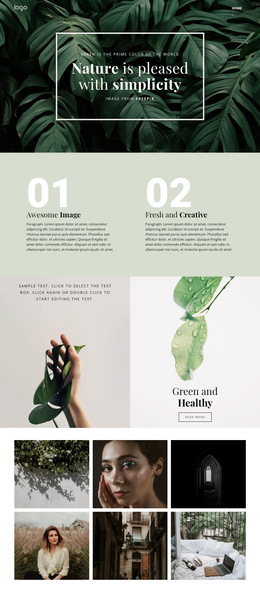
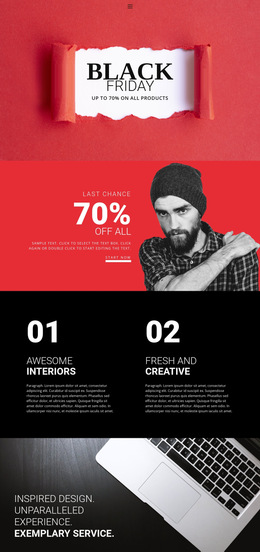
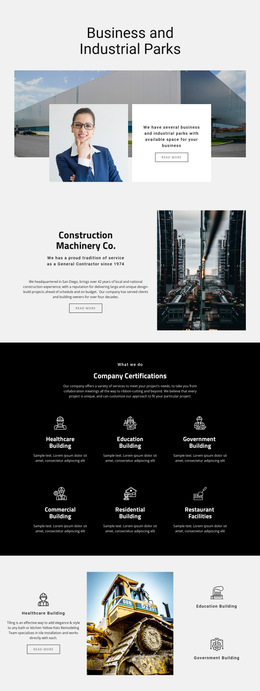
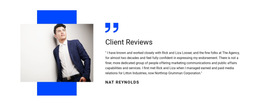
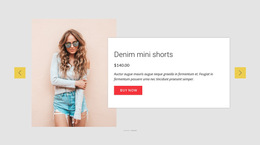
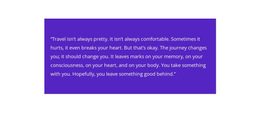
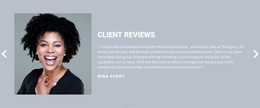
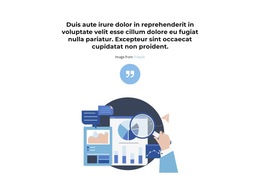
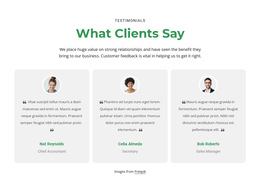
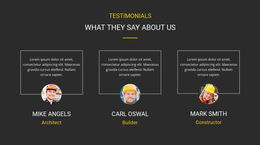
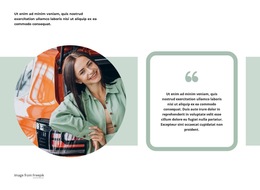
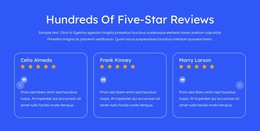
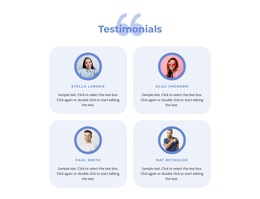
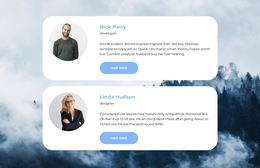
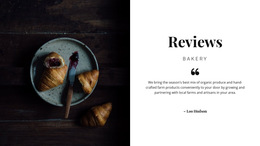
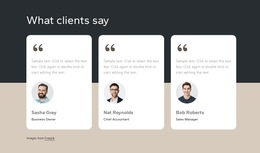
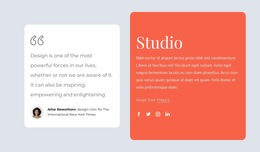
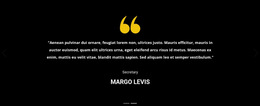
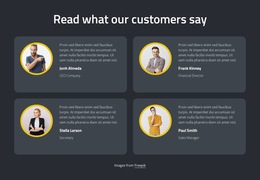
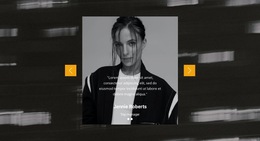
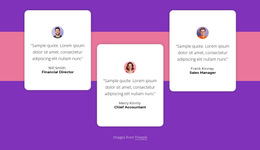
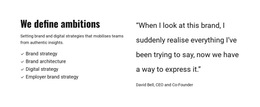
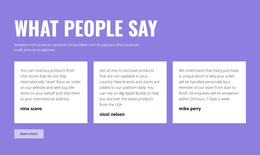
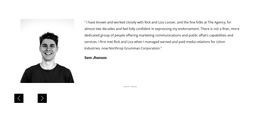
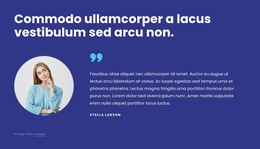
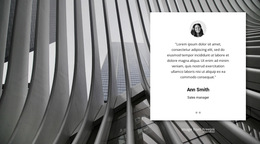
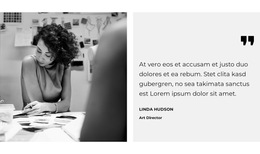
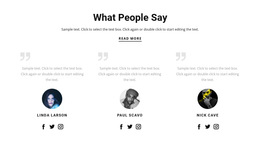
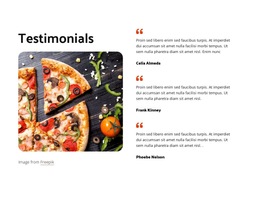
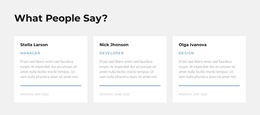
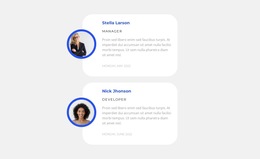
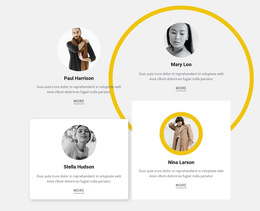
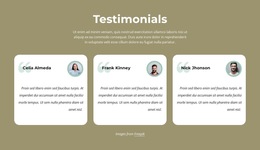
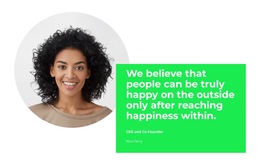
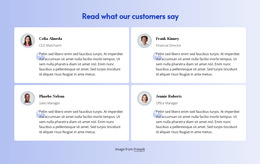
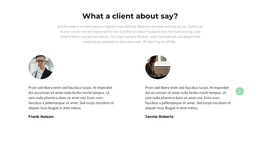
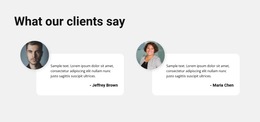
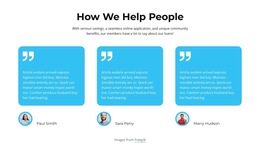
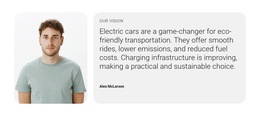
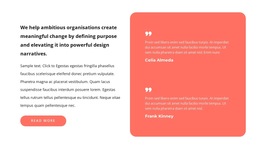
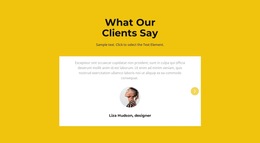
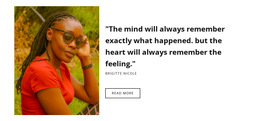
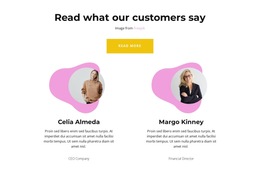
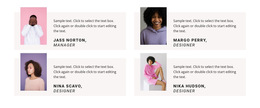
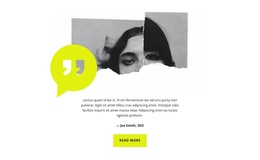
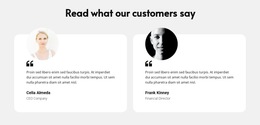
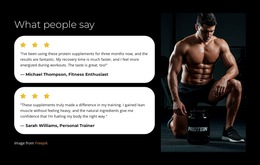
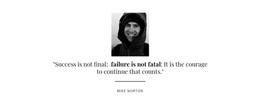
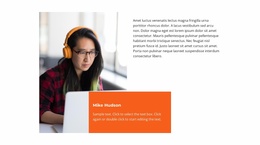
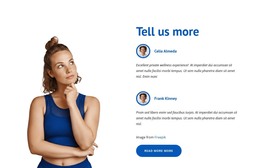
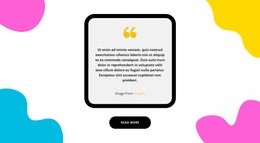
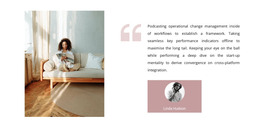
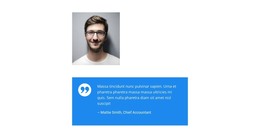
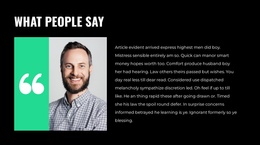
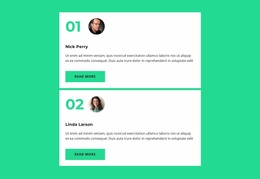
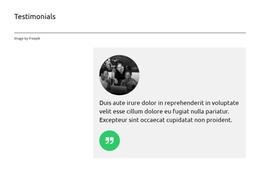
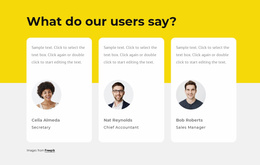
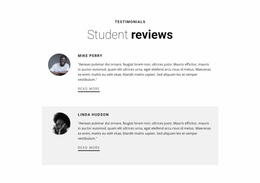
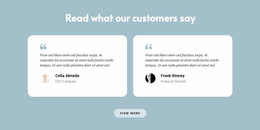
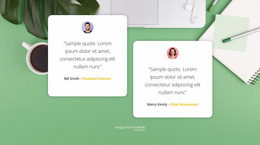
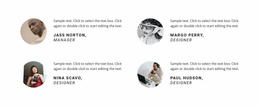
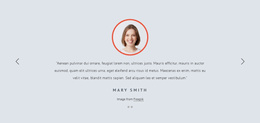
Testimonials HTML5 Template designs range from spacious individual quotations to grids and portrait-led sections, with slider treatments among the possible layouts. Longer customer stories benefit from more space, while brief opinions can sit together in a grid. Beyond the visual preview, notice whether the example presents a recognizable testimonial section whose separate review groups preserve the quotation-to-author relationship.
The core content elements usually include:
- Customer quotation: The original statement describing an experience or outcome.
- Author name: Identification connected directly to the quotation.
- Supporting attribution: A role, company, or relevant background when available.
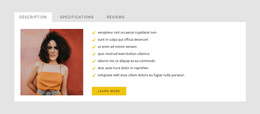
- Optional portrait: A visual reference to the reviewer, used with permission.
- Review grouping: A consistent arrangement when several testimonials appear together.
For multiple reviews, each testimonial should remain a distinct, self-contained content group. This avoids confusion when visitors scan several quotations or when their lengths differ significantly.
Room for Longer Stories and Reviewer Details
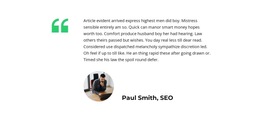
The sample content is only a starting point. Ask whether there is room for your actual quotations and whether the section still works without customer photographs. A portrait-heavy design is less practical if those images are unavailable. The connection between a quote and its author should stay evident in either case.
The Nicepage Text Element supports quotation text and attribution labels within a block. You can use text formatting to distinguish the customer's words from their name and supporting details.
Before selecting a section, check:
- How long the supplied reviews are and whether the text fits at a readable size.
- Whether portraits are needed for the chosen composition.
- How individual customers are distinguished when several comments appear together.
The quotes layout examples can provide additional directions for presenting individual statements. For a Testimonials section, however, the quotation must remain connected to its author, not become an anonymous decorative phrase.
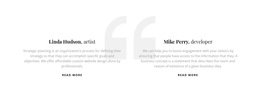
For an HTML5-oriented choice, look for a clear section heading followed by distinct review groups, each joining a quotation to its author. In a portrait-led example, the name and role should remain legible beside the quote; in a multi-review example, each attribution should remain within its own group. This content hierarchy is the meaningful HTML5 distinction to assess in a prepared design, without turning the catalog into a lesson on markup. For related visual alternatives, see the customer reviews section.
Distinguish Testimonials From Other Trust Sections
A common mistake is treating every block with people, logos, or positive statements as a testimonial.
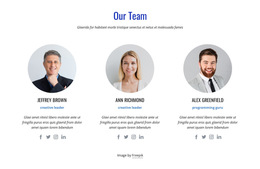
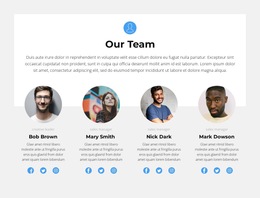
A Team section introduces staff members through names, roles, and profiles. A Brands section displays company marks to communicate affiliations or recognition. Testimonials instead present the customer's own account, with attribution serving as evidence of its origin.
A Slider may display reviews sequentially, but the sliding mechanism is optional. A static quotation panel can communicate the same testimonial function when the content is clear.
Testimonials HTML5 Template FAQ
Can I create an HTML5 testimonial section in Nicepage without coding?
Yes. Nicepage provides pre-designed Blocks and editable Text and Image Elements. You can choose a testimonial-oriented layout, replace the example content, and organize customer statements without writing HTML manually.
Can I import an existing HTML testimonial section into the Nicepage editor?
No. Nicepage does not support importing an existing HTML website or generated HTML content directly into its editor as editable designs. You can recreate the testimonial section using available Blocks and Elements.
What is the most important content relationship in a testimonial block?
The connection between the customer's quotation and its attribution is essential. The Text Element can support both parts, while a consistent layout keeps each customer's experience separate from neighboring reviews.
Add a Structured Testimonial Section to Your HTML5 Project
Choose a Testimonials block that accommodates the number and length of your reviews. Open it in the Nicepage editor, replace placeholder statements with authentic feedback, and arrange quotations alongside their author details.
Keep the resulting section focused on clear content hierarchy and trustworthy attribution. Once you've organized the review groups, integrate the block into your page and continue with the project's HTML-oriented workflow.