520 Technology HTML5 Templates




























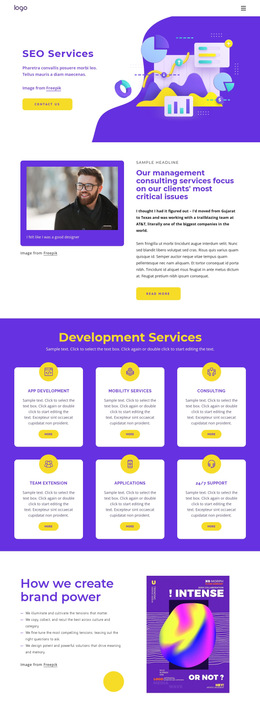



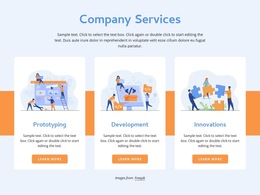





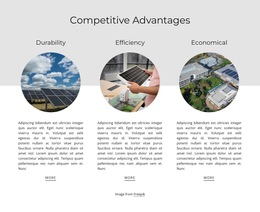
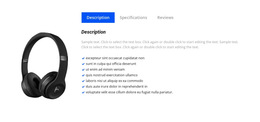






































Clean Technology HTML5 Template for Software and Smart Products
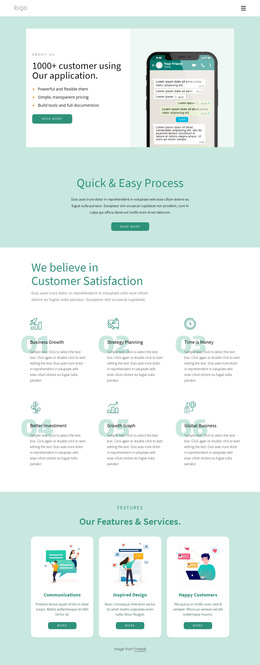
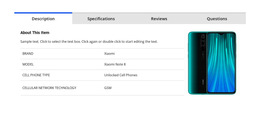
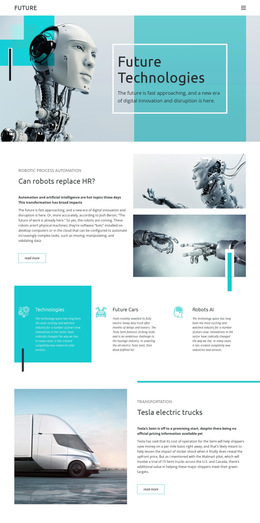
HTML5 templates for technology companies give software companies, app developers, game studios, and smart-device brands a modern markup-oriented base for responsive pages. The focus is on semantic structure: meaningful headings and sections for product demos, feature groups, compatibility details, device specifications, release information, and calls to action that remain understandable across screen sizes.
Why Choose Mobile-Friendly Technology HTML5 Templates?
A good HTML5 technology layout should make the document structure clear in the markup as well as on screen. A SaaS page can separate a product overview, interface demo, integrations, and pricing into distinct semantic sections; a smart-device page can give specifications, compatibility, sensors, and support information their own structured areas. Responsive behavior should preserve that hierarchy rather than merely shrink the desktop composition.
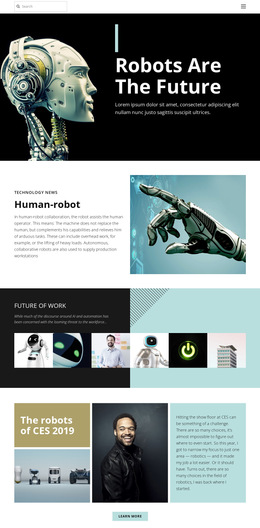
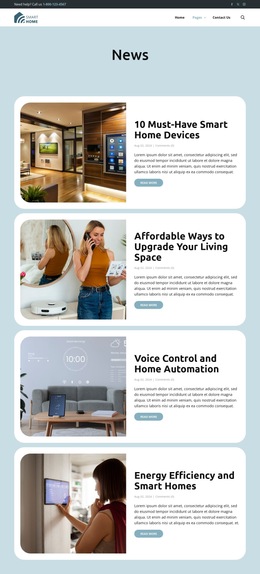
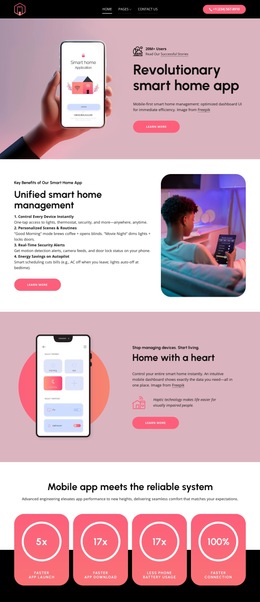
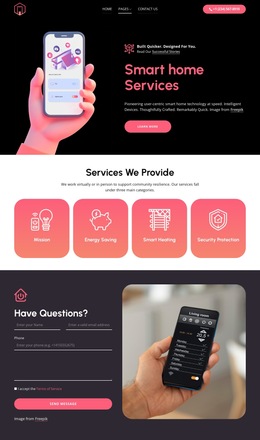
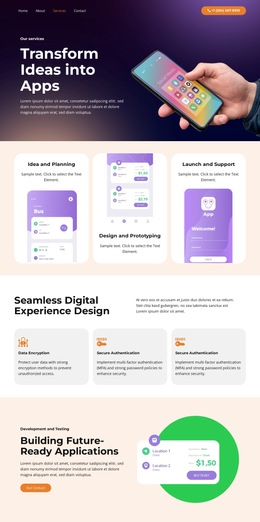
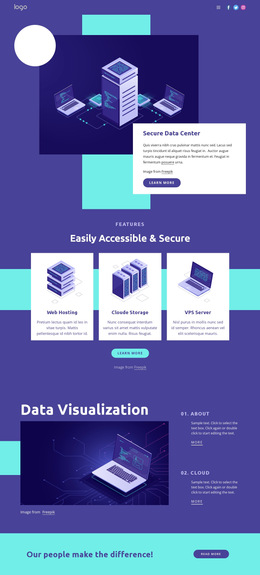
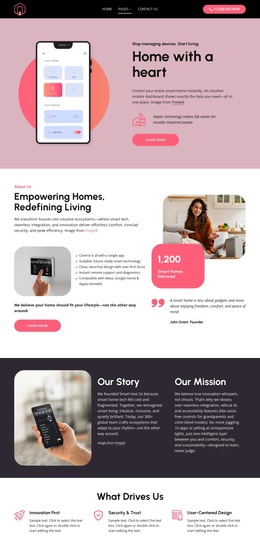
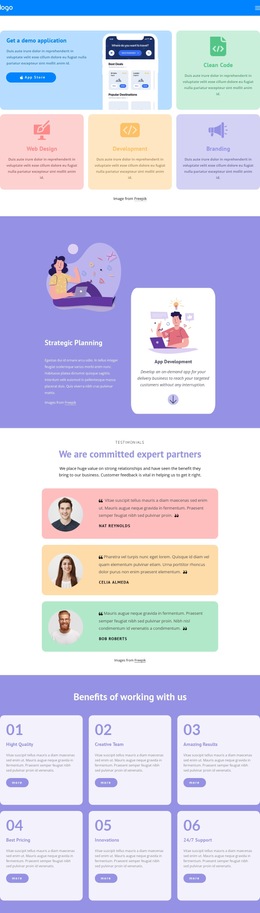
A software company can start from a software-oriented design direction when interface captures, integrations, and capability sections dominate the page. Smart-device brands may use a watch-focused concept to combine product imagery with concise technical benefits.
Nicepage lets you select a visual direction, open it in the website builder, adjust page sections, and prepare a static HTML site. Its responsive web design controls help adapt the same content to different screen widths rather than relying on a single fixed desktop layout.
Minimal Features for Structured HTML5 Technology Pages
Structure and semantics
- SEO Headings: define a clear heading hierarchy so product demos, software features, specifications, compatibility notes, and supporting content have visible document structure.
- Grid Element: organize feature groups, device specifications, integration lists, or product comparisons in responsive cells that move one under another on smaller screens.
- Semantic section planning: keep related technology content grouped under descriptive headings so the HTML5 document remains understandable beyond its visual styling.
Adaptive presentation
- Responsive Modes: refine layouts for Large Screens, Desktops, Laptops, Tablets, and horizontal or vertical phones while preserving section order.
- Page Settings: manage page attributes and related page properties through the Page Settings controls.
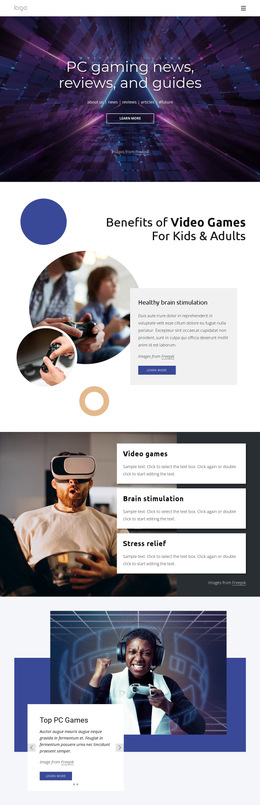
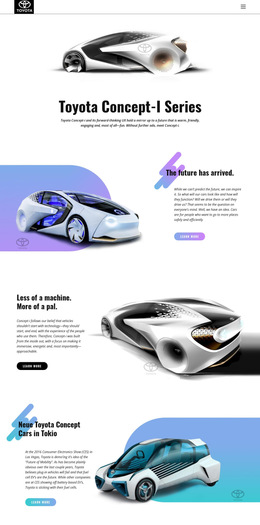
For entertainment software or interactive products, a game technology direction can provide a stronger visual starting point while semantic headings still keep releases, features, system information, and product actions organized.
Advanced HTML5 Structure Before Deployment
Modern HTML5 structure starts before validation. Keep product demos, release notes, device specs, integrations, system information, and calls to action in logical semantic groups; preserve heading order; and avoid markup that exists only to imitate visual spacing. Final validation can then confirm the exported page, while device checks confirm that the same HTML5 content model remains usable on narrower screens.
Professional HTML5 Technology FAQ
Can Nicepage host a technology HTML5 website?
Yes. Nicepage provides hosting for HTML websites created with Nicepage. It does not provide regular hosting for PHP, JS, or other third-party files.
Can I import an existing software HTML site into the Nicepage editor?
No. Nicepage does not support importing an HTML or other generated website into the editor. Its features can instead be used to recreate the required page structure and design.
How can I keep a software HTML5 page semantically organized?
Use SEO Headings to give sections a clear hierarchy and context. Structure product capabilities, interface explanations, technical details, and supporting content with appropriate headings instead of relying only on visual differences between text blocks.
Fast HTML5 Production Without Starting from Empty Pages
A technology HTML5 page should make its structure obvious even before decorative styling is considered. Select an appropriate design, refine semantic headings and responsive sections in the visual page editor, review how technology content groups together on different screens, and prepare the finished page for deployment. Start for free and use the visual workflow to build a cleaner, modern HTML5 structure without having to compose every section from scratch.