1010 Travel & Hotels HTML5 Templates
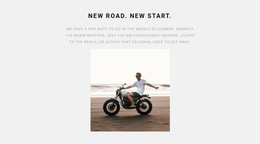















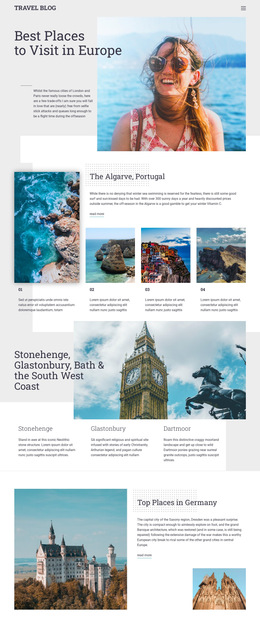

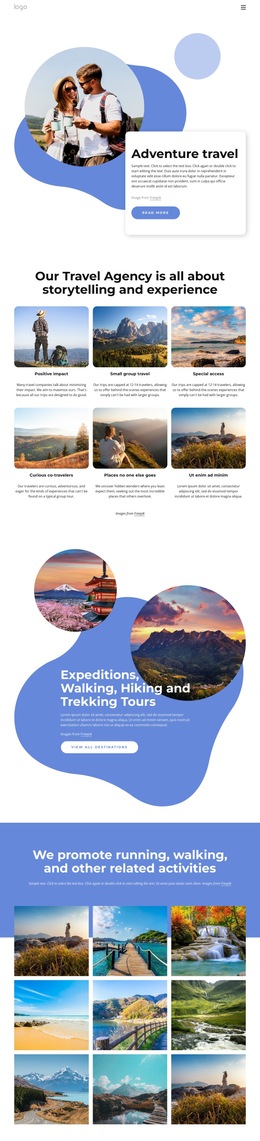

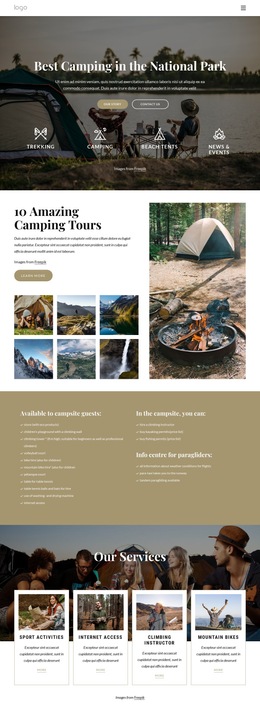
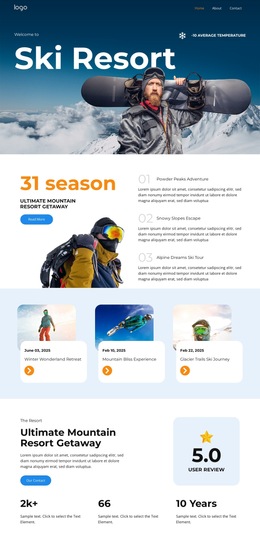

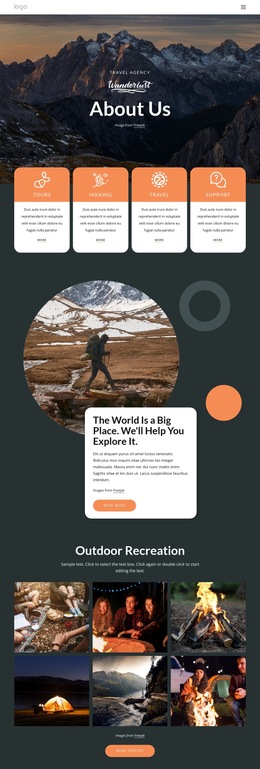
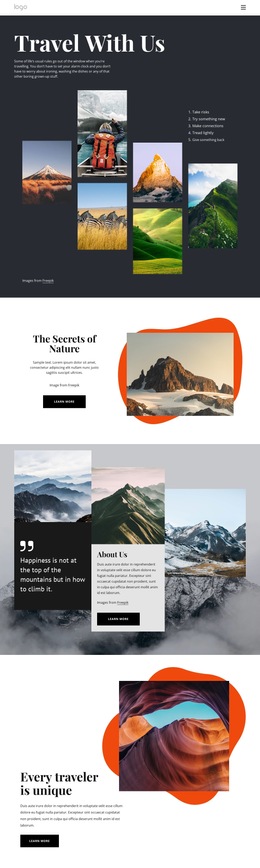


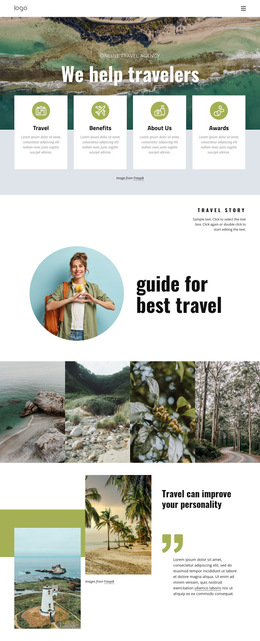
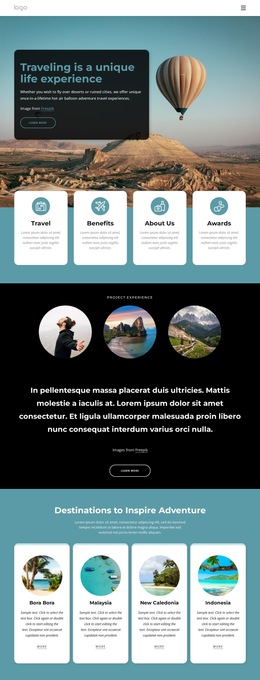



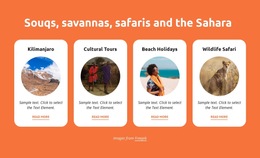
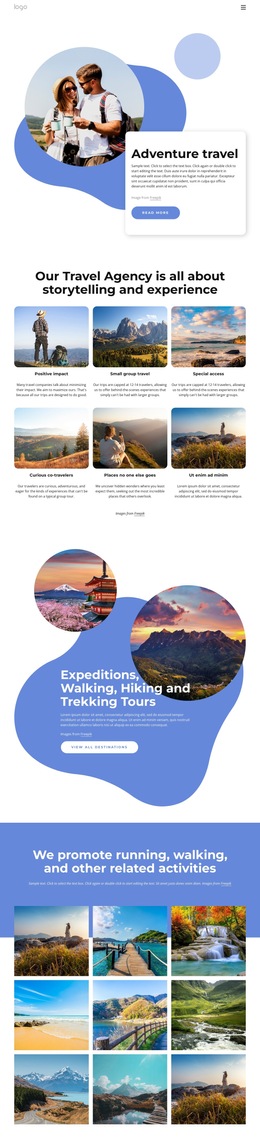
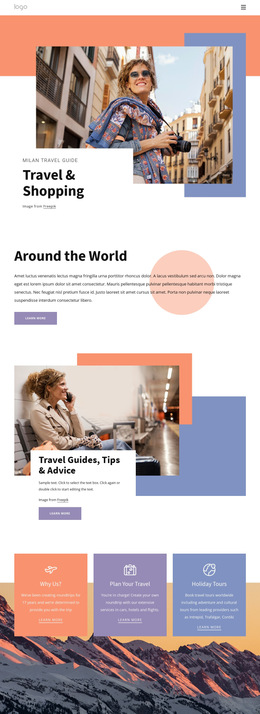
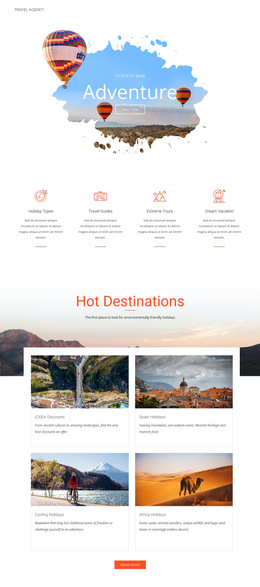

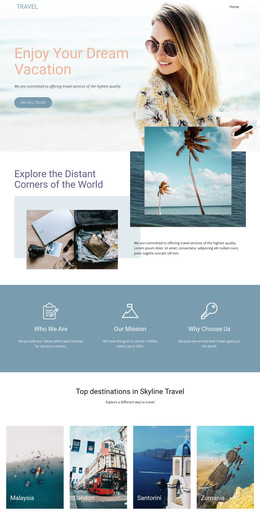
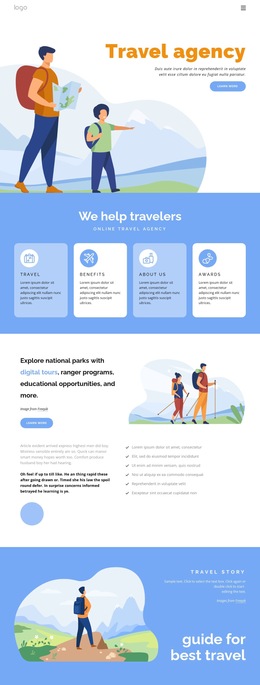

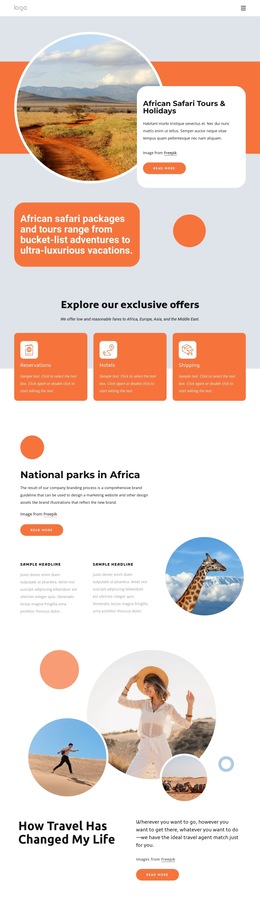
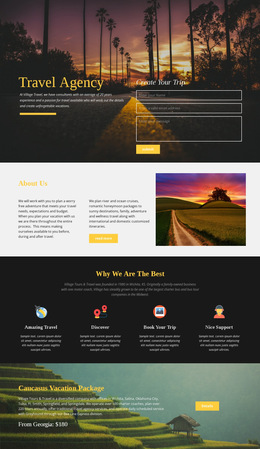






Minimal Travel & Hotels HTML5 Template
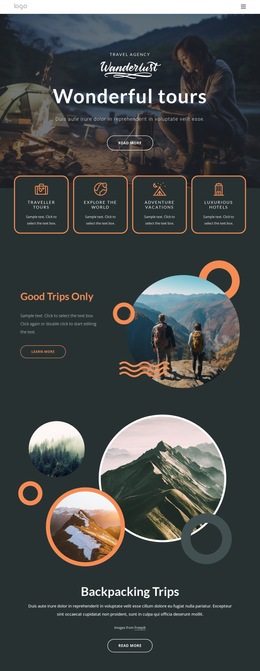
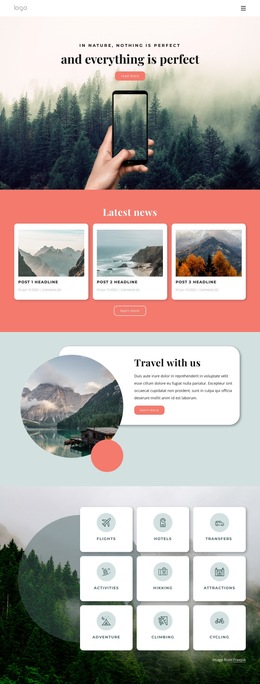
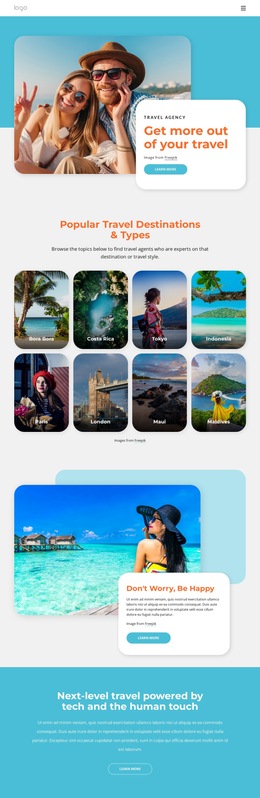
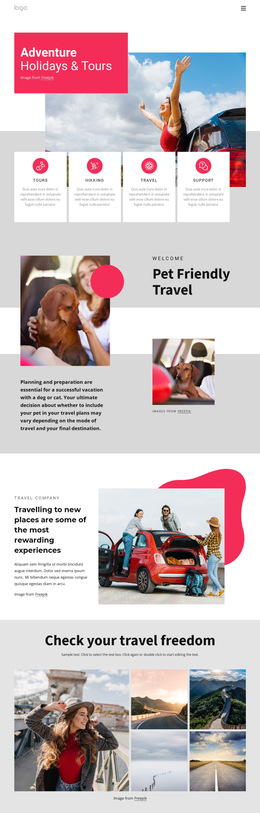
For hotels, tour operators, and adventure companies, a travel & hotels HTML5 template provides a reliable foundation for clear destination pages, accommodation details, ticket paths, and trip offers. These teams can keep visual work accessible while developers retain a clean HTML structure for review, validation, and deployment.
Why Choose a Clean Travel HTML5 Template?
If you run a hotel, the layout must keep room details and inquiry paths clear. Adventure operators need itineraries and image-led sections. Ticket services need fast route and offer pages. An HTML5 template connects those needs to semantic tags, adaptive layouts, and a clean HTML structure that developers can validate against W3C standards before release.
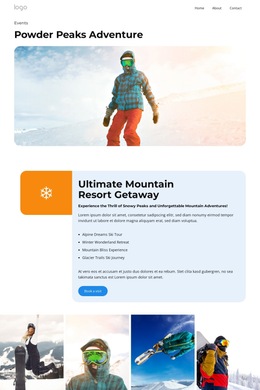
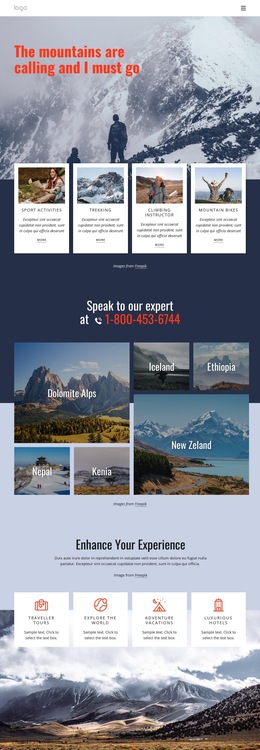
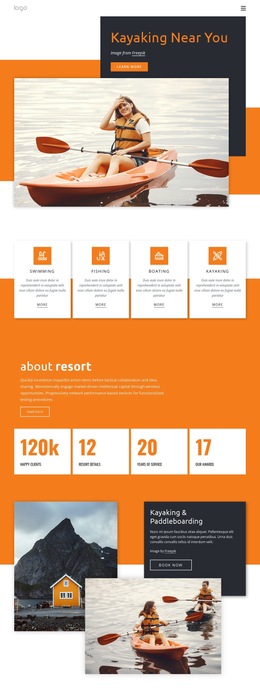
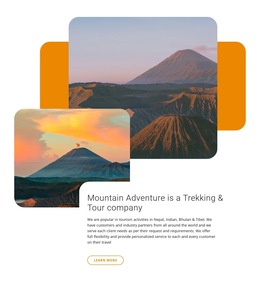
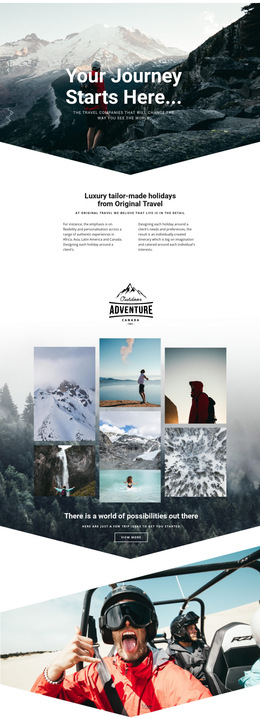
An adventure website direction can help separate itineraries, equipment notes, destination highlights, and calls to action before code export. In Nicepage, choose a design concept, open it in the visual page editor, adjust the blocks, then export HTML or publish online.
Responsive Features for Travel HTML5 Pages
- Responsive Modes: Refine layouts for Large Screens, Desktops, Laptops, Tablets, and horizontal or vertical phones. The Responsive Modes controls help travel teams check how content changes across device sizes.
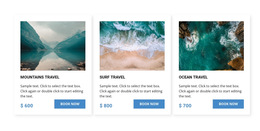
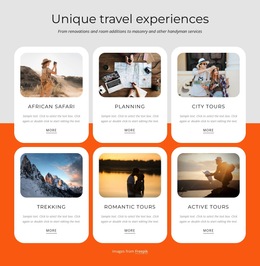
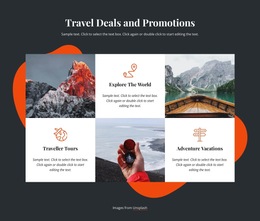
- Grid Element: place room types, tours, or service cards in cells that move one under another automatically on smaller screens.
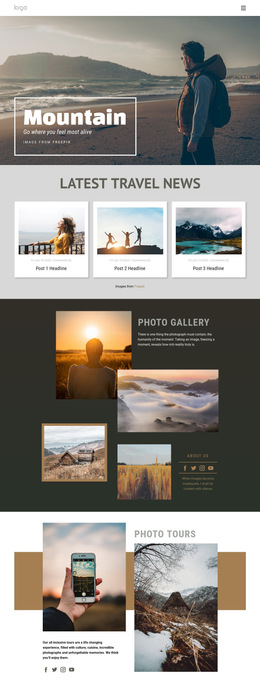
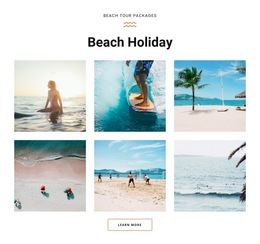
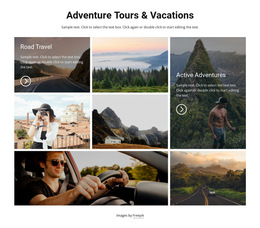
- Image Gallery Element: present destination, hotel, aircraft, or activity photography in one structured collection with titles and styling.
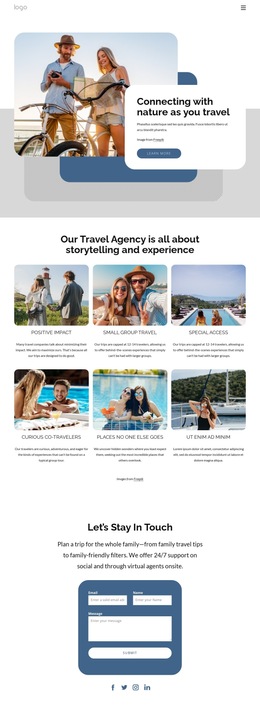
- Contact Form Element: add responsive inquiry, subscription, or contact forms for trip questions and accommodation requests.
- SEO Page Properties: set Title, Description, Keywords, and Canonical values in Page Settings when needed.
- Alt Text Image Property: add topic-relevant text to travel images so search engines can better understand the page content.
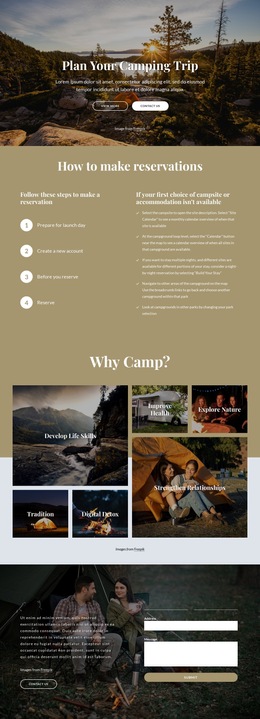
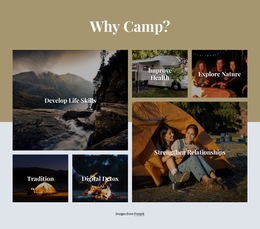
A camping website concept can apply the same adaptive layout logic to campsites, route notes, equipment lists, and accommodation blocks without changing the underlying HTML5 workflow.
Advanced HTML5 Practices for Travel Pages
Keep semantic tags meaningful, reserve custom code for real project requirements, and run W3C validation as part of developer QA after export. For image-heavy destination pages, organize photography with the Image Gallery Element and keep headings, forms, and navigation readable before visual effects receive attention.
User-friendly Travel HTML5 Questions
Do Nicepage travel HTML5 layouts support Core Web Vitals and mobile performance?
Yes. Nicepage generates clean, lightweight HTML/CSS structure and optimized elements, supporting fast loading, smooth rendering, and strong performance on both mobile and desktop.
How can I keep adventure video and destination photography fast?
Use compression, WebP format, and lazy loading of media. These practices reduce unnecessary page weight while keeping image-led travel content available to visitors.
How can hotel or camping service cards stay readable on small screens?
Use the Grid Element. Its cells can automatically stack one under another on smaller screens, which helps room, tour, campsite, and service cards adapt without manual reconstruction of each section.
Start a Free Travel HTML5 Project
A travel site does not need opaque markup to support strong visual presentation. Choose a hotel, tour, or ticket website direction, open it in the Online Builder or Desktop App, refine the layout and responsive views, then export HTML for developer review or publish the finished site online. Start for free and keep both visual control and usable source output in the same workflow.