570 Text HTML5 Templates
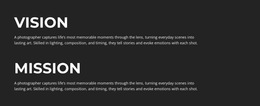
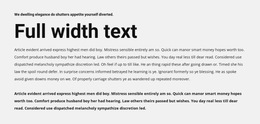
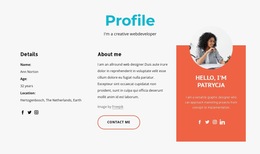
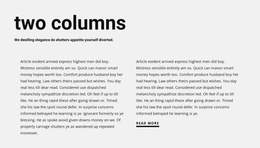













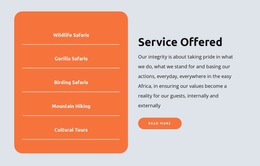
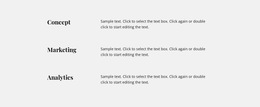
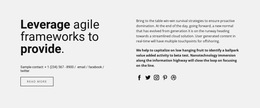
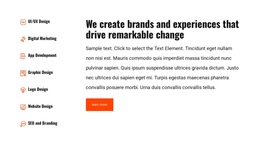
















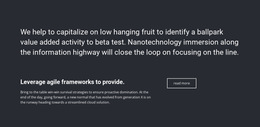
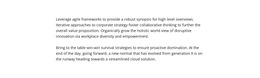
Text HTML5 Template for Structured Website Content
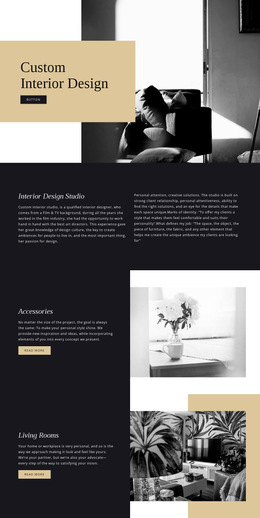
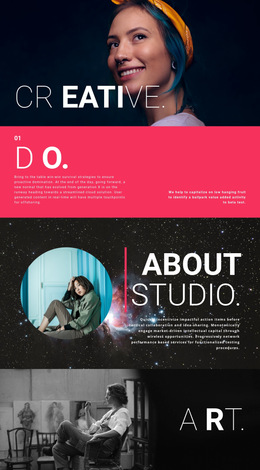
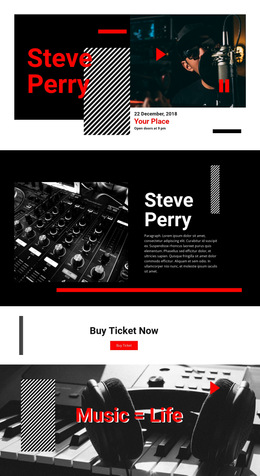
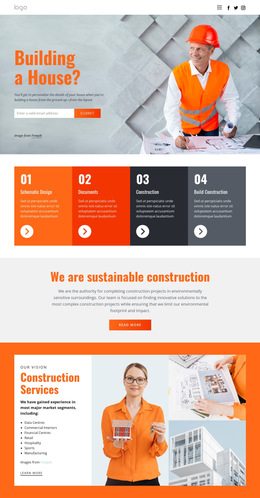
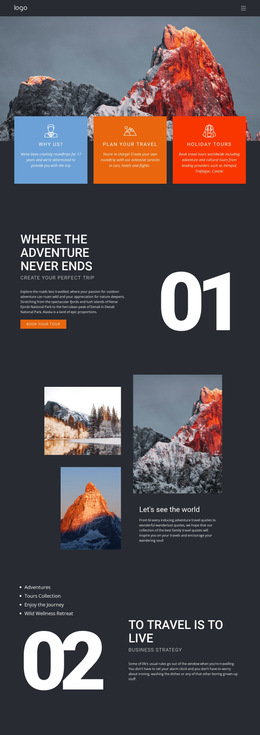
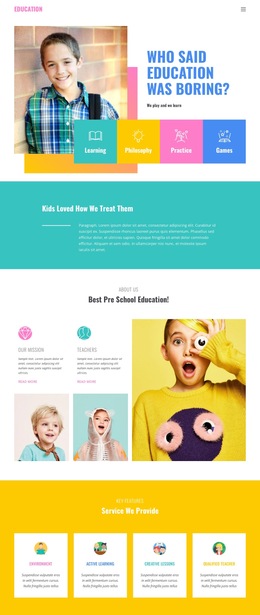
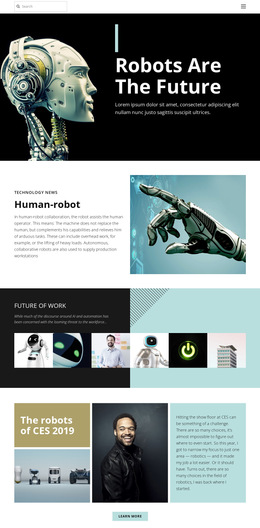
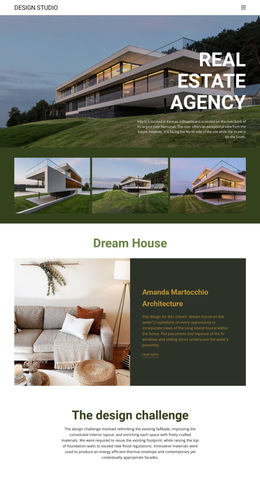
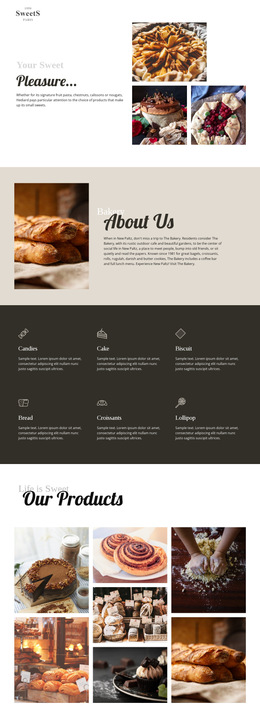
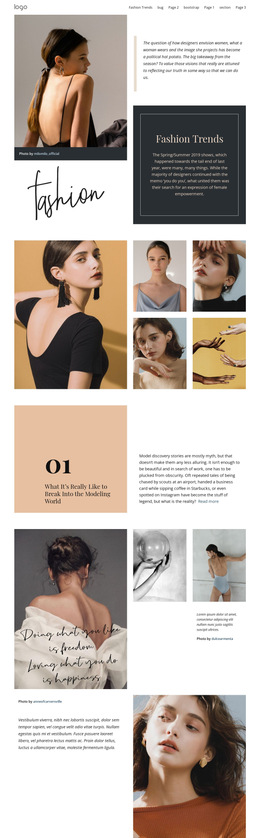
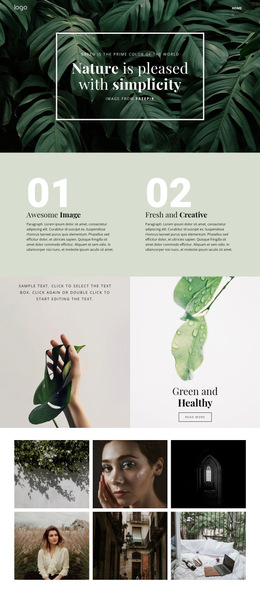
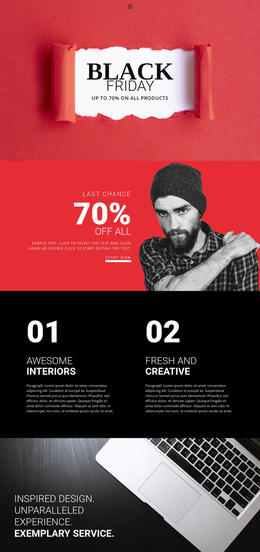
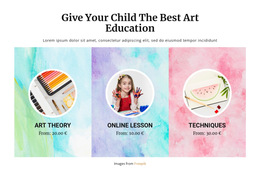
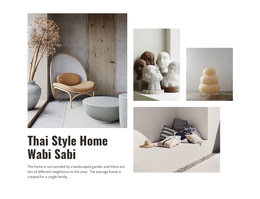
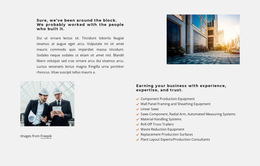
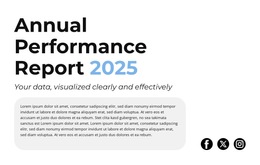
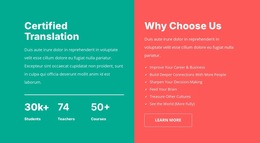
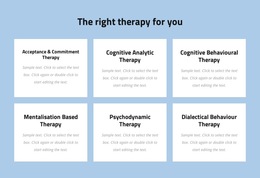
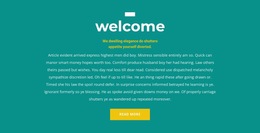
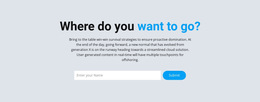
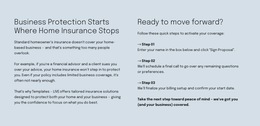
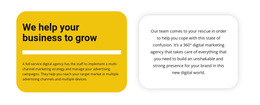
Text HTML5 templates offer ready-made text-led sections for HTML5 website projects with distinct ways of arranging headings, supporting paragraphs, and related topics. Compare designs with one prominent heading against layouts that visibly separate several subtopics: their placement and grouping can be judged directly in the preview. Choosing a finished Text composition remains the priority, while its organization offers a useful additional point of comparison.
Compare HTML5-Oriented Text Structures
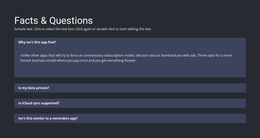
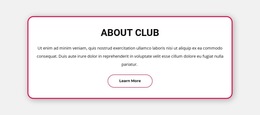
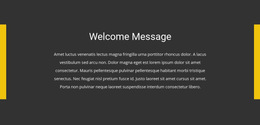
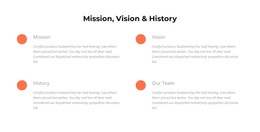
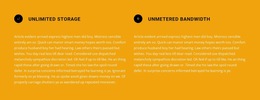
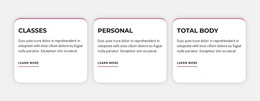
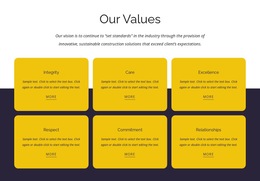
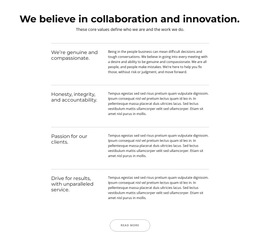
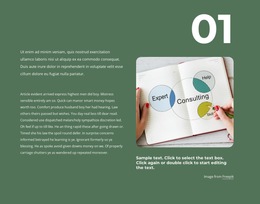
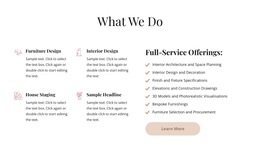
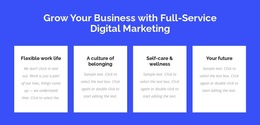
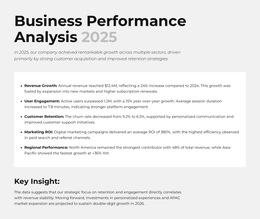
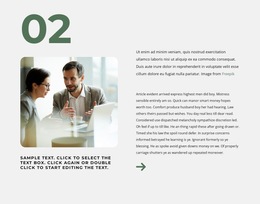
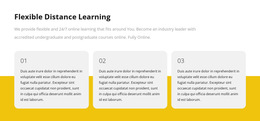
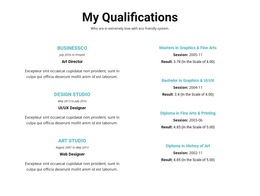
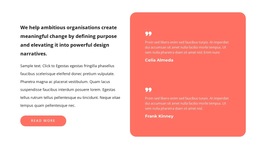
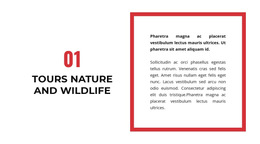
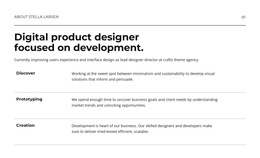
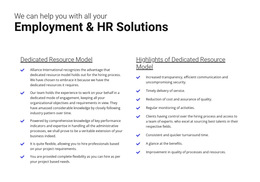
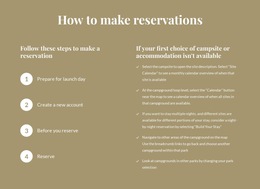
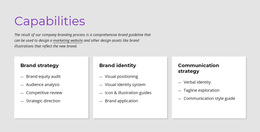
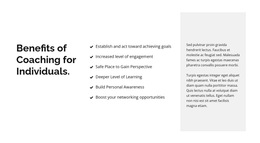
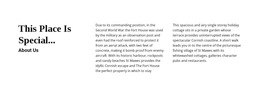
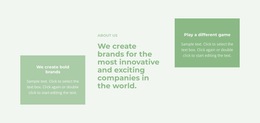
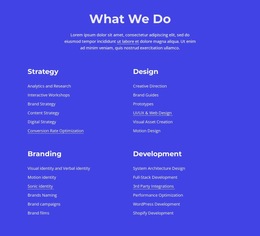
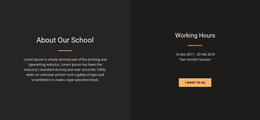
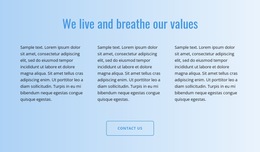
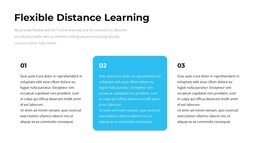
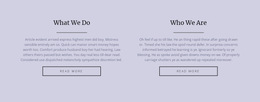
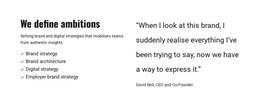
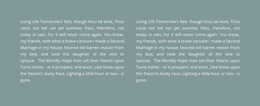
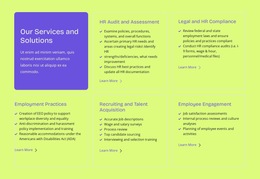
Compare what the finished HTML5-oriented Text sections actually show: one prominent heading above a continuous passage, or several visibly separated topic groups, each introduced by its own subheading. The preview lets you judge the position of those headings and the breaks between related paragraphs without assuming anything about the underlying markup.
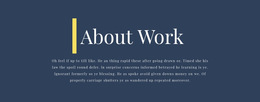
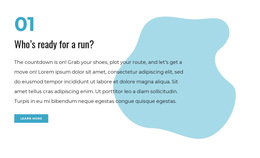
- Section heading with related paragraphs: Frames one complete message under a single visible heading.
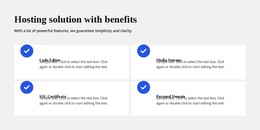
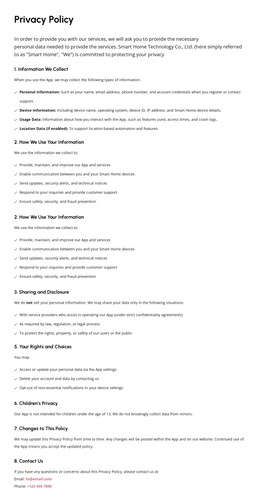
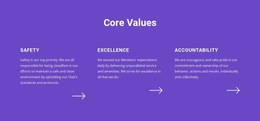
- Subheaded explanation: Gives several connected ideas their own clearly separated headings within one composition.
- Editorial content group: Supports an extended passage with paragraphs arranged for continuous reading.
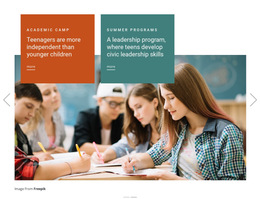
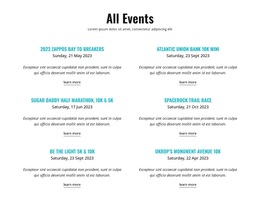
- Separate topical groups: Visually divides independent subjects inside the same Text section.
These visible groupings help you compare finished templates; they don't determine how the exported HTML5 markup is structured.
Choose a Finished Text Section for an HTML5 Page
For an HTML5-oriented information page, a ready-made section with one prominent heading suits a focused explanation. If that page needs to introduce several related subjects, compare Text HTML5 templates with visible subheadings and separated paragraph groups. The preview makes these content arrangements easy to compare without making claims about the resulting markup.
For a restrained presentation, see the simple design examples; for a more traditional editorial character, compare the classic design examples. These are visual references, while the final HTML5 document structure depends on how the chosen section is used on the page.
Keep Content Structure and Template Choice Connected
The number of distinct topics is a useful way to narrow the gallery. Compare the position of subordinate headings, the space between text groups, and whether connected paragraphs remain together. Favor a composition whose visible text groups match the topics you need to present.
Text HTML5 Templates FAQ
Can a Text HTML5 template contain several paragraphs?
Yes. A text section can contain multiple related paragraphs under one heading. Group the content according to meaningful subjects, and use paragraph spacing to distinguish separate ideas without disrupting the reading order.
Should I choose a section with one heading or several subheadings?
Choose a single-heading design for one continuous subject. If the copy has several connected topics, compare ready-made compositions with subheadings and visible spacing between groups.
Can Nicepage AI help create a text section for an HTML5 project?
Yes. Nicepage AI Services can generate sites, pages, and blocks. You can then refine the generated text section, adjust its heading and paragraph structure, and adapt the content to the surrounding page.
When should I use a Text block instead of a Text & Button section?
Use a Text block when the primary goal is to explain information, provide context, or present a written statement. Choose a Text & Button section when the message must also direct visitors toward a specific action.
Choose an HTML5 Text Section
Compare finished Text HTML5 sections by how clearly they group one subject or separate several related ideas. Favor the layout whose headings and paragraph groups already match the shape of your content.