150 Music & Entertainment HTML5 Templates
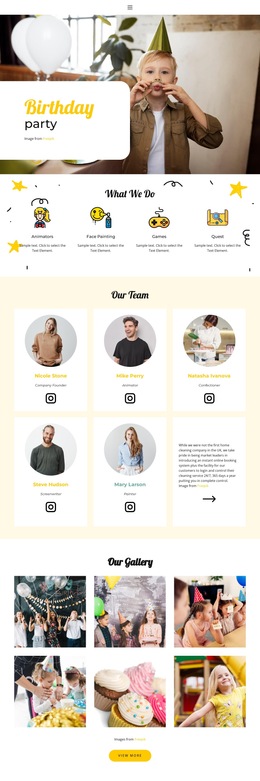
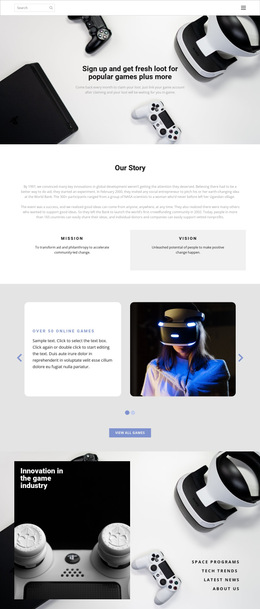
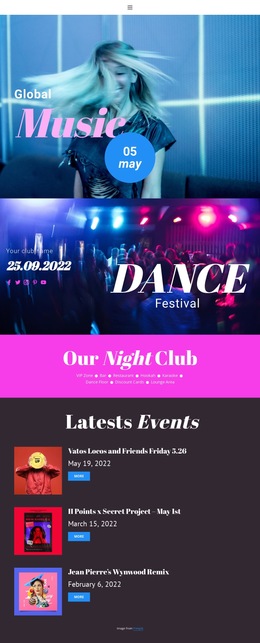
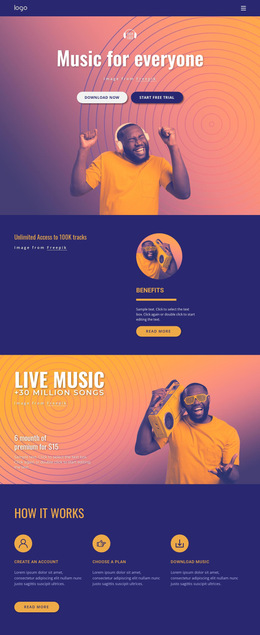

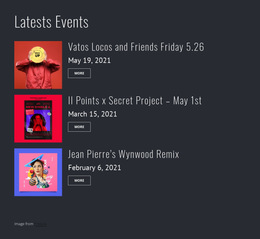












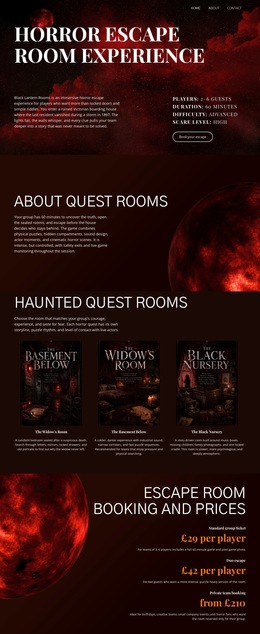

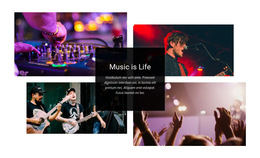
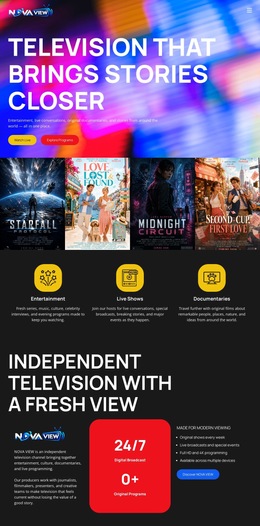
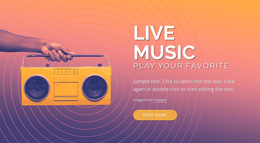


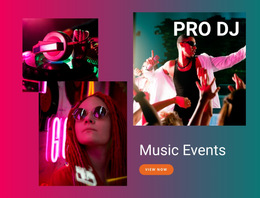
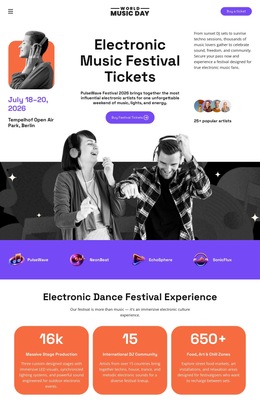
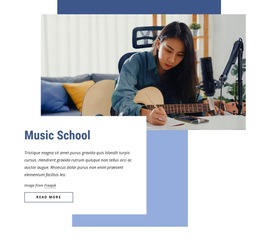

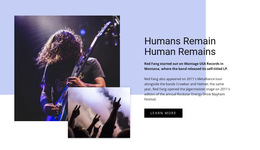
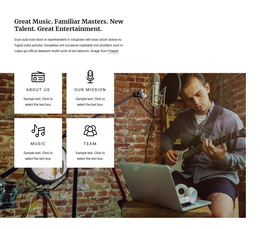
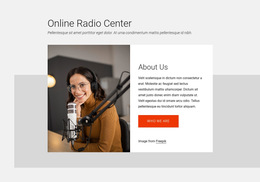




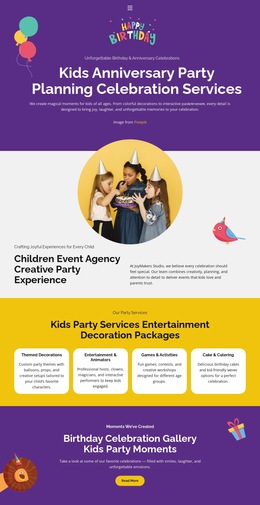


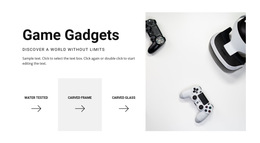
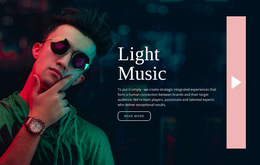


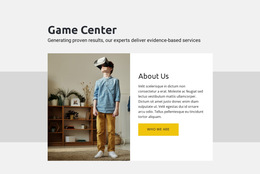

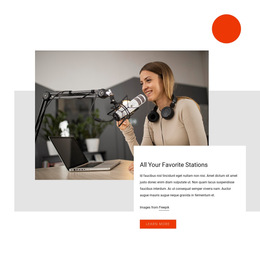










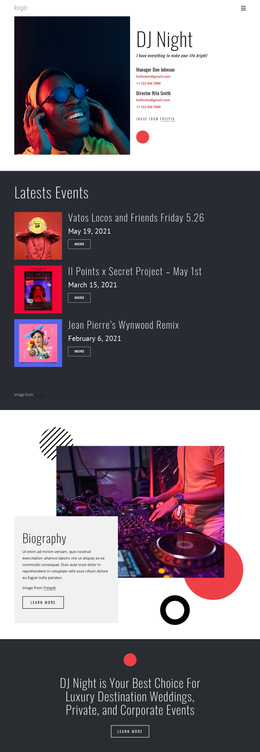
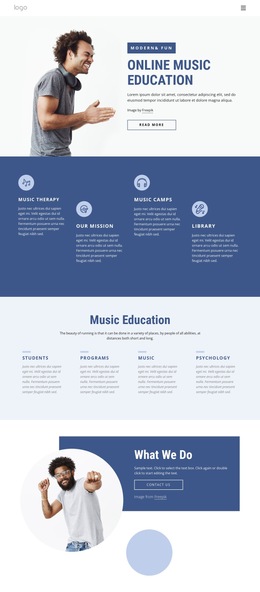
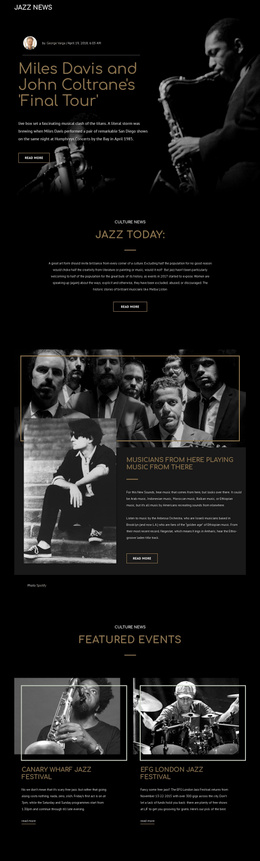
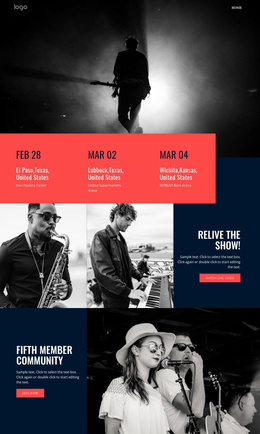

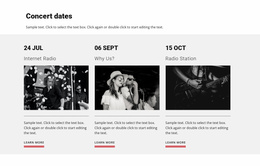
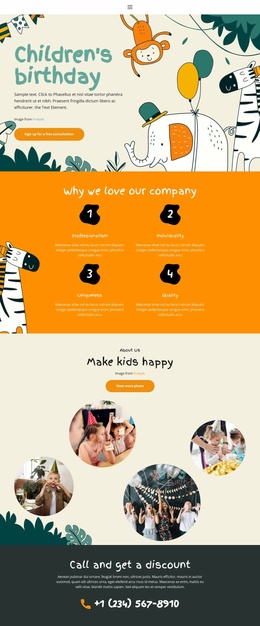
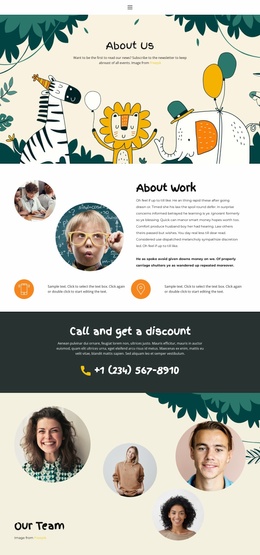
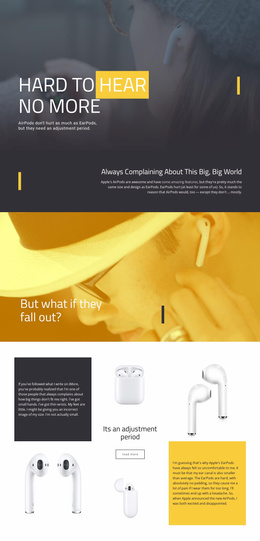


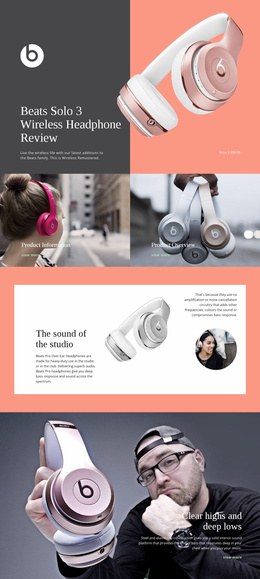

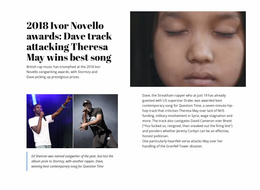

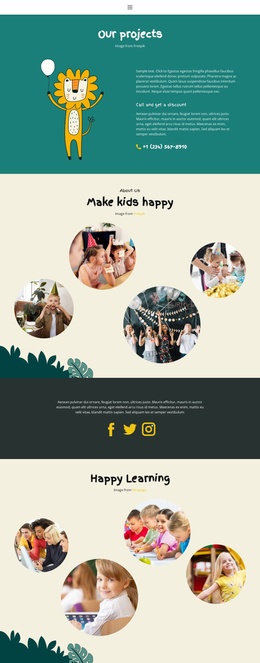









Semantic Music & Entertainment HTML5 Template Designs
A music & entertainment HTML5 template is most useful to a developer who cares about what each part of the page means in the document, not only where it appears visually. HTML5 provides music, cinema, and event content with a vocabulary of meaningful regions, such as 'header', 'nav', 'main', 'section', 'article', and 'footer'. Used deliberately, those regions make the source easier to interpret and create a better foundation for accessibility and standards-based review.
Read an Artist Page as a Document Model
Consider a release-focused artist page. Its structure can be understood as a sequence of meaningful regions rather than a stack of anonymous containers:
'header' → artist or site identity
'nav' → main destinations
'main' → the unique subject of the page
'section' → current release
'section' → tour dates
'article' → a self-contained interview or release note
'footer' → supporting navigation and site information
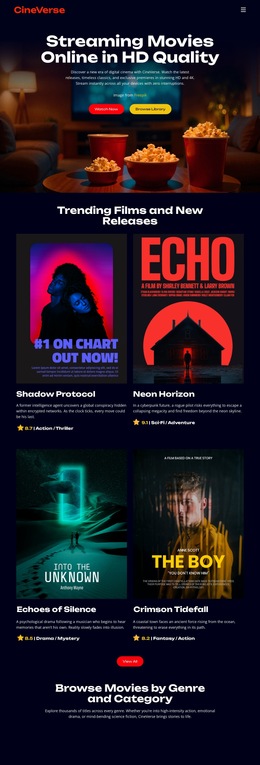
The exact content can change, but the question stays the same: what role does this region play in the document? For a cinema project, movie theater website ideas can help identify showtimes, posters, trailers, and visitor actions before these elements are grouped into meaningful regions.
'section', 'article', Landmarks, and Heading Relationships
Use 'section' when content belongs together as a thematic part of the current page, such as Tour Dates, Discography, Cast, or Festival Schedule. Use 'article' when the content could reasonably stand on its own or be distributed independently, such as an interview, review, news item, or release note.
Landmarks also need clear relationships. A page normally has one primary 'main' region for its unique content. Navigation regions should have a real navigational purpose, and headings should describe the sections they introduce rather than being chosen only for visual size. If a release section contains subsections for tracks and credits, the heading levels should reflect that relationship instead of skipping levels to achieve a styling effect.
Semantic markup helps assistive technologies and developers understand the page, but semantics alone do not make a page accessible. Keyboard behavior, labels, link purpose, color contrast, focus visibility, captions, media alternatives, and interactive controls still need separate review.
Media Context: HTML5 Standard vs Nicepage Media Elements
HTML5, as a web standard, includes native audio and video elements, but that should not be confused with the idea that every media block produced by a visual builder becomes a native '
The semantic task is to keep media understandable in context. A video should not sit as an unexplained rectangle between unrelated sections. Give it an appropriate heading or surrounding description, make the purpose of playback clear, and provide suitable alternatives or captions where the implementation requires them.
Semantic structure becomes more useful when regions, headings, and interactive media work together. A landmark should have a clear purpose, and each major content region should be introduced in a way that makes sense both visually and in the source. Heading levels should reflect the relationship among release details, tour information, interviews, and supporting content rather than being chosen solely for typography.
Accessibility still requires decisions beyond element names. A semantically grouped media section may need captions, descriptive labels, meaningful link text, visible keyboard focus, and controls that remain understandable without relying on color or motion alone. The markup should make the content easier to navigate and interpret, while a separate accessibility review checks whether real users can operate it effectively.
Validate Meaningful Structure, Not Just Visual Output
A semantic review should inspect the source and ask whether the document still makes sense when its visual styling is mentally removed. Check that the primary subject is inside 'main', that sections have useful headings, that standalone editorial items are treated consistently, and that navigation and footer content are grouped according to their purpose.
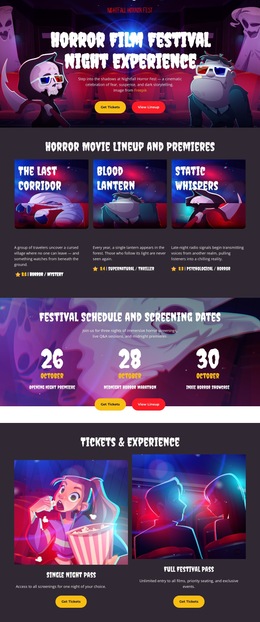
A party website idea can follow the same model: 'main' for the event subject, separate 'section' regions for schedule and venue details, and a self-contained 'article' only when a piece of content truly stands on its own. Validation can then be used as a standards check for the markup, while accessibility review covers the broader experience that semantic tags alone cannot guarantee.
HTML5 Document Structure Questions
When should I use 'section' instead of 'article'?
Use 'section' for a thematic part of the current page, such as Tour Dates or Discography. Use 'article' for content that can stand on its own, such as an interview, review, news item, or release note.
Does every entertainment page need a 'main' element?
A standard document should identify its primary unique content with 'main'. The exact surrounding landmarks can vary, but the main subject of the page should be distinguishable from repeated navigation, header, and footer content.
Does semantic HTML5 automatically make a page accessible?
No. Semantic regions improve structure, but accessibility also depends on keyboard behavior, labels, link purpose, focus states, contrast, captions, media alternatives, and the implementation of interactive controls.
How should video fit into semantic page content?
Place the video within a meaningful content region and provide visitors with enough surrounding context to understand what it is and why it belongs there. The specific Nicepage media source may be YouTube, Vimeo, hosted content, or uploaded content, so review the resulting implementation rather than assuming a single native media element.
Why validate HTML5 markup?
Validation can reveal structural errors and standards issues in the markup. It does not replace accessibility or usability testing, but it provides a useful check that the document model is technically coherent.
Semantic Review Checklist
Read the page as a document rather than as a screenshot. Identify the primary 'main' region, check whether every 'section' has a real theme, reserve 'article' for self-contained content, keep heading levels tied to content relationships, and review how media is introduced and described. Then validate the markup and perform a separate accessibility check. HTML5 is most useful when semantic structure, media context, accessibility, and validation are visible in the implementation.