Product List HTML5 Templates
-
-

-
-
-
-
-
-
-
-
-
Free Website Builder SoftwareDownload
-
-
-
-
-
-
-
-
-
-
-
-
-
-
-
-
-
-
-
-
-
-
-
-
-
-
-
-
-
-
-
-
-
-
-
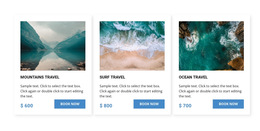
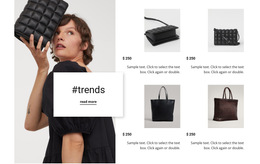
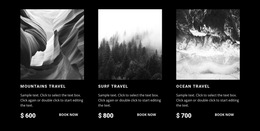
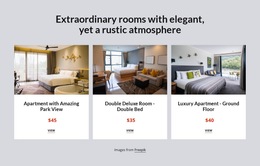
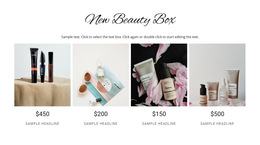
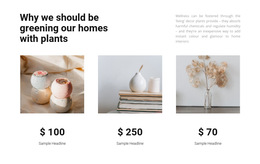
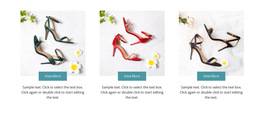
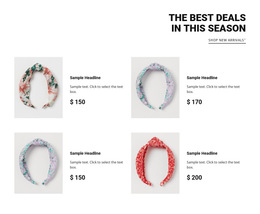
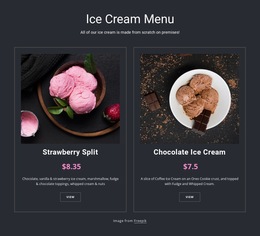
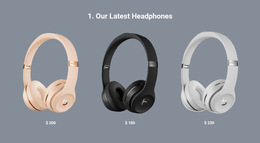
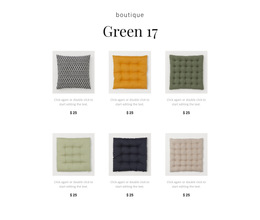
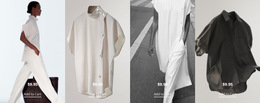

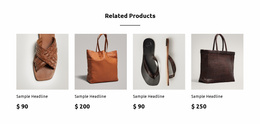
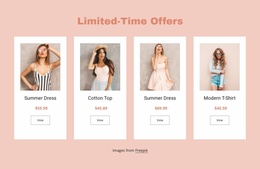
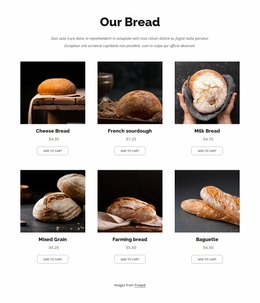
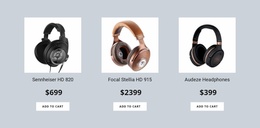
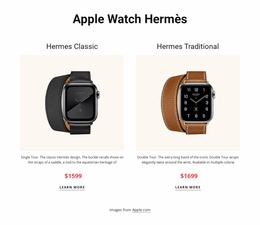

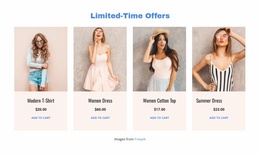
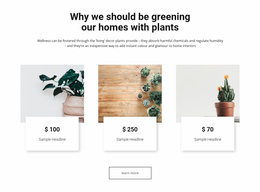
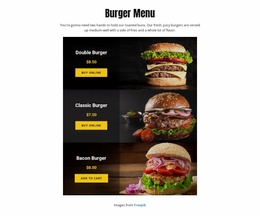
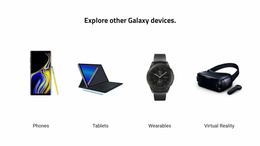
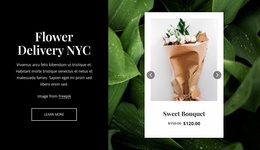
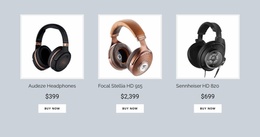
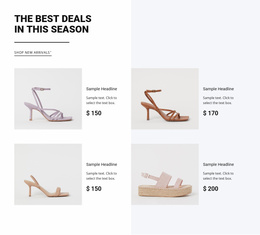
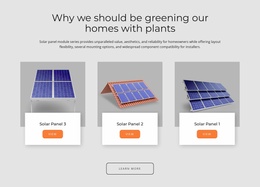
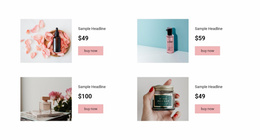
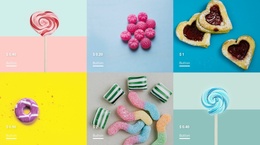

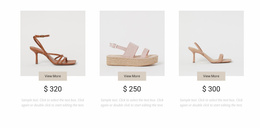

Clean Product List HTML5 Template for Structured Product Content Hierarchy
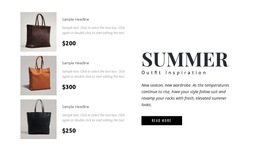
Product List HTML5 Templates provide ready-made product collection sections with repeated places for merchandise images, names, prices, and actions. When choosing a template, examine both its card arrangement and how clearly its product content is grouped. An HTML5-oriented section should remain understandable as the layout changes from a wide grid to a compact mobile view, without suggesting that a special HTML5 label alone guarantees accessibility.
What Should an HTML5 Product List Section Include?
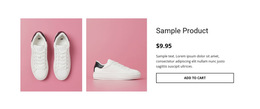
Start by checking what the ready-made template already provides. A useful Product List has a heading that identifies the collection and cards that keep each product's image, title, price, and destination together. A featured selection may need only a name and price per card; a broader catalog preview may also need brief supporting descriptions.
HTML5 semantic structure can help express the relationship between the collection and its entries, where appropriate. Yet the selection decision remains practical: does this template make actual products recognizable and easy to browse? Replacing sample merchandise and reviewing links is more useful than assuming that a tidy demo confirms readable content or working shopping behavior.
Responsive Product Card Structure and Content Relationships
Compare a few ready-made Product List arrangements using real product content before adapting one. A four-column grid may look efficient on desktop, but longer names and different image proportions can change card height and reading order on a phone. The product identity, price, and destination should remain together regardless of the column count.
Check these relationships when selecting and customizing the HTML5 template:
- Collection heading: Make the heading describe the merchandise shown, such as a featured range or seasonal collection.
- Card grouping: Keep each image, name, price, and action associated with the same product.
- Content variation: Test short and long product names and images with different proportions before settling on a layout.
- Image descriptions: Give meaningful alternative text to informative merchandise images without duplicating decorative content.
- Product destinations: Make links understandable and check that each opens the intended item when configured.
- Mobile reading order: Confirm the same product details remain easy to follow as columns collapse.
Nicepage's Product List Element repeats product-specific elements across the collection, allowing a prepared section to be customized without rebuilding every entry. That repetition helps consistency, but it cannot validate the accuracy of your replacement merchandise.
Organizing Multiple Products Within an HTML5 Section
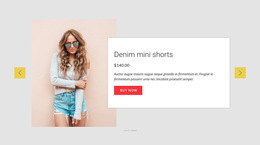
Choose a ready-made Product List block with an appropriate number of visible cards, then update the demonstration images, titles, prices, and actions in Nicepage. Review Grid and Slider options for the actual assortment. A Grid can show more products at once; a Slider can organize a shorter sequence in limited space. In either case, check that the selected layout preserves coherent product entries and usable navigation at different screen widths.
The Product List Element documentation describes Nicepage's product and layout controls. Within an e-commerce project, a ready-made HTML5-oriented collection can introduce products, but it does not independently establish inventory management or a checkout system. HTML5 Templates and HTML Templates may serve closely related browsing needs; prioritize the actual section design and the supported project workflow over an artificial distinction between the labels.
Product List Structure Versus a General Grid Repeater
A Grid Repeater can contain many types of content, such as articles or team members. A Product List template has a merchandise-specific content model: repeated items identify products and show their relevant prices and actions. Product Details serves a different purpose: it presents one selected item in greater depth.
When comparing ready-made sections, choose the one whose product cards remain clear with your merchandise, not simply the one with the most visually appealing placeholders. Correct content grouping and a readable responsive arrangement are the practical HTML5 considerations for a Product List.
Frequently Asked Questions About Product List HTML5 Templates
Can I import an existing HTML product list into Nicepage?
No. Nicepage does not support importing an existing HTML website or generated HTML layout into its editor. You can recreate the product section using the available Nicepage elements and layout controls.
Can beginners customize a Product List section?
Yes. A practical approach is to select a ready-made Nicepage block design and refine its content. The Product List Element provides product-specific elements and layout settings that can be adjusted in the editor.
How is a Product List different from a Grid Repeater?
A Product List organizes merchandise information, including product images, names, and prices. A Grid Repeater repeats a general content pattern without requiring product-specific data. Nicepage provides a dedicated Product List Element for product collections.
Start With a Structured Product Collection
Select a ready-made HTML5 Product List section that fits the number and type of products you want to show. Replacethes sample merchandise in Nicepage,keepe the grouping of images, names, prices, and links, and review thefinal layoutt on phones and wider screens before using it in your page project.