140 Sale HTML5 Templates

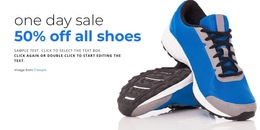
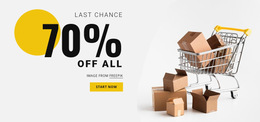

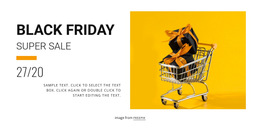
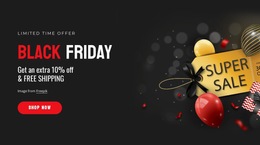
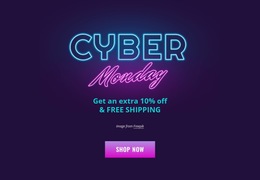
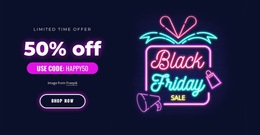
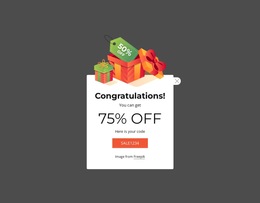
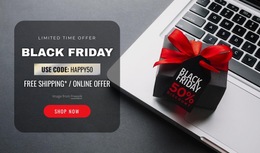


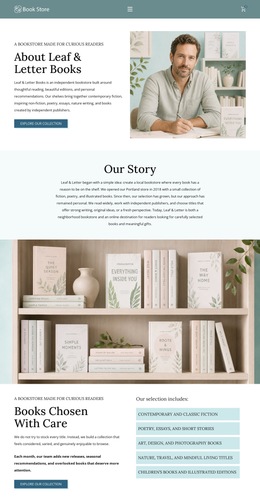

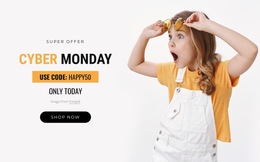
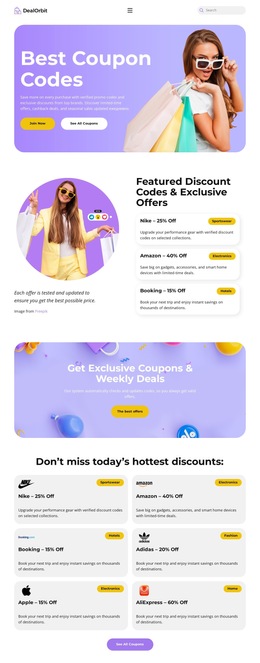
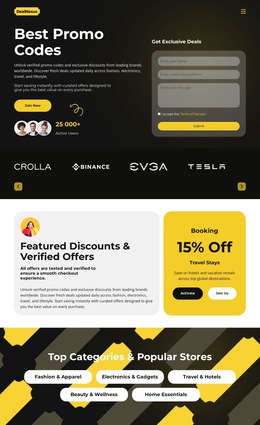
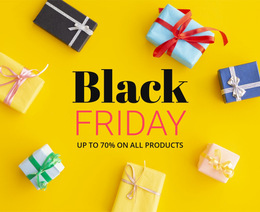

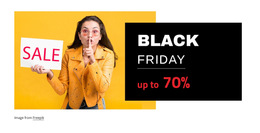

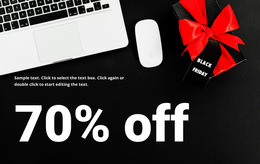
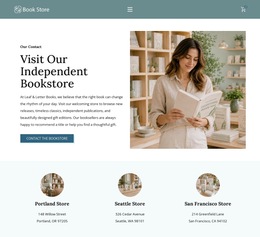

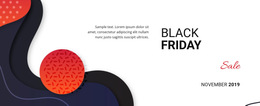














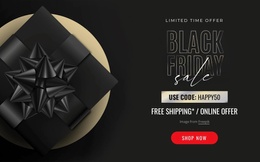

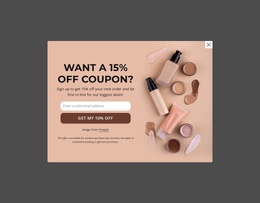


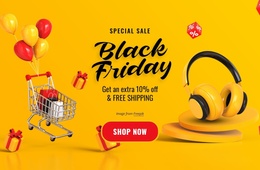
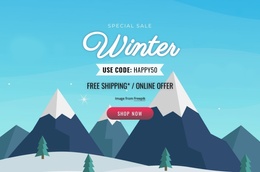

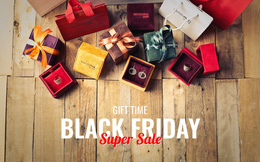
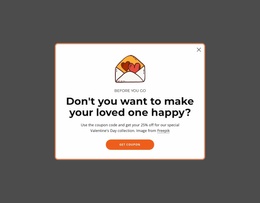



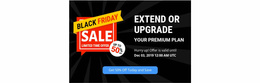
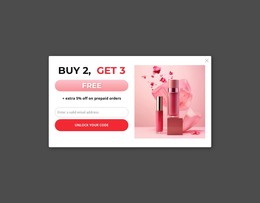



Ready-to-use Sale HTML5 Template for Retail Campaigns
For retailers, outlet stores, e-commerce teams, and campaign managers, a sale HTML5 template provides a practical route to fast campaign rollout with direct control over the final files. Product offers, coupon messages, cart access, and promotional blocks can follow one clear structure, while the team retains ownership of the exported site.
Why Choose a Premium Sale HTML5 Template?
Retail campaigns: need obvious offer priority and short paths to products. Coupon promotions: depend on readable codes, limits, and action cues. Developer handoff: benefits from a clear code structure that can be checked before deployment. A strong HTML5 concept connects these needs without turning the page into a generic store layout.
For a campaign centered on codes and redemption messages, coupon promotion ideas can help define the content hierarchy before you refine the page. Keep semantic tags, W3C Markup Validator, and a clean HTML structure in the QA checklist so the technical review aligns with HTML5 intent.
Nicepage Desktop Applications can export a project as a static HTML website for upload to hosting or delivery to a client. That workflow suits teams that want a visual design stage followed by access to deployable files.
Lightweight Features for Sale HTML5 Pages
The sale page still needs practical retail functions, not only promotional graphics. Nicepage features can support an adaptive layout and a clearer path from an offer to checkout:
- Build E-Commerce HTML Site supports HTML export and Product Elements for e-commerce pages.
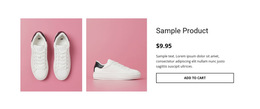
- Product List Element can place products on the home page or another campaign page and lets you specify its layout.
- Shopping Cart Icon Element shows the number of added products in the header and opens checkout with a click.
- Button Element provides the primary CTA control, with separate states and reusable button styles.
- Edit Mobile Views lets you adjust Desktops, Laptops, Tablets, and Phones separately.
- Custom HTML Element lets you add HTML and CSS when a campaign requires functionality beyond existing elements.
- Custom CSS Code can be assigned as classes through Page Settings when a developer needs extra styling control.
For sale flows where cart visibility matters, Nicepage also documents the Shopping Cart feature for ecommerce websites. Keep that checkout path visually distinct from secondary campaign links.
A focused cart design direction can help you decide how header access, product totals, and checkout cues should relate to the promotional page without competing with the main discount message.
Easy-to-use Sale HTML5 Questions
Can I host a sale HTML5 site on a third-party hosting provider?
Yes. Nicepage allows unlimited third-party hosting, so generated sites can be hosted outside the Nicepage Network.
Can I export a sale website from Nicepage Online?
Yes. Nicepage Online can export HTML for hosting on your own server. It can also export Projects for import into the Windows or macOS Desktop Application.
How can I keep discounted products visible on a sale page?
Use the Product List Element to show products on a selected page and control the layout and number of items displayed. This works well for featured offers, clearance groups, or campaign-specific product selections.
Fast-Loading Output for Your Next Sale Campaign
A promotion loses momentum when design approval and deployment require separate rebuilds. Choose a sale concept, open it in the website builder, adapt the offer blocks and mobile views, then export HTML or publish when the campaign is ready. Use sale-focused page ideas to shape the merchandising direction. Start for free to test the workflow before the final rollout.