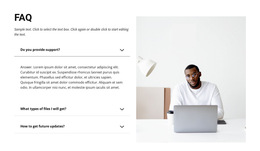
Accordion HTML5 Templates
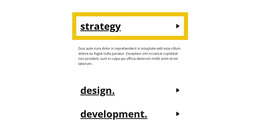
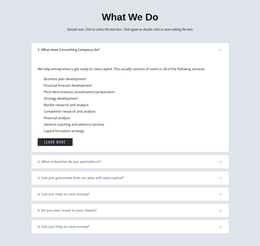
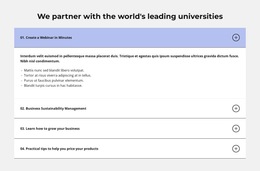
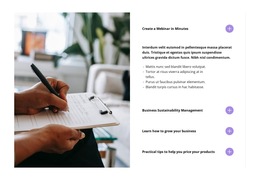
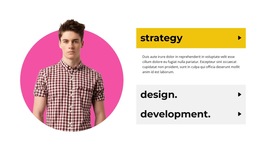


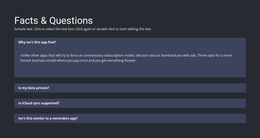
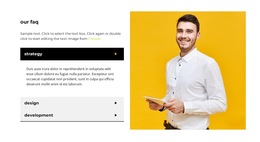

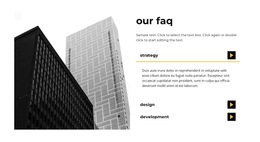
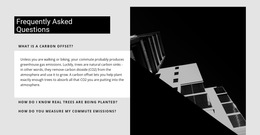


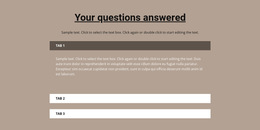
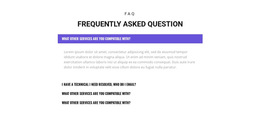



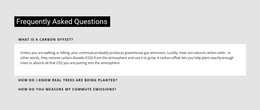
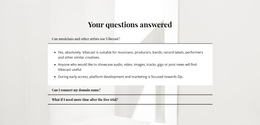
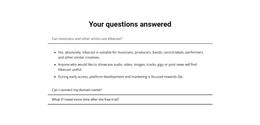
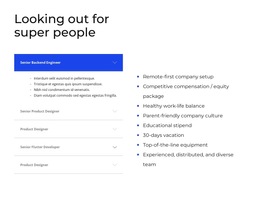





















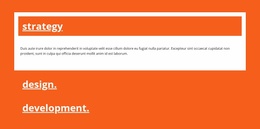
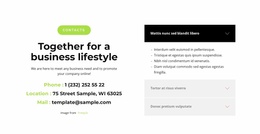


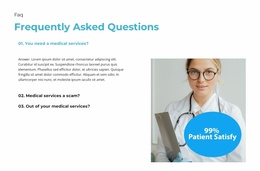
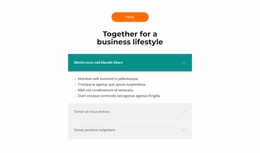
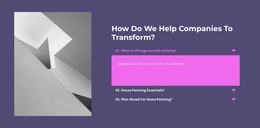
Responsive Accordion HTML5 Template for Ready Section Implementation
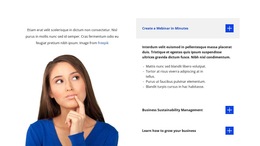
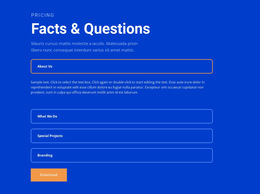
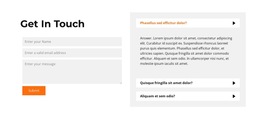
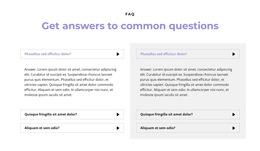
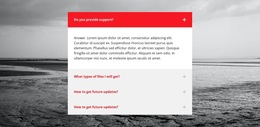
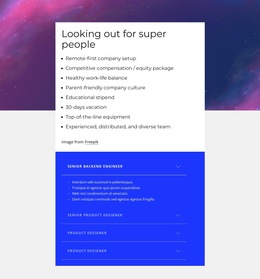
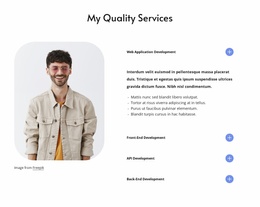
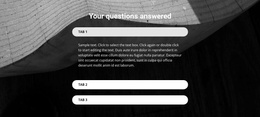
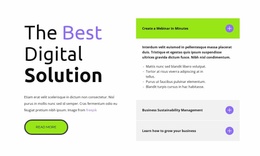
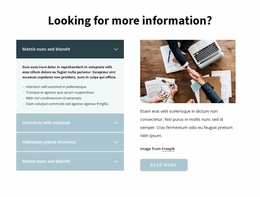
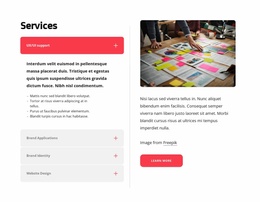
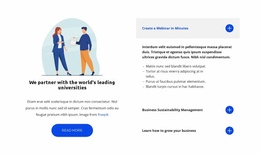
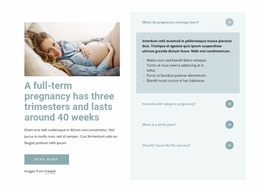
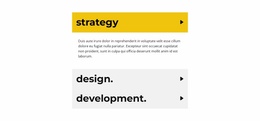
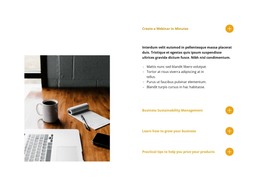
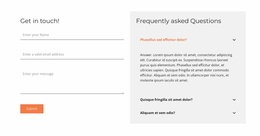
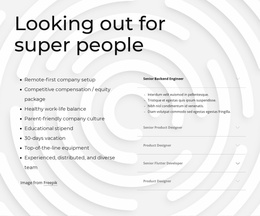
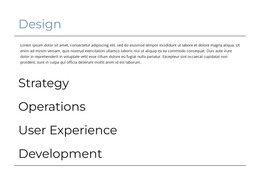
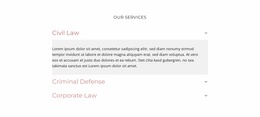
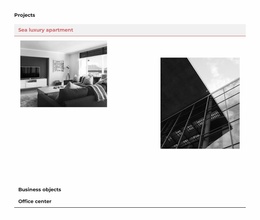
Accordion HTML5 Template sections give you a ready implementation of stacked headings and expandable bodies that can be adapted for an HTML5-oriented page. Visitors still interact with the same core pattern: scan the visible headings, open the panels they need, and leave the rest collapsed.
The HTML5 suffix should remain a light project marker rather than become the main subject. The useful distinction is that the Accordion starts as a ready, responsive section structure intended to fit naturally into an HTML5-oriented project.
What Should a Ready Accordion HTML5 Section Include?
Keep the Accordion useful by checking three essentials:
- Clear headings that can be scanned before opening a panel.
- Expandable bodies that contain the detail promised by each heading.
- Readable open and closed states that make the vertical stack easy to understand.
Once the ready implementation is placed on the page, the main check is how the Accordion behaves across viewport widths. Long headings may wrap, expanded bodies may grow taller, and the distance to the next section can change significantly on narrower screens.
Policies, service details, instructions, specifications, and other grouped information can all fit the pattern when showing every paragraph at once would create unnecessary visual density.
Start With a Ready Responsive Accordion Structure
The Nicepage Accordion Element provides the core repeated-panel interaction. A ready Accordion HTML5 template gives you that structure as a starting point rather than asking you to assemble the section from scratch.
After placing the ready implementation into the HTML5-oriented page, check:
- Heading wrapping on narrower screens.
- Expanded-body height when longer content opens.
- Responsive spacing and proportions as the stack adapts to page width.
- The transition to the following section after one or more panels expand.
The template should still feel like one connected Accordion. Headings, bodies, separators, and reveal states need to work together, not look like unrelated containers.
Integrate the Accordion Into an HTML5-Oriented Page
The html5-template angle is about ready implementation and page integration, not about turning the text into a lesson on HTML5 markup.
Use the flow ready implementation → integrate into the HTML5-oriented page → adapt content → check responsive behavior. The HTML5 label remains a light project-context modifier; the practical work is still about the Accordion panels, headings, bodies, and states.
The Accordion may sit below an introductory section, inside a product or service page, or before another content block. In each case, the main design questions remain Accordion-specific:
- Are the headings understandable before interaction?
- Do the expandable bodies justify being hidden?
- Are the open and closed states easy to distinguish?
- Does the responsive structure remain comfortable inside the wider page?
Custom markup and project-specific code extensions belong more naturally to the HTML Code angle. CSS-focused adjustments such as detailed border, spacing, and typography rules belong more strongly to CSS Templates.
Check the Accordion in the Responsive Page Context
A ready implementation still needs to feel natural once it sits inside the actual page. Review the Accordion in context rather than only as an isolated block.
Check how the section behaves when:
- Headings wrap onto additional lines on narrower screens.
- Expanded bodies become taller and push the following content downward.
- Panel spacing compresses while the vertical stack remains easy to scan.
- The section sits between other blocks with different widths or background treatments.
The goal is not to turn the page into an HTML5 or responsive-design tutorial. These checks confirm that the ready Accordion implementation keeps its headings, expandable bodies, and states clear as part of the wider HTML5-oriented page.
Accordion HTML5 Template FAQ
What should I check after placing the Accordion into an HTML5-oriented page?
Check heading readability, expanded-body height, open and closed states, and how the vertical stack behaves next to the surrounding page sections.
Should the Accordion remain responsive after customization?
Yes. After changing headings, content depth, or item count, review the section at different widths so the stacked panels remain readable and easy to operate.
When is the ready implementation a good fit?
It is a good fit when the Accordion already provides the panel structure and interaction you need and can be integrated into the page with only content and visual adaptation.
Test the Ready Accordion in Page Context
After adapting the headings and expandable bodies, review the Accordion inside the actual HTML5-oriented page rather than as a standalone block. Open several panels, check the responsive stack, and confirm that the section still reads clearly next to the surrounding content. The final goal is a ready Accordion implementation that integrates cleanly without losing its panel hierarchy or interaction states.