1380 Grid HTML5 Templates


























































































Grid HTML5 Templates for Responsive Website Sections
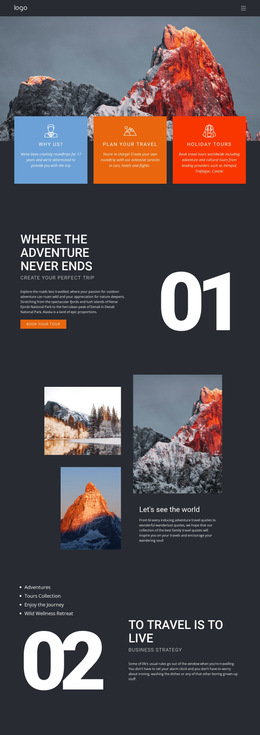
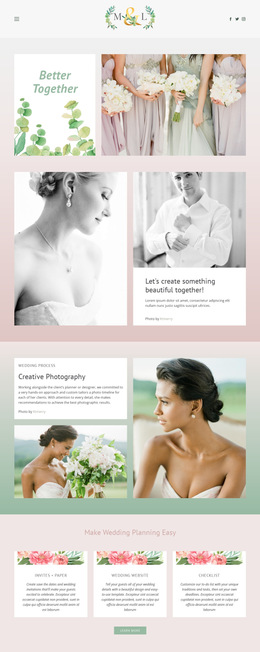
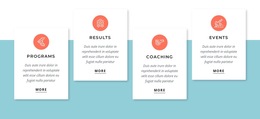
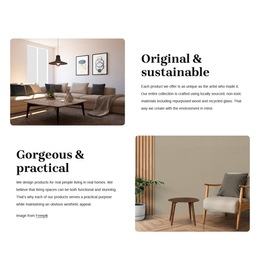
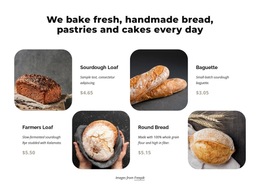
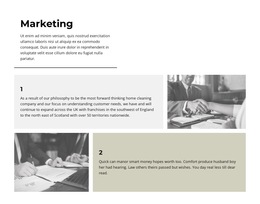
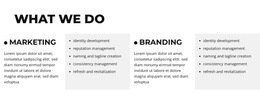
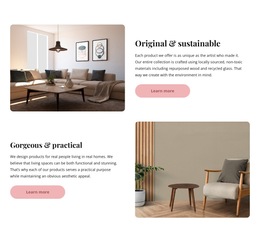
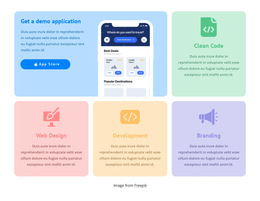
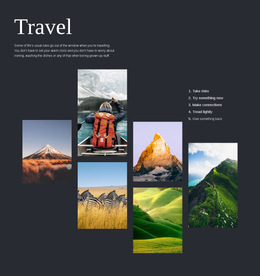
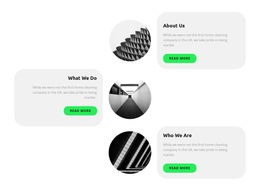
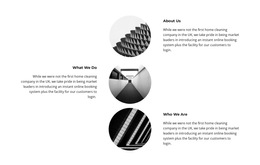
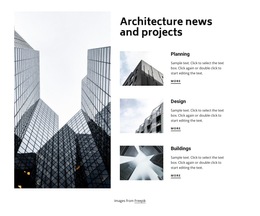
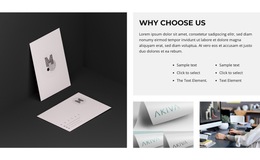
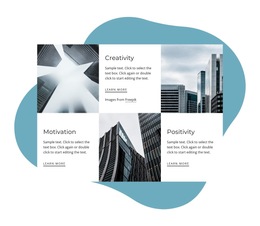
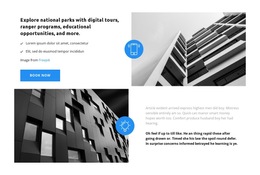
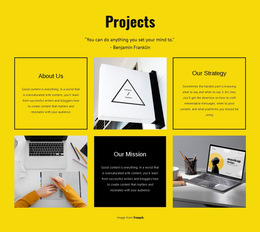
A Grid HTML5 Template gives you a prepared page structure, not just an empty set of columns. It may place an image-led Grid beneath a page introduction or pair an icon-and-text section with links to further details. You can edit the included sections in Nicepage and see how they fit together on different screens. Look at how the Grid works within the page, including its headings, neighboring sections, and navigation where provided.
Look at the Grid Within the HTML5 Page
Nicepage's Grid HTML5 collection includes image-led designs, icon-and-text sections, and layouts with a featured cell. Before selecting one, look at what surrounds the Grid in the ready-made design:
- Page headings and introductions: Give visitors context before they reach the grouped content.
- Editable Grid sections: Keep related images, text, and links together within the page.
- Navigation and following sections: Help visitors continue beyond the Grid when those elements are included.
Check which parts of the preview are actually supplied and editable. Also consider how the sections fit on mobile. The HTML5 label alone does not guarantee special features or a different kind of Grid; the individual template is what you need to evaluate.
See How the Sections Work Together
A community center might choose a Grid HTML5 design with an introduction above four workshop cards and a details section below. Each card can show a title, date, and link. The page works when visitors can move from the overview to the right details without losing context. A portfolio or services page can use the same idea with different content; the important part is how the prepared sections connect.
Refine the Ready-Made Page in Nicepage
Use the Grid Element to adjust the cells, while keeping the surrounding headings and links consistent with the page. Review the result at narrower widths. If you later need an HTML website, the Export HTML Website guide covers the supported options. The page structure should guide your choice, not the export steps.
Grid HTML5 Template FAQ
How should a Grid fit into an HTML5 page?
Check how the page introduces the Grid and where its links lead. A prepared layout is more useful when the content above and below the section supports it.
Can I edit the Grid and other sections in the template?
Yes. You can edit the Grid cells and other Nicepage elements included in the design. Check what the particular template contains before you begin.
Does every Grid HTML5 template include navigation?
No. Some examples focus on a single section. Others may show navigation and additional page content, so review the chosen design rather than assuming those elements are included.
Can I import an existing HTML5 website into the Nicepage editor?
No. Nicepage does not support direct import of an existing HTML website for visual editing. You can recreate the required section using editable elements.
Choose the HTML5 Page Structure That Fits
Look beyond the Grid thumbnail to the headings, links, and sections around it. Choose a design whose editable page structure fits what you want visitors to see and do.