

Radio HTML5 Templates
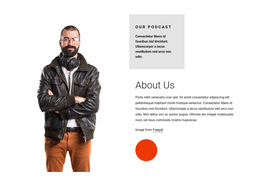
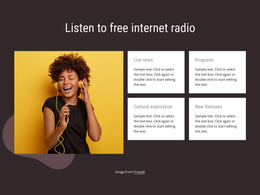
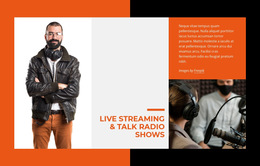
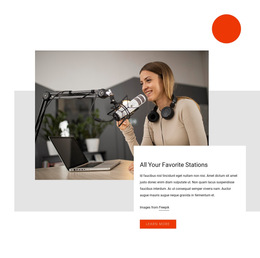
Browse modern radio layouts that combine live programming and recorded content. Compare multimedia compositions for music stations, talk shows, and independent broadcasters.
-
-

-
-
-
-
-
-
-
-
Free Website Builder SoftwareDownload
-
-
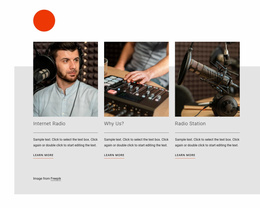
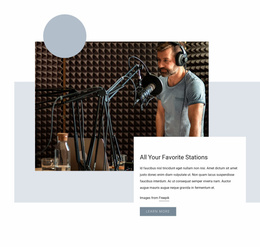

More HTML5 Templates from Music & Entertainment Category


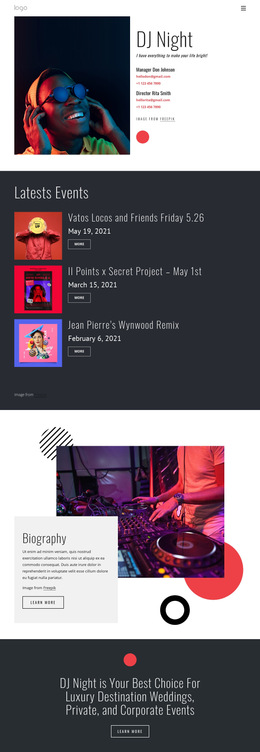
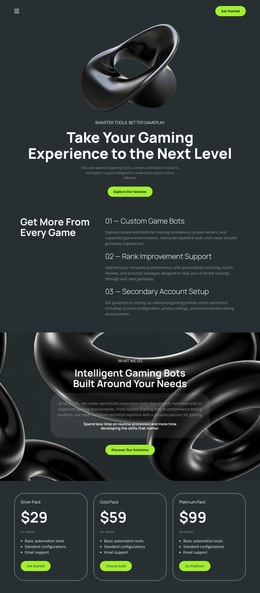
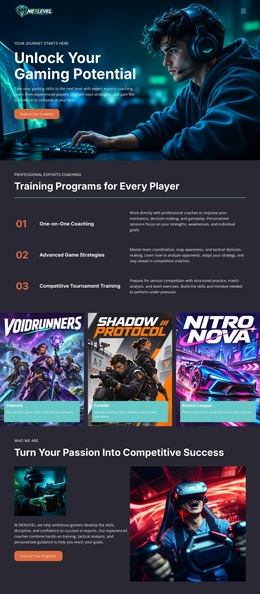
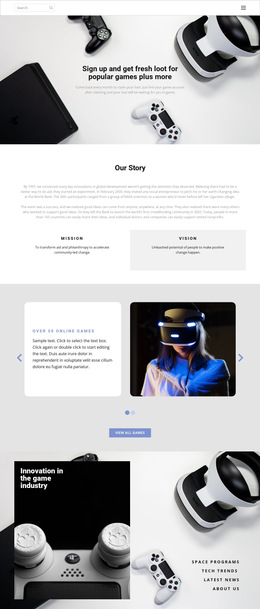
Other Music & Entertainment HTML5 Templates
Modern Radio HTML5 Template With Multimedia Layouts
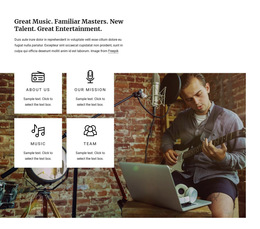
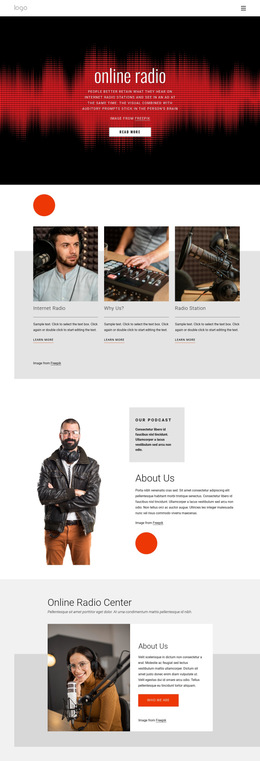
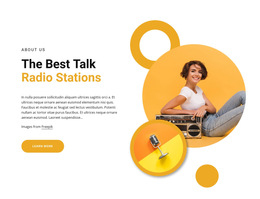
A radio HTML5 template offers a ready-made design for a station whose website needs to present more than a broadcast timetable. Music channels can feature album artwork alongside their programs, while talk stations can give interviews more prominence. Whether listeners arrive for a live show or a recording from last week, a suitable multimedia layout gives each content type a clear place.
Multimedia Layouts for Radio Broadcasts
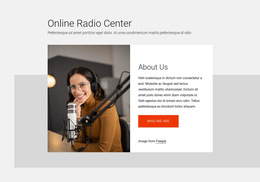
Start by looking at the relationship between images, program information, and the intended listening area in each template preview. A music station might benefit from a large featured show with smaller artwork-led cards below it. An interview-led broadcaster could choose a more editorial composition with space for guest names and summaries.
Modern browsers support native audio playback through HTML5. When comparing multimedia templates, look for layouts with enough room for native playback controls alongside program artwork and descriptions. The template provides the presentation, not the broadcast service itself.
Give Recorded Programs Their Own Space
An archive is one possible extension of a multimedia radio website. A station publishing weekly artist interviews could use a repeating layout with a guest portrait, episode title, and summary. Listeners can then identify an interesting recording without playing every episode.
Compare the full multimedia designs using these criteria:
- A visible area for live or recorded audio.
- Flexible cards for album covers and show artwork.
- Readable descriptions beside multimedia content.
- Room for featured interviews and recurring programs.
- A balanced mobile layout with clearly separated content.
- Enough space for episode summaries or transcript links.
Written descriptions and transcripts, where available, also make recorded content more useful. In Nicepage, keep important program details as editable text rather than placing them exclusively inside artwork.
The best fit depends on the balance between live programming and on-demand material. Compare previews with your own show artwork in mind and select a design that gives multimedia content enough space without overwhelming the page.