370 Cars & Transportation HTML5 Templates
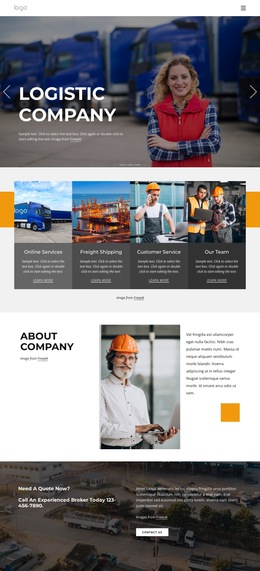
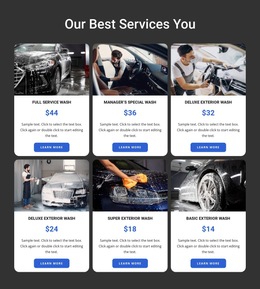
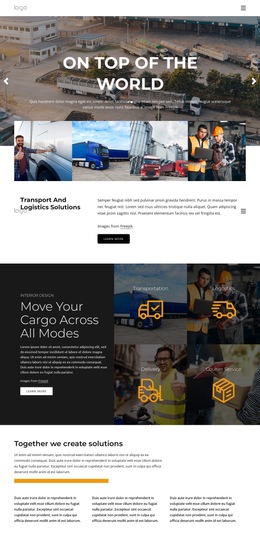
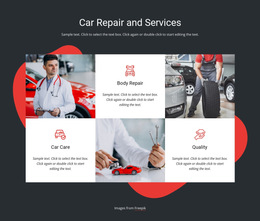







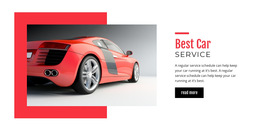
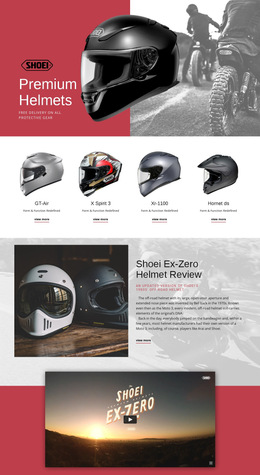
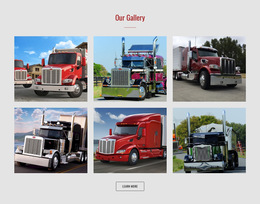
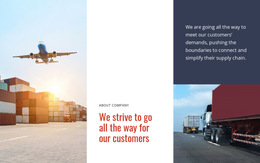

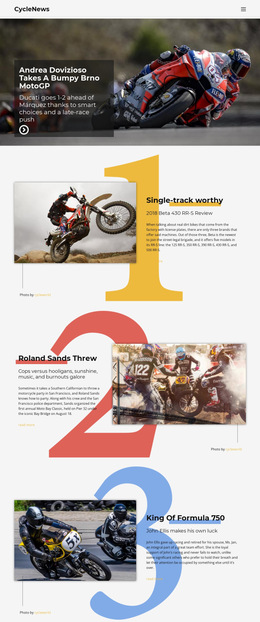


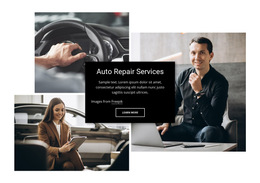
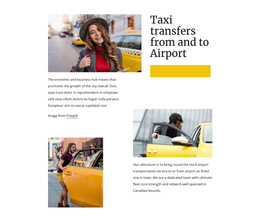
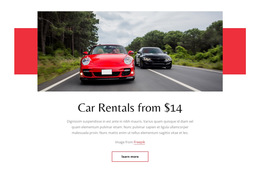















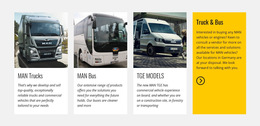
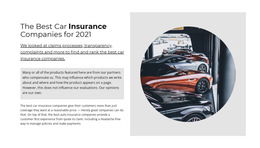
Lightweight Cars & Transportation HTML5 Template
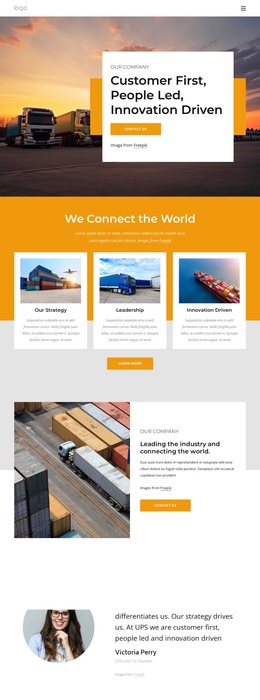
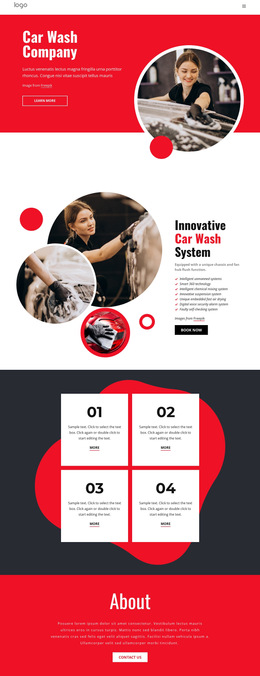
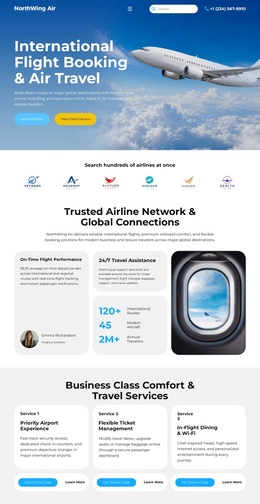
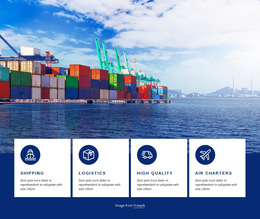
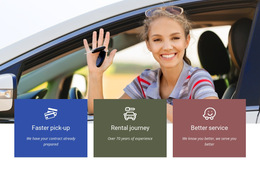
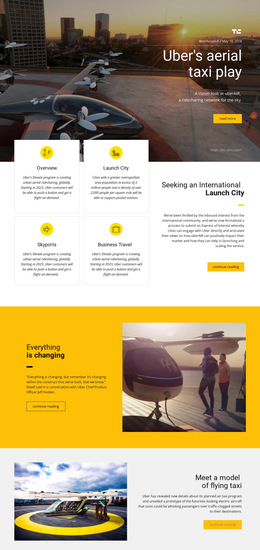
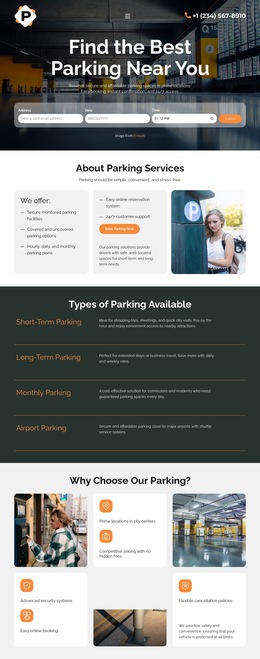
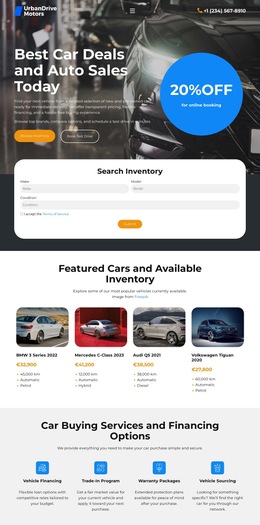
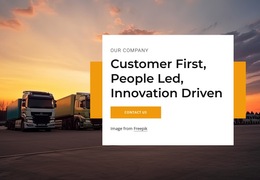
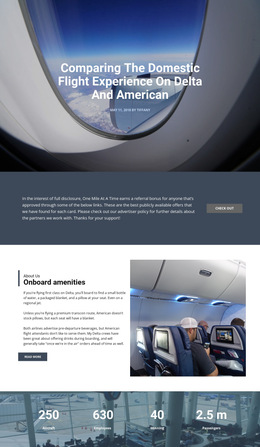
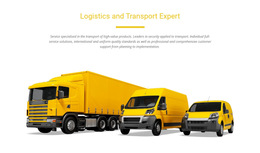
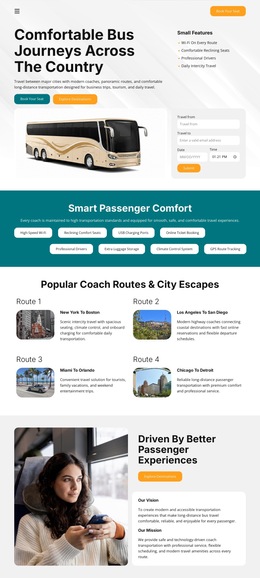
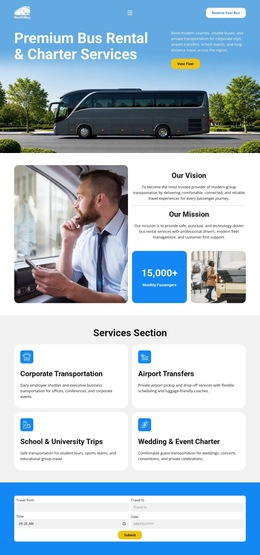
Cars and transportation HTML5 templates are ready-made automotive web layouts for dealerships, vehicle brands, repair businesses, traffic services, and transport companies. They provide the same practical starting point that users expect from modern HTML templates: prepared sections, visual design, responsive behavior, and source output that can be moved toward deployment.
Choose an HTML5 Layout by Automotive Use Case
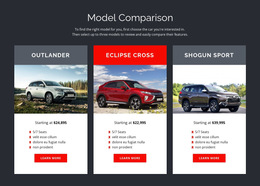
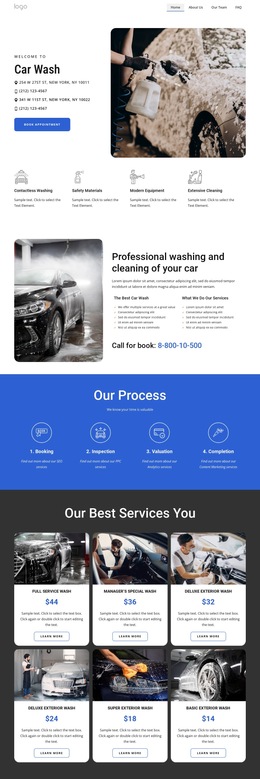
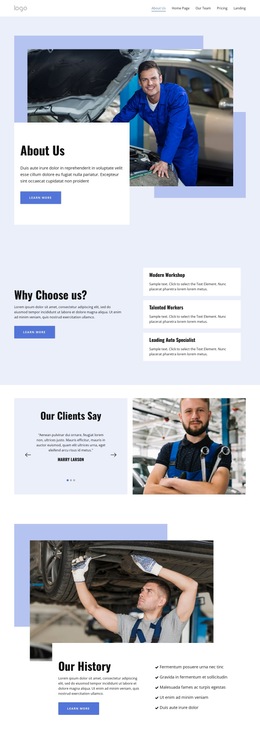
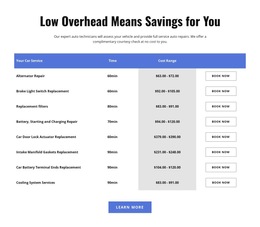
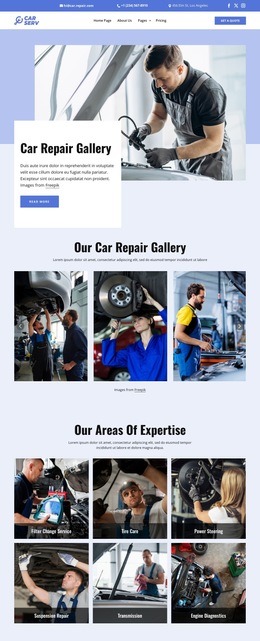
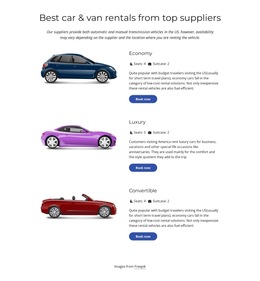
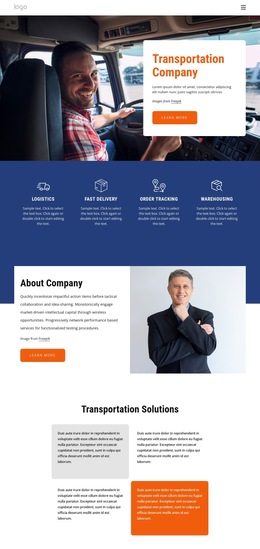
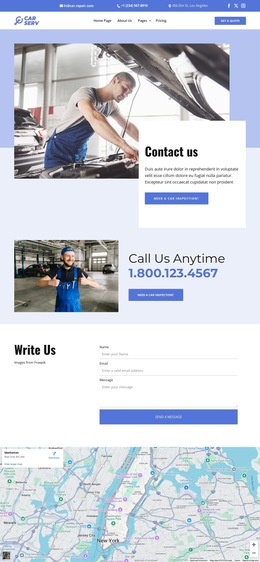
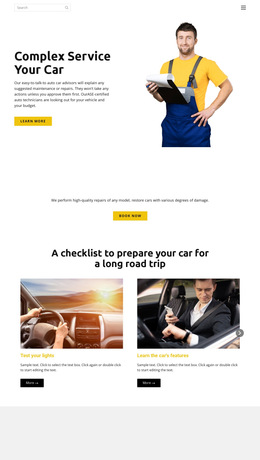
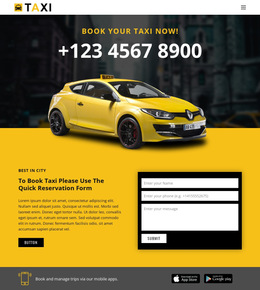
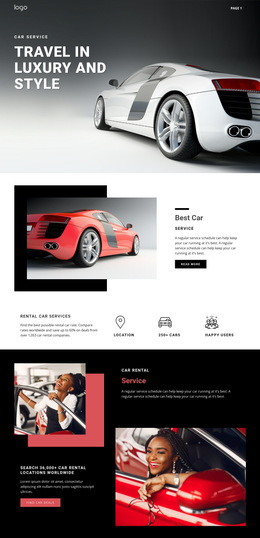
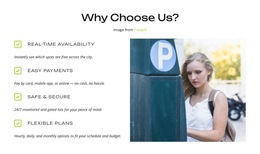
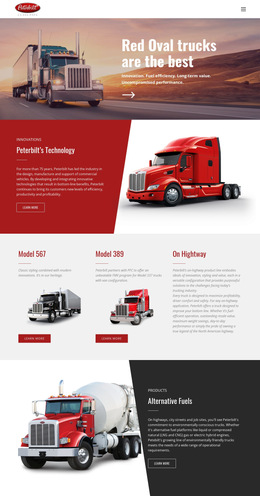
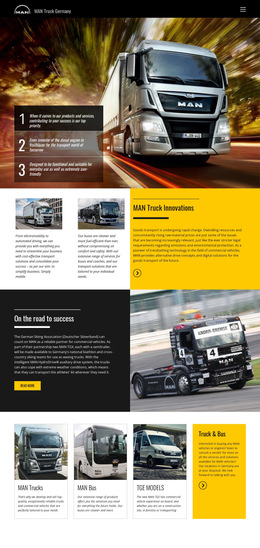
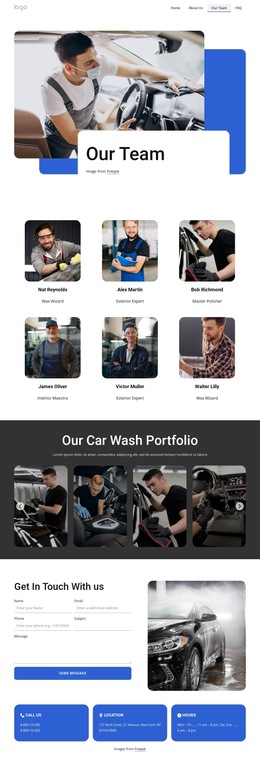
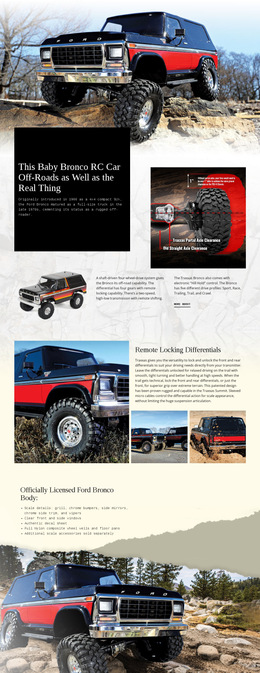
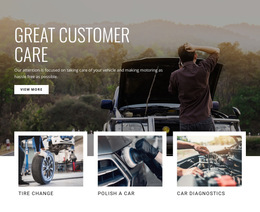
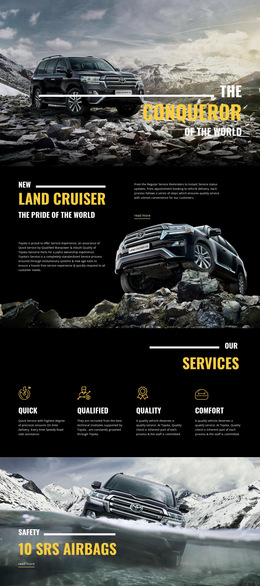
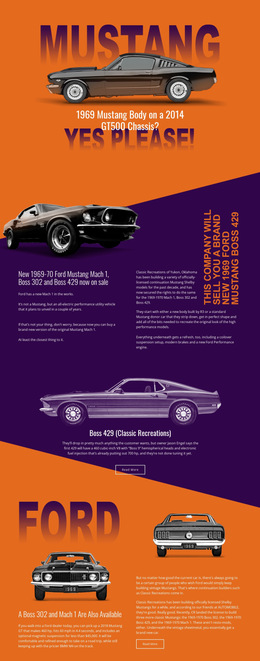
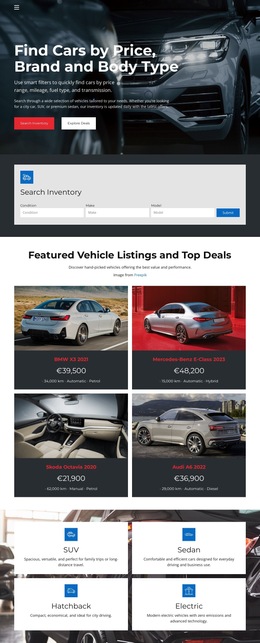
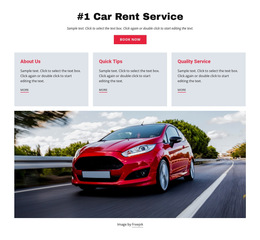
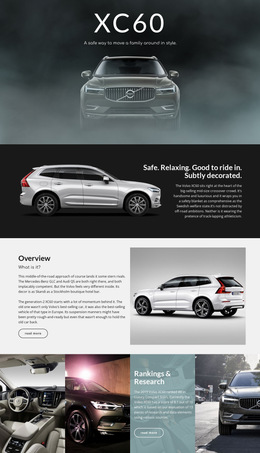
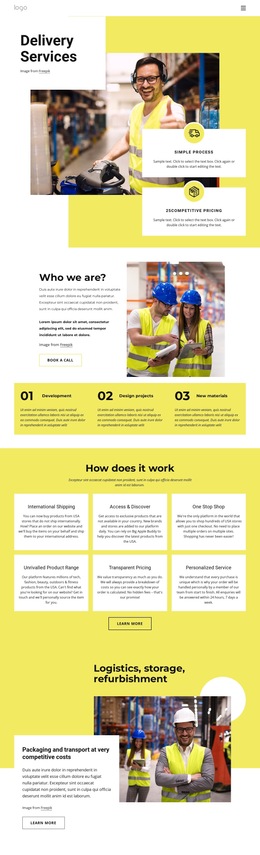
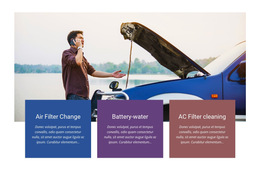
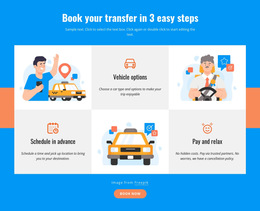
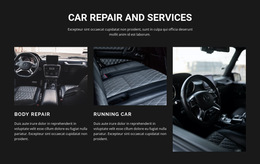
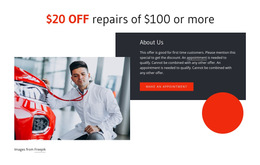
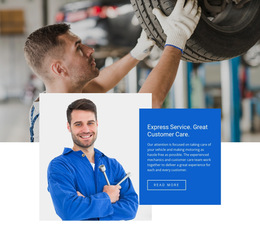
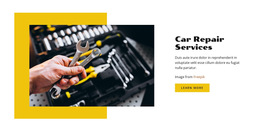
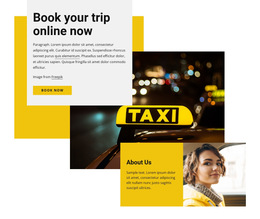
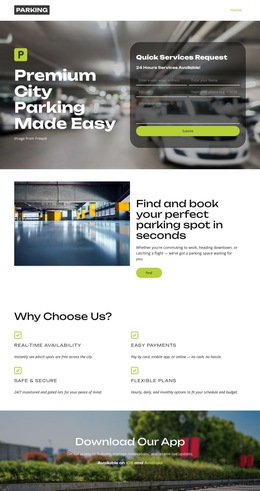
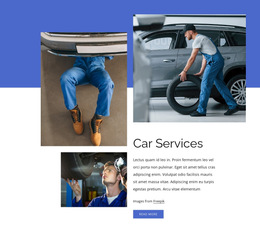
Start with the content the template already handles well. A dealership may need a model-led hero, vehicle cards, specifications, financing or inquiry details, and showroom information. A repair business may need service groups, workshop proof, opening hours, and contact sections. A traffic or mobility service may need alerts, routes, maps, public guidance, and clear actions.
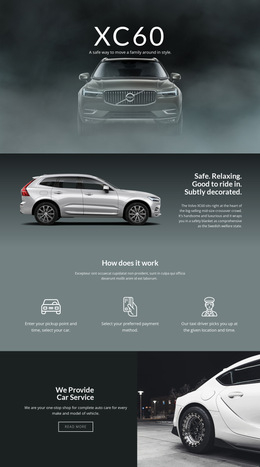
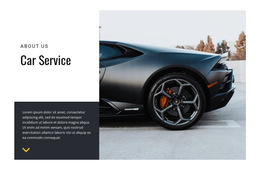
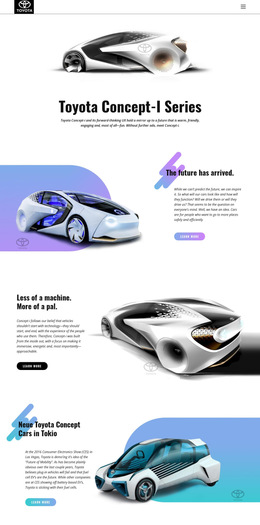
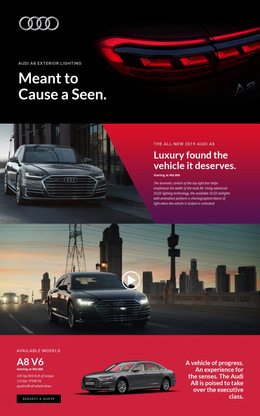
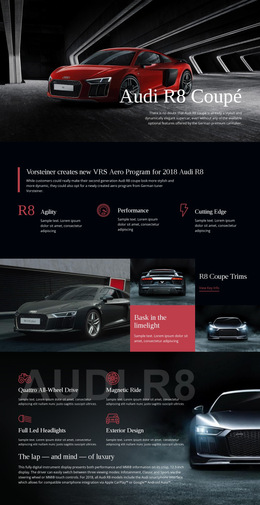
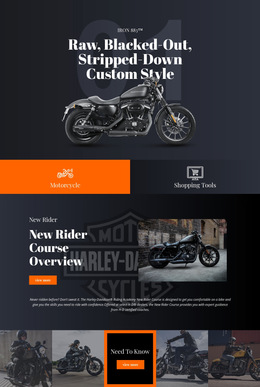
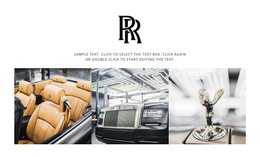
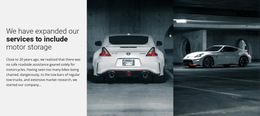
A BMW-focused design direction can help when model presentation, specifications, and premium vehicle imagery lead the experience. A traffic service may instead use traffic website ideas to organize road information, alerts, route content, and public-facing actions.
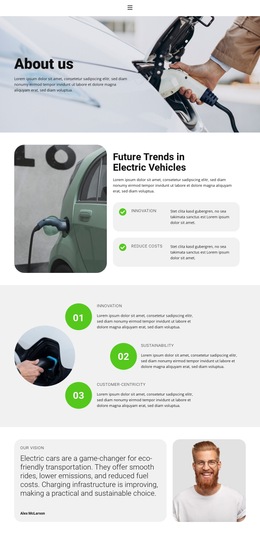
Broader automotive website references can help compare layouts for dealerships, maintenance services, mobility companies, parts businesses, or other vehicle-focused projects before a specific HTML5 design is selected.
Modern HTML5 Support Without Losing the Template Focus
The HTML5 signal is useful as a technical characteristic of the ready-made product, not as a separate lesson in markup.
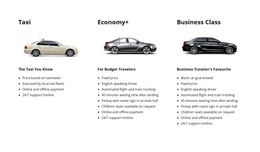
- Responsive structure: The Grid Element can place vehicle specifications, services, or transport details in cells that move one under another on smaller screens. The documented Grid Element explains this behavior.
- Browser-ready content: clear headings, image alternatives, and responsive sections support practical front-end implementation.
- Media handling: Image Lazy Loading can delay image resources until they are needed, which is helpful on photo-heavy automotive pages.
- Exportable files: The finished website can be exported for external hosting or a developer workflow.
These features support a modern HTML5 implementation while the main choice remains the automotive layout itself: its sections, visual hierarchy, content fit, and responsive presentation.
Customize the Layout Before Technical Review
Replace demo content with real vehicles, routes, services, specifications, locations, and contacts first. Then review the exported source, links, image alternatives, and responsive behavior. For image-heavy pages, the documented Image Lazy Loading option can reduce the amount of media loaded on first view.
This keeps technical review secondary to the commercial template-selection task while still giving the page a clear modern HTML5 signal.
Automotive HTML5 Template Questions
Are HTML5 templates for cars and transportation mainly for developers?
Not necessarily. They are ready-made automotive layouts that can be customized visually first, while exported HTML files remain available for deployment or further developer work afterward.
What makes an automotive HTML5 template useful for a modern site?
Look for a layout that already fits the business and combines responsive sections, a clear content hierarchy, vehicle or service presentation, and exportable source files compatible with current browsers.
How can vehicle specification cards adapt to smaller screens?
Use the Grid Element. Its cells can automatically stack one under another on smaller screens, helping specifications, services, or vehicle details maintain a readable order across Responsive Modes.
Start with the Automotive Layout
Choose an HTML5 template because its visual and content structure fits the vehicle or transportation business. Customize models, road services, repair information, fleet content, and contact sections, then review responsive behavior and export the files for the final deployment workflow.