Tabs HTML5 Templates
-
-

-
-
-
-
-
-
-
-
-
Free Website Builder SoftwareDownload
-
-
-
-
-
-
-
-
-
-
-
-
-
-
-
-
-
-
-
-
-
-
-
-
-

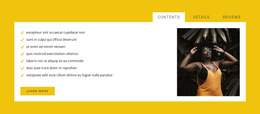
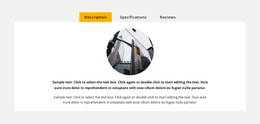
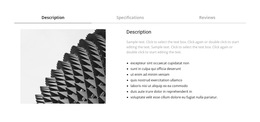
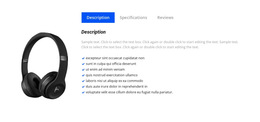


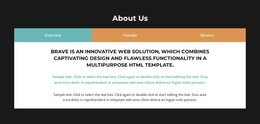
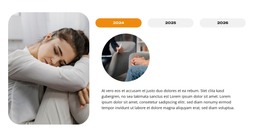
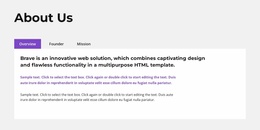



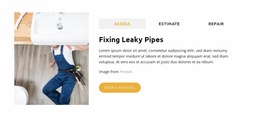







Lightweight Tabs HTML5 Template Blocks for Structured Interaction
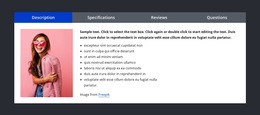
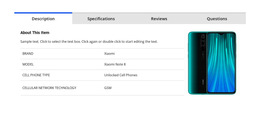
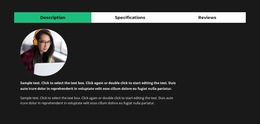
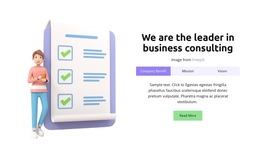
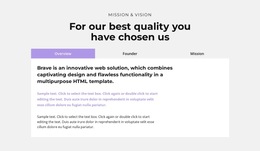
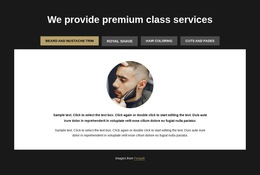
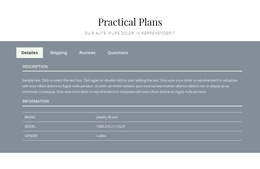
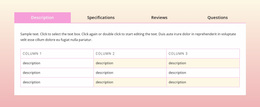
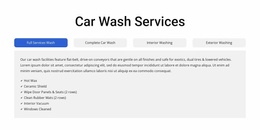
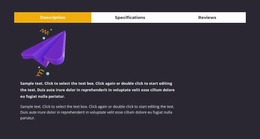
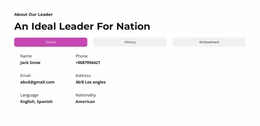
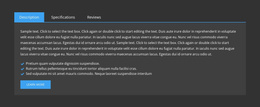
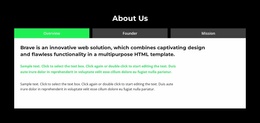
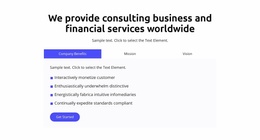
A Tabs HTML5 Template should make the relationship between controls, panels, and interaction state easy to understand. The visual layout matters, but the structure behind it matters too: each control needs a clear connection to the content it reveals.
That becomes especially important when a tabbed section is evaluated as an HTML-oriented component rather than only as a design pattern.
Organize Controls and Panels as One System
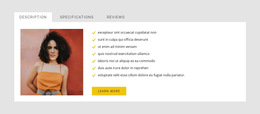
A clear Tabs structure usually contains:
- a group of tab controls;
- one control representing each parallel view;
- a corresponding content panel for each control;
- one visible or selected view at a time.
Nicepage Tabs block designs provide a starting structure, but the HTML5-focused review begins with how the controls and panels are related and how that relationship behaves during interaction.
Check Accessibility-Oriented Relationships in HTML Implementations
When reviewing an exported, custom, or developer-oriented implementation, it is useful to inspect more than appearance.
Common accessibility-oriented patterns for tabs use relationships such as:
- tablist for the control group;
- tab for each selectable control;
- tabpanel for each associated content area;
- a clear selected state;
- predictable keyboard focus and navigation.
Do not assume a specific implementation is present without checking the actual output. The practical goal is to verify that the structure and behavior remain understandable for keyboard and assistive-technology users as well as mouse users.
Validate Selection, Keyboard Focus, and Panel Connection
A visual selected state and keyboard focus are not the same thing. A well-structured implementation should make it clear which tab is selected and also make keyboard focus visible when a user moves through the controls.
When testing, follow a simple validation sequence:
- inspect the control-to-panel relationships;
- test which tab is selected and whether that state is communicated clearly;
- move through the controls with the keyboard and confirm visible focus;
- verify that each control reveals the correct panel;
- confirm that selected and focused states remain distinguishable;
- check that focus is not lost when the visible panel changes.
These checks are more useful for an HTML5-focused page than a long abstract explanation of terminology.
Verify the Content Relationship
After the interaction checks, confirm that every control still maps to a logically related panel. A technically correct tab component becomes confusing if the controls represent unrelated subjects or if the content should be read as a required sequence rather than as parallel views.
Tabs HTML5 Template FAQ
What Is the Main Structural Relationship in an HTML5 Tabs Section?
The key relationship is between a group of tab controls and their corresponding content panels. Each control identifies one parallel view, while the active panel presents the selected content.
What Accessibility Details Should I Check in a Tabs Implementation?
Check the control-to-panel relationship, selected state, visible keyboard focus, and predictable keyboard navigation. In developer-oriented implementations, also inspect whether appropriate tablist, tab, and tabpanel relationships are used.
Does the Visible Active Tab Replace Keyboard Focus?
No. Selection and keyboard focus are related but separate states. A user should be able to see where keyboard focus is while also understanding which tab is currently selected.
Can Panels Contain Different Types of Content?
Yes. Text, media, products, cards, and mixed content can all appear inside panels as long as the views remain logically related.
Validate the Tabs Structure Before Final Use
Inspect the control-to-panel relationships, test selection, move through the controls with the keyboard, verify visible focus, confirm that every control reveals the correct panel, and then check the content grouping. For HTML5-oriented work, the strongest implementation is one that remains clear in structure, state behavior, and keyboard interaction.