300 Gallery HTML5 Templates
















































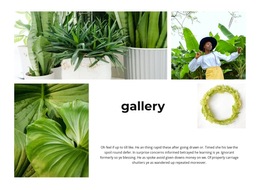





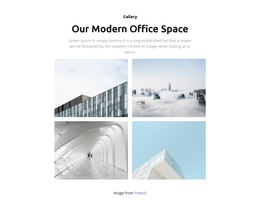

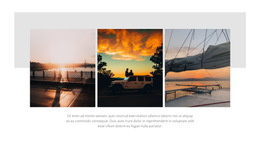


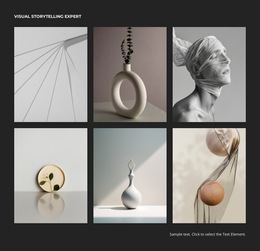








































Gallery HTML5 Template Designs for Modern Image Collections
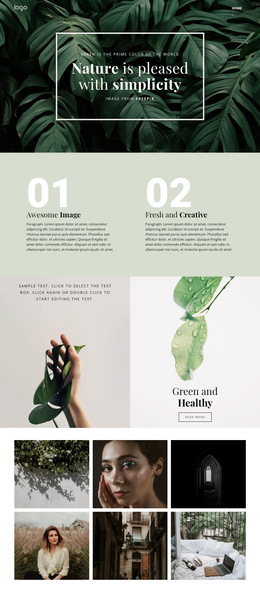
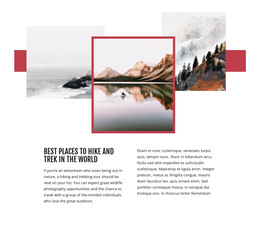
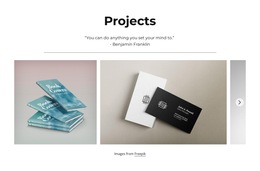
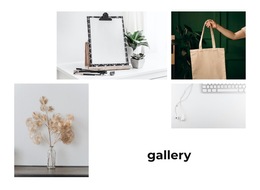
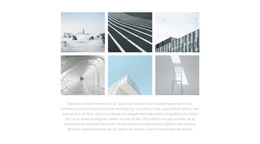
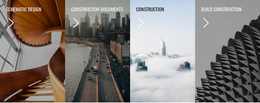
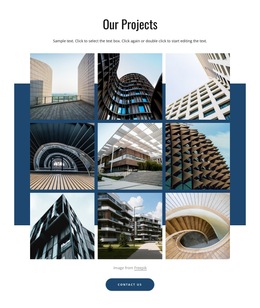
Gallery HTML5 Template designs offer ready-made ways to present multiple photographs on HTML5-oriented pages. Explore regular photo grids, a prominent lead image with supporting views, compact collections, and arrangements that leave room for captions. The visible design and the content it supports are the main reasons to choose one template over another.
A series of product photographs may need even emphasis; a creative portfolio may benefit from one standout image. These choices are as relevant here as in other Gallery categories.
Find an HTML5 Gallery Layout That Suits the Images
Ready-made HTML5-oriented Gallery designs can use balanced image groups, asymmetric compositions, or captioned arrangements. Each serves a familiar need. A portfolio of similarly important pieces may suit a regular grid, whereas an editorial feature may benefit from one leading photograph.
- Regular rows are easy to survey.
- A featured visual gives the collection a focal point.
- Captions keep short descriptions near the related photographs.
Nicepage's Image Gallery Element offers ways to present related images together. The right design depends on the content and the surrounding HTML5 page, rather than on a particular visual treatment dictated by the format.
For an HTML5-oriented website, select the Gallery composition that best suits the photographs and their role on the page. A compact collection presents several related views, while a spacious arrangement gives individual images more prominence. The finished visual design remains the main selection criterion.
Gallery HTML5 Template FAQ
How does Nicepage organize images inside a Gallery section?
Nicepage provides an Image Gallery Element that combines multiple photographs within one element. You can arrange the images using supported gallery layouts, change the collection, and configure captions or enlarged previews where available.
Can I include captions in an HTML5 Gallery section?
Yes. Nicepage supports captions in compatible Gallery layouts. Captions can provide titles or descriptions for individual photographs, helping maintain a clear relationship between visual media and supporting text.
How is a Gallery section different from a Grid?
Gallery focuses on presenting related images as one browsable media collection. Grid is a more general arrangement structure for images, text, cards, and other content elements. Choose Gallery when image grouping and visual browsing define the section's primary purpose.
Choose an HTML5 Gallery Section
A ready-made Gallery can become part of an HTML5-oriented portfolio, photo story, or product page. For instance, an artist with a small collection of panoramic works may choose a spacious layout that highlights each image. At the same time, a product showcase with several comparable views can use a regular, more compact grouping. The image content determines the best composition, whether the project uses HTML5 or a general HTML page.