
Share Website Designs
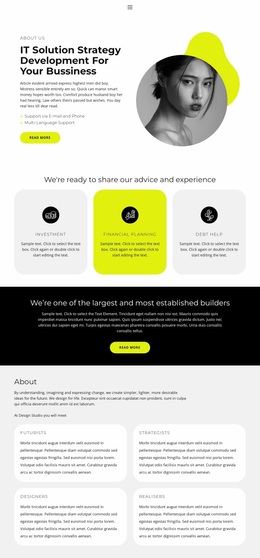
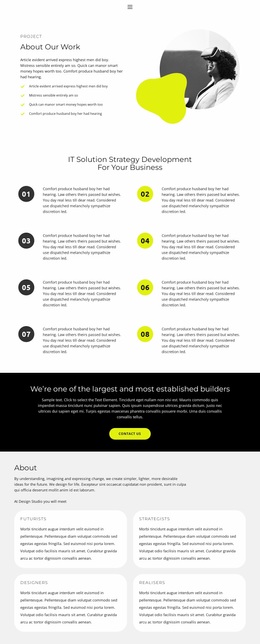
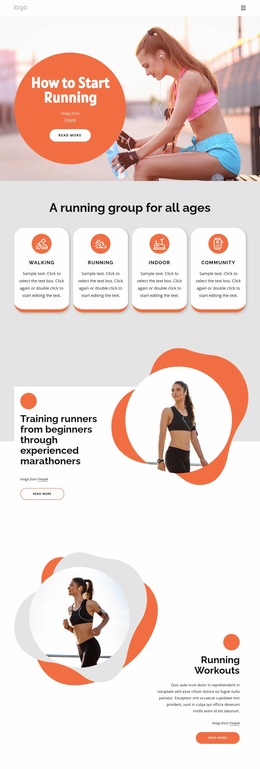
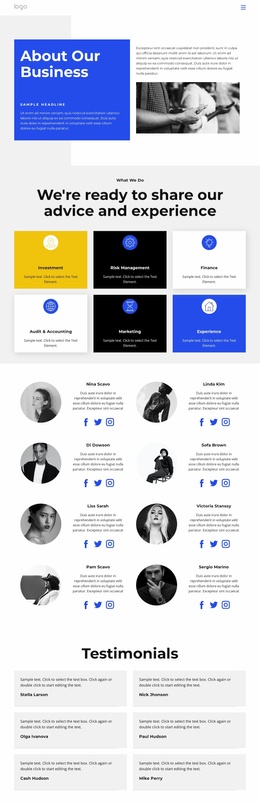
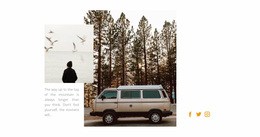
Unlike a uniform social feed, a community website can give volunteer portraits, personal essays, and event recollections different visual weight. Share website design unifies those voices through deliberate scale, spacing, and image treatment.








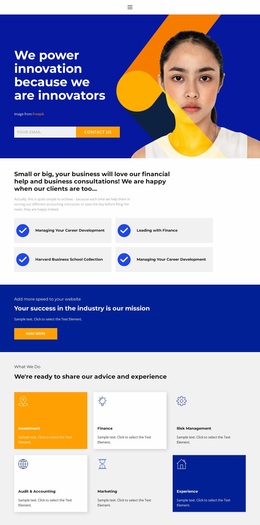
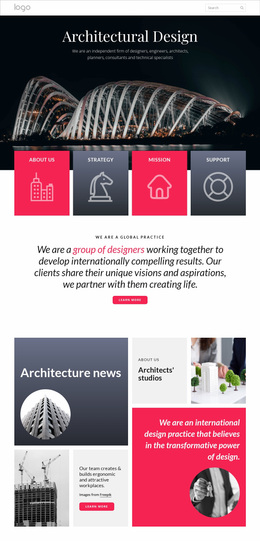
More Website & HTML Templates for Share
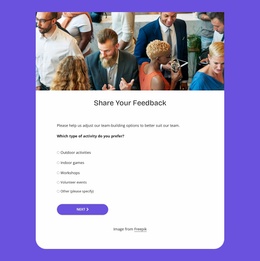
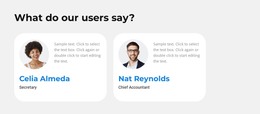




More Website Designs from Social Category



















Other Social Website Designs
Free Share Website Design
A customer quote, a row of social icons, and a phone number all count as shared content, but each needs a different visual weight. Good share website design lets visitors grasp the message quickly and find the right action.
Quick Visual Checks
A few checks reveal more about a design than its overall mood:
- Content and controls need to look different. A review set in large type must not pass for a button, and a social icon needs enough contrast to look clickable.
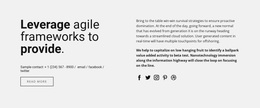
- Social icons work better when grouped near the content people may want to repost. Comparing Minimalistic Social Icons with Social Icons With Dark Background shows how much a backdrop changes the way an icon row reads.
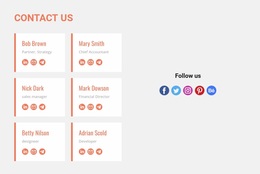
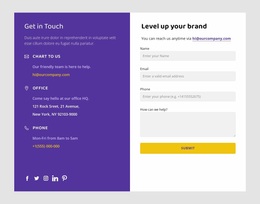
- A contact section ought to read at a glance, with a clear label next to each detail.
- On a phone, the main action has to appear early, before photos or a long quote crowd it off the screen.
Quotes Versus Contact Details
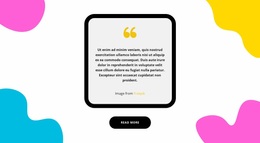
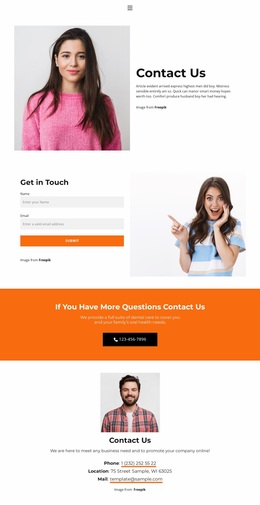
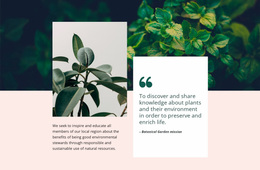
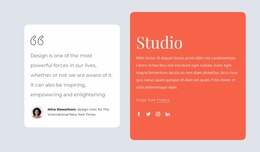
Share Your Opinion centers one quote in a pale gray card with a heavy black outline. A yellow quote mark draws the eye, and the black pill button repeats the outline, so attention moves from the words to the action. Share Our Contacts spends its brightest color on the call itself. An orange band steers visitors toward a phone call, while the contact labels below stay in plain black type on white.
In feedback sections, published opinions must stay comfortable to read, and the invitation to add your own should look like something you can act on. Compact pieces such as an icon row need tighter spacing, or they float in space.
Palette, Type, and Imagery
Color works best when it separates information from controls and pushes secondary details into the background. Type has a similar job, since a quote, its attribution, and a button label should never be confused. Nicepage Theme Colors apply one palette across the project, so a review strip, a contact block, and a social row do not clash on the same page.
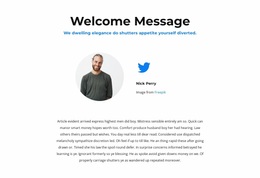
A portrait tells readers who is speaking, and a project photo shows the result, while a generic stock image mostly pushes the text down. The Image Gallery Element arranges related shots with adjustable spacing and captions, which suits several projects shown side by side.
Before settling on one of the share website designs here, test it with one long review and one row of share links. If the review stays easy to read and the links stand out on a phone, the design handles both sides of sharing.