
Pricing Html Code Examples
Pricing pages often need code-level changes after the commercial offer is approved. Structured HTML keeps plan terms, feature rows, prices, and CTA links accessible for revision, technical review, and developer handoff.



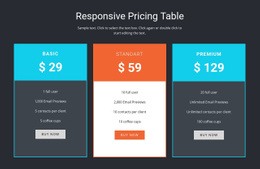
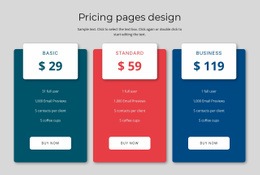
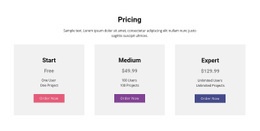
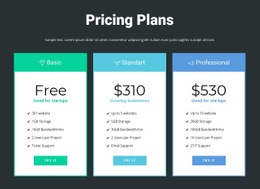



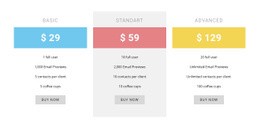
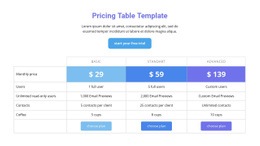
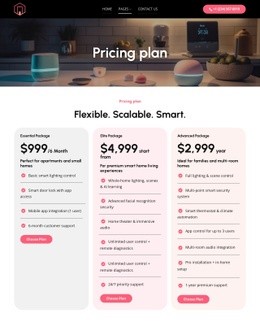
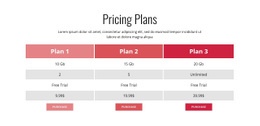










































Other Pricing Html Code Examples
Clean Pricing HTML Code
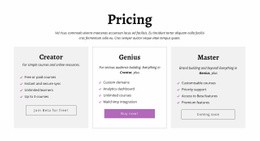
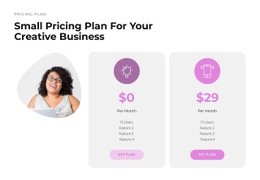
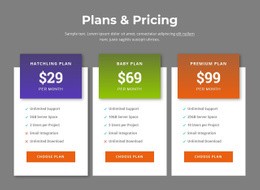
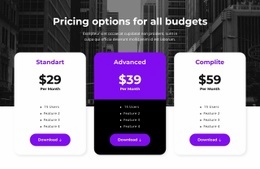
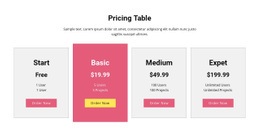
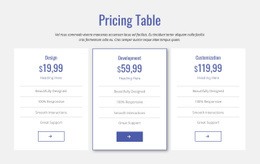
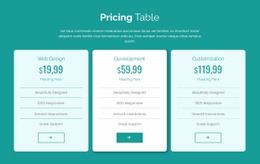
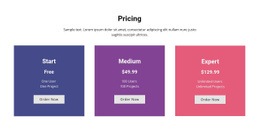
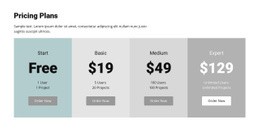
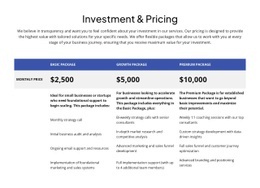
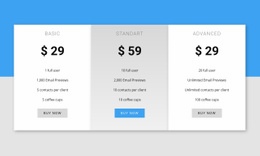
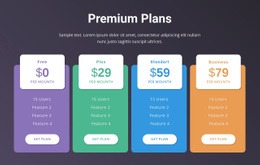
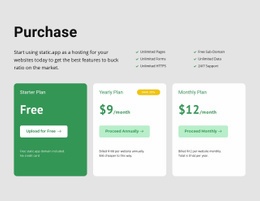
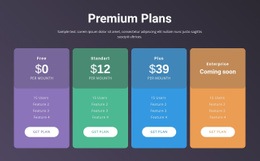
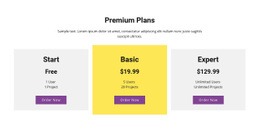
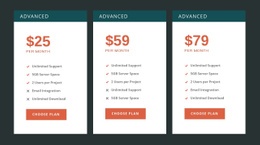
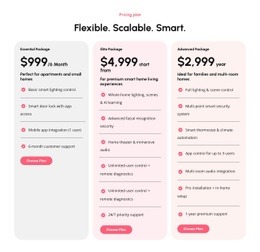
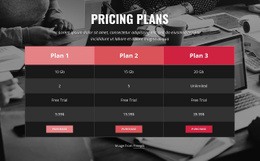
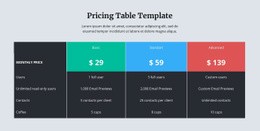
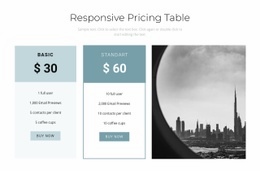
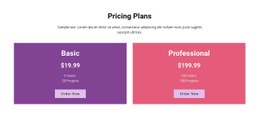
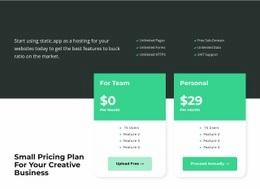
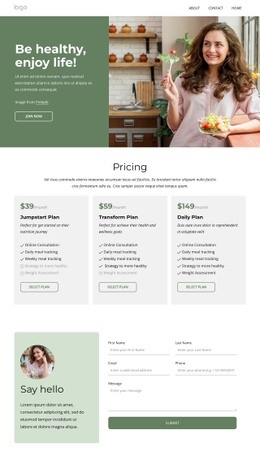
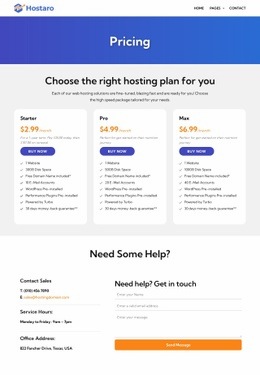
Pricing HTML code is the part of a pricing table that you can open, copy, and change directly. Each plan usually sits in its own block with a heading, a price, and a feature list. A button closes the block, and one tier may carry a label marking it as recommended. Code-level work makes sense when the table has to fit an existing project.
Inside Each Plan Block
Clean pricing code repeats the same unit for every tier, so editing the Pro plan never means hunting across the page. Before copying an example, check that each block holds these pieces in a predictable order:
- The plan name as a heading, followed by a short line about who the tier suits.
- The price amount, kept apart from billing context such as "/month" or "billed annually".
- A feature list where unavailable items stay visible and marked as excluded.
- A button with its own destination, such as signup, checkout, or a sales contact.
A bare "$29" tells visitors little, and a "starting at" prefix is far easier to add when the number sits in its own element. Some examples store monthly and yearly values for each plan and leave the switching to a small script. The recommended tier also needs a marker in the code, usually a class name or badge text.
Updating Code After Commercial Changes
A short routine keeps price revisions from breaking the table:
- Find the block by its plan heading, since the old amount may also appear in a comparison row or an FAQ answer.
- Change the amount, the billing note, and the affected feature lines in one pass.
- Confirm the button still points to the correct checkout or trial destination.
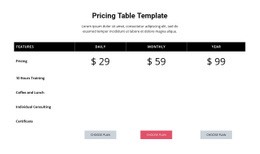
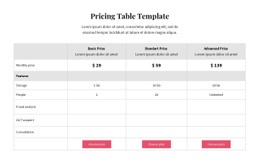
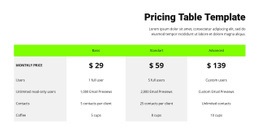
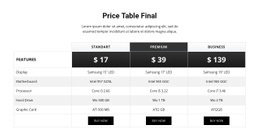
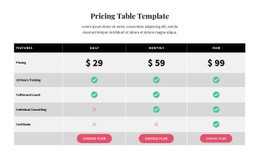
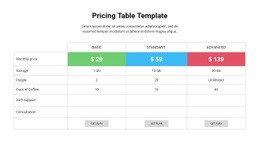
In comparison tables, each feature row has to list the tiers in the same order as the column headings, or a checkmark ends up under the wrong plan. After an edit, compare the block with its neighbors to confirm every tier still has the same elements.
Embedding Markup Into Your Project
Different offers change what goes inside each block. Agency pricing often swaps the feature list for scope and revision limits, and enterprise tiers tend to replace the price with a "Contact sales" link.
Pasting the block into an existing project is usually the easy step. What saves time later is a distinct identifier on each plan, so whoever edits the code next can verify that a revised price belongs to the right tier.
Good pricing HTML code lets you quickly locate any plan, update its numbers and links, and embed the block without mixing up tiers.